Browser Interface
ProtoFlex has a browser interface to show the state of the emulated radio. Some attributes, like meter values, can be changed while ProtoFlex is running using this interface.
You can connect to the browser interface using http://localhost:5000 if ProtoFlex is running on the same PC as the browser. Otherwise substitute 'localhost' with the IP address of the PC running ProtoFlex.
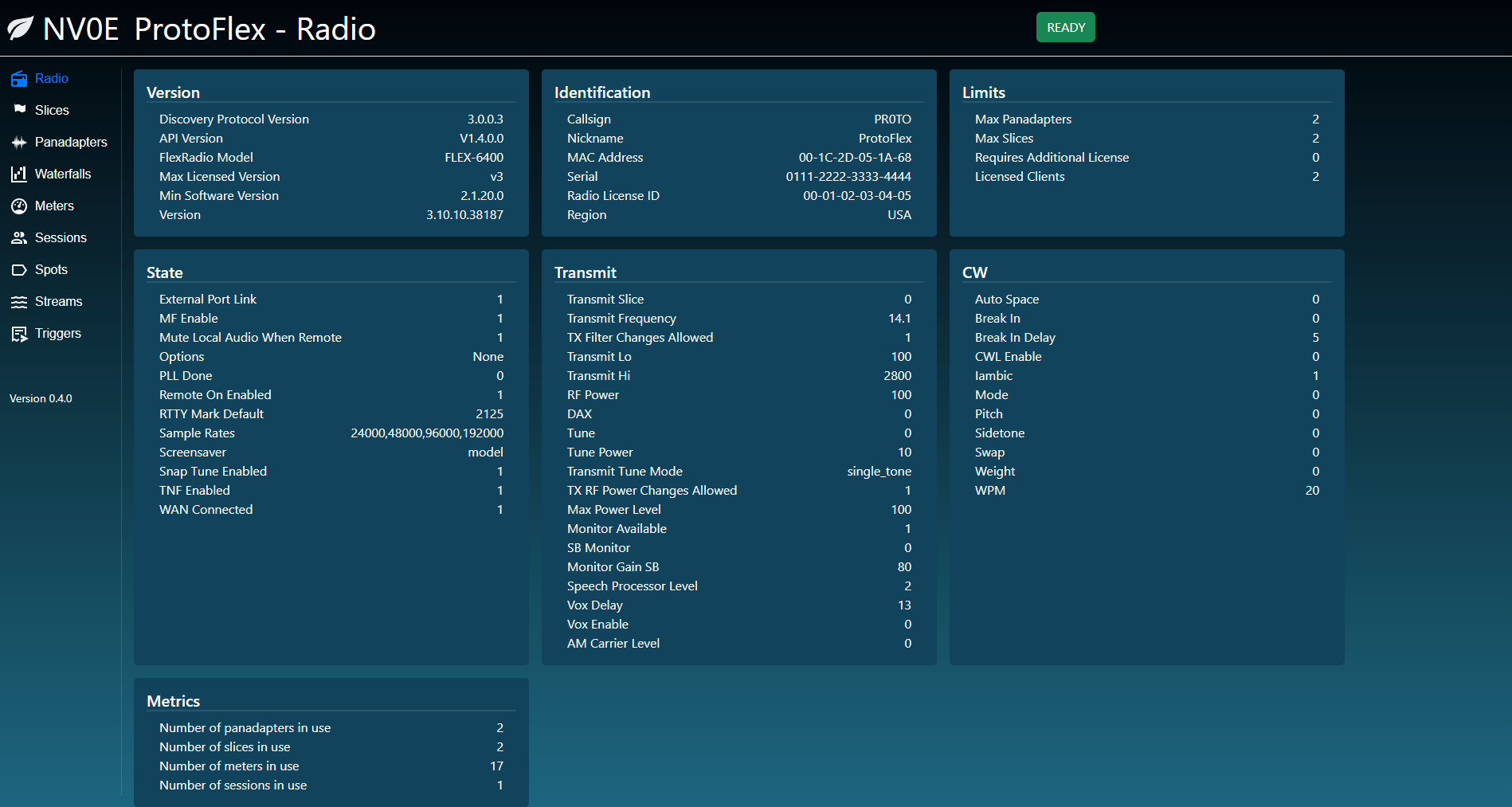
The main page shows the radio model and version numbers, the maximum limits of the radio and the internal state values.
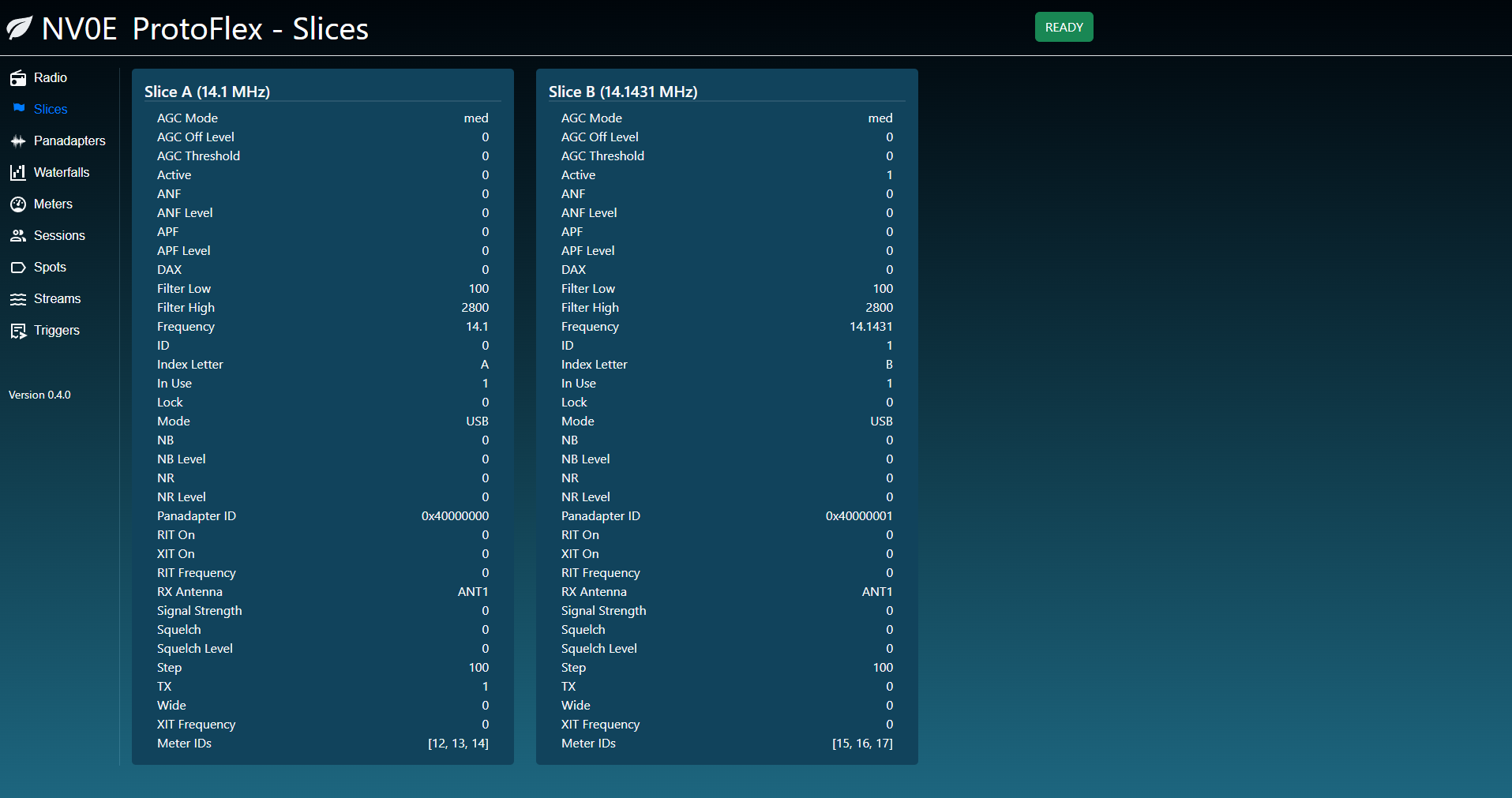
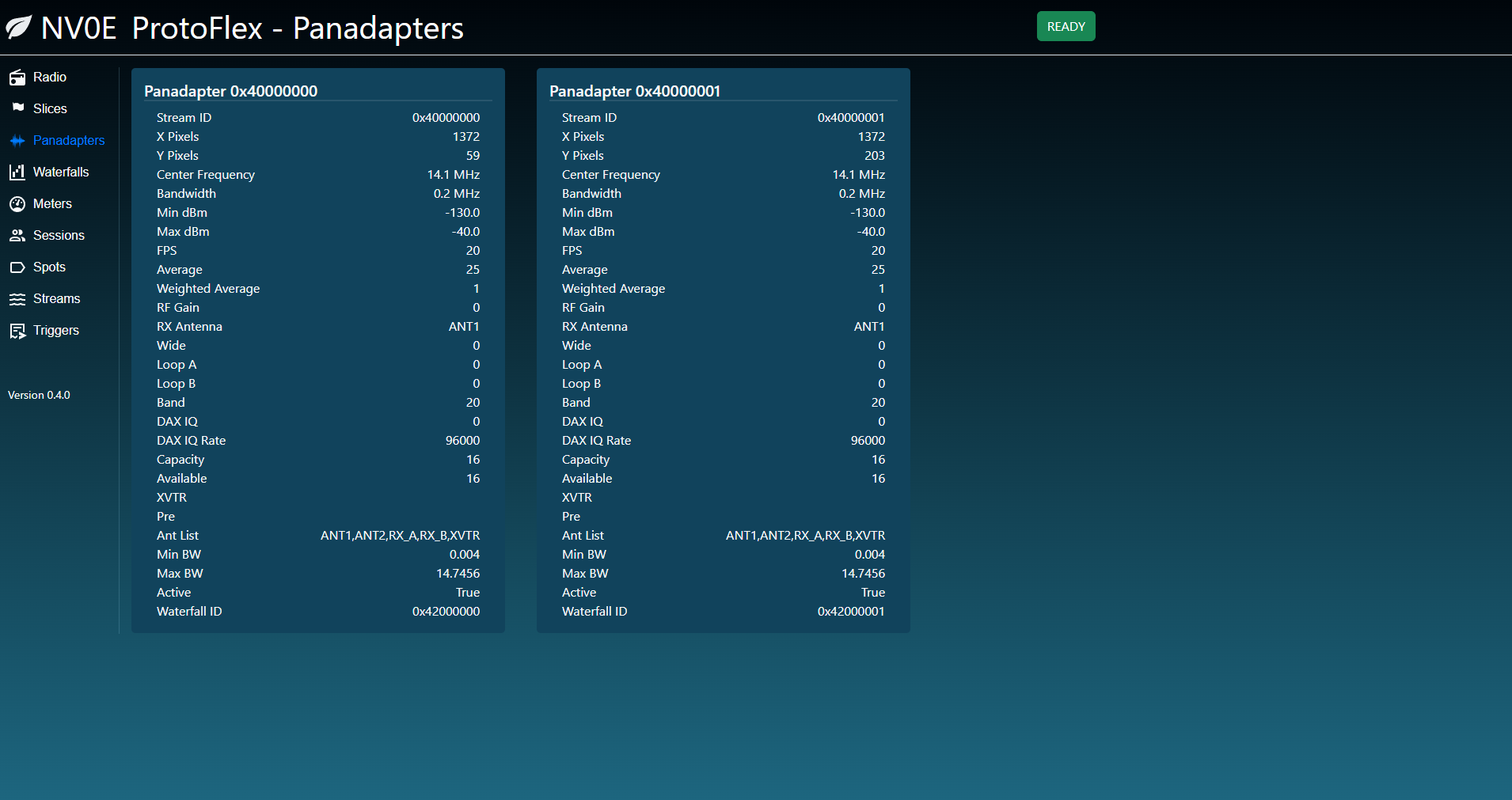
This page shows panadapters. Note that when a panadapter is closed, the inUse value is set to False and not visible to client, but the internal panadapter object is not removed. I'm unsure the best practice for handling this as it's possible the FlexRadios also retain panadapter objects internally for some purpose.
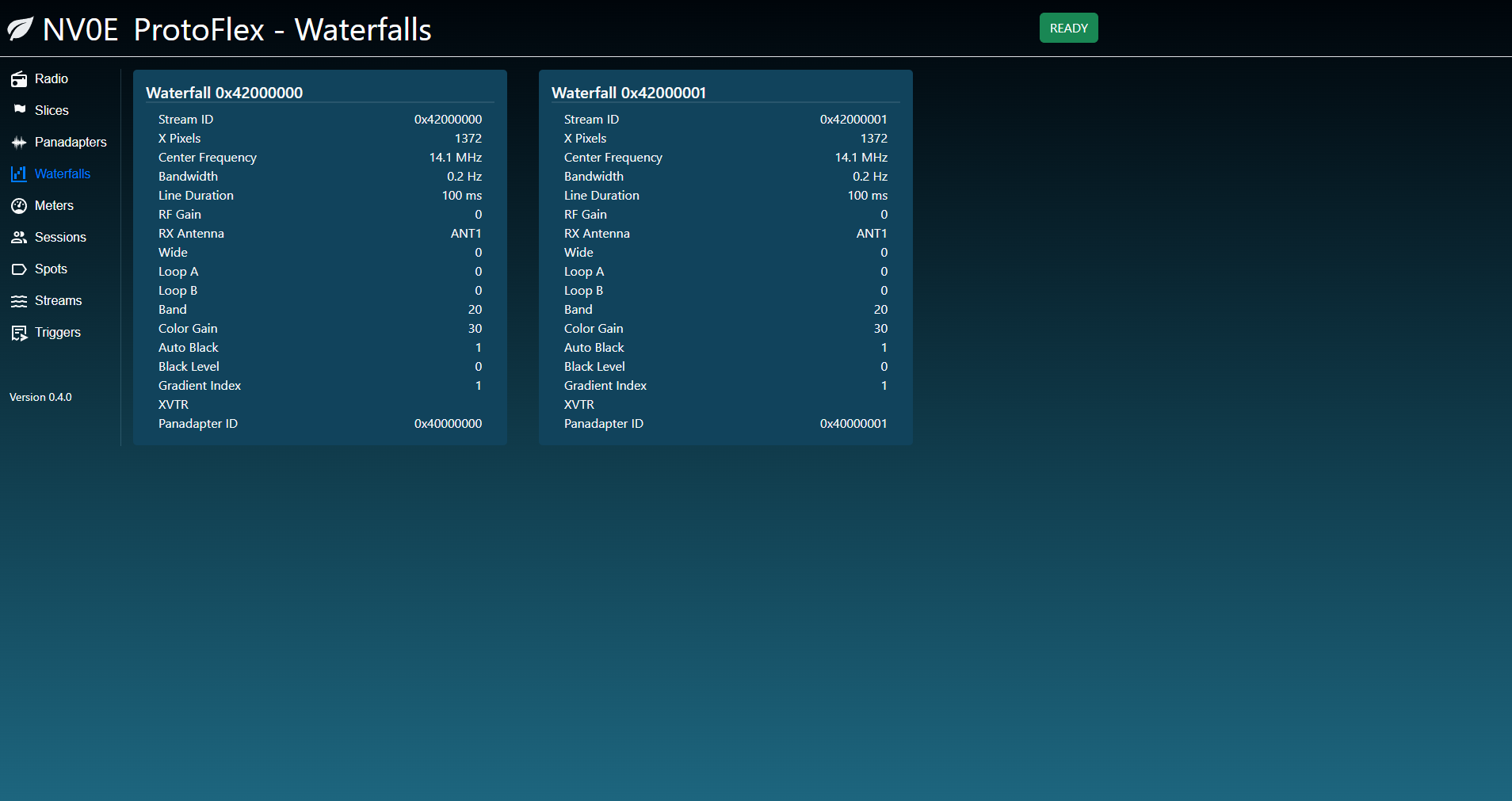
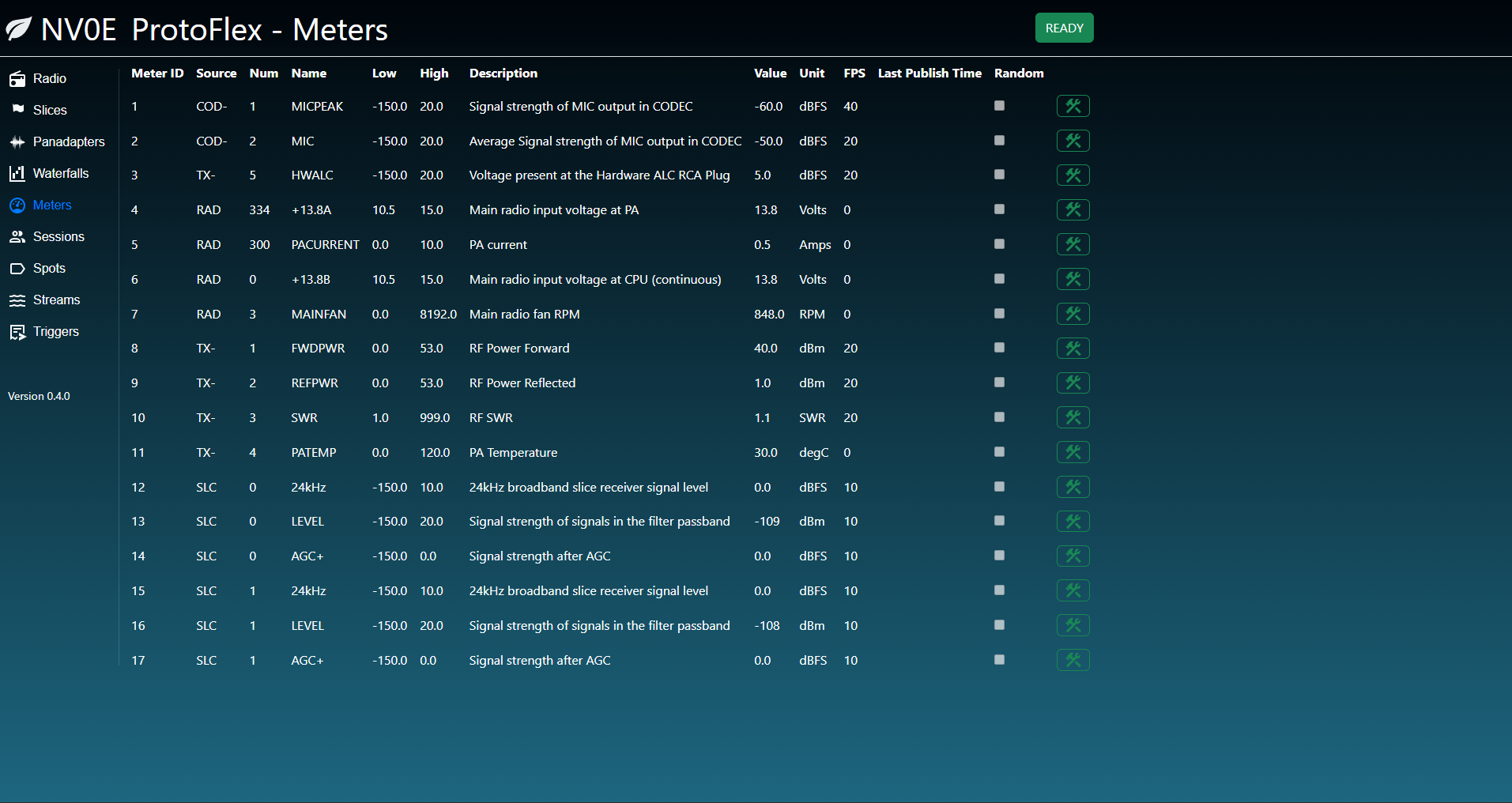
This page shows the meters that ProtoFlex creates. The values for meters can be changed, but more work needs to be done here to make it useful for testing meter values.
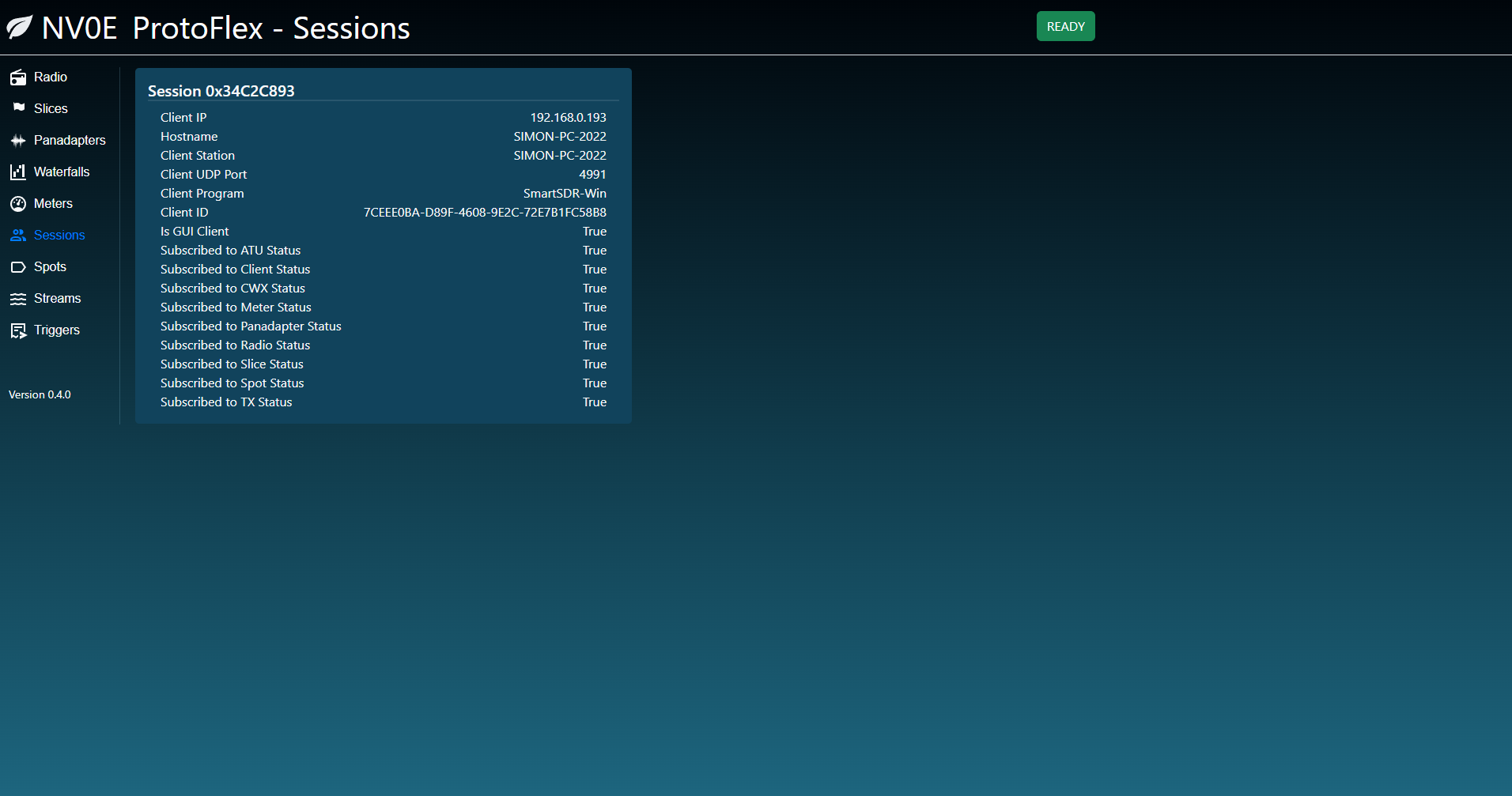
This page shows the current sessions that ProtoFlex is maintaining. Sessions contain the connection information and the subscriptions.
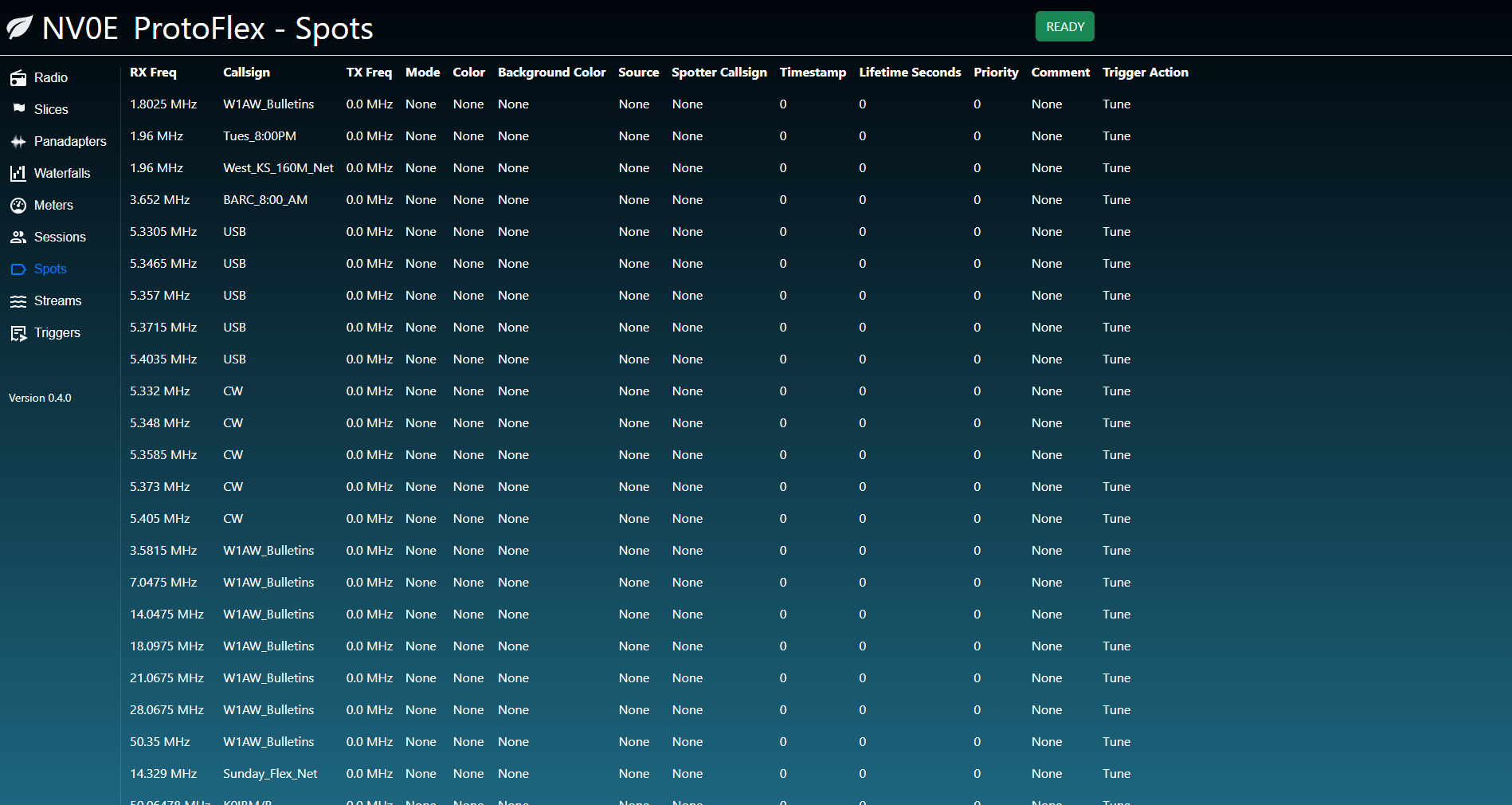
This page shows some of the internal streaming metrics for ProtoFlex. This is more of a diagnostic page for ProtoFlex than it is representative of what you would see inside a FlexRadio.

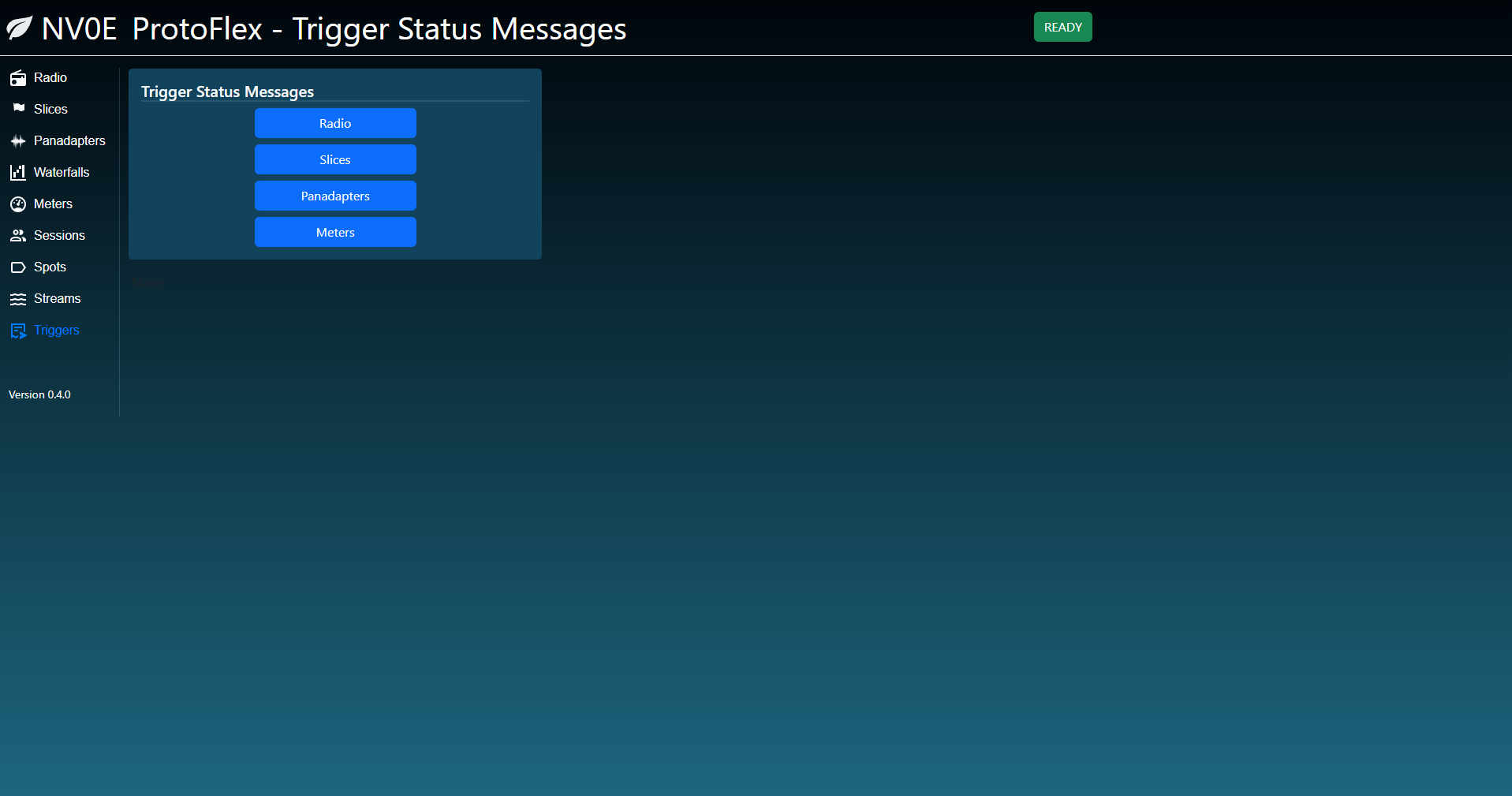
This page allows you to manually trigger some of the basic status messages.