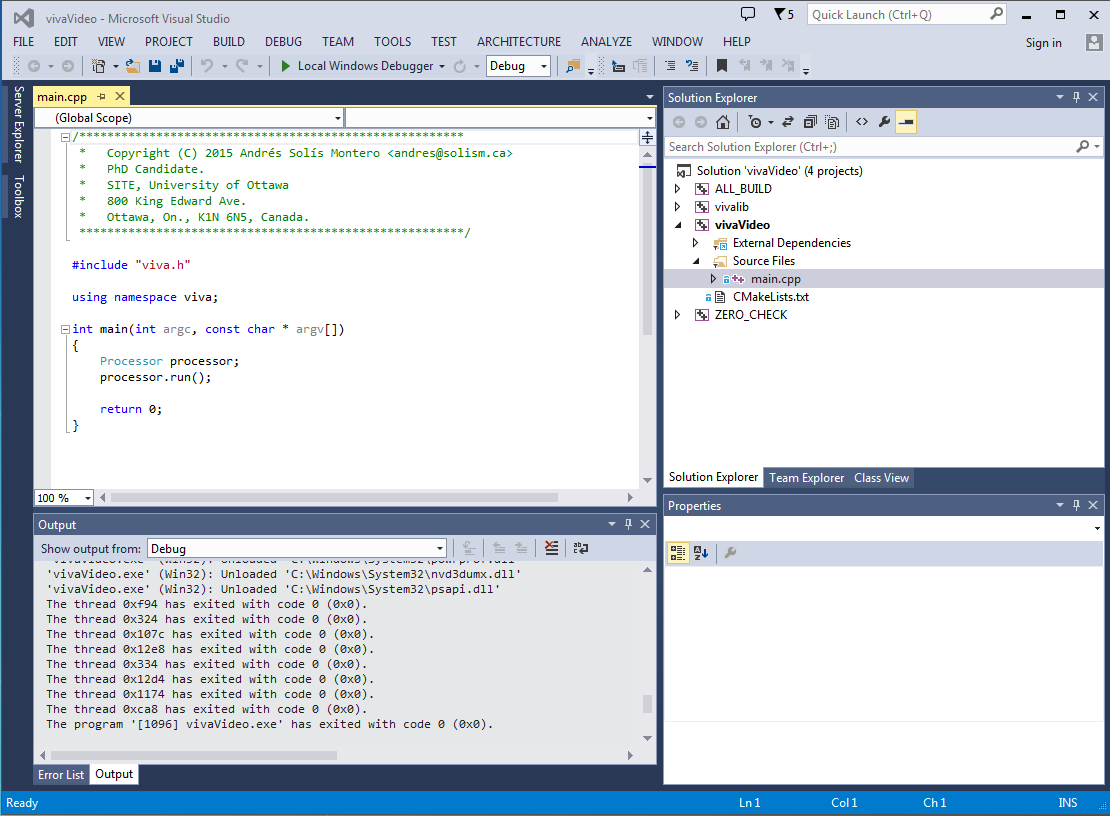
Visual Studio
##The vivaVideo framework in Visual Studio 2013.
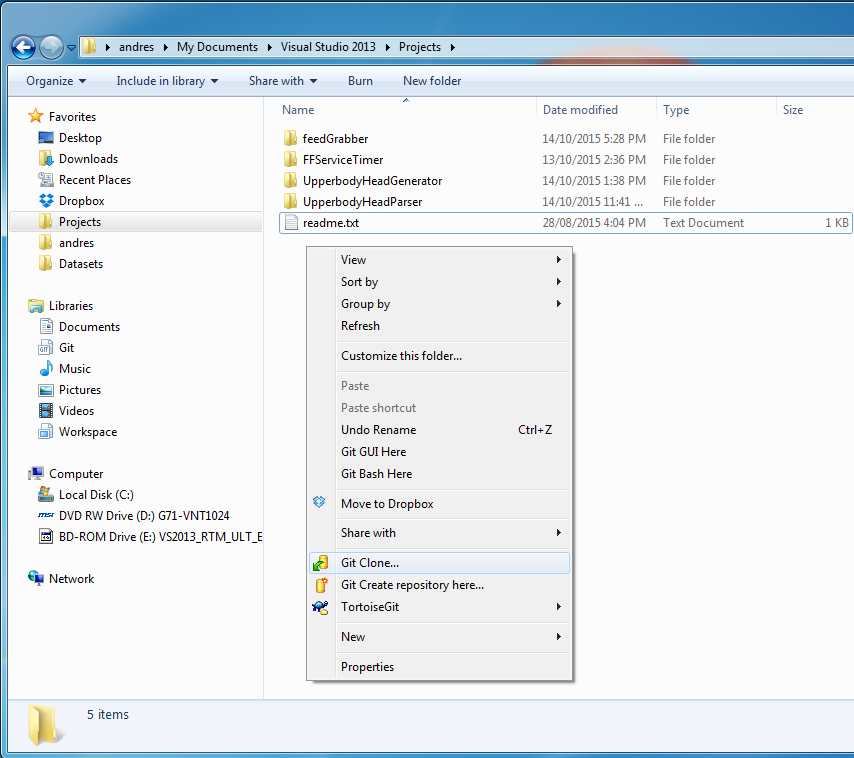
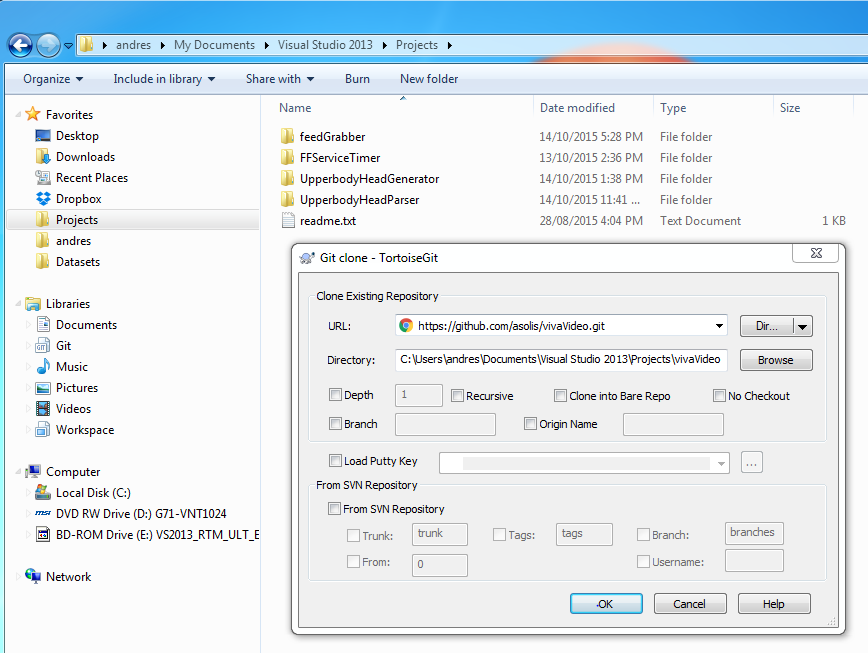
Clone vivaVideo repository to the folder when you wish to create your working copy, e.g., C:/Users/andres/Documents/Visual Studio 2013/Projects/.
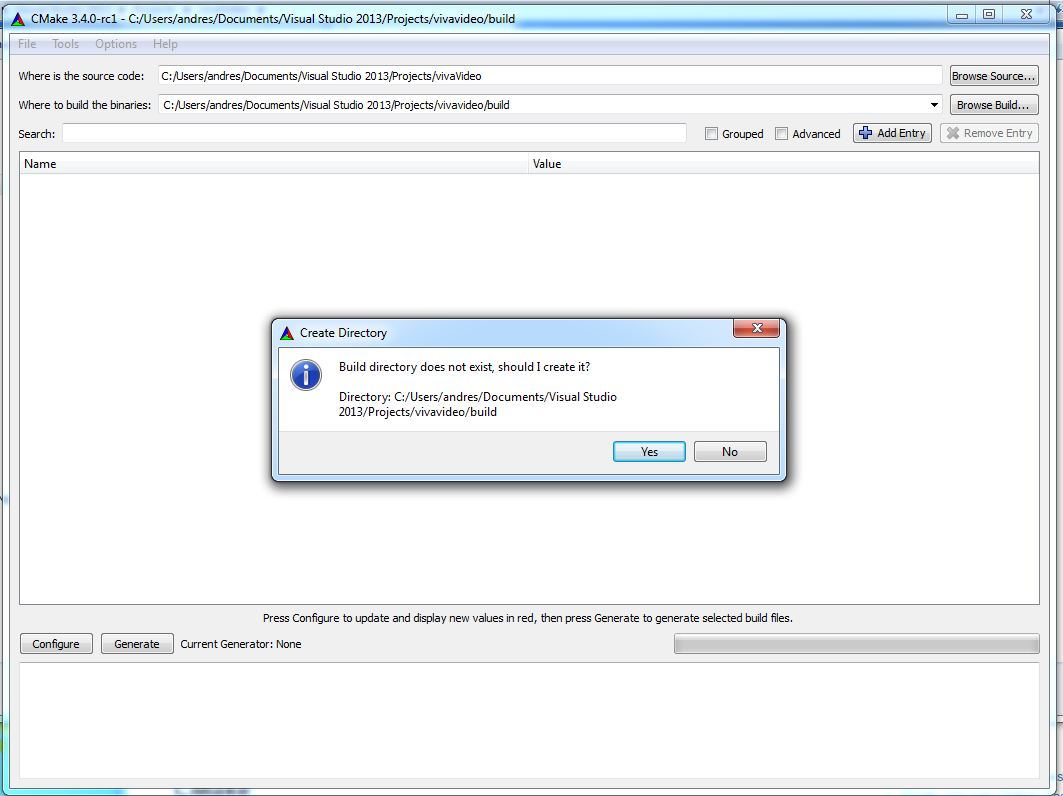
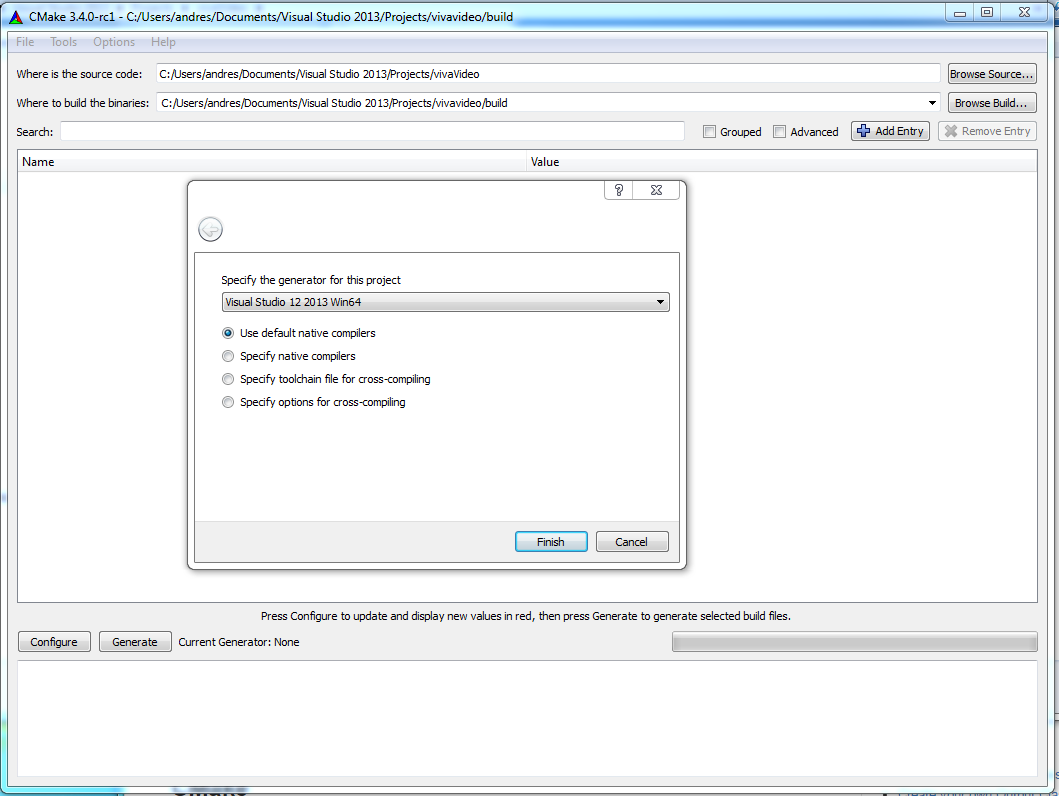
Open CMake and point your source folder to your working copy repository (e.g. C:/Users/andres/Documents/Visual Studio 2013/Projects/vivaVideo ) and set your build folder inside your working copy (i.e. C:/Users/andres/Documents/Visual Studio 2013/Projects/vivaVideo/build). Click the Configure button. CMake will ask to create the folder for you if it does not exist. Click Yes.
Specify Visual Studio 12 2013 Win64 as the generator
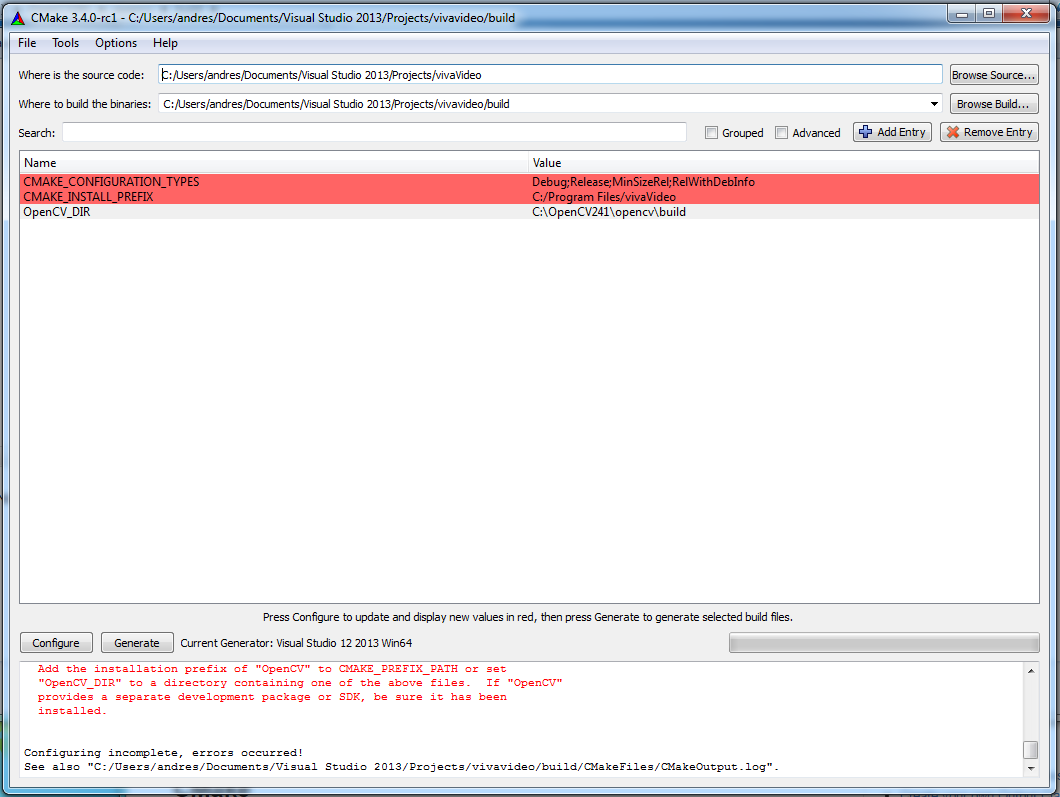
Set the OpenCV_DIR variable to point to your OpenCV installation folder containing the OpenCV's "*.cmake" files, e.g., C:\OpenCV241\opencv\buid. Click Configure again.
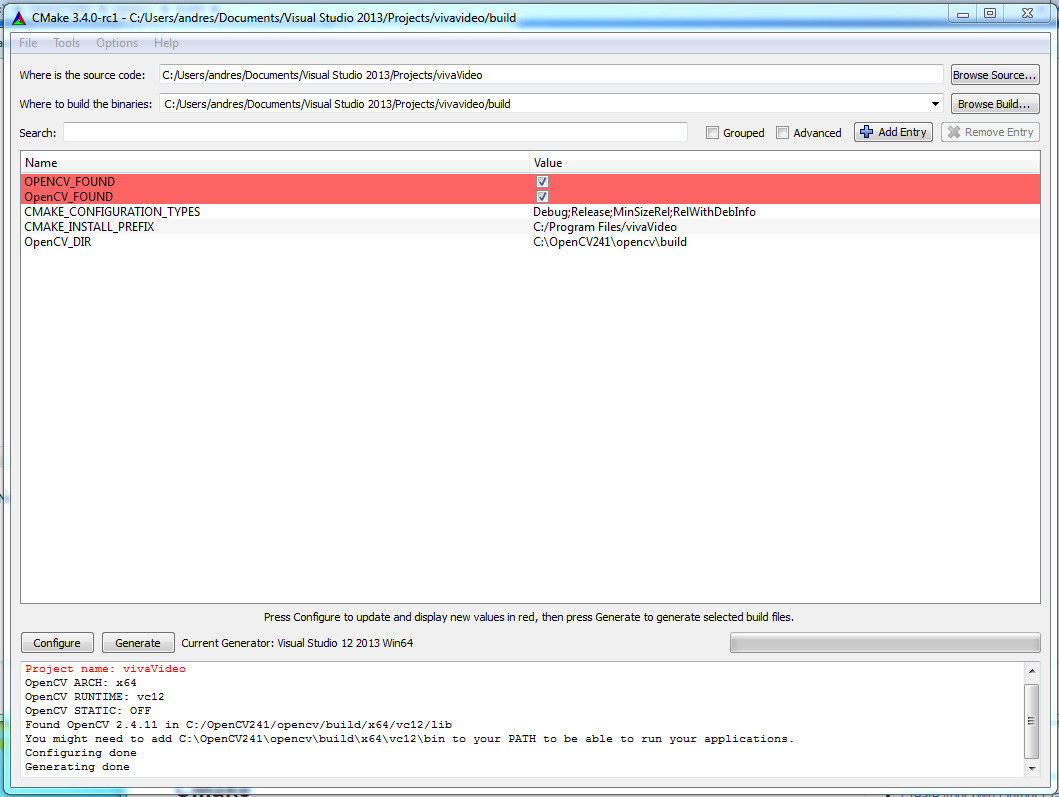
Click the Generate button
I everything is OK you will find your vivaVideo.xcodeproj inside your build folder.
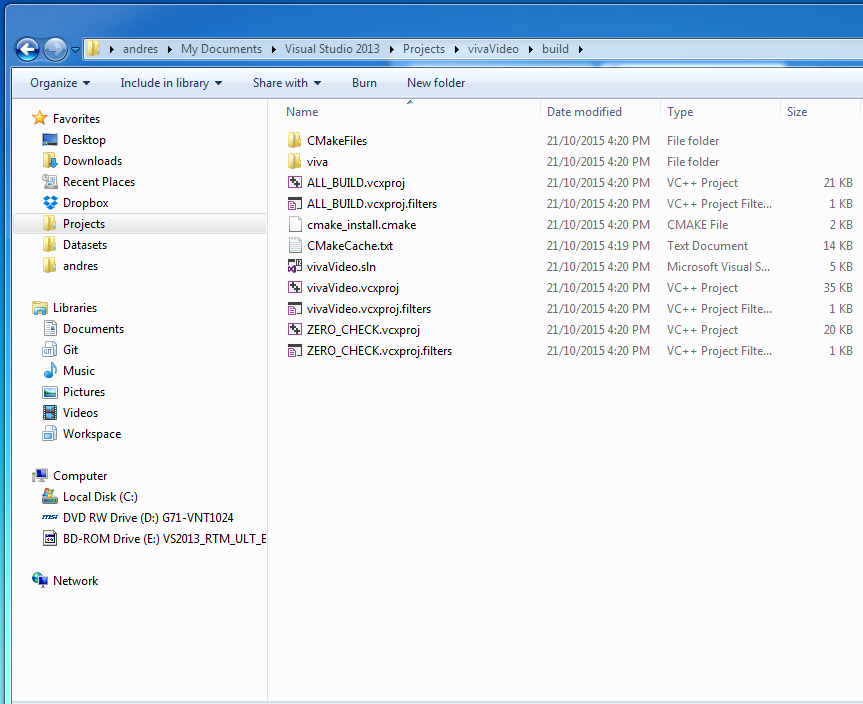
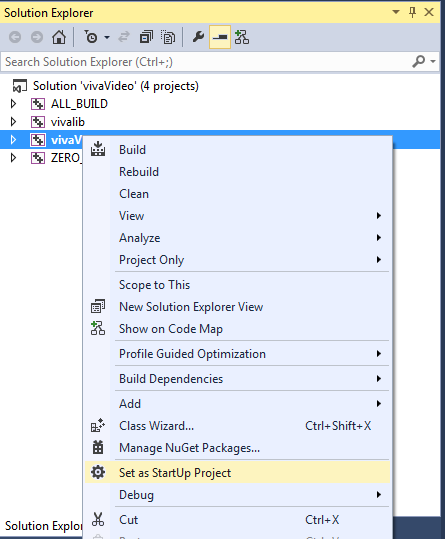
Open the project and select vivaVideo as your "StartUp project"
Your project is already in place and configured to use the vivalib framework and OpenCV libraries.