NSSM How to
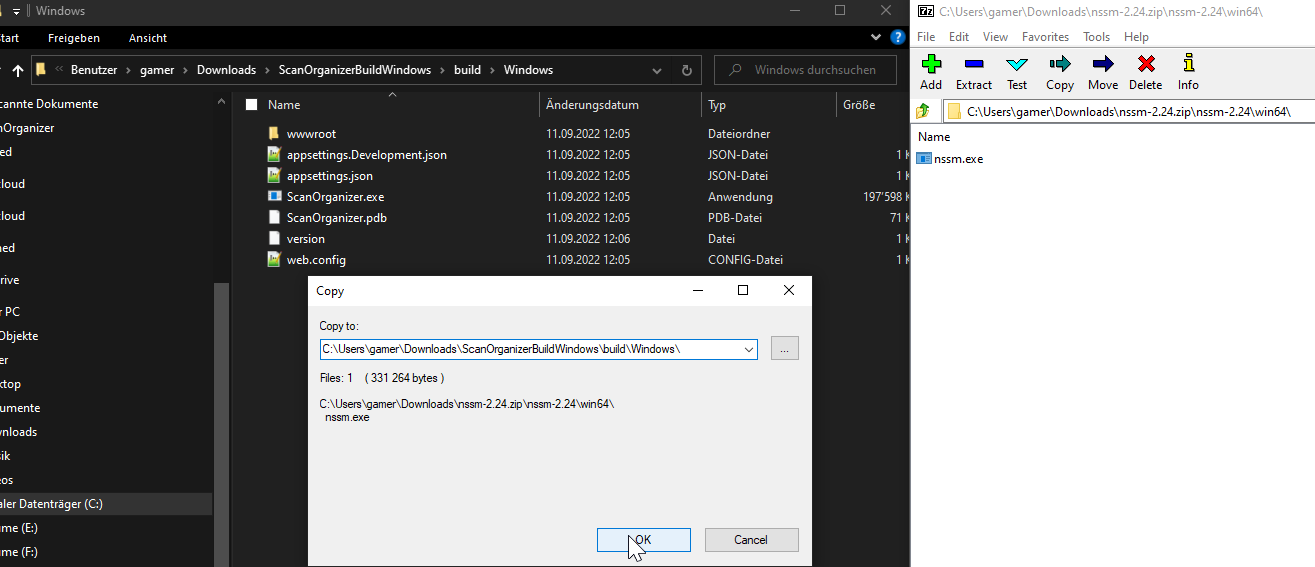
- Download NSSM and extract the exe to the same folder as ScanOrganizer.exe
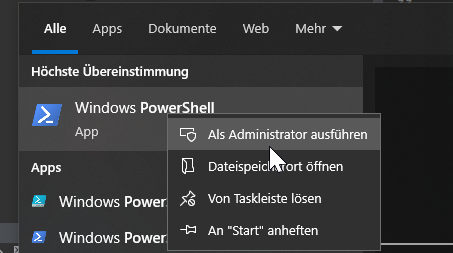
- Open Powershell as Admin
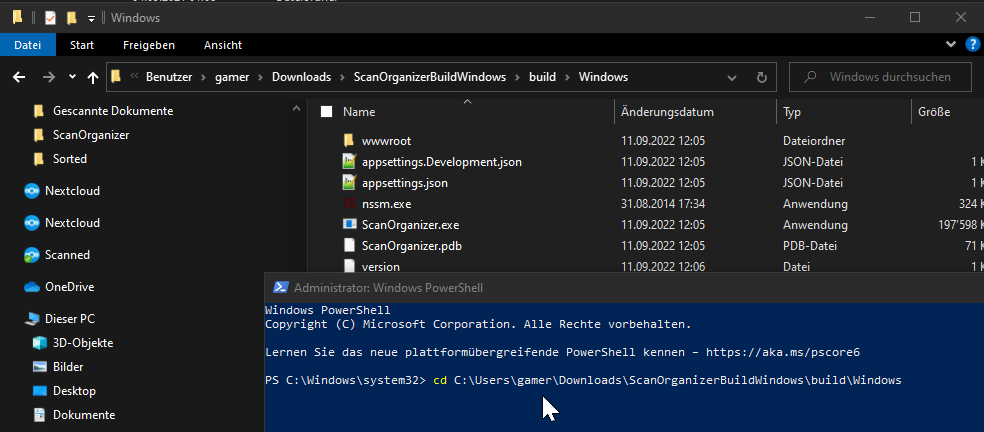
- cd to the folder where you downloaded and extracted the ScanOrganizer
- Run the following command in the ScanOrganizer folder in PowerShell as Administrator:
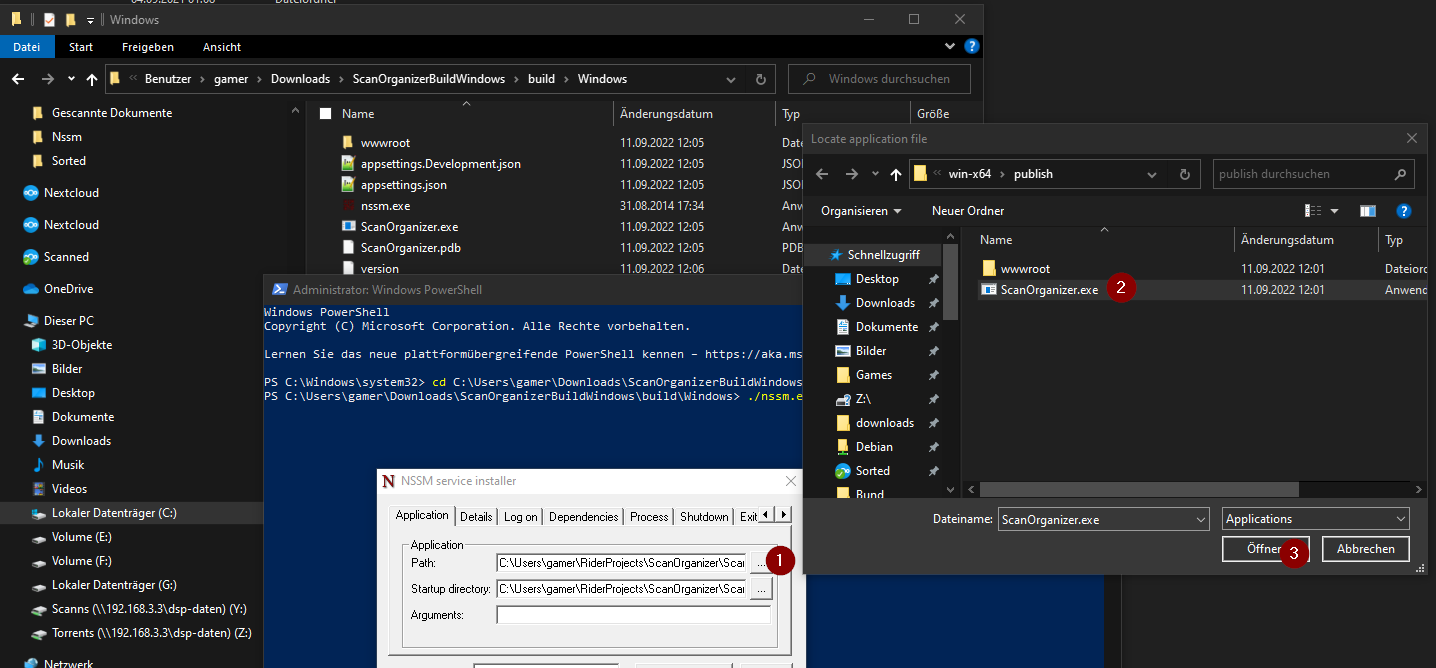
nssm.exe install ScanOrganizer - It should open that window:
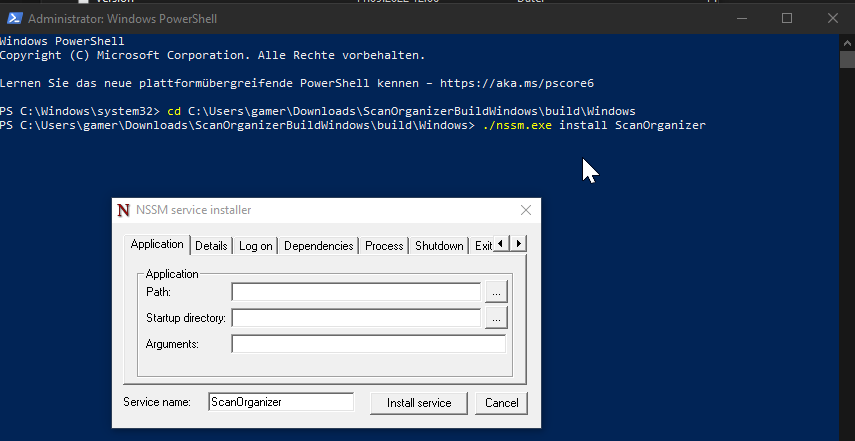
- Choose the ScanOrganizer.exe
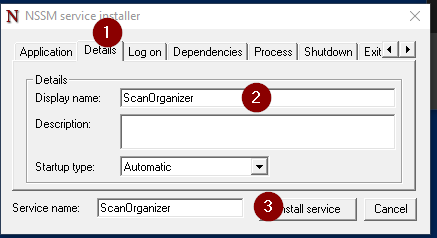
*Add some details and install the service:
- And start the Service for the first time. After that, the service will always start when windows start.
