Webspeed uses phantomjs to measure the load performance of a webpage. It can be used as a standalone command line tool, or as an API for your node application.
$ npm install webspeed
This installs phantomjs as well, no need for a separate install!
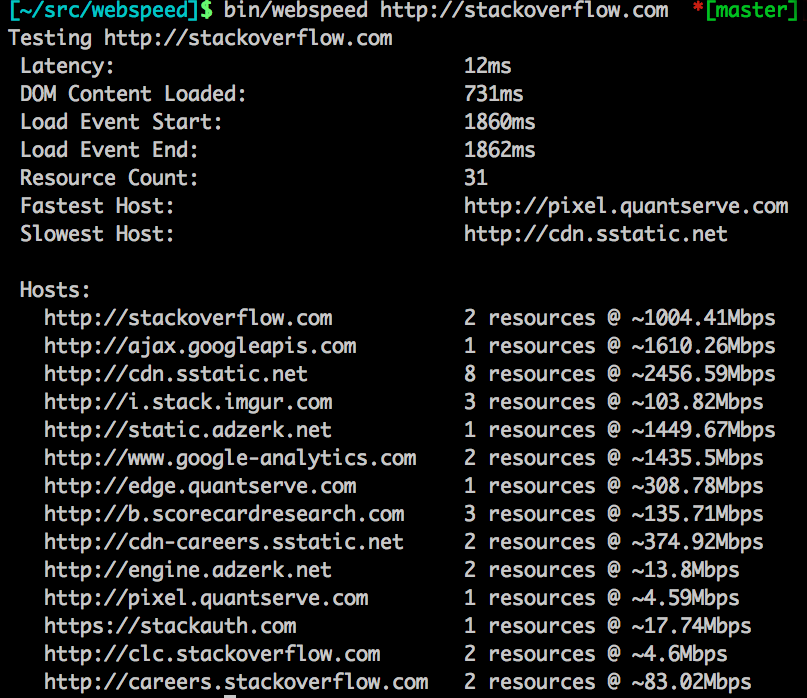
To use as a CLI, do
$ bin/webspeed <url>

var webspeed = require('webspeed');

options = { timeout: 30000 }  // 30 second timeout is the default

webspeed.run('http://stackoverflow.com', options, function(err, results) {
  console.log(results);
});
All sizes are in bytes, speeds are in Mbps.
Easy peasy.
$ npm run test
Or if you changing lots of things:
$ npm run autotest