MarkDown View a real-time markdown editor with split screen live preview
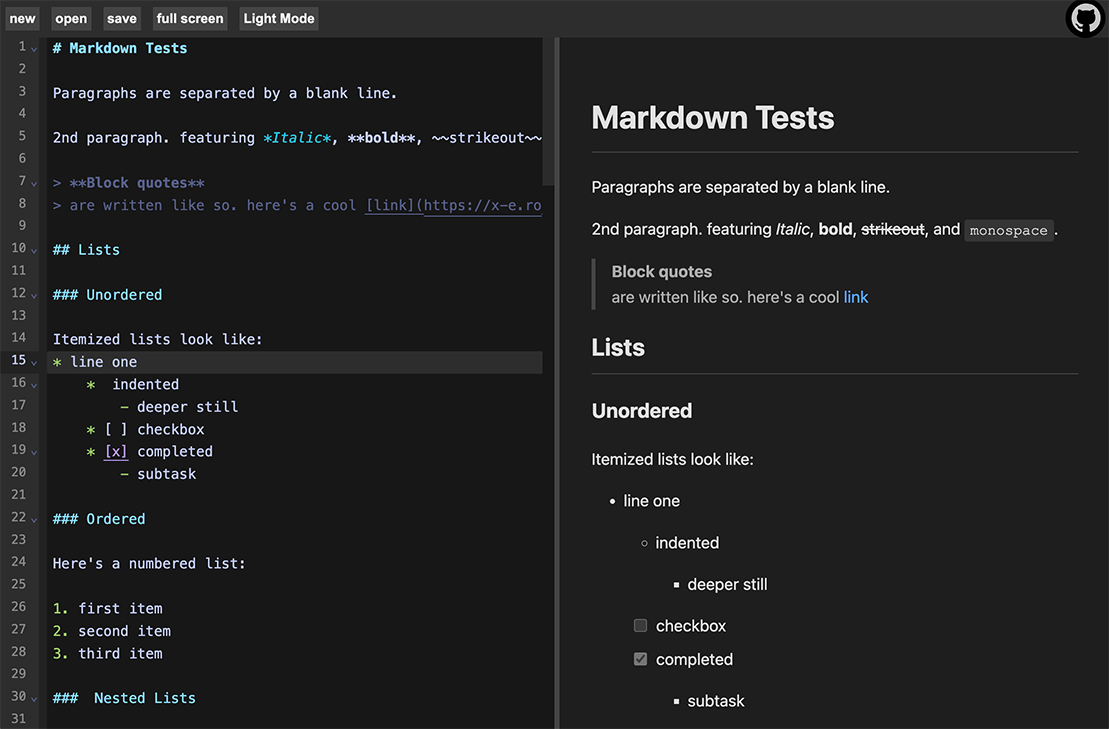
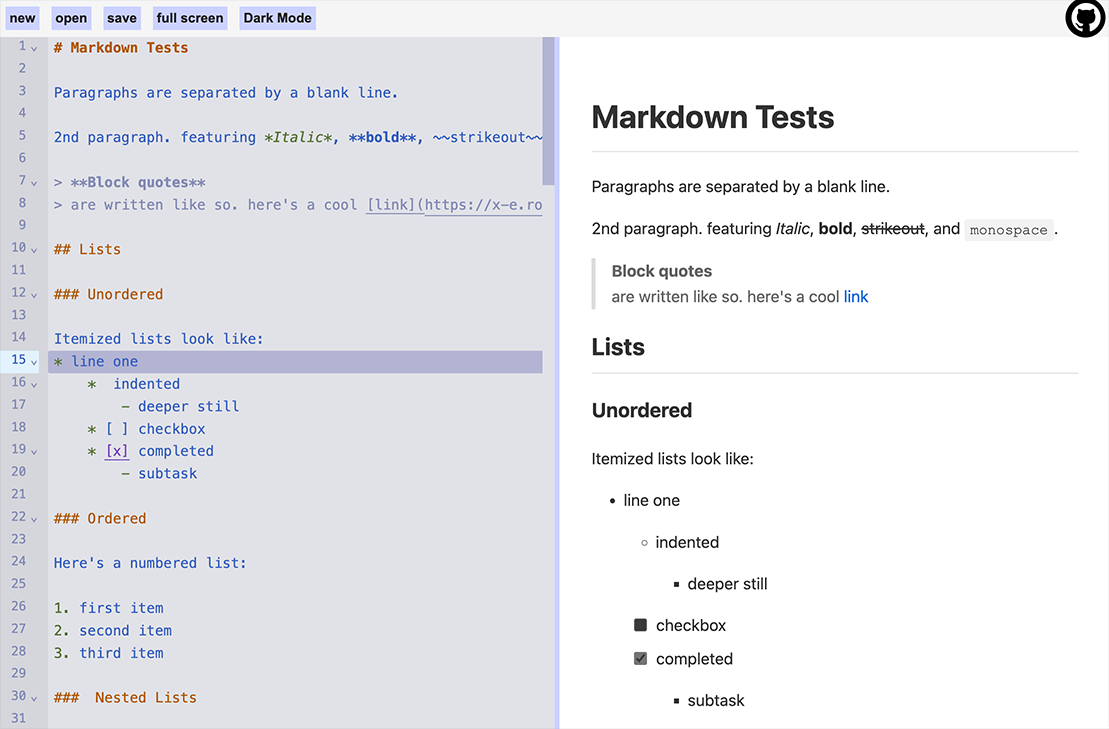
- Split-screen layout: Editor on the left, preview on the right
- Resizable: Drag the center divider to resize the panels
- Live preview: See your markdown rendered in real-time as you type
- Syntax highlighting: CodeMirror with markdown language support
- Dark mode support: Adapts to system color preferences
- Github flavored markdown: Headers, lists, code blocks, tables, links, images, and more
- Full Screen: Zen mode for markdown editing
- Local storage: Markdown contents automatically sync to your browser storage
- File operation: Open and save documents to your device
- Completely in browser: Everything is client side and never leaves your device
- Bun.js - Fast JavaScript runtime and package manager
- Vite - Next generation frontend tooling
- CodeMirror 6 - Extensible code editor
- ShowDown - Markdown parser and compiler
- Bun installed on your system
# Install dependencies
bun i# Start the development server
bun devOpen your browser and navigate to http://localhost:5173/
# Format and lint
bun fix# Build for production
bun bakeThe built files will be in the dist/ directory.
# Preview the production build locally
bun preview- Start typing markdown in the left editor panel
- See the rendered output in real-time on the right preview panel
- The editor supports all standard markdown syntax, and "github flavored markdown"
- Drag the split divider to reize the panels

all files and scripts in this repo are released CC0 / kopimi! in the spirit of freedom of information, i encourage you to fork, modify, change, share, or do whatever you like with this project! ^c^v