

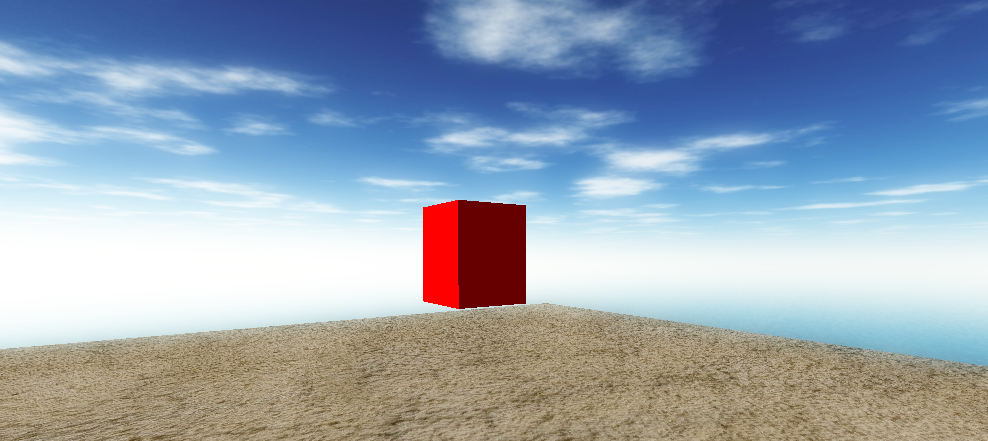
 A Java 3D game framework built using the LibGDX 3D API. This framework provides simple-to-use objects that allows you
to develop your 3D games with ease.
The framework mimics the Unity3D scripting engine and adopts the simplicity of interacting with game objects.
The framework is still in development, so is not recommended for production of games... but so far has;
- First person character controller
- Cameras and post processing
- Lighting
- Skyboxes
- RigidBodies and collision
The framework also has a scene window, developed using Swing. The scene window simply lists the active game objects, showing their names, x, y and z coordinates within the game world.
In later updates, the framework should have a terrain and the ability to auto-populate the terrain with grass and trees. It should also have the ability to change the lighting and the skybox within different scenes.
Just like unity, you simple call the addComponent method and pass in the component you wish to add.
Cube cube = new Cube(Color.RED, 10, 10, 10);    //A red cube with a width, height and depth of 10
cube.name = "cube";
cube.addComponent(new RigidBody());

AudioSource audio = new AudioSource();
audio.is3D = true;
audio.volume = 100;
audio.hearDistance = 100;

cube.addComponent(audio);

Instantiate(cube);
FirstPersonController player = new FirstPersonController();
player.name = "Player";
player.getCamera().postProcessor.applyProfile(new PostProcessorProfileExample());

Instantiate(cube);
SceneManager.LoadScene(new Level2());
Camera CCTV = new Camera();
CCTV.transform.position.x = 5;
CCTV.transform.position.y = 5;
CCTV.transform.position.z = 0;
CCTV.getCamera().lookAt(player.transform.position); //Look at the player

Instantiate(CCTV);
GameObject.Find("player").transform.translate(0, 0, 5*deltaTime); //Will translate the Z coordinate