Note: Only for MacOS now!
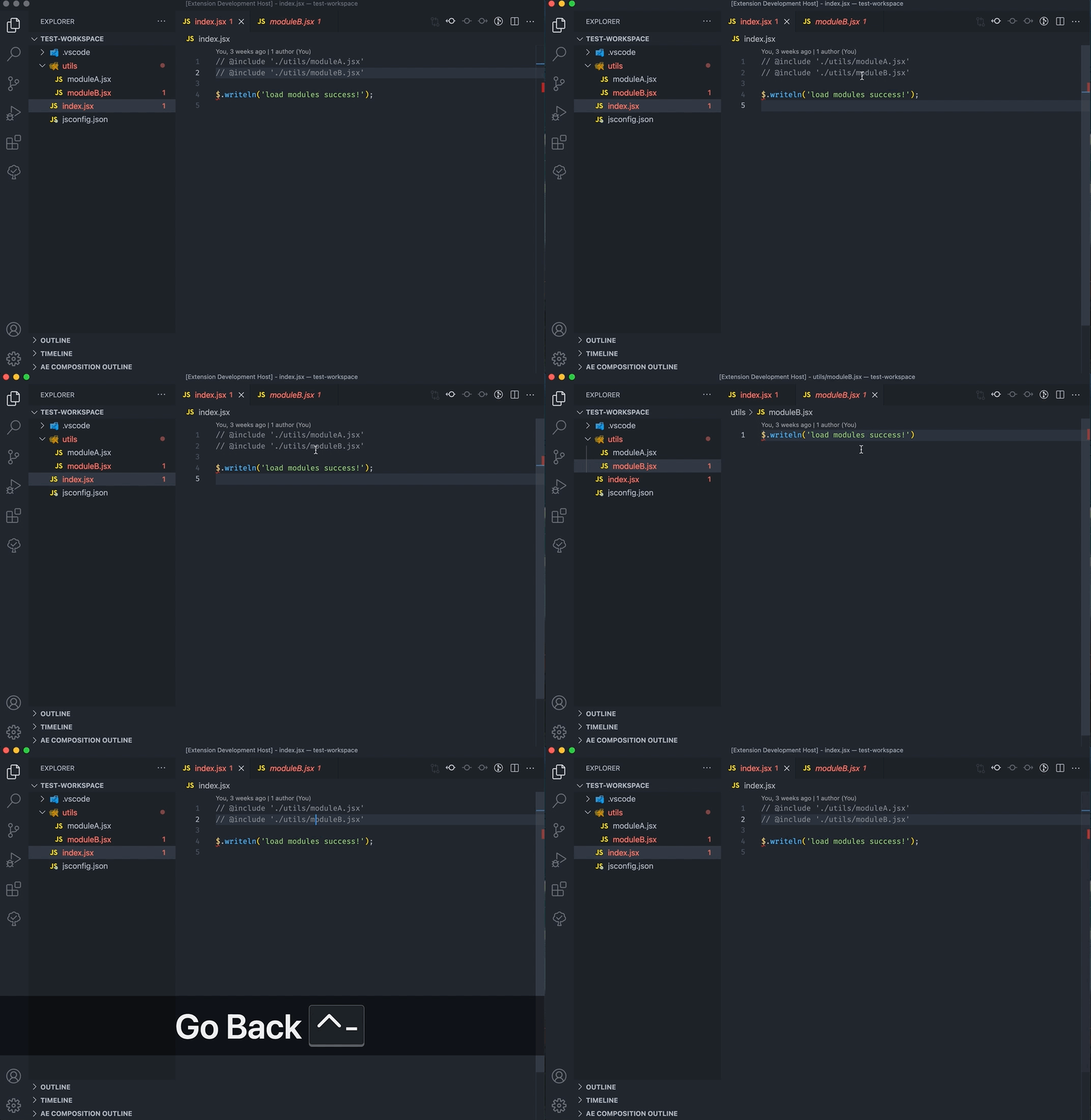
You need to set fie associations to tell vscode treat .jsx as javascript:
{
    "files.associations": {
            "**/jsx_folder/**/*.jsx": "javascript"
    }
}You need to manually refresh the outline to get latest info about active composition.

You can open an editor to view the current active layer descriptor info with command View Active Layer Descriptor Info:
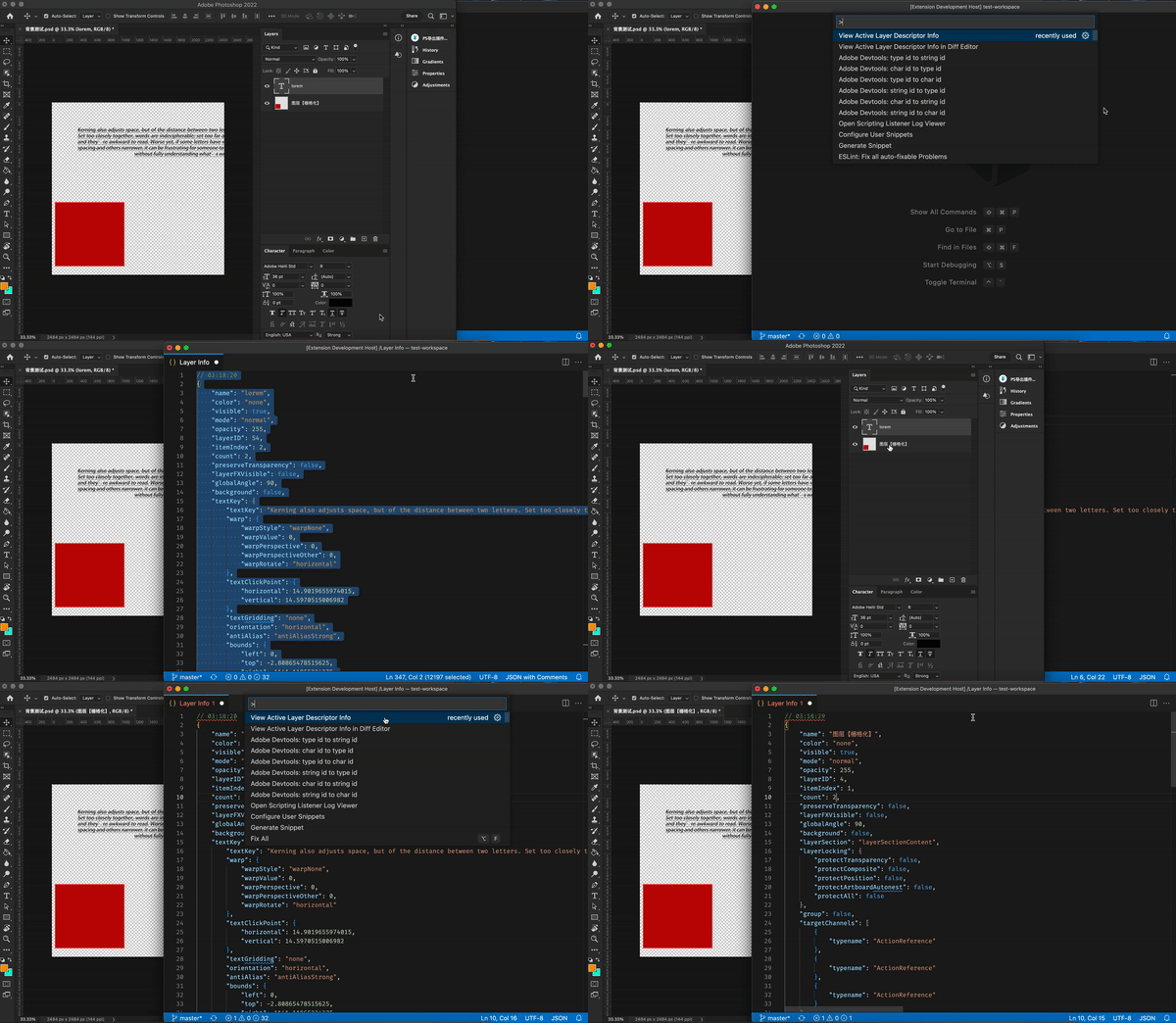
Similar commands:
View Active Document Descriptor InfoView Application Descriptor Info
When you develop ps extension, you may often need to compare the layer descriptor info before and after an operation. Call command View Active Layer Descriptor Info in Diff Editor will open a diff editor, and fill the before editor with latest active layer descriptor info. Call twice will fill the latest info to after editor.
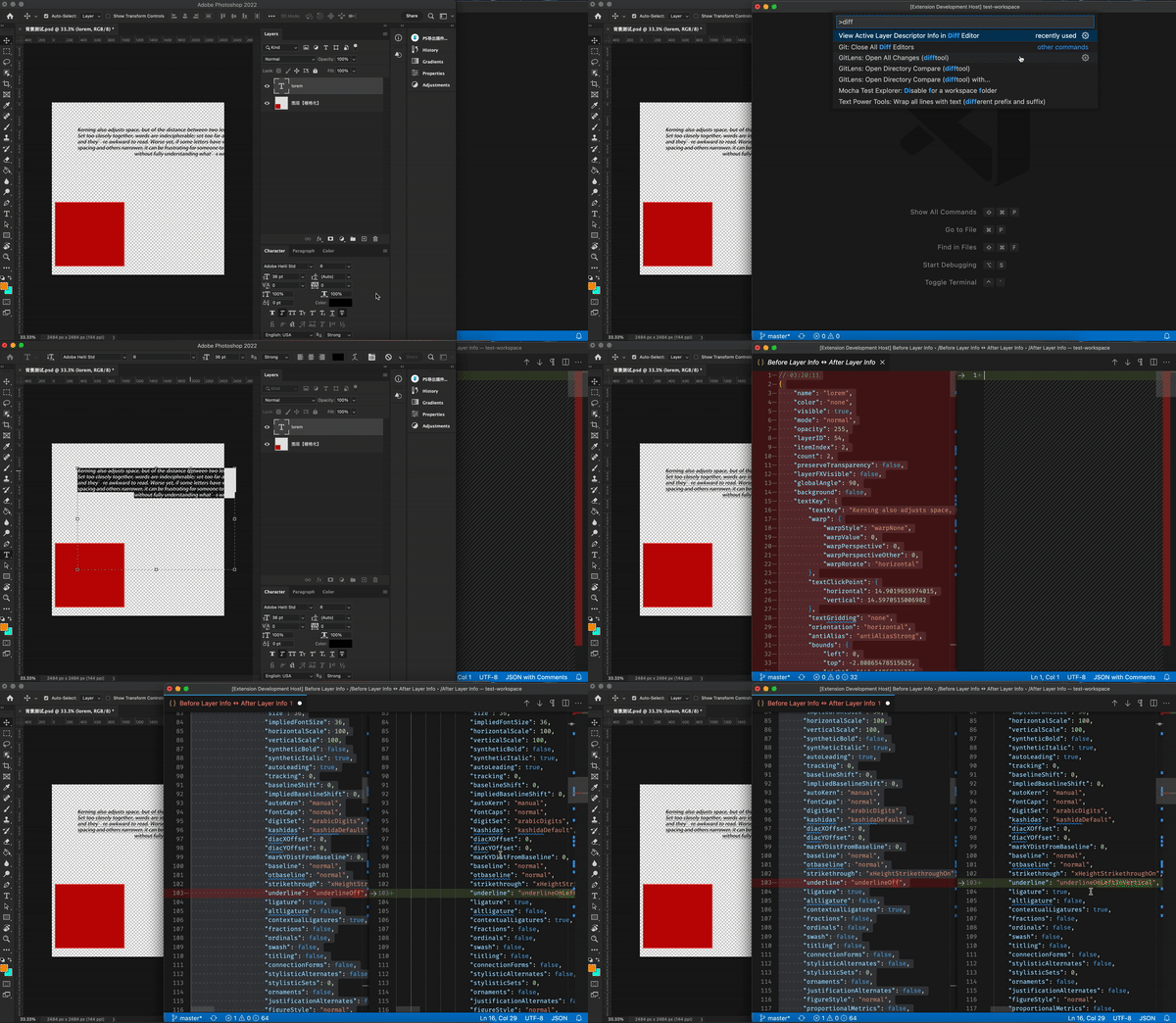
Similar commands:
View Active Document Descriptor Info in Diff EditorView Application Descriptor Info in Diff Editor
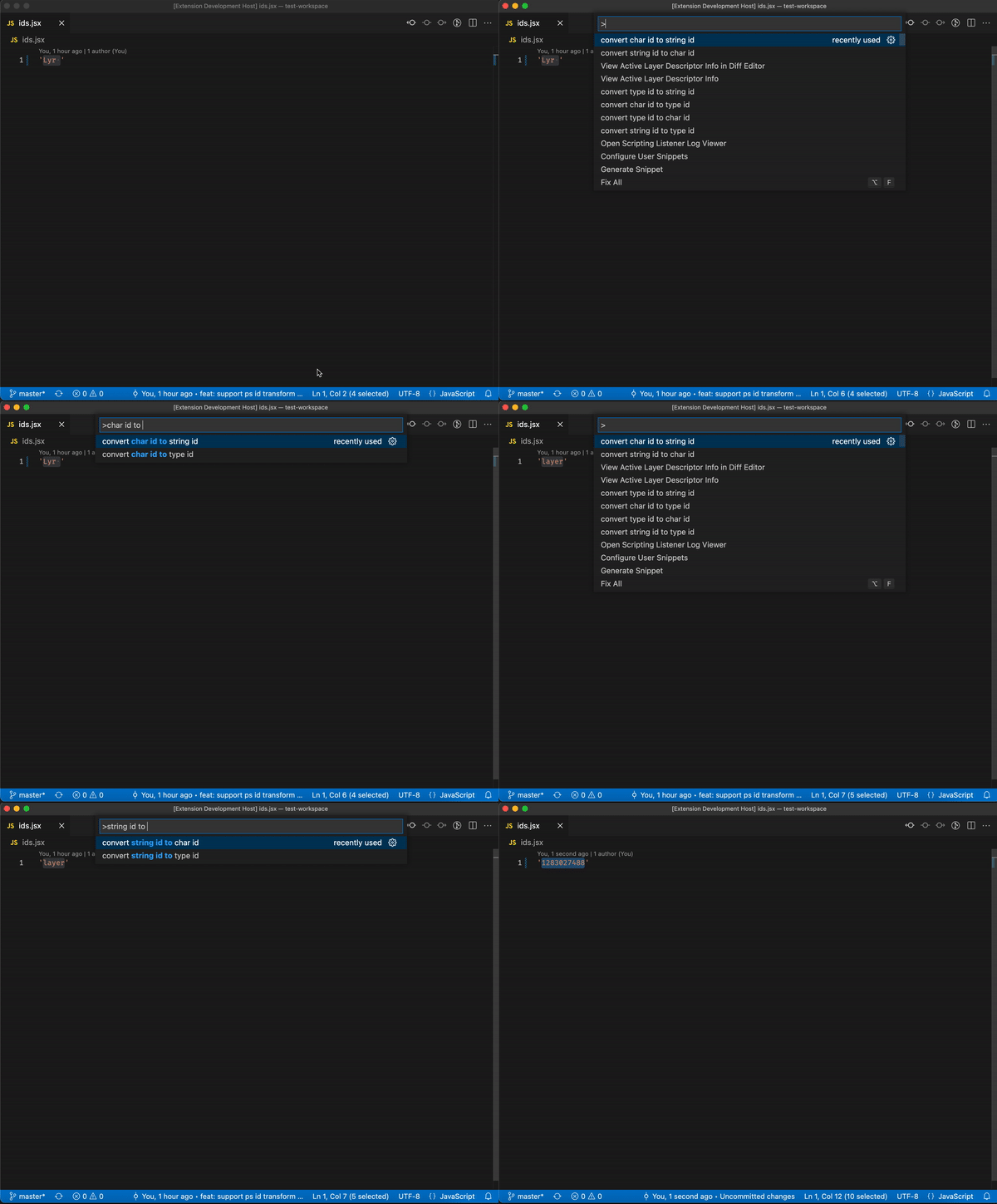
Select the id you want to transform and call corresponding command, support following commands:
convert char id to type idconvert char id to string idconvert string id to type idconvert string id to char idconvert type id to char idconvert type id to string id
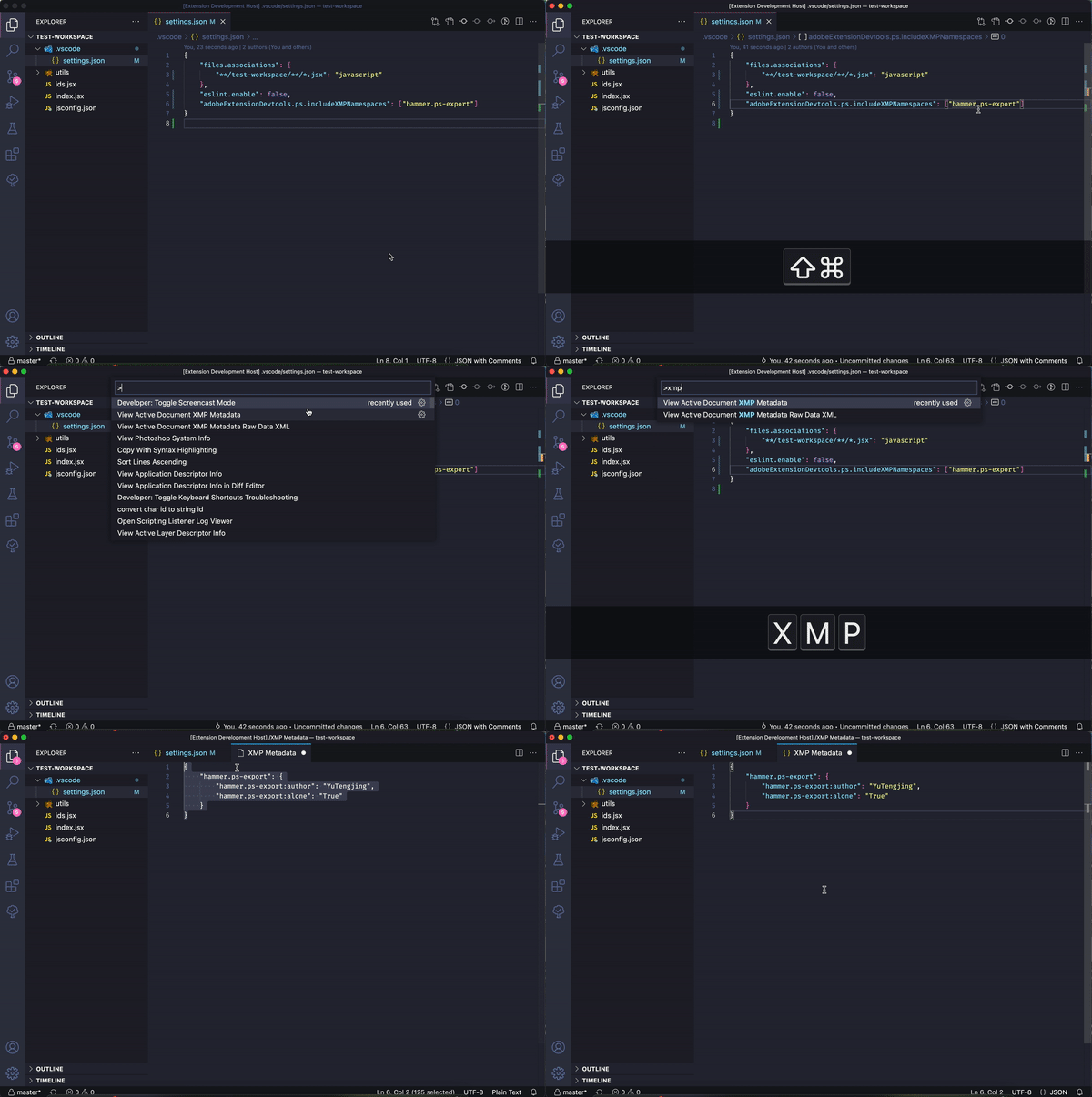
You need to set which namespaces you want to check:
{
   "adobeExtensionDevtools.ps.includeXMPNamespaces": ["hammer.ps-export"]
}
- JSX module definition jump
- AE Composition Tree View
- Snippets, recommend: My personal snippets
- PS view layer descriptor info, support diff mode
- PS view document descriptor info, support diff mode
- PS view application descriptor info, support diff mode
- PS id transform between charID, StringID, typeID
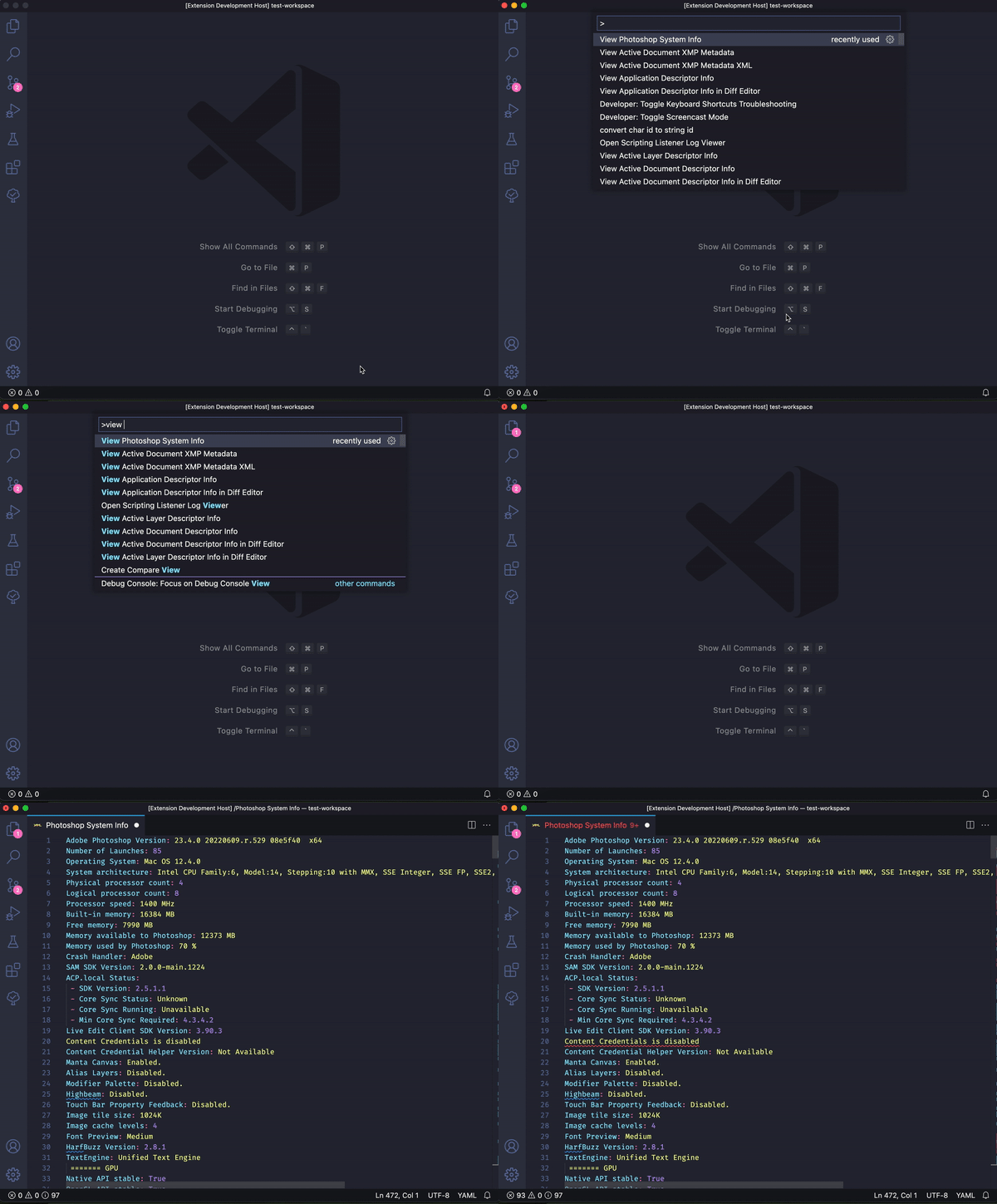
- PS view system info
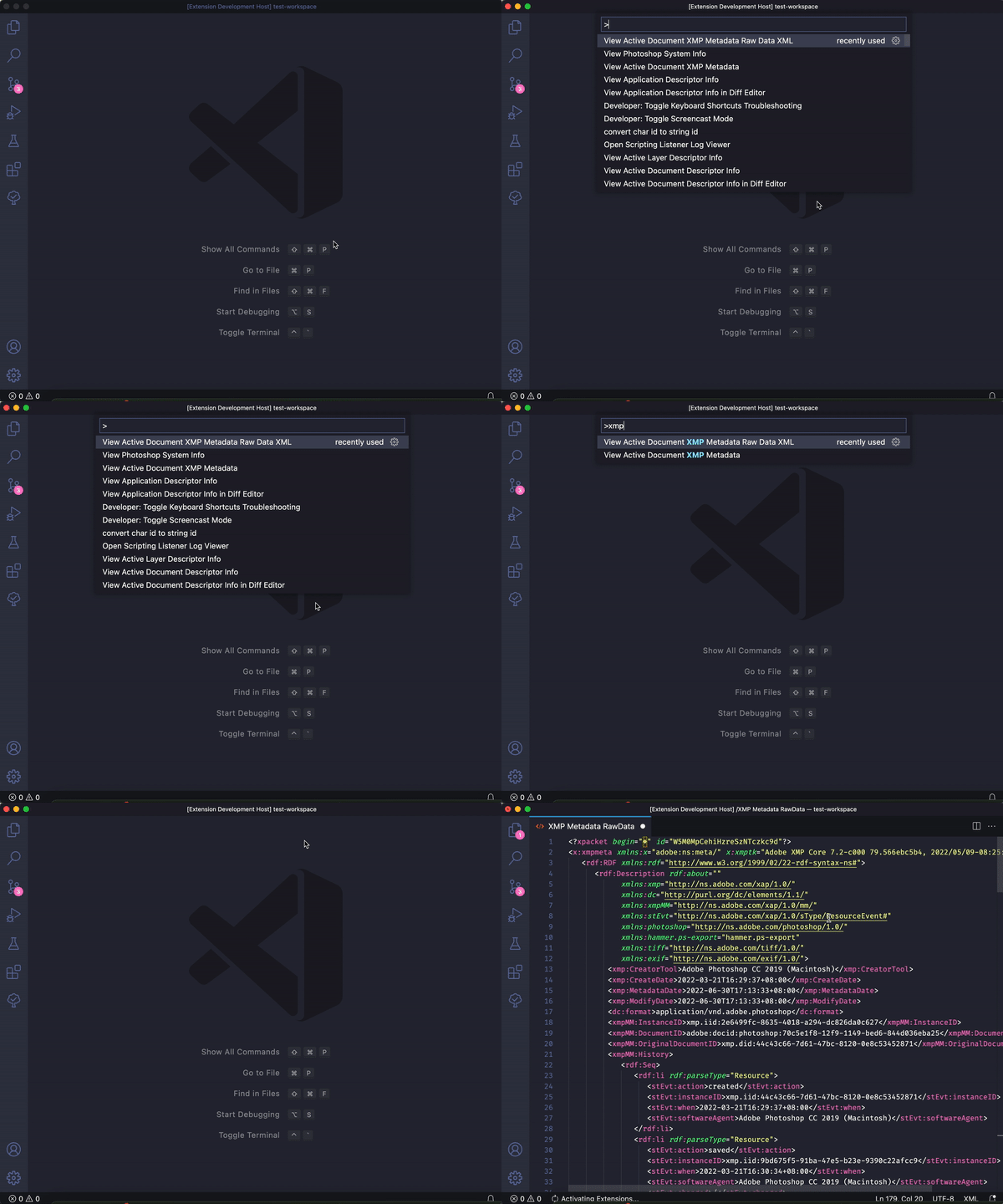
- PS view XMP Metadata
- Windows Support