- Setting up the Anaconda environment
- Intro to Pandas, Matplotlib, Scikit-learn
- Building a simple prediction model
- Most importantly that machine learning and AI are not scary!
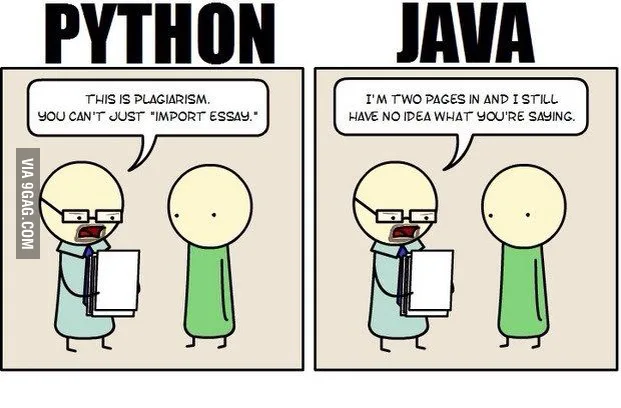
- No semicolons; simple syntax
- High level language
- Amazing packages

- NumPy: math operations on n-arrays and matrices
- Pandas: data manipulation; DataFrames
- Matplotlib: data visualization
- Scikit-learn: machine learning algorithms
Anaconda: distribution with 250+ data science and machine learning packages
Install for Python 3.6 (not 2.7!)
For Mac OS, open Terminal
python --version
conda -V
conda list
If that didn’t work try these:
- If you have Python 2.7:
conda install python=3.6
conda create -n py36 python=3.6
source activate py36 - If you have some missing packages:
conda install some-missing-package
Web app to create a notebook that can run code, display graphs and images
To start running Jupyter, type in
jupyter notebook
We are ready! Let's open the first tutorial to learn about python and pandas. If you are familiar with the topic, go ahead to Part2. In the complete you'll find all the code ready, while the skeleton code is for those who want to follow along.
Please feel free to reach out to me, if you would like to contribute feel free to fork the repository!
- Gabor Csapo - gabor.csapo@nyu.edu
- Jihyun Kim - jihyun@nyu.edu
- We used a modified version of the Random Acts of Pizza dataset