


These dotfiles are a combination of several sources and suggestions of
- Derek Taylor Gitlab and Distrotube
- nixCraft 30 Handy Bash Shell Aliases
- The awesome fuzzy finder fzf
- The next gen ls command lsd
- The cross shell prompt starship
- Dracula Theme
Screenshots used by this README are stored on the orphan assets branch so
regular clones of master do not download files that are only needed for the
GitHub presentation. The assets branch has intentionally unrelated history
and must not be merged into master.
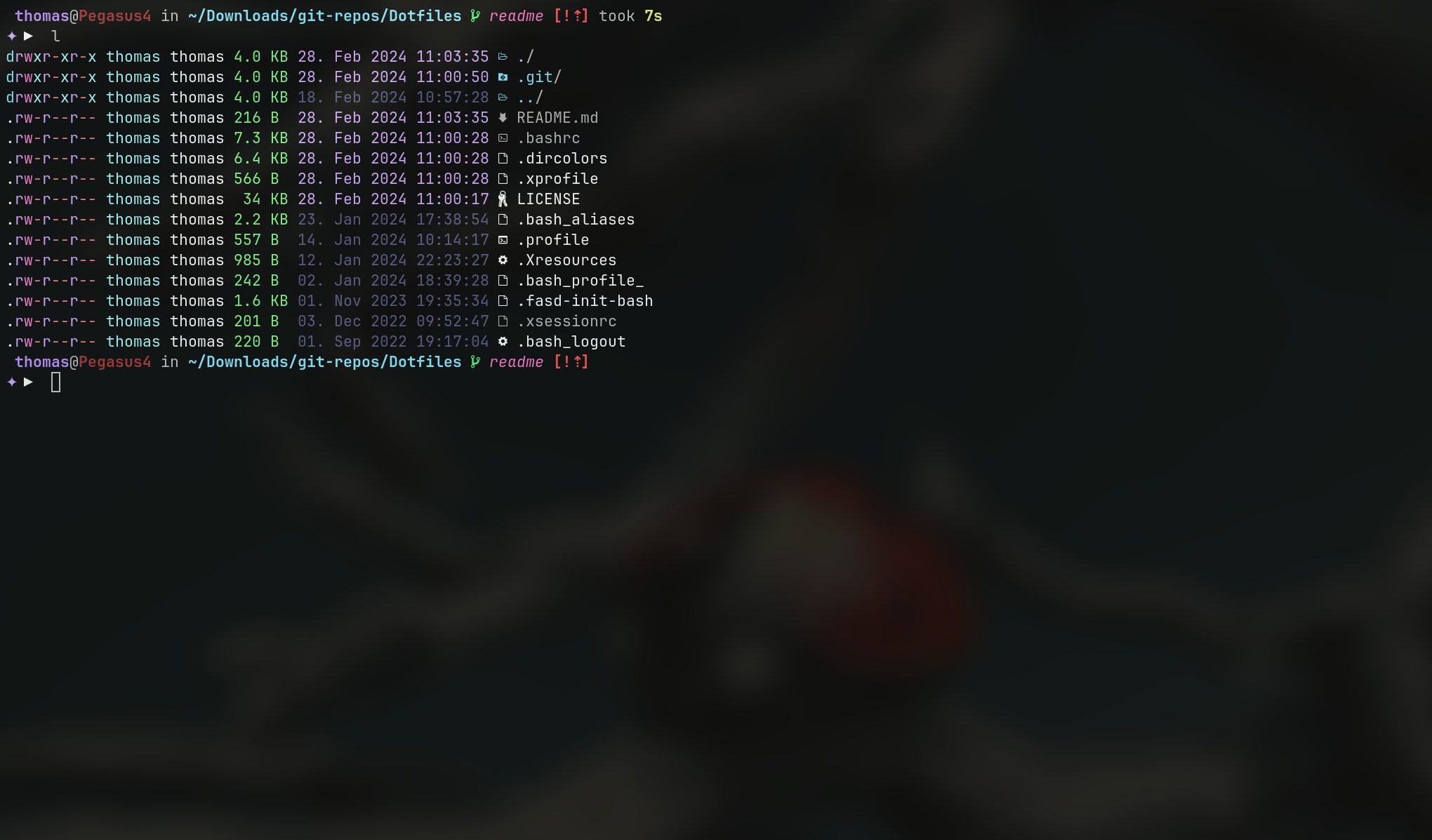
l |
|---|
 |
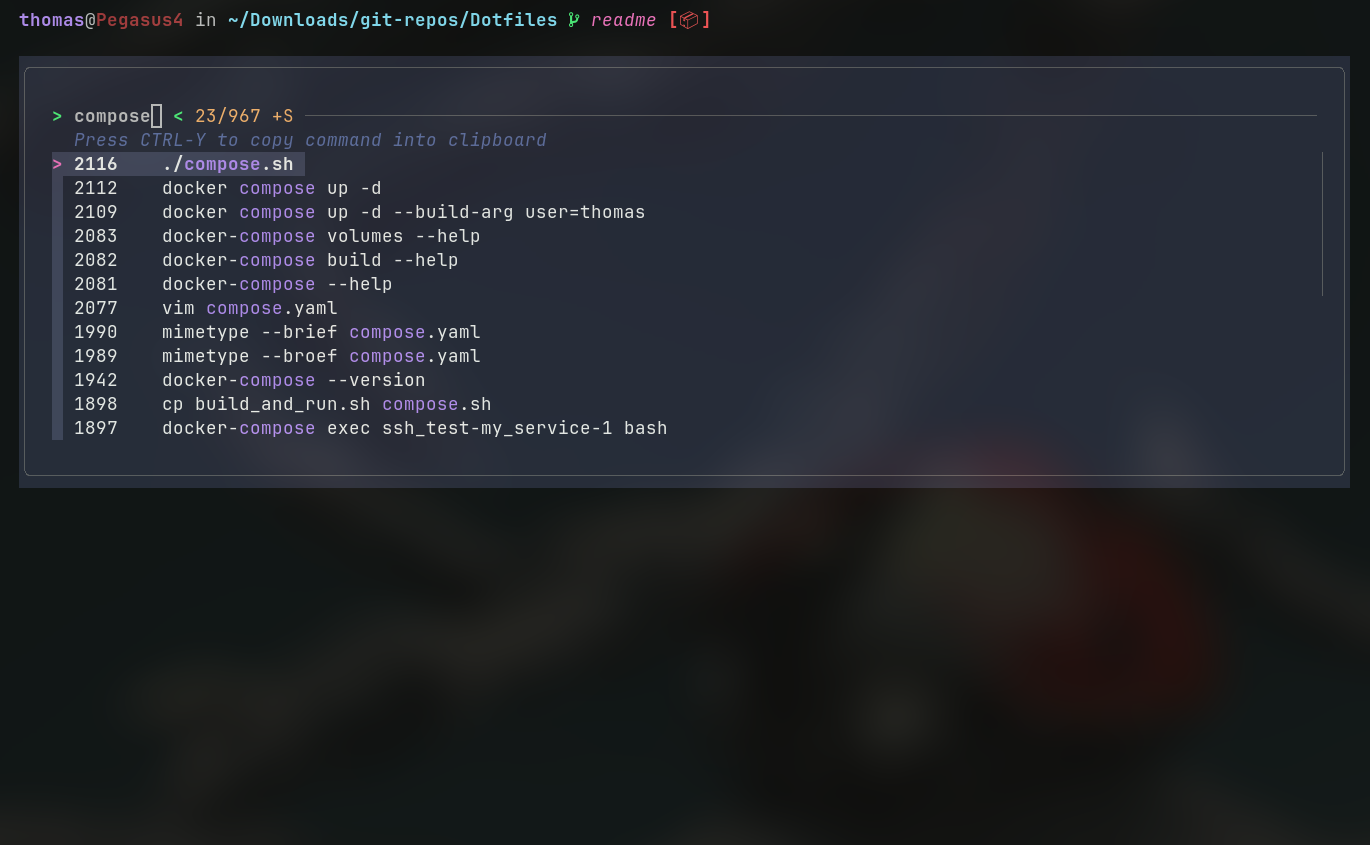
| history search, hit Ctrl + r |
|---|
 |
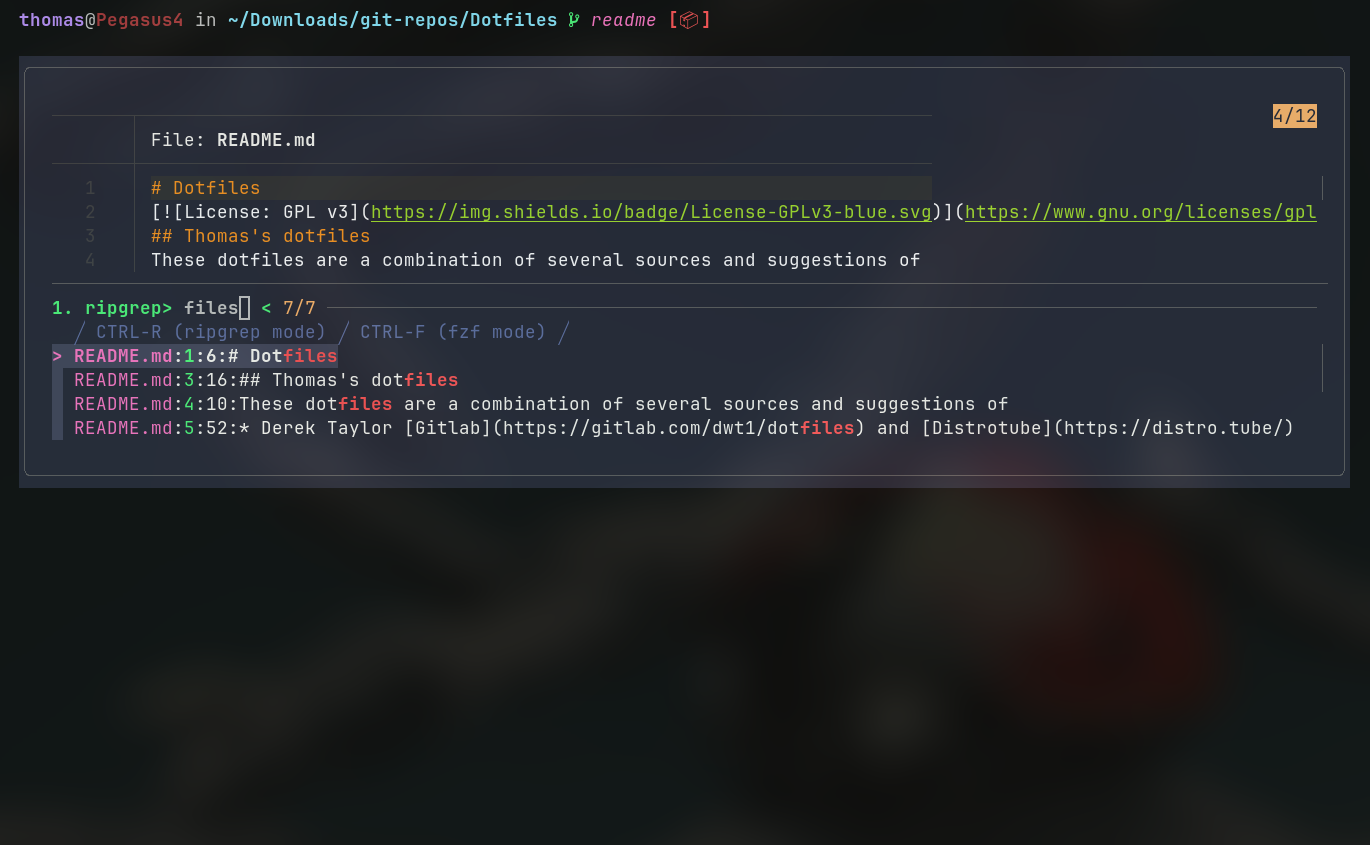
| string search, hit Ctrl + f |
|---|
 |
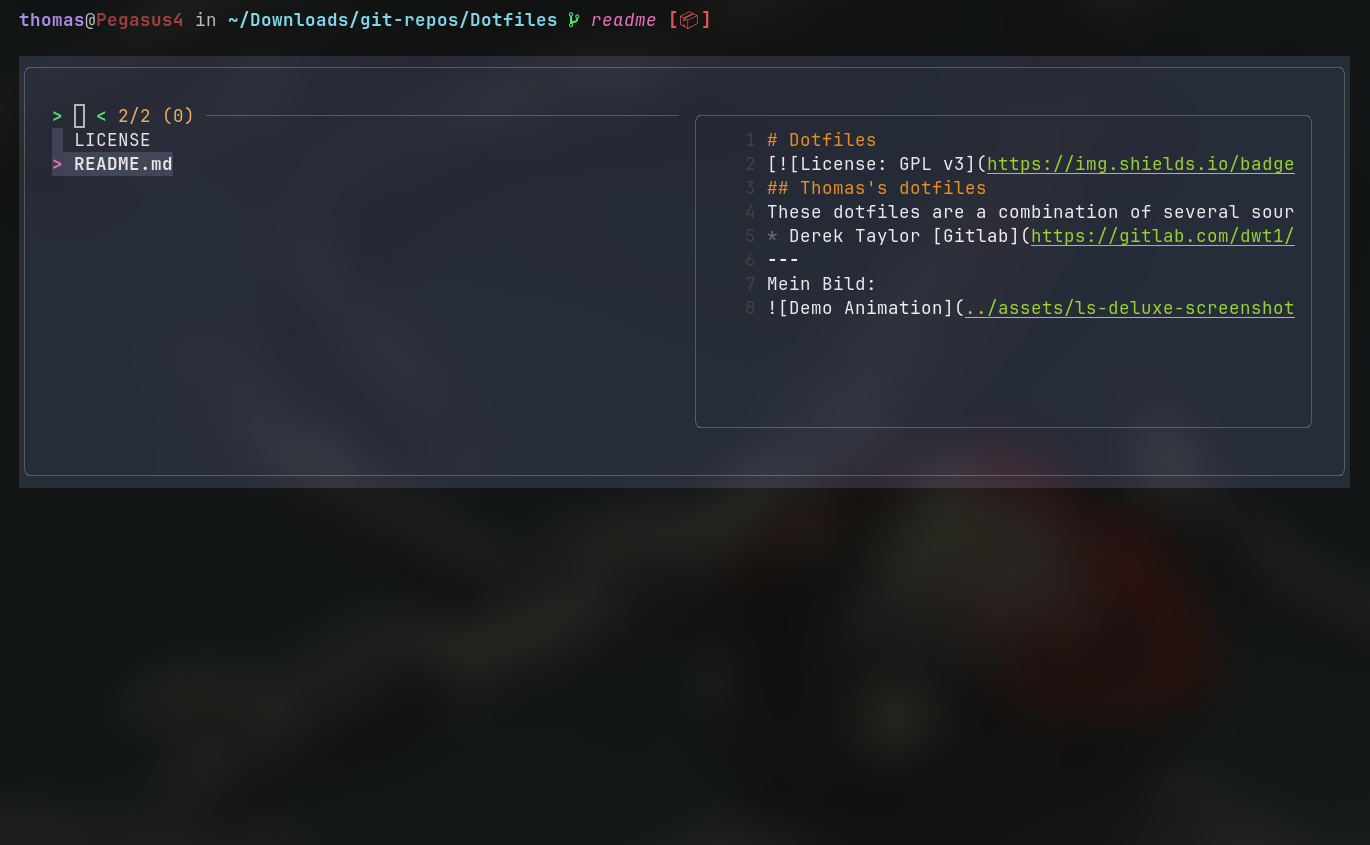
| file search, hit Ctrl + t |
|---|
 |
Note
There is no need to install the entire repository. Also you do not need to install every suggested application. Just begin with picking the .bashrc.
Check out a clone of this repo to your home path:
cd ~
git clone https://github.com/thomastuul/Dotfiles.git
Creates the Folder Dotfiles.
cd into it and delete git-files:
cd Dotfiles
rm -rf .git
Copy entire content to ~:
cp -R .* ~
cd ~
rm -rf Dotfiles
with sourcing the .bashrc you should see the result:
source .bashrc- fzf
- bat
- fasd
- broot
- lf
- lsd
- bash-completion
- ripgrep
- starship
sudo apt install fzf bat fasd lf lsd bash-completion ripgrepInstalling broot, see Personnal Azlux's repository:
echo "deb [signed-by=/usr/share/keyrings/azlux-archive-keyring.gpg] http://packages.azlux.fr/debian/ stable main" | sudo tee /etc/apt/sources.list.d/azlux.list
sudo wget -O /usr/share/keyrings/azlux-archive-keyring.gpg  https://azlux.fr/repo.gpg
# check integrity of key:
gpg --show-keys --with-fingerprint /usr/share/keyrings/azlux-archive-keyring.gpg
# fingerprint: 98B8 24A5 FA7D 3A10 FDB2 25B7 CA54 8A0A 0312 D8E6
and finally:
sudo apt update
sudo apt install broot
Installing starship, see Starship Cross-Shell Prompt
# use any path you like, this is just a suggestion
cd Downloads
curl -s https://api.github.com/repos/starship/starship/releases/latest \
| grep browser_download_url \
| grep x86_64-unknown-linux-gnu \
| cut -d '"' -f 4 \
| wget -qi -
# check sha256sum:
sha256sum starship-x86_64-unknown-linux-gnu.tar.gz
# this sum must match with content of starship-x86_64-unknown-linux-gnu.tar.gz.sha256, e.g:
# 73f8e3fd9016ecaa69d29d8d6bfd5862b9005d52d4c924dbfd2b2c12de464d04
tar xvf starship-*.tar.gz
sudo mv starship /usr/local/bin/
rm starship-x86*
Tweaking fzf, see fzf and fzf-tab-completion
Note
The debian package of fzf does not contain completion.bash but its git-repository yet. So let's use it...
mkdir ~/.config/fzf
cd !$
curl https://raw.githubusercontent.com/junegunn/fzf/master/shell/completion.bash --output completion.bash
Installation of fzf-tab-completion:
git clone https://github.com/lincheney/fzf-tab-completion.git ~/.config/fzfInstallation of ripgrep capability, see ripgrep-integration:
#!/usr/bin/env bash

# Switch between Ripgrep launcher mode (CTRL-R) and fzf filtering mode (CTRL-F)
rm -f /tmp/rg-fzf-{r,f}
RG_PREFIX="rg --column --line-number --no-heading --color=always --smart-case "
INITIAL_QUERY="${*:-}"
: | fzf --ansi --disabled --query "$INITIAL_QUERY" \
    --bind "start:reload($RG_PREFIX {q})+unbind(ctrl-r)" \
    --bind "change:reload:sleep 0.1; $RG_PREFIX {q} || true" \
    --bind "ctrl-f:unbind(change,ctrl-f)+change-prompt(2. fzf> )+enable-search+rebind(ctrl-r)+transform-query(echo {q} > /tmp/rg-fzf-r; cat /tmp/rg-fzf-f)" \
    --bind "ctrl-r:unbind(ctrl-r)+change-prompt(1. ripgrep> )+disable-search+reload($RG_PREFIX {q} || true)+rebind(change,ctrl-f)+transform-query(echo {q} > /tmp/rg-fzf-f; cat /tmp/rg-fzf-r)" \
    --color "hl:-1:underline,hl+:-1:underline:reverse" \
    --prompt '1. ripgrep> ' \
    --delimiter : \
    --header '╱ CTRL-R (ripgrep mode) ╱ CTRL-F (fzf mode) ╱' \
    --preview 'batcat --color=always {1} --highlight-line {2}' \
    --preview-window 'up,60%,border-bottom,+{2}+3/3,~3' \
    --bind 'enter:become(vim {1} +{2})'
Copy the above text and save it as rfv
touch ~/.config/fzf/rfv
# copy above example into file...
chmod +x ~/.config/fzf/rfv