

Right-click any picture to save it as JPG, PNG or WebP, or copy it as PNG. Converted on your computer. Free, private, no tracking.


Download · Features · Privacy · Full guide · License
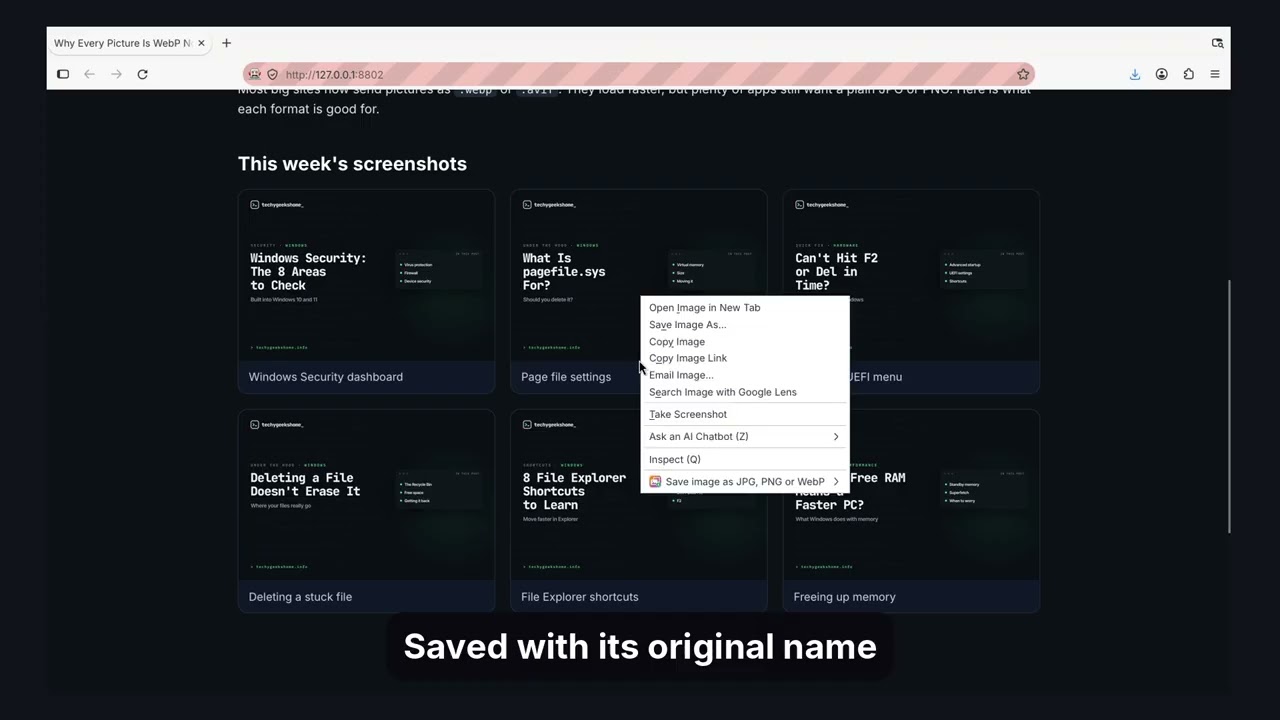
Right-click any picture on a web page and save it as a JPG, PNG or WebP file, or copy it as a PNG. The picture is converted on your own computer. Nothing is uploaded, and there is no account, no tracking and no adverts.
The full guide, with every step explained, is on TechyGeeksHome.
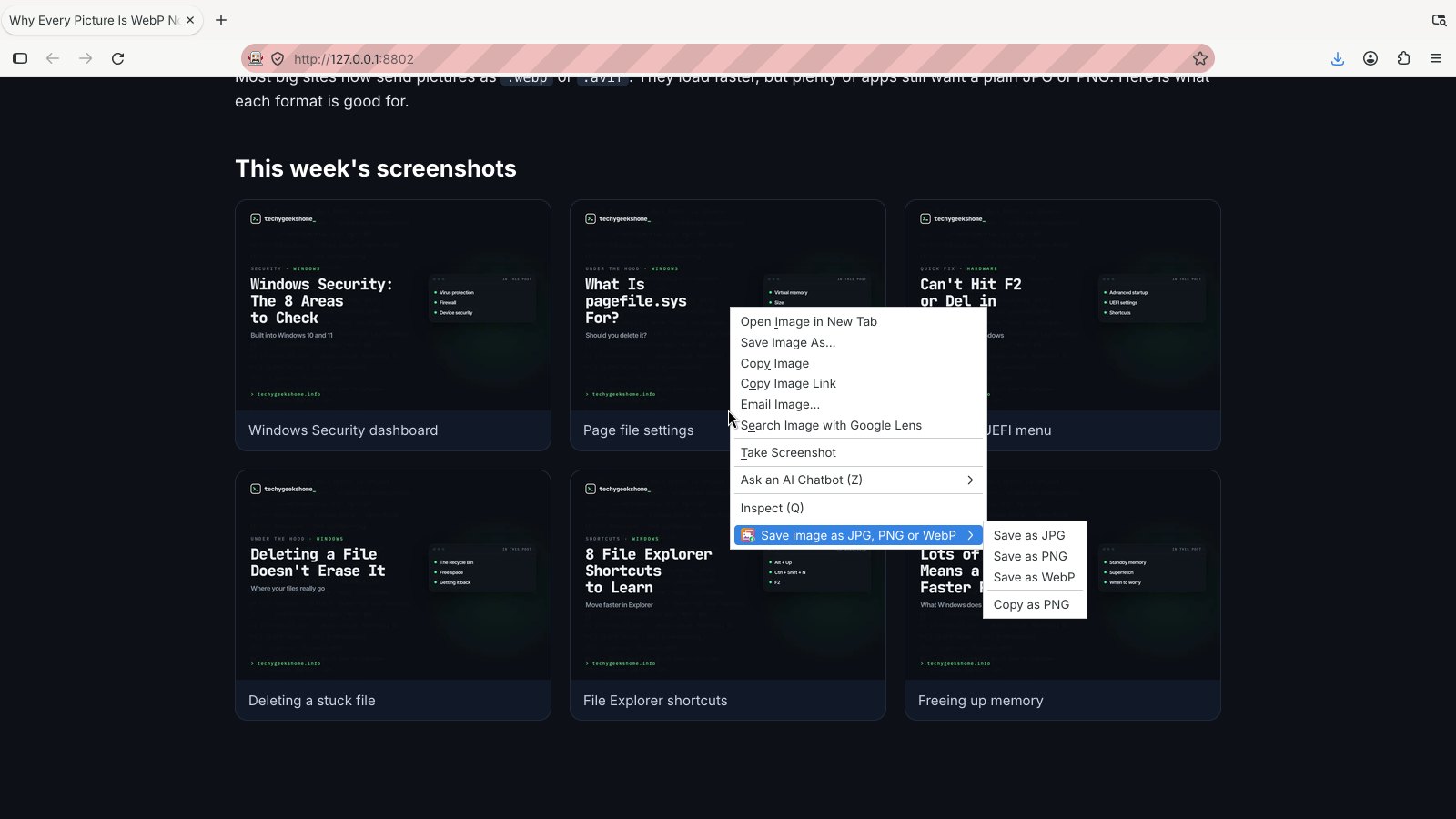
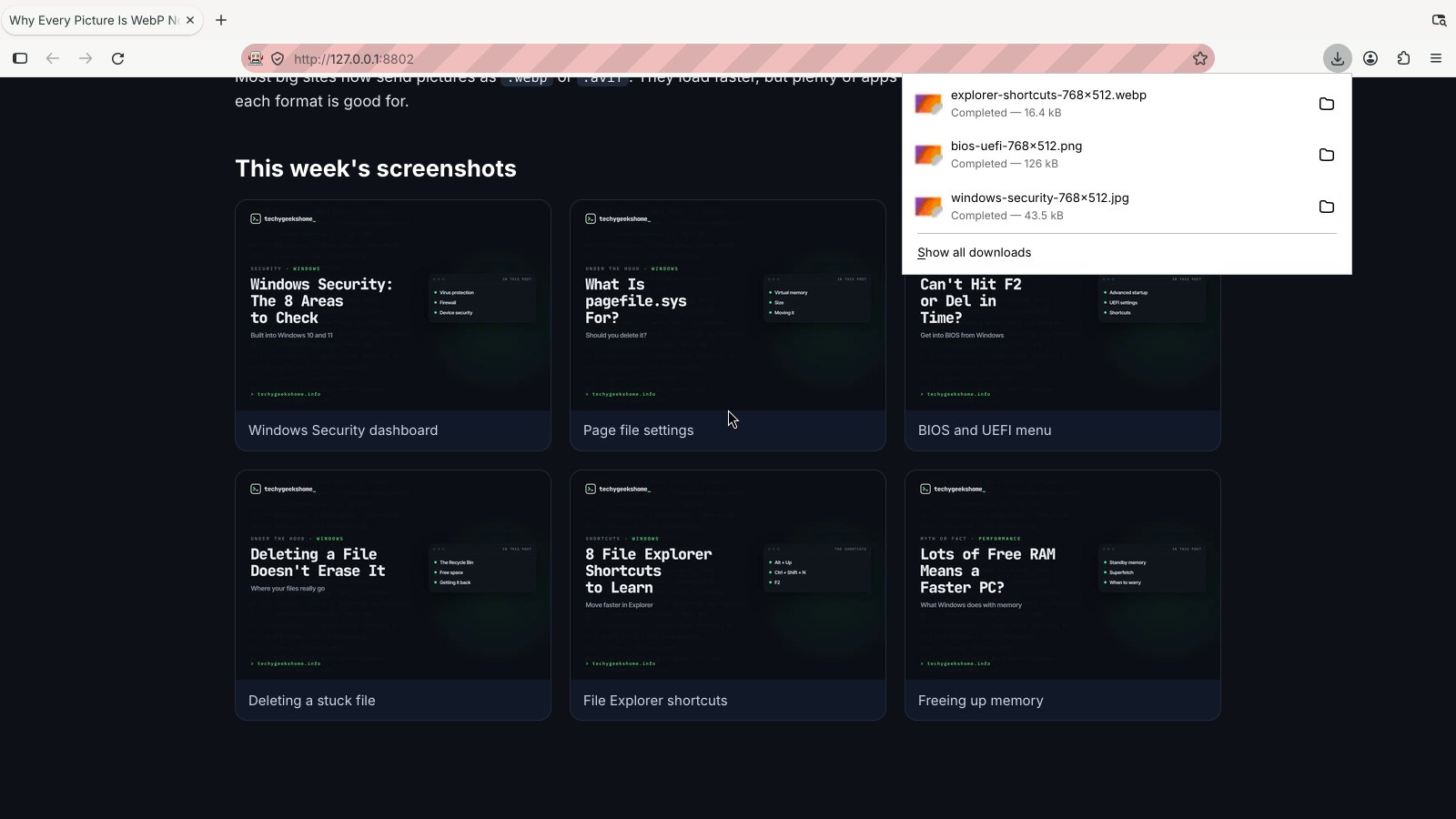
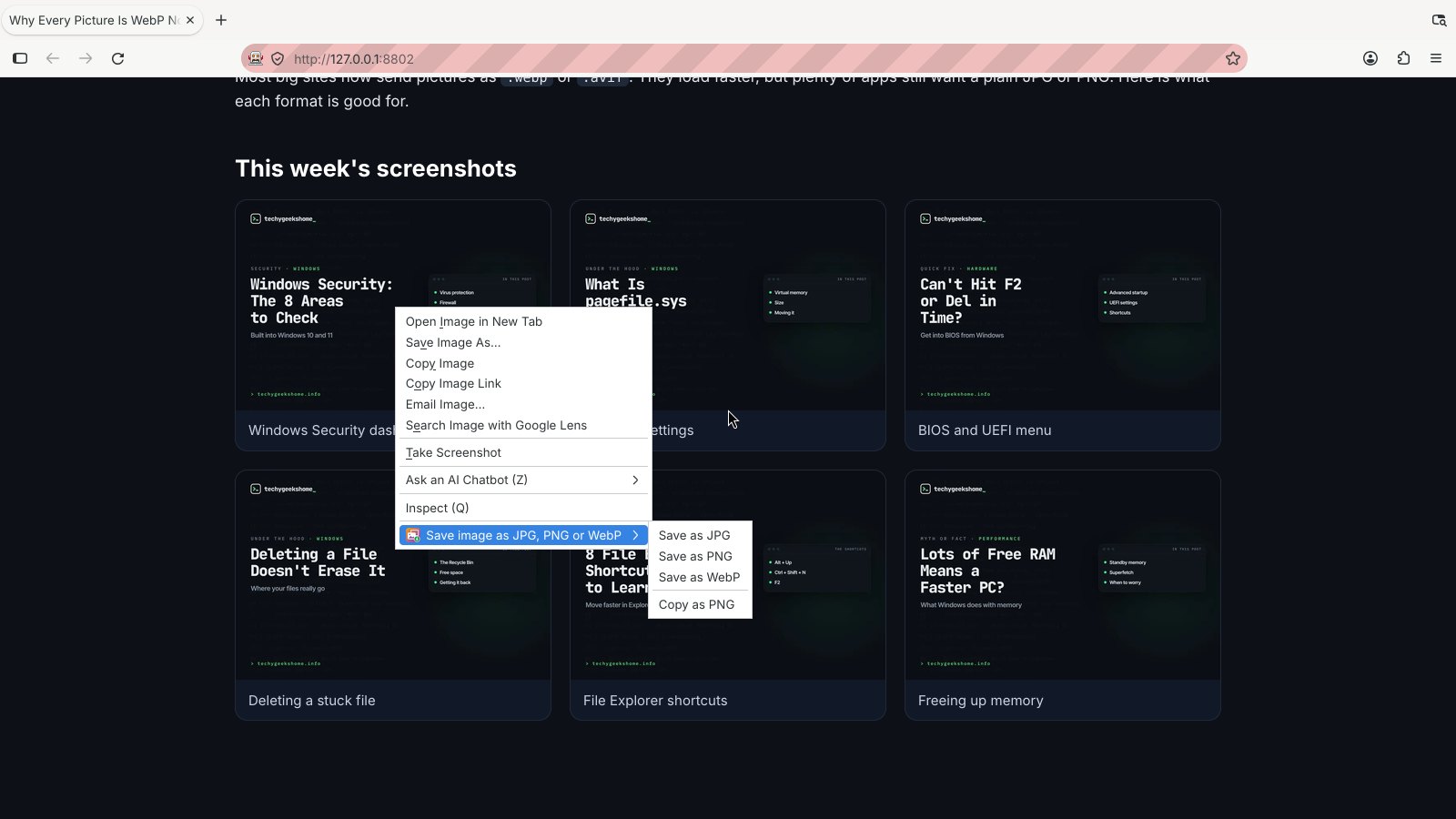
- Save image as JPG, PNG or WebP from the right-click menu on any picture, including WebP, AVIF, SVG, GIF, BMP and ICO pictures.
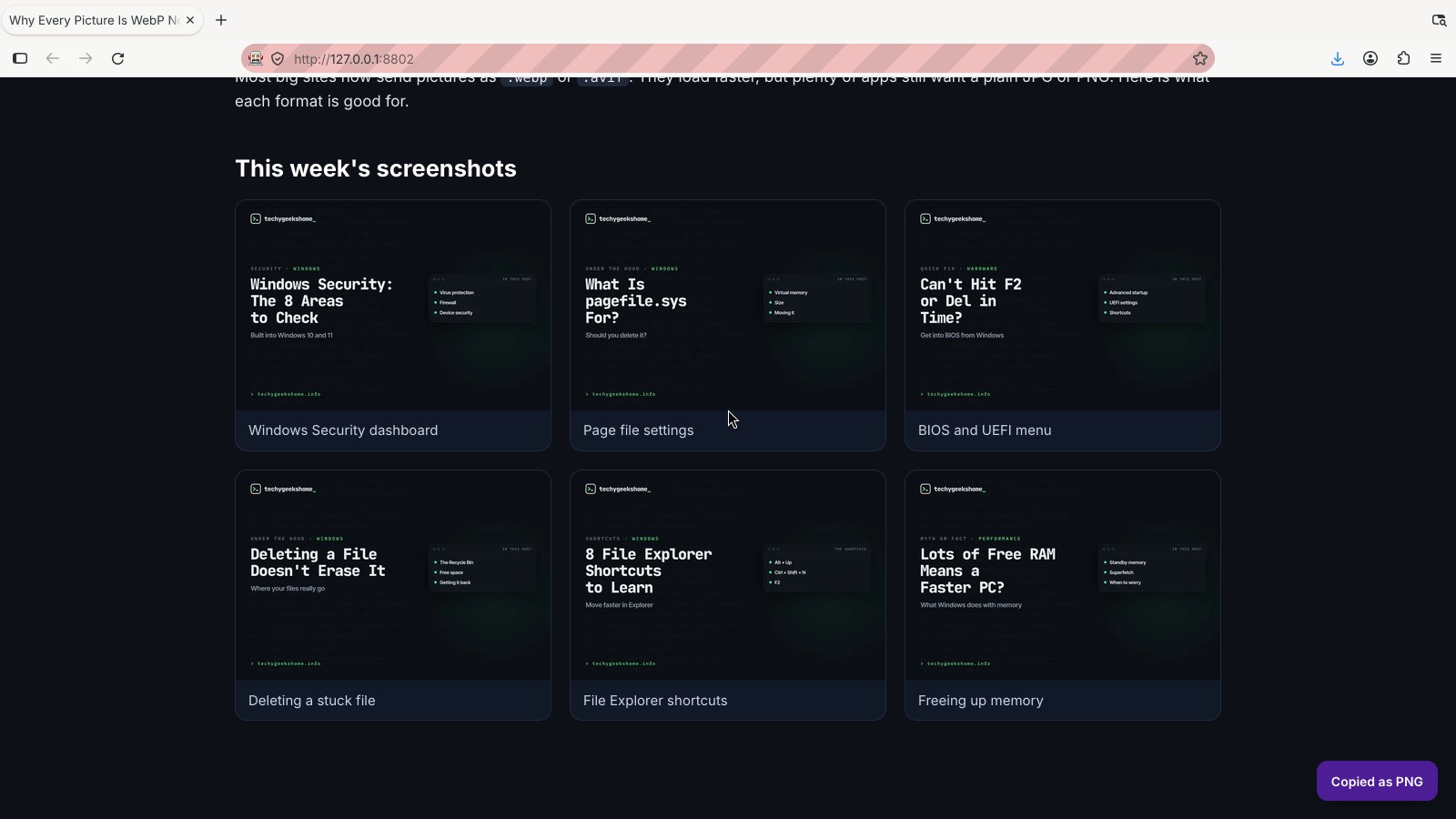
- Copy as PNG, ready to paste into a document, chat or image editor.
- Keeps the file name.
holiday-photo.webpsaves asholiday-photo.jpg. - Works with pictures that need the page, such as ones that only load for signed-in users or only when you are on the site, plus
data:andblob:pictures. - White background for JPG, so see-through parts of a PNG or WebP don't turn black.
- Sharp SVG pictures: drawn at least 1024 pixels across.
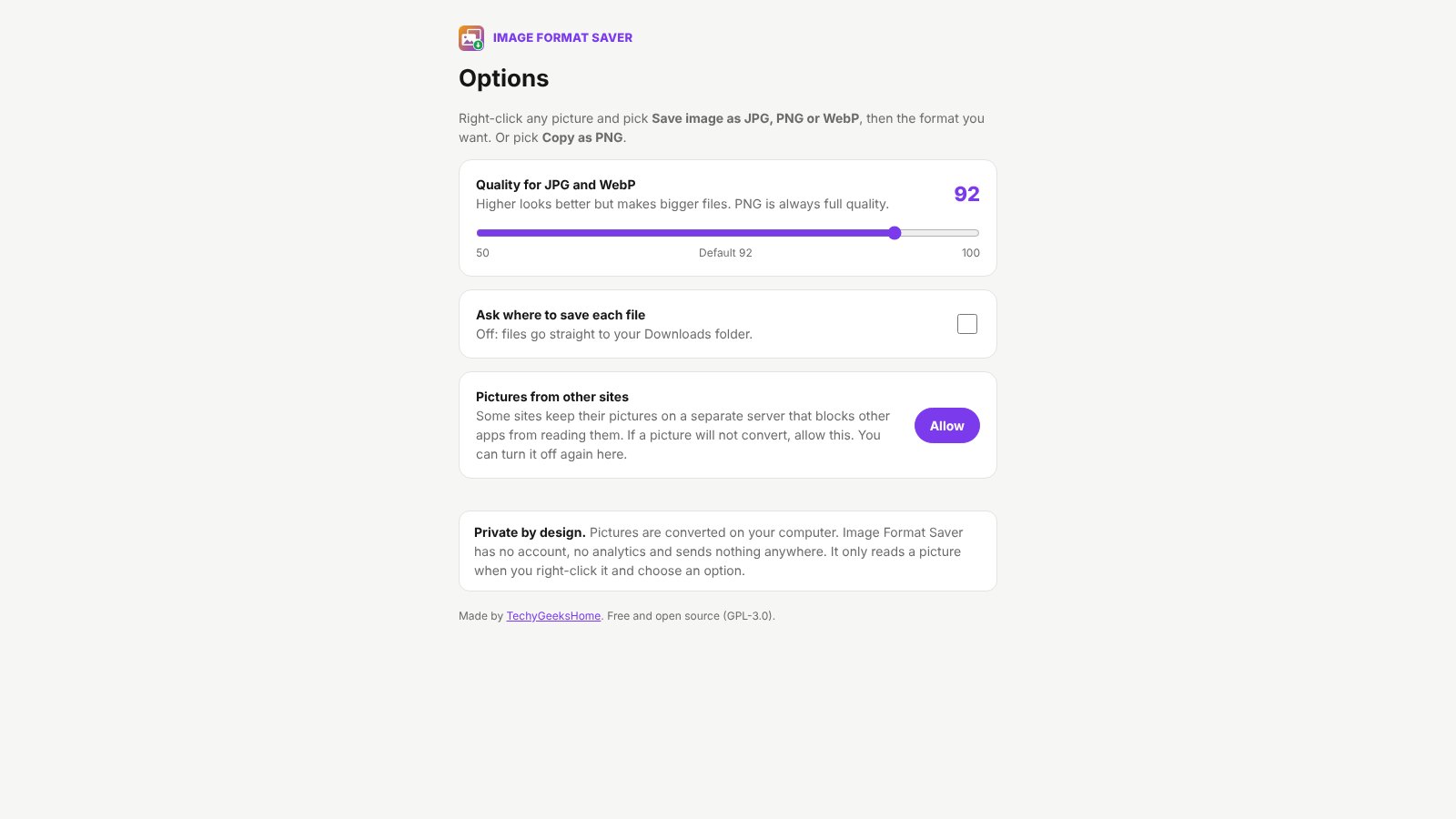
- Your settings: quality for JPG and WebP (default 92), and whether to ask where to save each file.
- Animated GIF and WebP pictures are saved as their first frame.
- CSS background pictures and drawings made with
<canvas>or inline<svg>don't have a right-click picture menu, so they can't be picked. - Some sites keep pictures on a separate server that blocks other apps from reading them. If a picture won't convert, open the options and click Allow under "Pictures from other sites". This is off until you turn it on.
- AVIF is read, not written. Browsers can't create AVIF files yet.
Pick the download for your browser from the latest release.
| Browser | Download |
|---|---|
| Chrome, Brave, Opera, Vivaldi | ImageFormatSaver-chrome.zip |
| Microsoft Edge | ImageFormatSaver-edge.zip |
| Firefox (142 or newer) | ImageFormatSaver-firefox.zip |
ImageFormatSaver.zip is the same package as the Chrome and Edge downloads.
- Unzip the download somewhere you'll keep it.
- Open
chrome://extensions(oredge://extensions). - Turn on Developer mode.
- Click Load unpacked and pick the
image-format-saverfolder.
- Open
about:debugging#/runtime/this-firefox. - Click Load Temporary Add-on and pick
ImageFormatSaver-firefox.zip.
Firefox removes temporary add-ons when it closes.
The code in this repo is the Chromium version. manifest.firefox.json is the Firefox manifest. Run ./build.sh to make every package in dist/.
- Right-click any picture.
- Pick Save image as JPG, PNG or WebP, then Save as JPG, Save as PNG or Save as WebP.
- The file goes to your Downloads folder. To pick a folder each time, turn on Ask where to save each file in the options.
To paste a picture somewhere else, pick Copy as PNG instead. Click the toolbar icon to open the options.
background.jsadds the right-click menu. When you pick an option it reads the picture: first straight from the website, then, if the site insists, from inside the page you are on, using the page's own cookies and address.data:pictures are read directly andblob:pictures are read from the page.convert.jschecks what the picture really is from its first bytes, draws it on a canvas and saves it in the format you picked. JPG gets a white background.- In Chrome and Edge the drawing happens in a hidden extension page (
offscreen.html,offscreen.js,offscreen-client.js), because the background script there has no page to draw SVG on. Firefox does it in its background page. - The file is saved with your browser's normal download, so it shows in your downloads list.
| Permission | Why |
|---|---|
contextMenus |
Adds the right-click menu on pictures. |
activeTab |
Reads the picture you right-clicked, on that page only, at that moment. |
scripting |
Fetches the picture from inside the page when the site needs that, and shows the small "Copied as PNG" message. |
downloads |
Saves the converted file. |
storage |
Remembers your quality and save settings. |
offscreen (Chrome and Edge) |
Opens the hidden page that converts the picture. |
clipboardWrite (Firefox) |
Puts the PNG on the clipboard for Copy as PNG. |
| All sites (optional, off) | Only if you click Allow in the options, for sites whose picture servers block other apps. |
Image Format Saver only reads a picture when you right-click it and pick an option. The picture comes straight from the website to your computer and is converted there. It has no account, no analytics and sends nothing anywhere. The only things it stores are your two settings, on your own computer.
Image Format Saver is free and always will be. If it saved you some time, you can buy us a coffee on Ko-fi. Welcome, but never expected.
Found a bug or have a request? Open an issue or get in touch. Pull requests are welcome.
GPL-3.0. Free for everyone, including commercial use.
Image Format Saver is an independent tool made by TechyGeeksHome. It is not linked to any other "save image as" extension. The pictures you save still belong to the people who made them. Only save what you have the right to keep.
© 2026 TechyGeeksHome.
Made with ❤️ by TechyGeeksHome