

Cut the background out of a photo at full resolution, on your own machine.





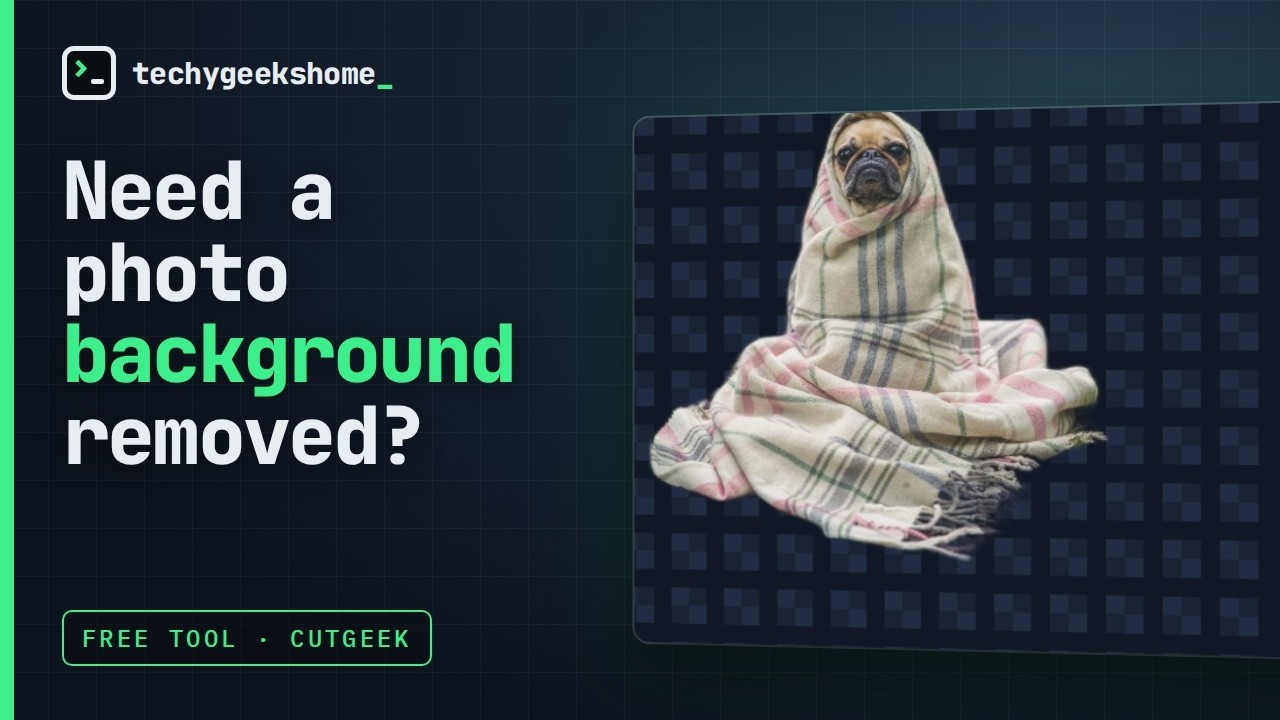
A background removed at full size, in under a minute.
Drop a photograph in and CutGeek writes out a copy with the background removed - transparent, a flat colour, or the original blurred behind the subject. It runs the U²-Net and IS-Net models locally through the ONNX runtime. No account, no server, no upload, no credits.
Part of the TechyGeeksHome range.
Download the latest release, or read about it on the CutGeek product page.
Windows 10 or 11, 64-bit. Nothing else to install.
- Removes the background from JPEG, PNG, WebP, BMP, GIF and HEIC images
- Writes the result at exactly the size of the photograph that went in
- Transparent PNG, a flat colour, or the original background blurred
- Queues as many images as you like and works through them one at a time
- Reads EXIF orientation, so phone photos come out the right way up
Cut out — the photograph goes in at full size, the cut-out comes back at exactly the same size.

Models — four models, each checked against its hash, downloaded only when you ask.

Settings — a plain list of what CutGeek will not do.

- It does not upload your photographs. The model runs in this process, on your own processor. It only goes online to download a model from the Models screen when you ask for one, or to look for a new version when you click Check for updates.
- It does not shrink the result or watermark it. That is the thing the web services charge for, and there is nothing to charge for - the model only ever looks at a small square, so the resolution of the output never cost anything to begin with.
- It does not change your originals. The photograph is only ever read. If a cutout of that name is already there, the next one is numbered.
- It does not count anything. No credits, no monthly allowance, no per-image limit, no trial.
Nothing is included in the installer. Models are fetched on first use and kept in
%LocalAppData%\TechyGeeksHome\CutGeek\models. Every download is checked against a pinned
SHA-256 and deleted if it does not match, so CutGeek runs the exact file it was tested with or
it runs nothing at all.
| Model | Download | When to use it |
|---|---|---|
| Quick | 4.6 MB | A clear subject on a plain background |
| Standard | 176 MB | The usual choice - start here |
| People | 176 MB | Portraits, and only portraits |
| Detailed | 179 MB | Hair and thin edges. Reads at 1024 px instead of 320. Slower |
The weights are the ONNX builds published by rembg, of U²-Net and IS-Net, both Apache-2.0.
Windows 10 1809 or later, 64-bit. .NET 8 is included in the installer build. CPU only - there is no GPU package, because a GPU build would pull in several hundred megabytes of CUDA that most people cannot use.
dotnet build CutGeek.sln -c Release
The end-to-end check needs a model and an image:
CG_TEST_MODEL=path\to\u2net.onnx CG_TEST_IMAGE=path\to\photo.jpg dotnet run --project tests\CutGeek.Tests
GPL-3.0. Free to use, including at work. No paid tier, ever.