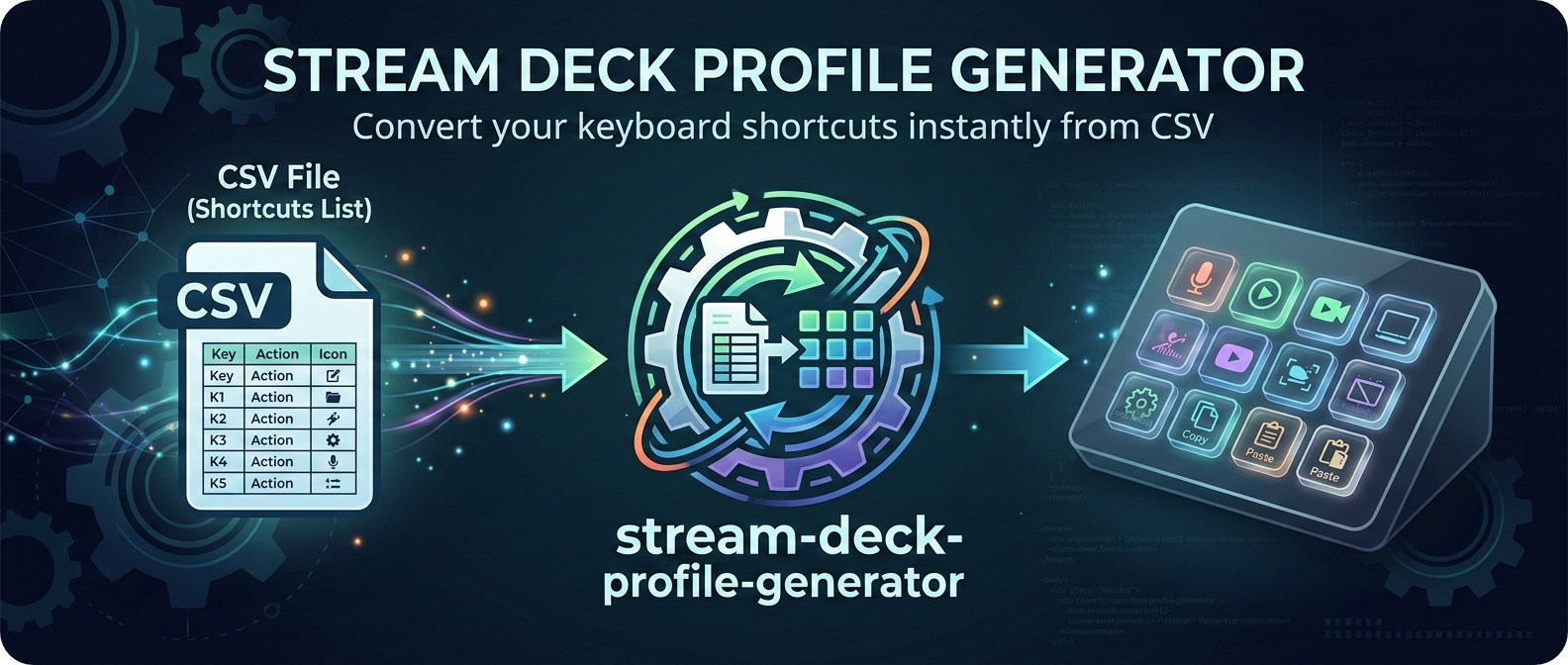
Generate custom Stream Deck profiles for any application by importing a CSV of hotkeys / keyboard shortcuts.
Create a CSV file with the following columns:
Hotkey: The keyboard shortcut (e.g.Ctrl C)Label: The label to display on the button (e.g.Copy)Page: The name of the page to place the button on (e.g.Page One) (optional)Id: A unique identifier for the button (e.g.copy) (optional)Color: The button color (e.g.redor#FF0000) (optional)
If any of these optional columns are omitted, sensible defaults will be used:
Page: Pages will be created as needed to fit all buttons (including space for navigation buttons)Id: A unique ID will be generated based on the labelColor: Default button color will be used
Run the generator with your CSV file:
stream-deck-profile-generator --input hotkeys.csvOr specify any of the available options:
stream-deck-profile-generator \
  --input hotkeys.csv \
  --output MyProfile.streamDeckProfile \
  --profile-name "My Custom Profile" \
  --app-path '/Applications/YourApp.app' \
  --device mk \
  --button-style basic \
  --label-style both \
  --label-position middle \
  --bg-color black \
  --text-color white \
  --font-size 14 \
--icons-dir ~/path/to/icons| Option | Description | Default |
|---|---|---|
--input <path> |
Path to the input CSV file | (required) |
--output <path> |
Path to the output .streamDeckProfile file |
<input-filename>.streamDeckProfile |
--profile-name <name> |
Name of the profile | <input-filename> |
--app-path <path> |
Path to the application to switch to for this profile | (optional) |
--device <type> |
Stream Deck model (e.g. mk, xl, mini) |
mk |
--button-style <style> |
Button style (e.g. basic, border, rainbow, fill) |
basic |
--label-style <style> |
Label style (e.g. label, hotkey, both, none) |
both |
--label-position <position> |
Label vertical position (e.g. top, middle, bottom) |
middle |
--bg-color <color> |
Default button background color (e.g. red, #FF0000) |
black |
--text-color <color> |
Default button text color (e.g. white, #FFFFFF) |
white |
--font-size <size> |
Default button font size | 14 |
--icons-dir <path> |
Path to a directory containing SVG, PNG, JPG, GIF or WEBP icons. Matches on the hotkey id | (optional) |
--icon-padding <percent> |
Padding around icons as a percentage of the button size | 10 |
Button styles are defined in docs/button-styles/:
| Preview | Style | Description |
|---|---|---|
 |
basic |
Button with a dark gradient background color |
 |
border |
Button with a border around the label |
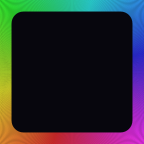 |
rainbow |
Button with a rainbow border |
 |
fill |
Button with a filled background color (defined by --bg-color) |
Some example profiles are available in the examples/ directory.
- Input: chrome-hotkeys-macos.csv
- Generated Profile: chrome-hotkeys-macos.streamDeckProfile
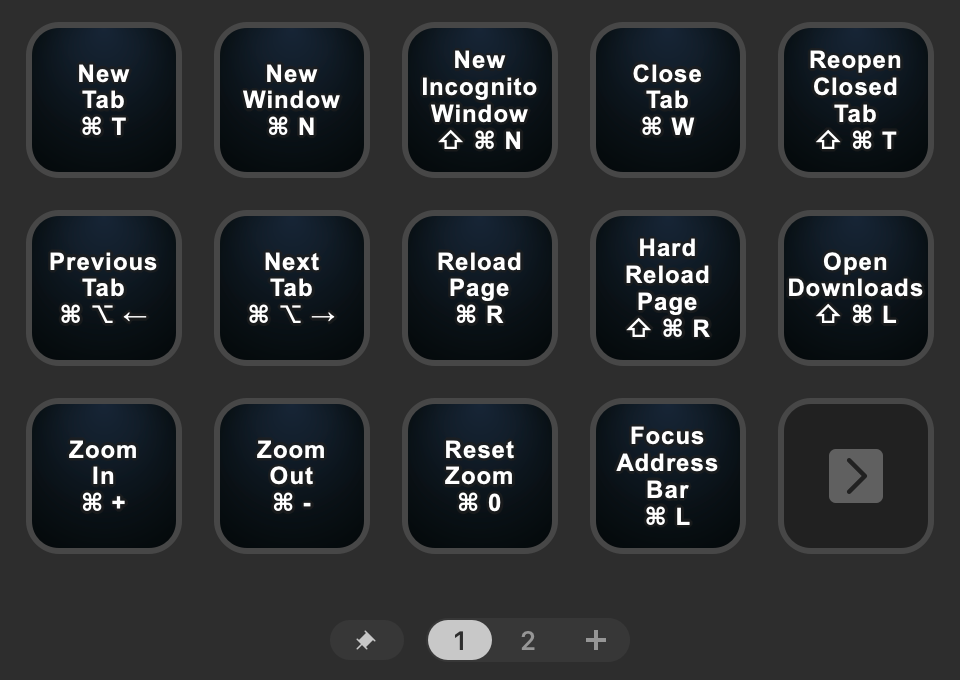
stream-deck-profile-generator --input examples/chrome-hotkeys-macos.csv --profile-name "Chrome Hotkeys (macOS)" --app-path "/Applications/Google Chrome.app"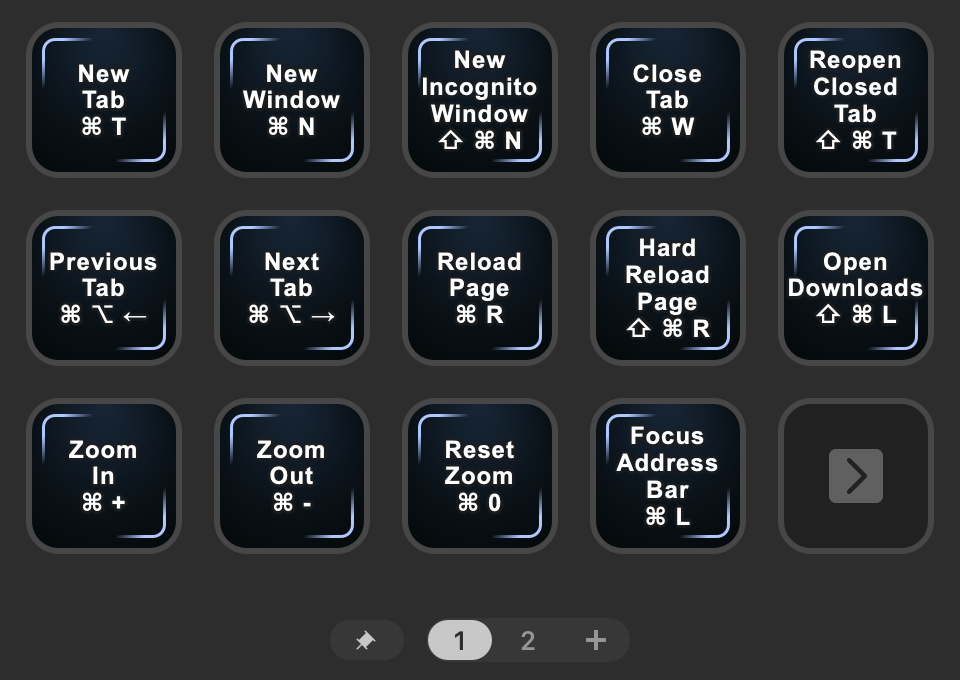
stream-deck-profile-generator --input examples/chrome-hotkeys-macos.csv --button-style border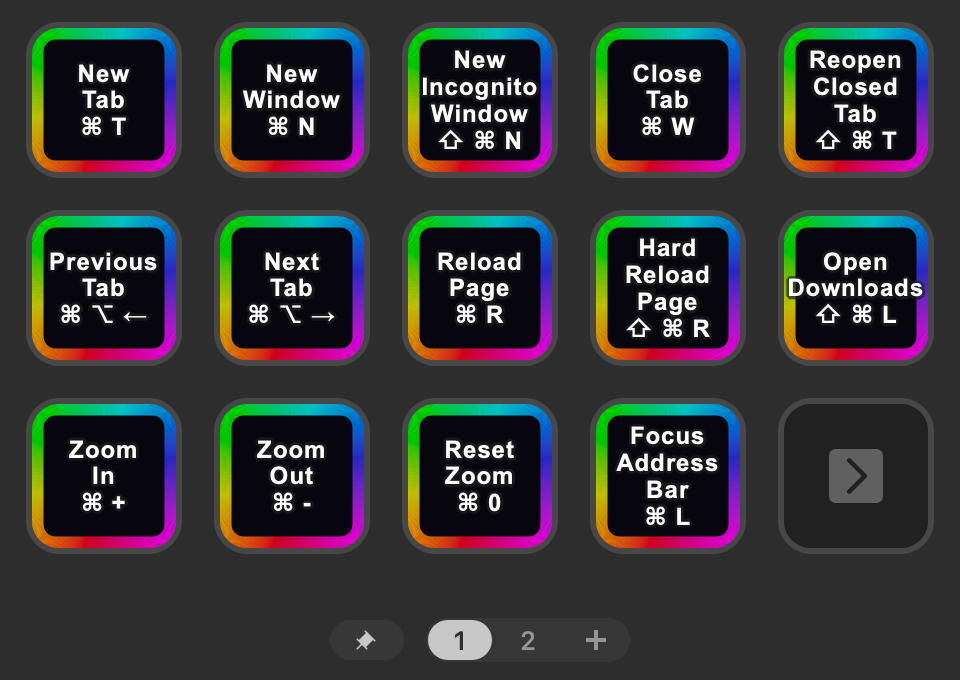
stream-deck-profile-generator --input examples/chrome-hotkeys-macos.csv --button-style rainbow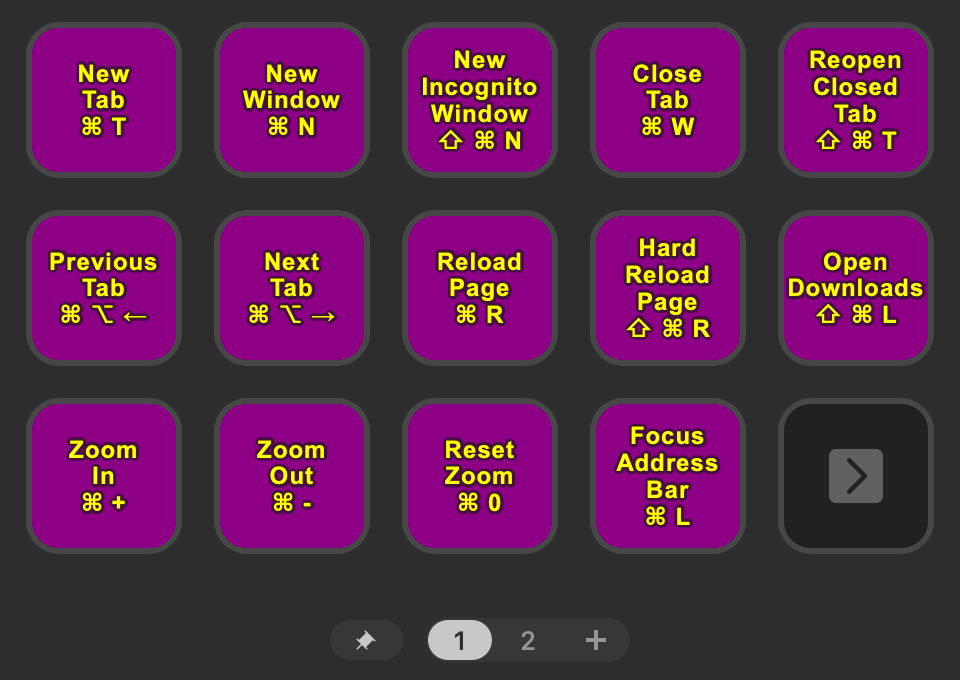
stream-deck-profile-generator --input examples/chrome-hotkeys-macos.csv --bg-color purple --text-color yellow- Input: chrome-hotkeys-windows.csv
- Generated Profile: chrome-hotkeys-windows.streamDeckProfile
This includes an Id column to match against icon filenames in the --icon-path directory.
This example uses Twemoji SVG icons from boywithkeyboard-archive/twemoji_svg:
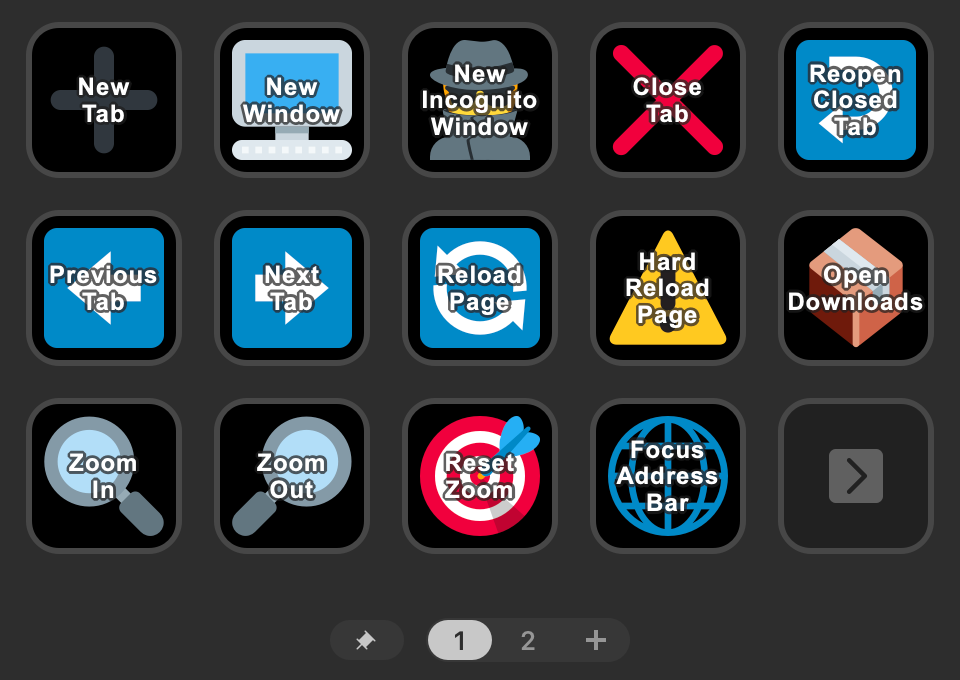
stream-deck-profile-generator --input examples/chrome-hotkeys-windows.csv --icons-dir ~/path/to/twemoji_svg/files --label-style label- Input: macos-hotkeys.csv
- Generated Profile: macos-hotkeys.streamDeckProfile
If there are more than 2 pages, Previous/Next navigation buttons will be automatically added to each page in the bottom right corner. This example also demonstrates using a Page column to group buttons onto different pages:
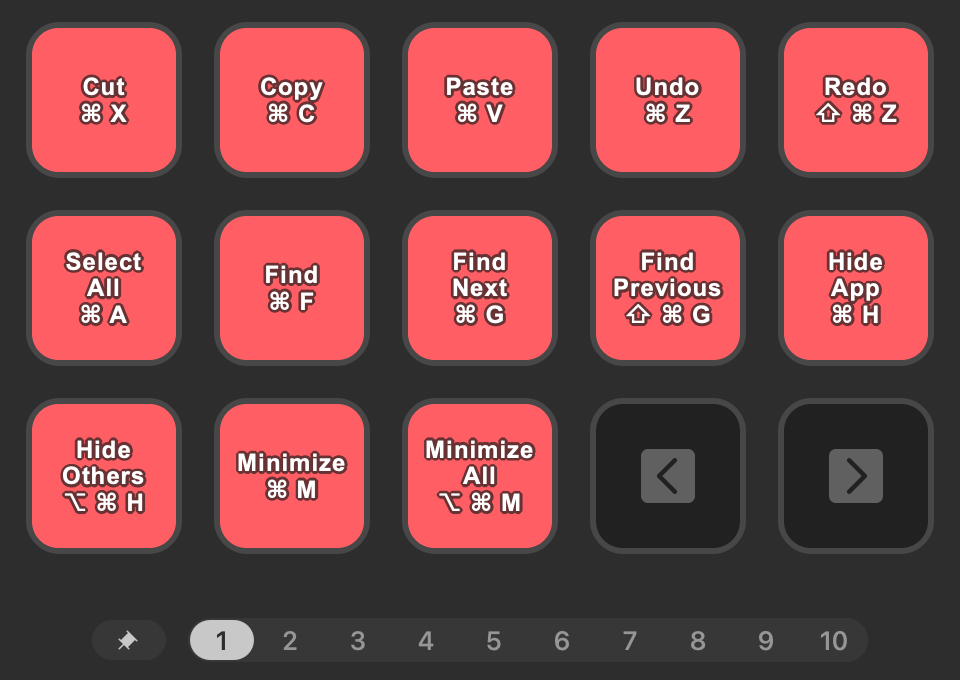
stream-deck-profile-generator --input examples/macos-hotkeys.csv- Input: rainbow-virtual-keyboard.csv
- Generated Profile: rainbow-virtual-keyboard.streamDeckProfile
This includes a Color column to customise individual button colors:
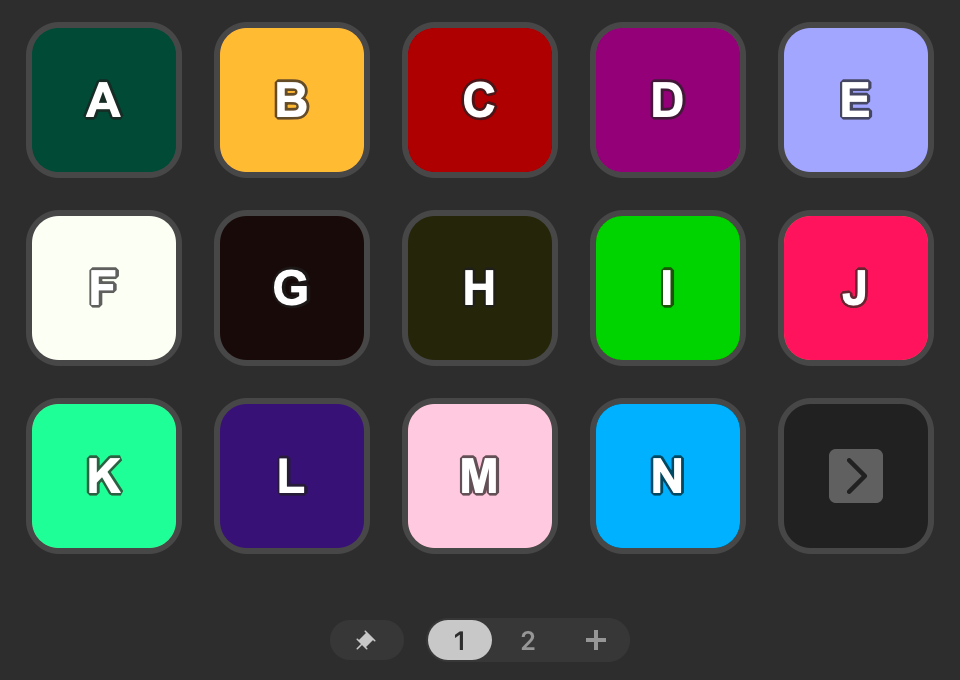
stream-deck-profile-generator --input examples/rainbow-virtual-keyboard.csv --font-size 24 --label-style labelThe parser accepts various formats and aliases. Use either a space or + to separate keys.
Some common supported keys are:
Meta,Cmd,Command,Windows,Win,⌘,⊞Control,Ctrl,^Alt,Option,⌥Shift,⇧Enter,Return,↵Escape,Esc,⎋Backspace,⌫Tab,⇥ArrowUp,ArrowDown,ArrowLeft,ArrowRight,↑,↓,←,→Space,␣CapsLock,⇪PageUp,PageDown,Home,End,⇞,⇟,⇱,⇲MediaPlayPause,MediaPlayPause,MediaPause,MediaStop,MediaTrackPrevious,MediaTrackNext,▶,⏯,⏸,⏹,⏮,⏭
For example, all of the following are equivalent:
Meta + CCmd CCommand C⌘ C- (unicode characters supported)Windows CWin C⊞ Ccmd c- (case insensitive)Command + C- (using+instead of space)
See Key values for keyboard events on MDN for a list of valid key values and hotkey-aliases.ts for a list of supported aliases.
To install dependencies:
bun installTo run:
bun run generate --input path/to/hotkeys.csv --output MyProfile.streamDeckProfileTo test:
bun testTo run linting and formatting checks (with auto-fixing):
bun fixTo regenerate example profiles:
bun run generate:examplesTo generate button style images:
bun run generate:button-styles