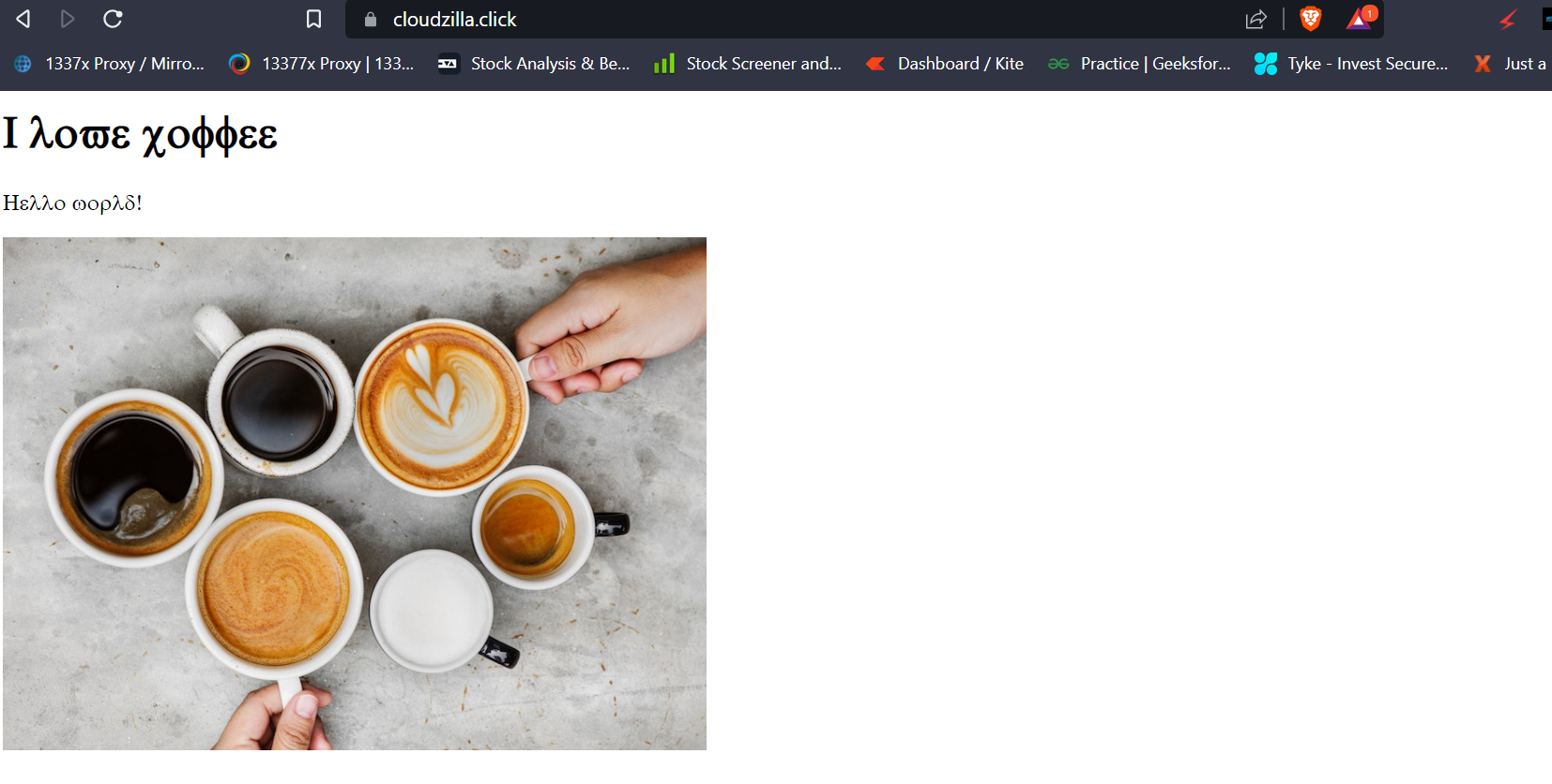
Hosting this static website on S3 bucket using Route 53 as a DNS and Cloudfront and SSL certification to perform https.
-
Creating a Domain name using Route 53
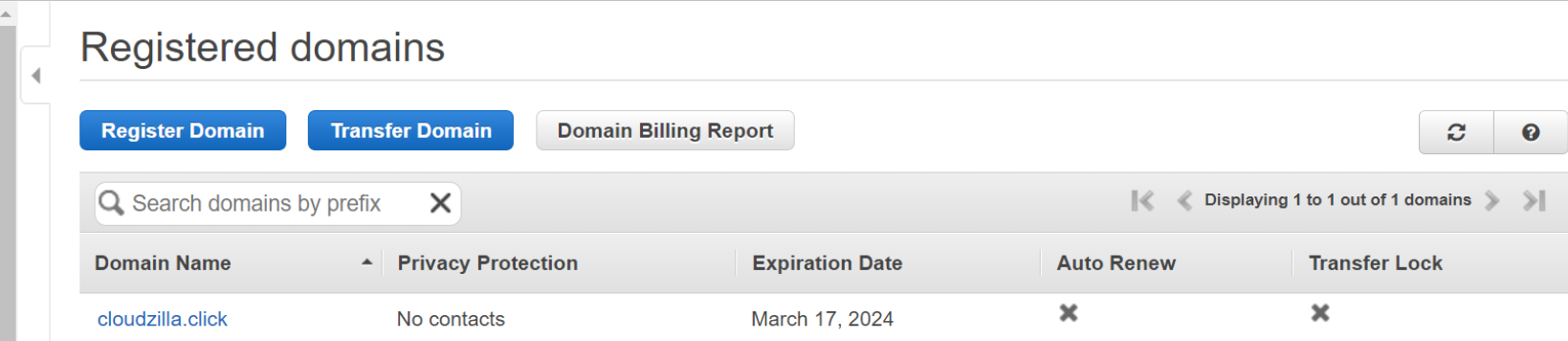
-
Create an S3 bucket with same name as our domain name, and give it public access with a public policy
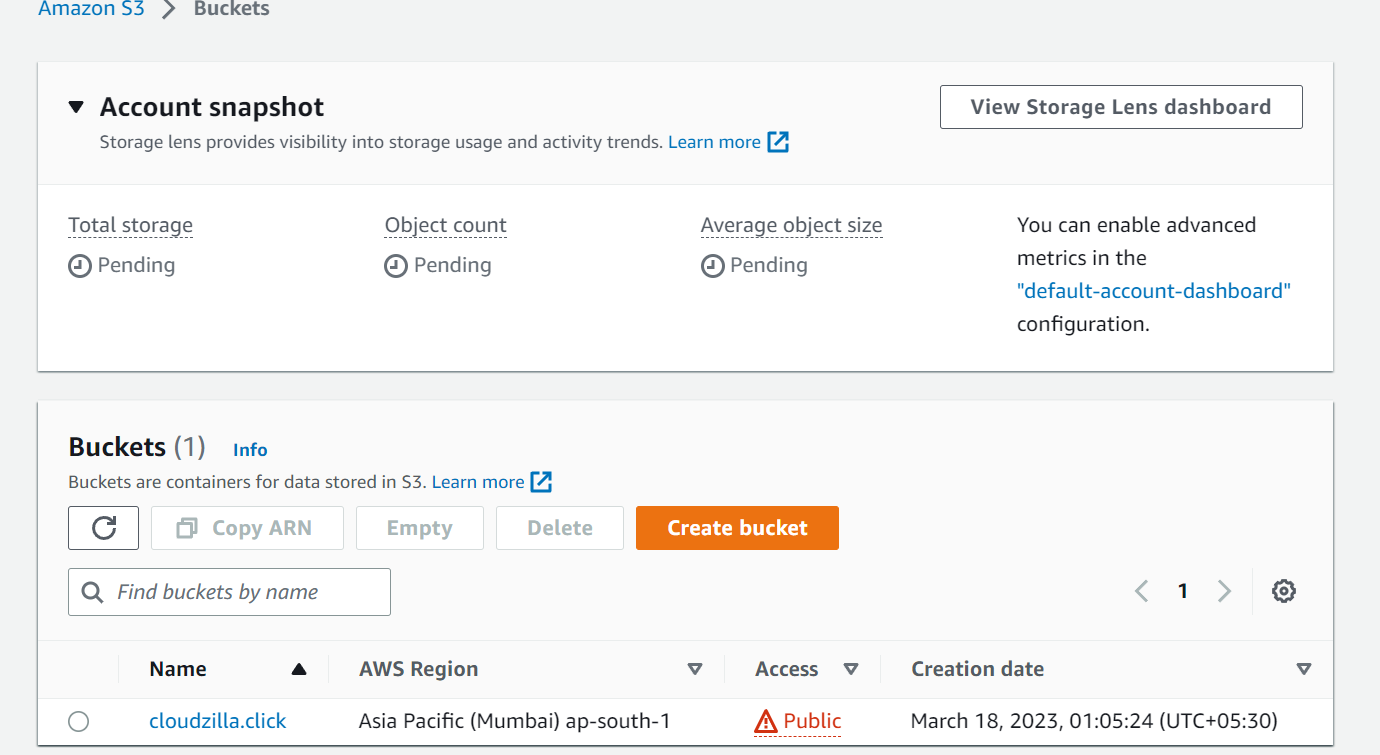
policy for S3: { "Version": "2012-10-17", "Statement": [ { "Sid": "Statement1", "Effect": "Allow", "Principal": "", "Action": "s3:GetObject", "Resource": "arn:aws:s3:::cloudzilla.click/" } ] }
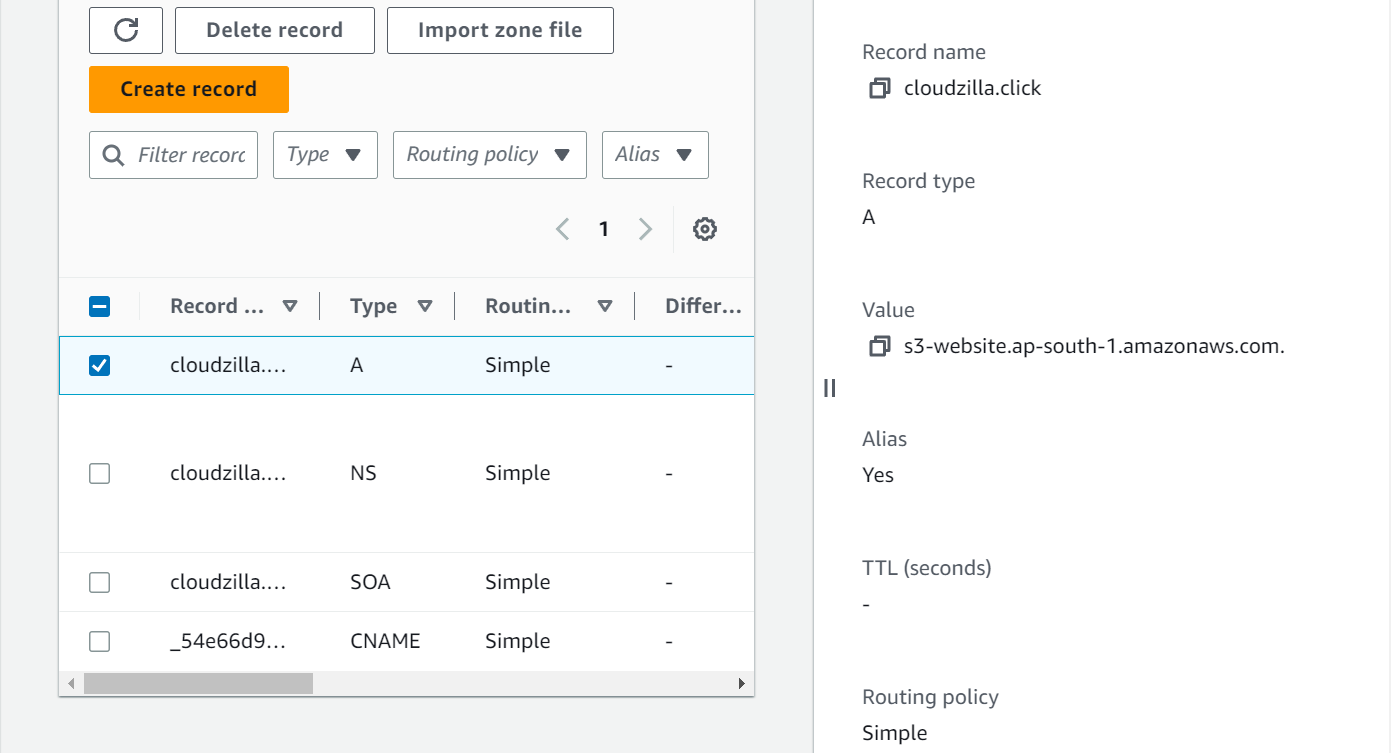
- created a record in Route 53,
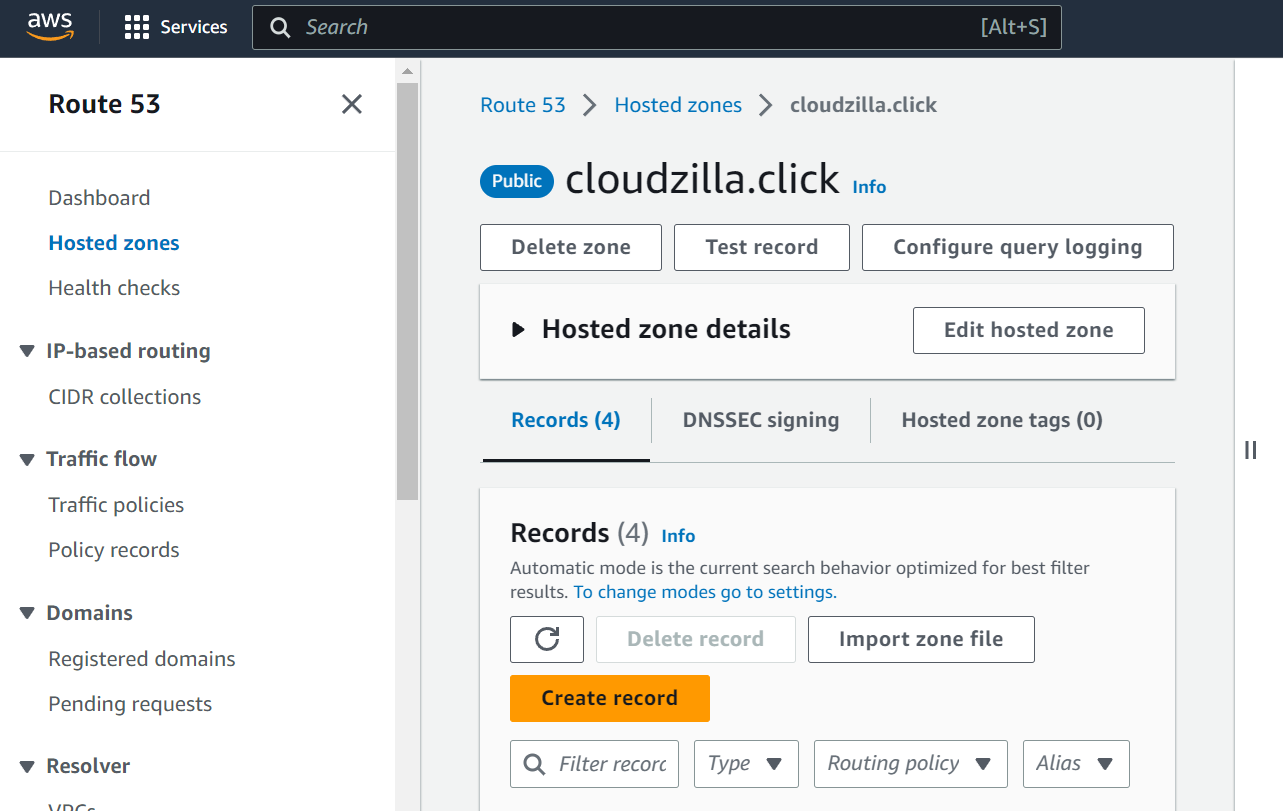
alias as s3, to access the web site from browser
accessing the website:
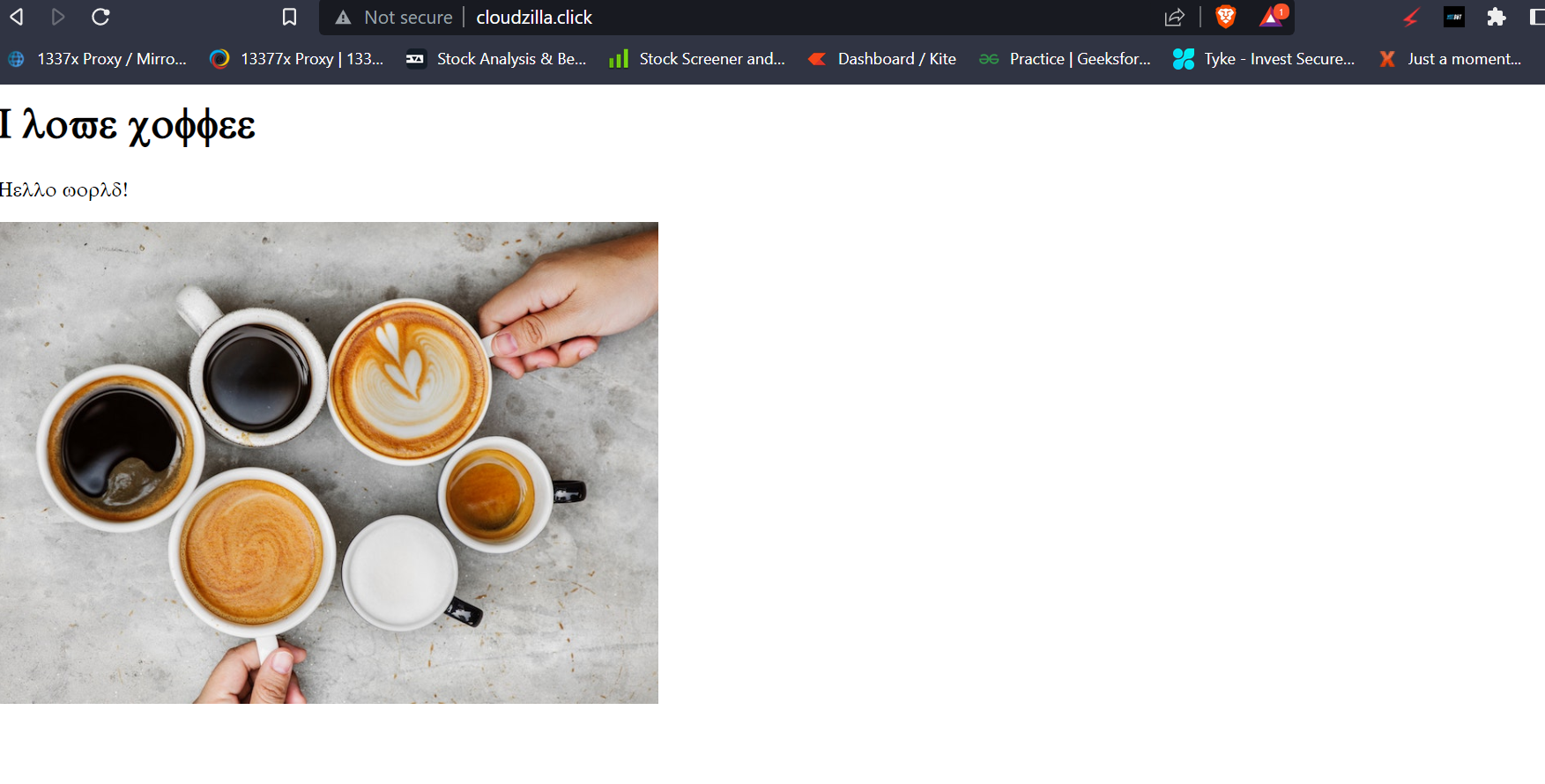
- To secure the website, we will use cloudfront and SSL certificate
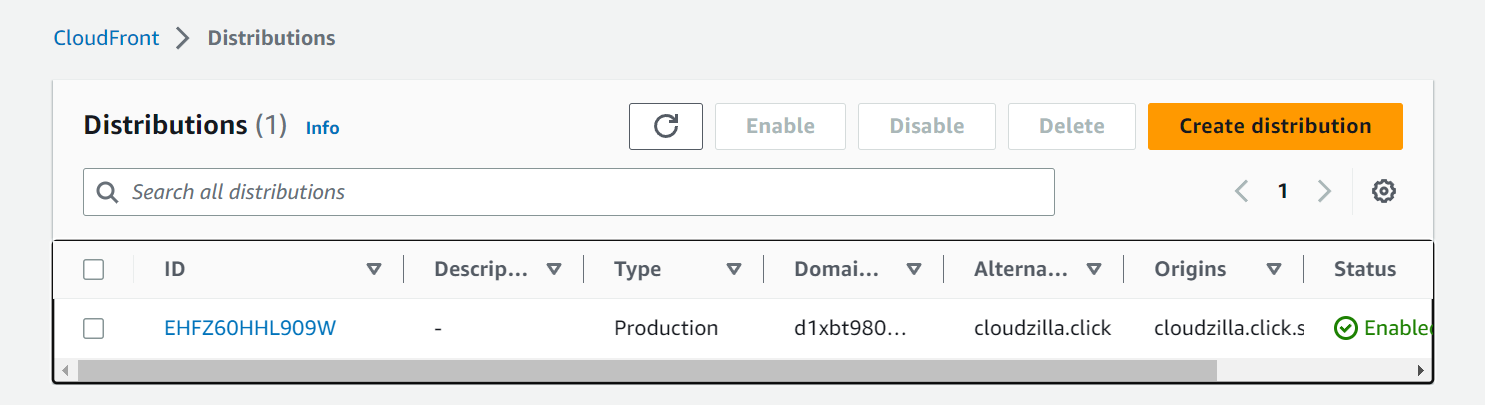
remember giving your index.html as default landing page while creating distribution
give the domain name as CNAME to generate the SSL and then create cloudfront distribution.
- edit the previous record in Route 53 having S3 as an alias, make it alias as cloudfront.
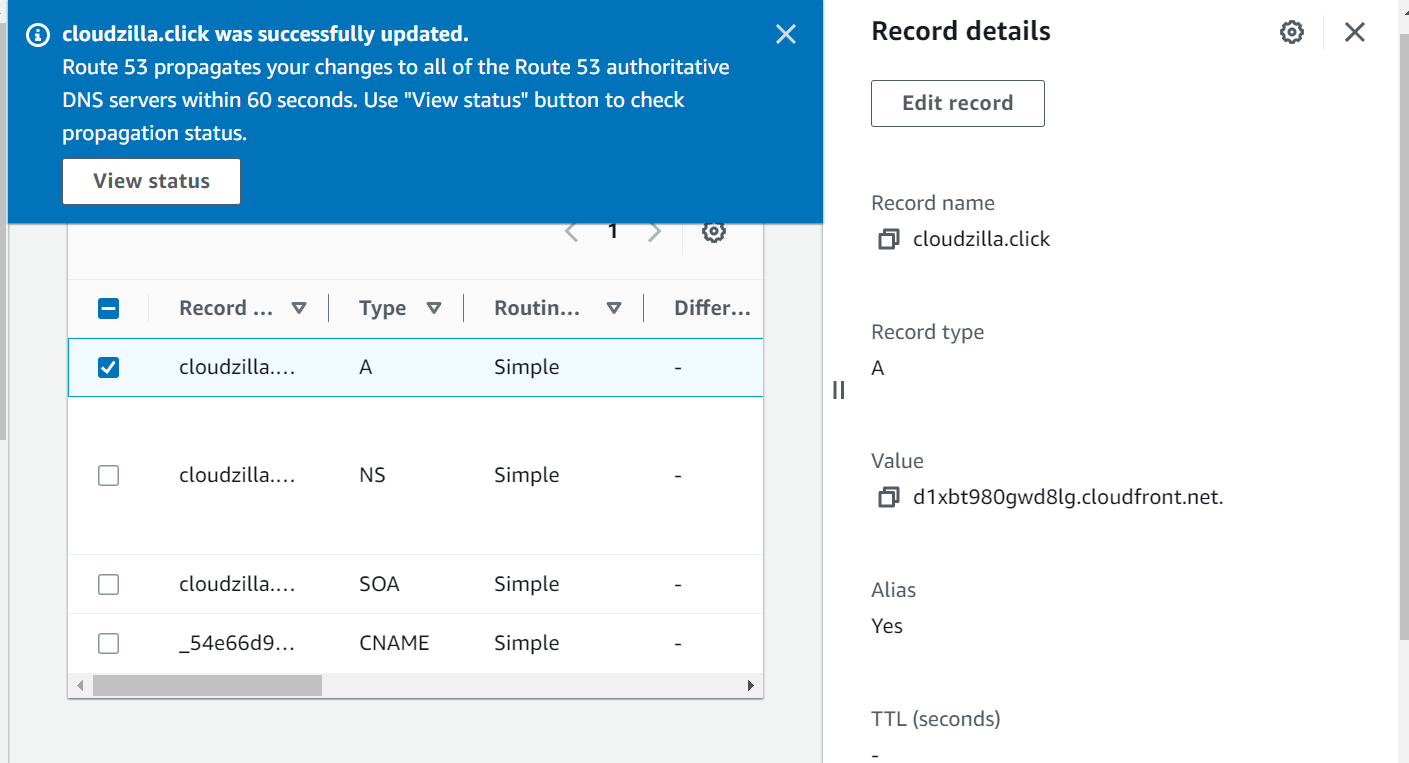
6: run the website securely, cheers!