A modern, customizable browser startpage that works offline and synchronizes across devices. Perfect when you use lot's of awesome self hosted software across many devices.
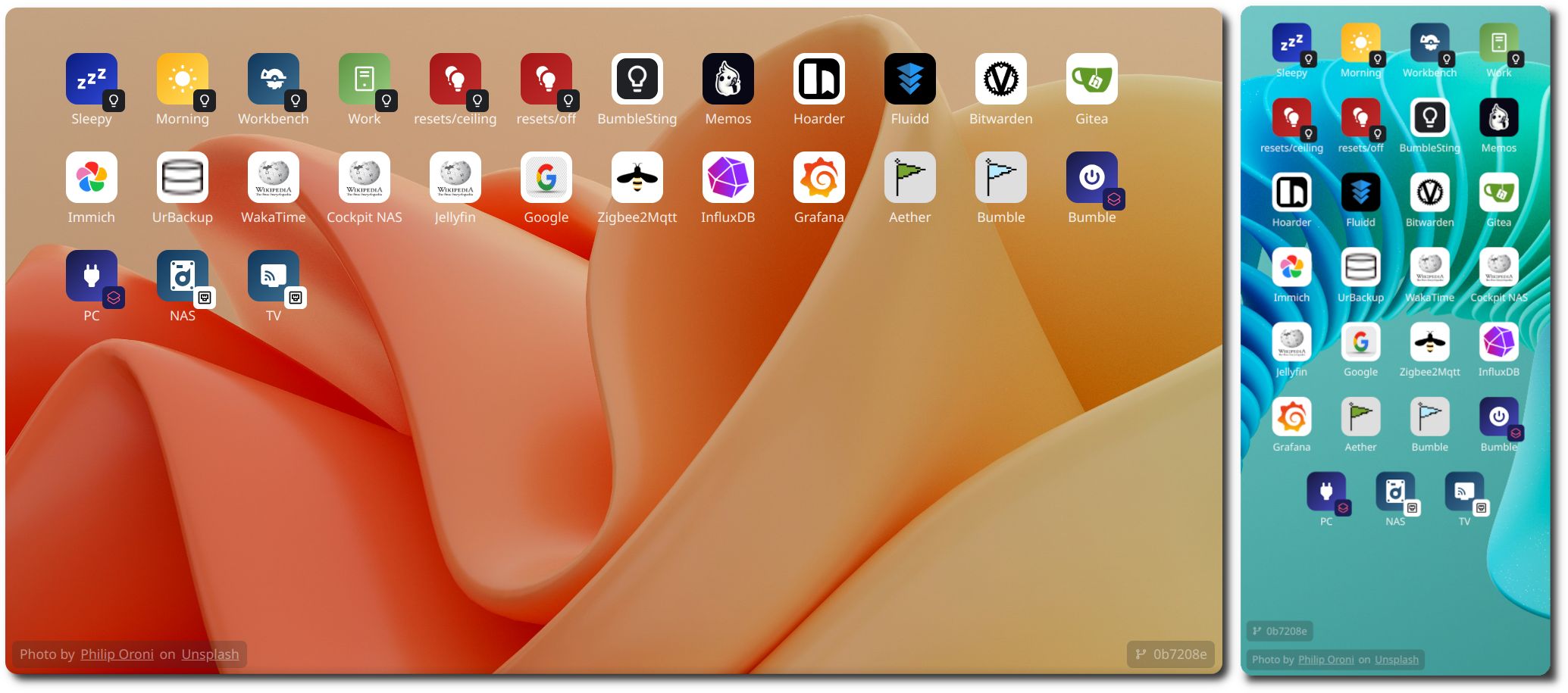
✨ Core Features
- Offline support: Full functional clients even without an internet connection
- Auto-Sync: Clients automatically update when online
- Easy Configuration: Everything is configured via simple JSON files on the server
- Custom Wallpapers: Simply place them under the
wallpapersfolder and restart the server - Easy deployment: Just start one docker container
🚀 Advanced features using modules
- Shortcuts: Execute shell commands on the server
- Wake-on-LAN: Turn on your PCs remotely
- Smart-Home: Activate scenes from your bumbleCore Smarthome (Home-Assistant support coming soon tm)
🕑 Planed features
- Groups: Organize your bookmarks and more using groups
- Authentication: Simple one-time authentication for new devices
Server installation:
- Clone this repo:
git clone https://github.com/playlogo/Startsida.git
Optional: Setup automatic git synchronization of your bookmarks: Create and edit data/config.toml:
[repo]
url = "" # Git clone URL to your repo, can be empty if git repo already cloned
branch = "main" # Remote main branch
interval = 5 # Fetch interval in minutes- Create
cache/anddata/:mkdir cache/ && mkdir data/ - Start the docker containers:
sudo docker compose up -d --build - Setup Nginx for ssl: Take a look at
docs/nginx.conffor inspiration
Configuration:
- Edit the JSON config files inside
data/(Tip: Use an editor with JSON support like VSCode for autocomplete!) - Restart the server
Browser Setup:
- Firefox: How to set the homepage | Mozilla Support
- Chrome/Brave/Opera: Choose your homepage | Google Help
- iOS Safari: Use this awesome extension | Github