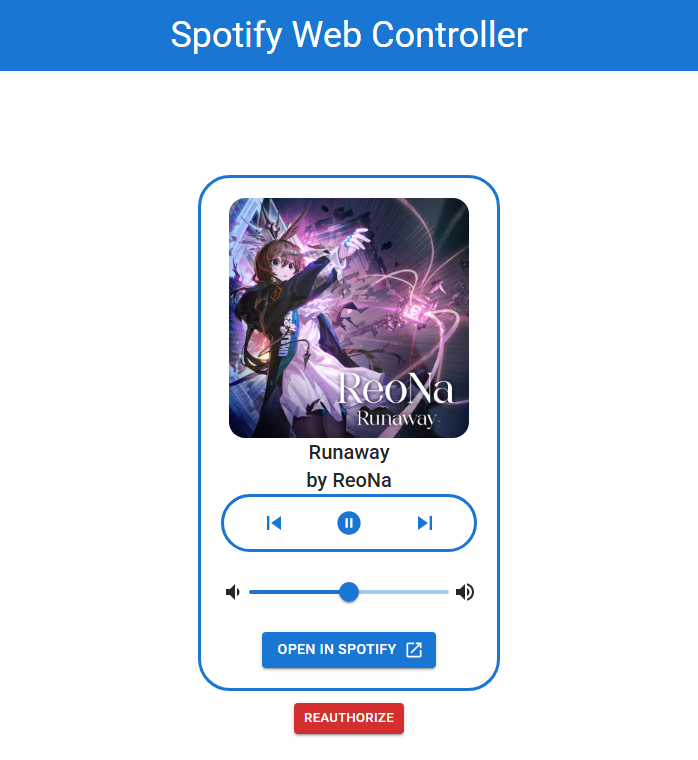
Control your spotify playback through a simple website. Uses OAuth 2.0 authorization code flow method for authenticating the user.





- Clone the project to your local machine
- Install dependencies for frontend in
spotify-web-controllerfolder:npm install
- Install dependencies for backend in
serverfolder:npm install
- Copy
.env.exampleinsideserverfolder and name it.env:copy .env.example .env
- Fill
.envwithCLIENT_ID,CLIENT_SECRET&REDIRECT_URIvalues you got from Spotify Developer portal. - Start the Vite server from the
spotify-web-controllerfolder:npm run dev
- Start the express.js server from the
serverfolder:npx ts-node src/server.ts
- Navigate to
http://localhost:5173 - Start Spotify Desktop Application