A complete Next.js authentication template with Supabase including all auth providers.
A production-ready Next.js authentication template powered by Supabase, including all authentication providers (email, OAuth, password reset, email confirmation) with a modern UI.
Link: Coming Soon
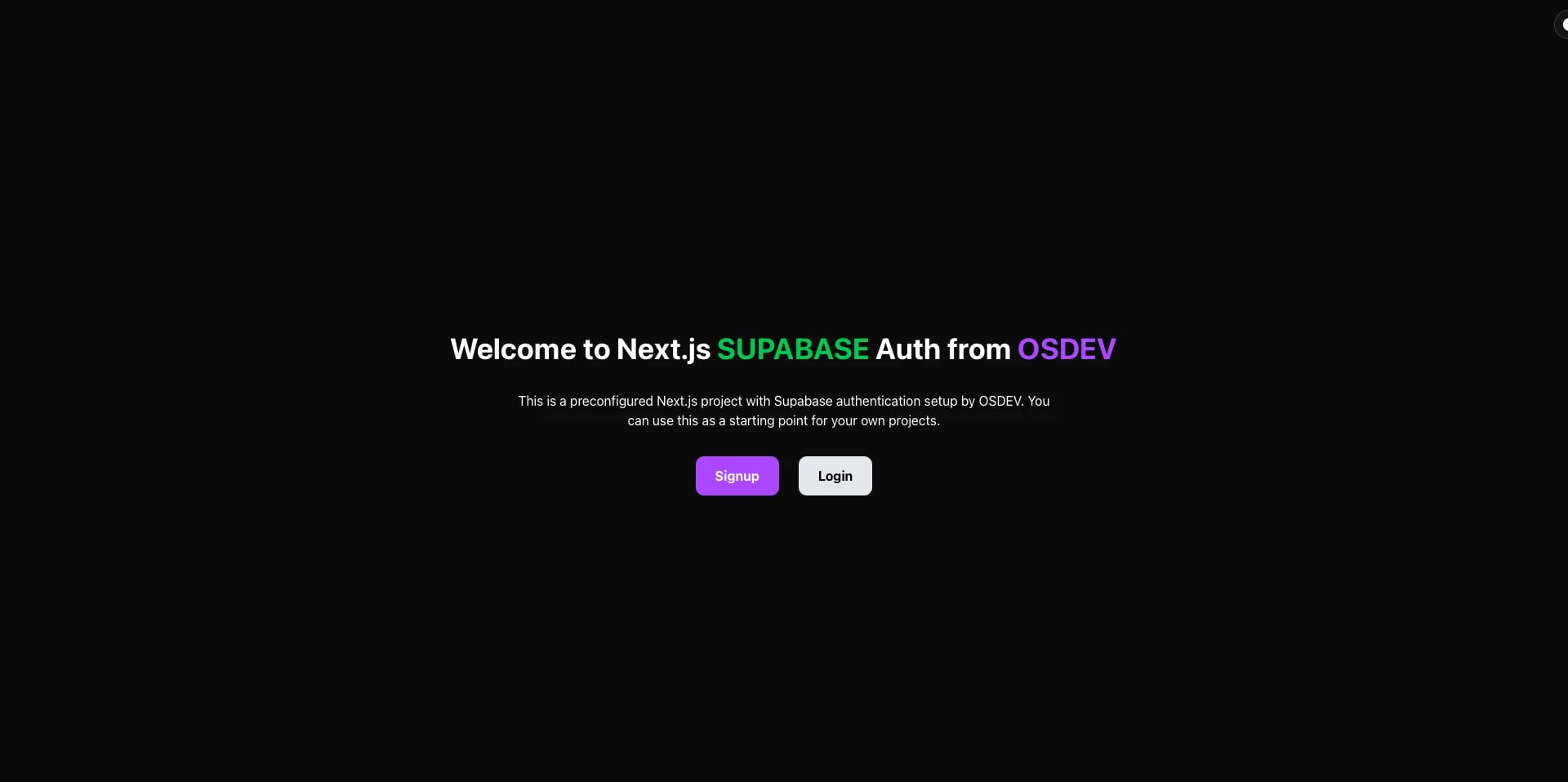
Click image or here to view full gallery →
npx osdev-auth-supabase my-app
cd my-app
npm run devIf you cloned the repository directly:
# Install dependencies
npm install

# Set up environment variables
cp .env.example .env.local
# Edit .env.local with your Supabase credentials

# Run development server
npm run dev
See INSTRUCTIONS.md for detailed setup steps.
-
✅ Complete Authentication Flows
- Sign up with email/password
- Login with email/password
- Password reset flow
- Email confirmation
- OAuth callback handling
-
✅ All Supabase Auth Providers Supported
- Google, GitHub, and more
- Easy to add additional providers
-
✅ User Data Storage
- User data stored in
raw_user_meta_data:{ first_name: "Omran", last_name: "Soliman" }
- User data stored in
-
✅ Modern UI
- Built with shadcn/ui components
- Dark/Light theme support
- Toast notifications
- Responsive design
-
✅ Error Handling
- Custom error pages
- 404 not found page
- Proper error messages
-
✅ TypeScript
- Fully typed for better DX
- Type-safe Supabase client
All required dependencies are included in package.json:
- Supabase:
@supabase/supabase-js,@supabase/ssr - UI Components: shadcn/ui (alert, button, card, input, label, sonner)
- Icons:
react-icons,lucide-react - Theme:
next-themes
├── app/
│   ├── (auth)/
│   │   ├── login/              # Login page
│   │   ├── signup/             # Signup page
│   │   ├── forgot-password/    # Password reset request
│   │   ├── reset-password/     # Update password page
│   │   └── auth/
│   │       ├── callback/       # OAuth callback handler
│   │       ├── confirm/        # Email confirmation handler
│   │       └── confirmed/      # Confirmation success page
│   ├── error/                  # Custom error page
│   ├── not-found/              # 404 page
│   └── home/                   # Protected home page (example)
├── components/
│   ├── LoginForm.tsx
│   ├── SignupForm.tsx
│   ├── RequestResetForm.tsx
│   ├── UpdatePasswordForm.tsx
│   ├── ProvidersButtons.tsx
│   └── ThemeToggle.tsx
├── lib/
│   ├── auth-functions.ts       # All auth operations
│   ├── auth-utils.ts           # Server-side utilities
│   └── auth-utils-client.ts    # Client-side utilities
├── hooks/
│   └── useAuthRedirectClient.ts
├── utils/supabase/
│   ├── client.ts
│   ├── server.ts
│   └── middleware.ts
├── IMPORTANT/
│   ├── EmailConfirmSignUp.md   # Email template
│   └── EmailResetPassword.md   # Email template
├── middleware.ts               # Auth middleware
└── INSTRUCTIONS.md             # Complete setup guide
- Node.js 18.0 or higher
- npm or yarn
- Supabase account (Sign up here)
Create a .env.local file:
NEXT_PUBLIC_BASE_URL=http://localhost:3000
NEXT_PUBLIC_SUPABASE_URL=your-project-url
NEXT_PUBLIC_SUPABASE_ANON_KEY=your-anon-key
Get these from your Supabase Dashboard → Settings → API
-
Email Templates (Authentication → Email Templates):
- Update "Confirm Signup" template (see
IMPORTANT/EmailConfirmSignUp.md) - Update "Reset Password" template (see
IMPORTANT/EmailResetPassword.md)
- Update "Confirm Signup" template (see
-
URL Configuration (Authentication → URL Configuration):
- Site URL:
http://localhost:3000 - Redirect URLs:
http://localhost:3000/auth/callbackhttp://localhost:3000/auth/confirm
- Site URL:
-
OAuth Providers (Optional):
- Enable providers in Authentication → Providers
- Add OAuth credentials
# Development
npm run dev          # Start dev server at http://localhost:3000

# Production
npm run build        # Build for production
npm start           # Start production server

# Code Quality
npm run lint # Run ESLint- Push code to GitHub
- Import to Vercel
- Add environment variables
- Deploy
Don't forget to update Supabase URLs with your production domain!
- INSTRUCTIONS.md - Complete setup guide with troubleshooting
- IMPORTANT/ - Email templates for Supabase
- Code Comments - Every file is well-documented
Contributions are welcome! Please feel free to submit a Pull Request.
MIT © Omran Soliman
If this template helped you, please:
- Give it a ⭐ on GitHub
- Share it with others
- Report issues if you find any
- SaaS applications
- Social platforms
- Community websites
- E-commerce sites
- Any project requiring authentication
Made with ❤️ by Omran Soliman