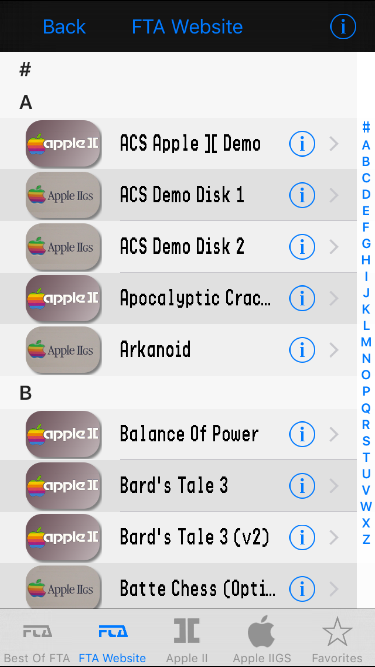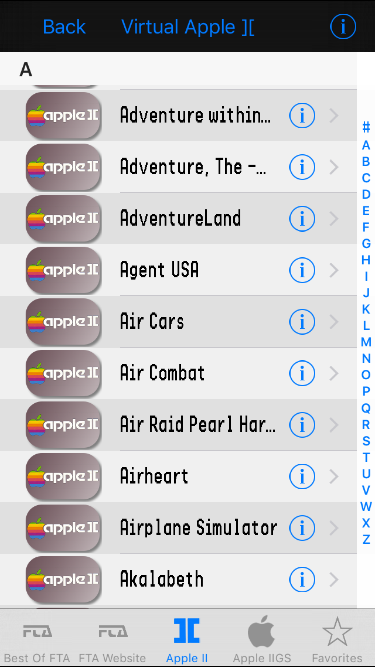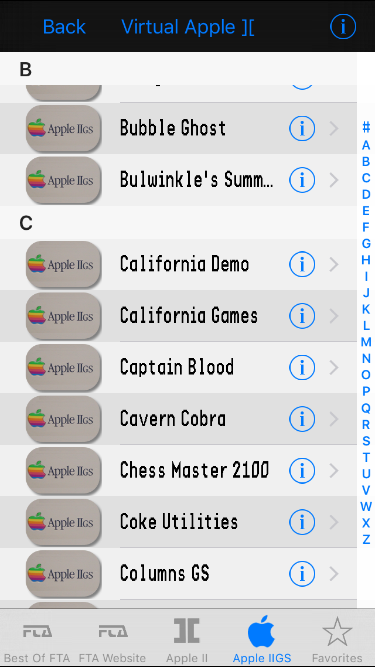
Source code for the complete ActiveGS iOS application
- Download Xcode 7 https://itunes.apple.com/fr/app/xcode/id497799835?mt=12
- Download and unzip the archvie https://github.com/ogoguel/activegs-ios/archive/master.zip
- Open the XCode project
activegs-ios/ActiveGS_iOS/activegs.xcodeproj - Select
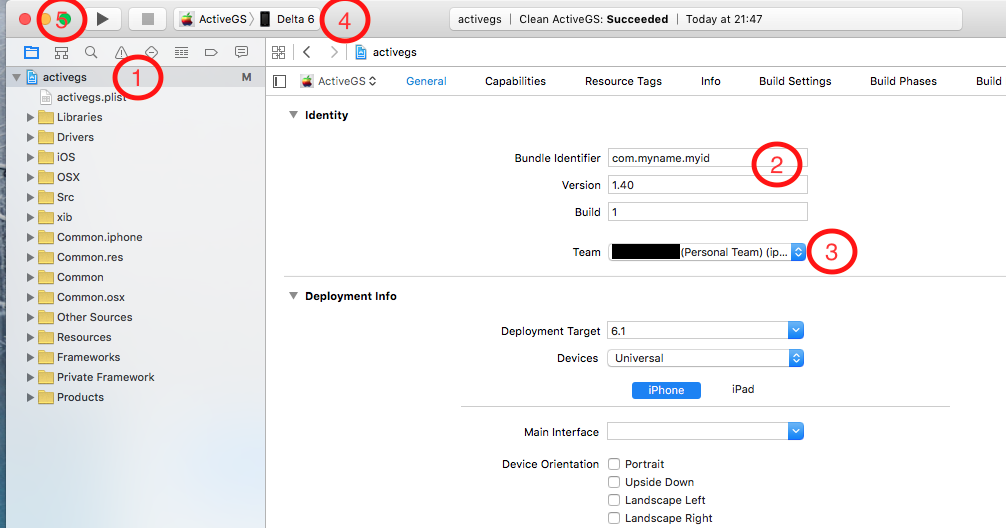
activegson the left panel (1), and click on General - Change the bundle id to whatever you want (2)
- Click on Team and add your Apple ID (you don’t need to be part of a paid Developer Member ) : your personal team should be selected (3)
- Plug your device, and select is name at the top of the XCode Interface (4)
- Press the PLAY button to compile the application and install it to your device (5)
- On first launch, you may see the
"process launch failed: Security"error message : to fix it, modify your settings in your iDevice Settings → General → DeviceManagement → DeveloperApp → Trust - The ActiveGS application is now installed on your device!
- Orientation
- Hardware keyboard support
- iOS7 UI redesign
- Debug Marinetti TCP/IP
- IP Modem support
- Interface for multiple disks configuration
- MFI / Gamepad support