
The terminal editor you already know how to use.
Syntax highlighting, fuzzy finder, find-as-you-type. No modes, no config, no learning curve.


If Grass saved you a keystroke, a ⭐ helps others find it.
pipx install grass-editorNo pipx? pip install grass-editor works too. Python 3.9+. Windows notes.
- You SSH into a box and
nanofeels bare, butvimfeels like a test. - You don't want to spend a weekend on dotfiles just to edit a file.
- You want highlighting and a fast file jump, not a whole IDE in your terminal.
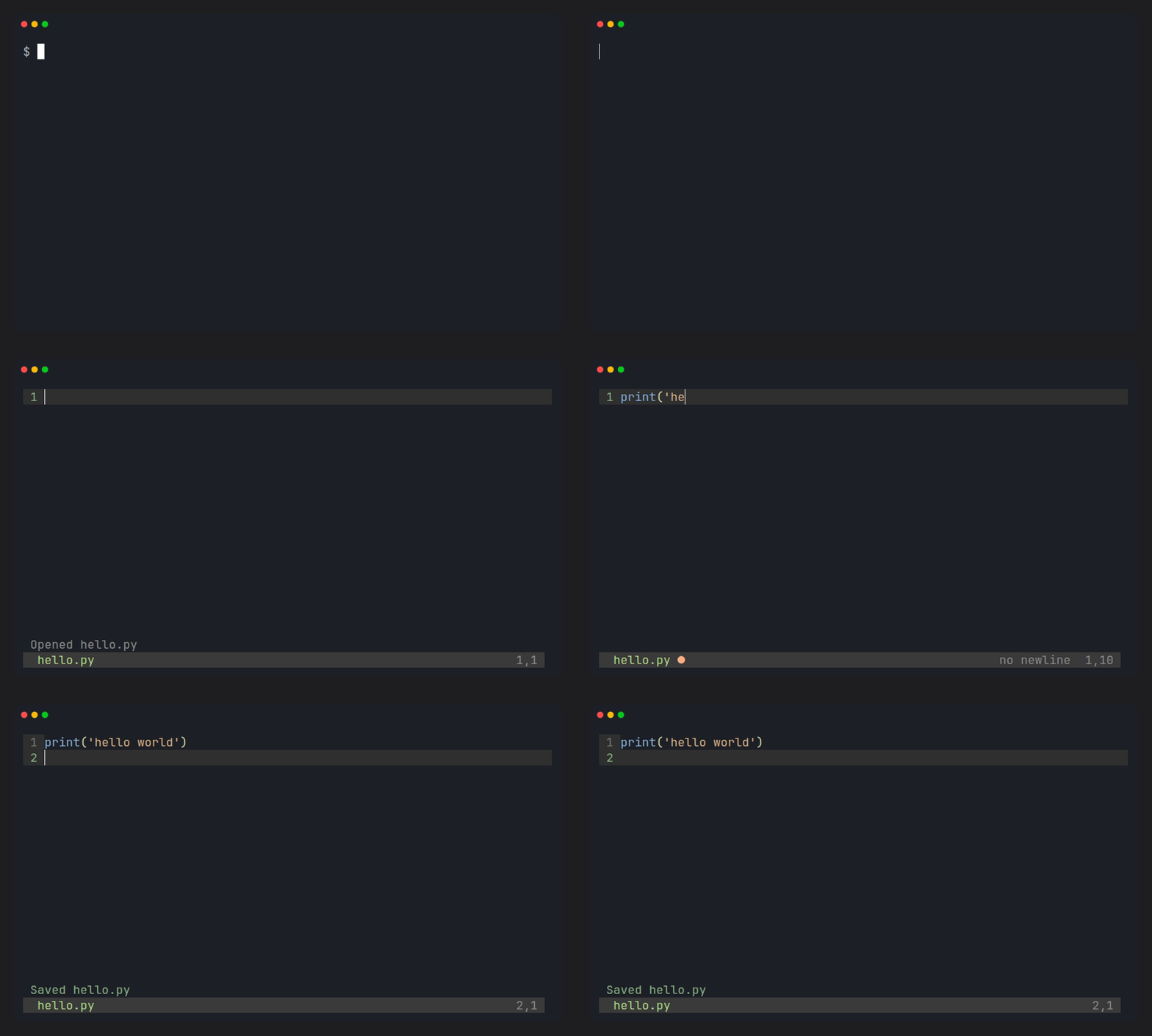
Grass is for that moment. Open a file and type. Everything else is one Ctrl key away.
| Just type | One mode, like nano. Nothing to memorize before your first edit. |
| Looks good by default | Syntax highlighting with Meadow, a calm warm theme. No theme hunting. Assumes a dark 256-color terminal; basic colors fall back gracefully. |
Ctrl-P fuzzy finder |
Jump to any file by typing a few letters. |
Ctrl-F live search |
Results update as you type. |
| Safe with your files | Atomic saves. Tabs preserved. A missing trailing newline stays missing, and the status bar tells you. |
| Language coverage | C, C++, Rust, Go, JavaScript, TypeScript, Python, Ruby, Java, shell, HTML, CSS, JSON, YAML, Markdown, and more via Pygments. |
| CJK ready | Chinese, Japanese, and Korean text renders, edits, and scrolls at the correct width. |
| Zero config | No config file exists. Nothing can break. |
| Readable source | About 2,300 lines of Python. Read it in an afternoon, change it in an evening. |
| Setup needed | Learn first? | Fuzzy finder | Source you can read in a day | |
|---|---|---|---|---|
| Grass | none | no | built in | yes (~2,300 lines) |
| nano | none | no | no | no |
| micro | none | little | no | no |
| vim / Helix | some to a lot | yes (modal) | plugin / built in | no |
Grass is not trying to replace Vim or micro. It has no plugins, no LSP, and no mouse, on purpose. If you want those, use them. If you want an editor that gets out of the way, you're in the right place.
| Key | Action |
|---|---|
Ctrl-S |
save (asks for a name if new) |
Ctrl-Q / Ctrl-C |
quit |
Ctrl-P |
fuzzy file finder |
Ctrl-F / F3 |
find as you type / find next |
Ctrl-H |
replace all (word, then replacement) |
Ctrl-O |
open by path |
Ctrl-Z / Ctrl-R |
undo / redo |
Ctrl-K / Ctrl-U |
cut line / paste line |
Arrows, Home, End, PageUp, PageDown, Enter (auto-indent), Tab, Backspace and Delete do what you expect.
In prompts, Enter confirms, Esc cancels, Up/Down select, and Y/N answer save/discard. The replace flow is: Ctrl-H, type the word, Enter, type the replacement, Enter.
Does it support plugins, LSP, or multiple files?
No, and that's the point. One file at a time, no plugins, no LSP, no mouse. Grass stays small so it stays calm.
Will it handle my big files?
Normal files are fast. Highlighting only covers the visible area and updates after a short pause, so very large files stay usable, but can still feel slower than small ones.
Does it handle Chinese, Japanese, or Korean text?
Yes. Wide characters render, edit, and scroll at the correct terminal width.
What about very long lines?
Lines don't wrap yet. Scroll horizontally instead.
How do I install on Windows?
py -m pip install windows-curses grass-editorThen run grass hello.py from the same Python environment. Using pipx? Run pipx inject grass-editor windows-curses after installing.
Grass is small enough to understand completely.
grass/editor.py: text buffer, undo/redo, prompts, atomic savesgrass/highlight.py: Pygments lexing and Meadow colorsgrass/screen.py: curses rendering, splash, finder, status bargrass/search.py: find matching and match trackinggrass/tabs.py: tab widths and display columns
git clone https://github.com/mukundzha/grass.git
cd grass
pip install -e .
python tests/run_tests.py
CI runs on Python 3.9 through 3.13. New here? Look for good first issue.
- Line wrapping for long lines
- Faster highlighting for very large files
- Light theme
Ideas and bug reports are welcome: open an issue.
MIT. See LICENSE.
Grass saved you a few keystrokes? Give it a ⭐ so other people can find it.