


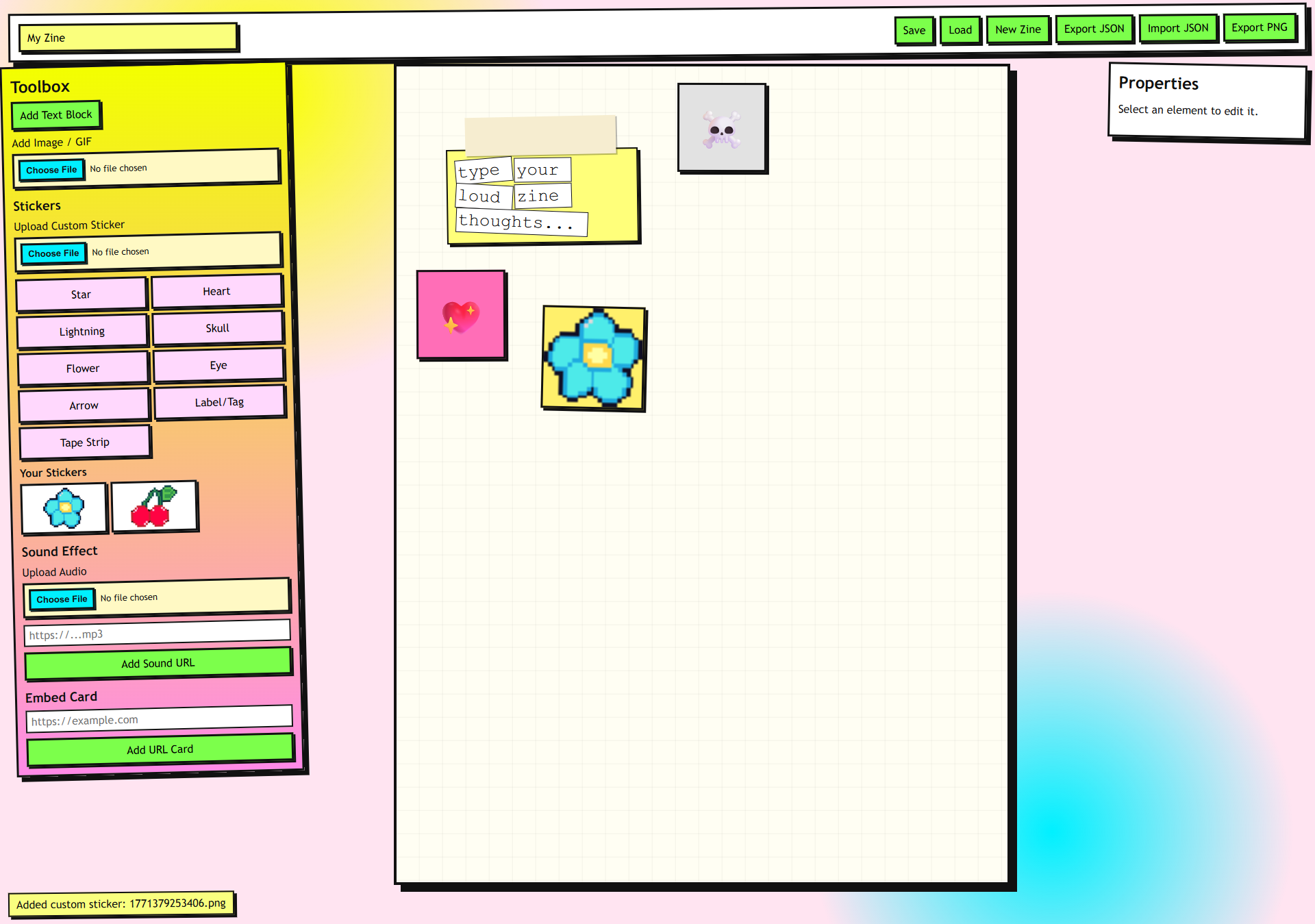
Browser-based zine editor (React, TypeScript, Vite).
npm install
npm run devPackage the app as a browser-playable zip:
npm install
npm run package:itch
This builds with relative asset paths and writes release/zine-maker-itch.zip (with index.html at the zip root).
On itch.io:
- Create a new project and set Kind of project to HTML.
- Upload
release/zine-maker-itch.zipand check This file will be played in the browser. - Set the Embed viewport to at least
1100 × 1400(or enable Fullscreen button) — the canvas is 900 × 1200, so a short embed clips the editor. - In embed options, enable Scrollbars. itch.io hides them by default; without that (or a tall enough viewport / fullscreen), content below the fold is unreachable.
- Save and view the page.
This repo includes a workflow that builds with Vite and publishes the dist folder to GitHub Pages.
-
Create an empty repository on GitHub (any name). The live app URL will be
https://<your-username>.github.io/<repo>/(for examplehttps://yourname.github.io/zine-maker/). The build sets the correct asset base path from the repository name automatically in Actions. -
On GitHub: Settings → Pages. Under Build and deployment, set Source to GitHub Actions (not “Deploy from a branch”). Do this before you rely on the first deploy; it provisions Pages for the Actions-based workflow.
-
Push the
mainbranch:git remote add origin https://github.com/<your-username>/<repo>.git git push -u origin main
-
Open the Actions tab and confirm the “Deploy to GitHub Pages” workflow completed. The site URL appears in the workflow summary and under Settings → Pages.
To rebuild manually, use Actions → Deploy to GitHub Pages → Run workflow.
- Project site URL — For a normal repo named
zine-maker, the app lives athttps://<user>.github.io/zine-maker/(with the repo slug in the path). Opening onlyhttps://<user>.github.io/will not load this app. - User/org Pages repo — If the repo is named
<user>.github.ioor<org>.github.io, the site is served from the domain root (/). The build sets Vitebaseto/automatically in that case. - In the browser, open DevTools → Network, reload, and check whether
*.js/*.cssreturn 404. Wrongbaseusually shows every asset as 404.
Override the asset prefix when building:
VITE_BASE_PATH=/my-path/ npm run build