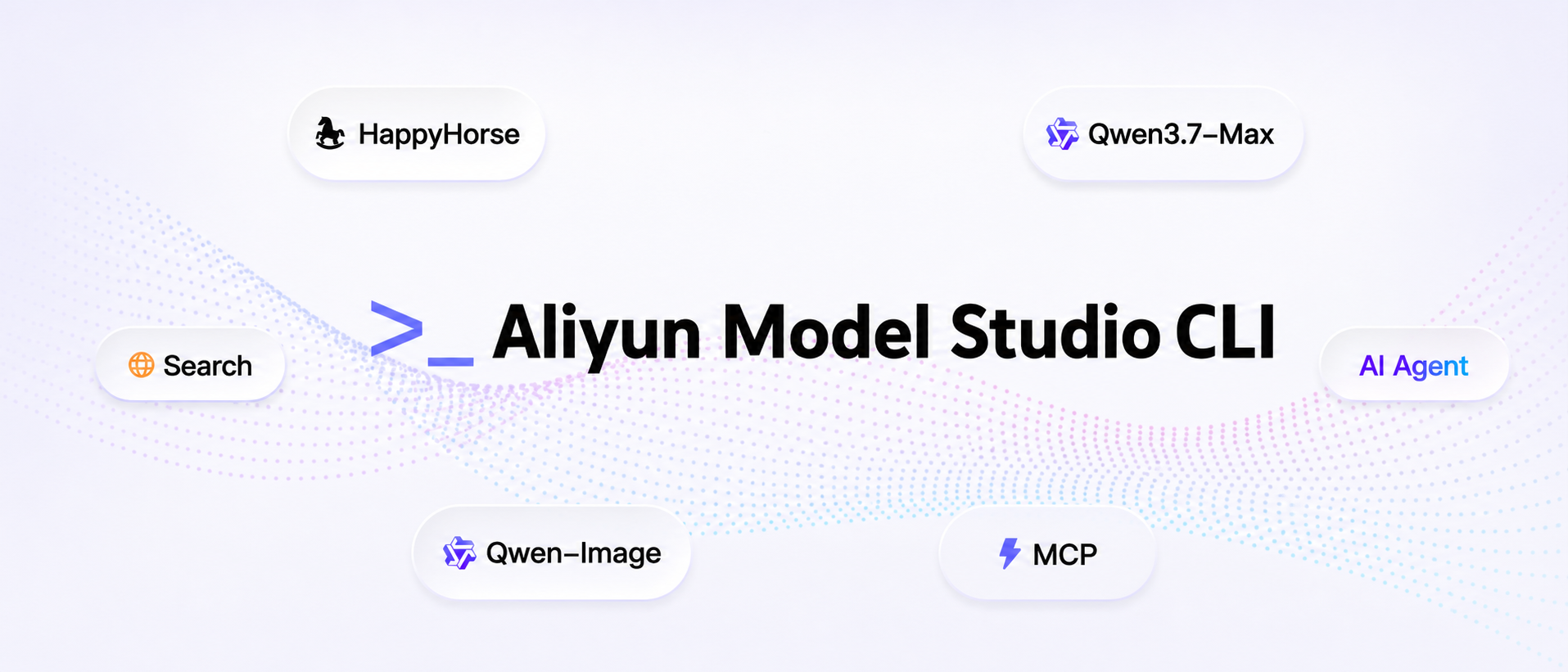
The official command-line interface for Aliyun Model Studio (DashScope) AI Platform




Aliyun Model Studio CLI Site · 中文文档 · API Documentation · Get API Key
Chat with Qwen, generate images & videos, understand images, call agents, manage memory, search the web — all from your terminal.
Built for AI Agents. Every command works as a structured tool call.
Equip your AI Agent out-of-the-box with these capabilities, composable across complex tasks:
- Text chat — Qwen3.7-max: major gains in agentic coding, frontend coding, and vibe coding
- Multimodal (Omni) — Full omni-modal support across text + image + audio + video
- Image generation & editing — Qwen-Image 2.0: pro text rendering, photorealism, strong semantic adherence, multi-image composition
- Video generation & editing — HappyHorse-1.0 series: text-/image-/reference-to-video and natural-language video editing (up to 9-image reference)
- Speech synthesis & recognition — CosyVoice streaming TTS, voice cloning from 5–20s samples; FunAudio-ASR covers 30 languages including 7 Chinese dialects and 20+ Mandarin accents
- Image & video understanding — Qwen-VL: long-form video analysis, chart/document parsing, visual reasoning, multilingual OCR
- Knowledge base & memory — Multimodal RAG retrieval and cross-session memory for personalized, coherent dialogue
- App calls — Invoke agents and workflows already published on Aliyun Model Studio
- Web search — Real-time internet retrieval for up-to-date, accurate answers
- Console capabilities — Browse Bailian apps (
app list) and check free-tier quota (usage free) - Local file auto-upload — Every URL parameter accepts a local path; uploaded to free temp storage with 48-hour validity

👆 Click the cover to play the full 2-minute demo
A complete 2-minute, 16:9 cinematic short film — produced end-to-end from a single natural-language sentence, with zero manual editing. This showcase demonstrates how an AI Agent can compose a multi-step creative pipeline by orchestrating three primitives:
- Qwen Code — the agentic coding model that interprets the user's intent and drives the workflow
- Aliyun Model Studio CLI — invokes HappyHorse 1.0, Aliyun Model Studio's text-/image-/reference-to-video generation model
- spark-video Skill — handles scene decomposition, storyboarding, shot continuity, and final stitching
"Generate a roughly 2-minute video in Japanese cinematic style — a sweet, innocent first-love story about a high-school girl. The plot should be heart-fluttering enough to make viewers want to fall in love. Aspect ratio: 16:9."
(Original: "帮我生成一段日系影视风格,高中女生的青涩初恋故事,剧情高甜,让人看了想谈恋爱,2分钟左右的视频,尺寸是16:9")
- Qwen Code parses the request, plans the narrative beats, and decides which tools to call.
- The spark-video Skill breaks the story into shots, writes per-shot prompts, and enforces visual continuity (characters, lighting, palette, lens language).
bl video generatedispatches each shot to HappyHorse 1.0 in parallel.- The skill stitches all clips back together into a single 16:9 / ~2-min deliverable.
No timeline scrubbing. No frame-by-frame editing. Just one sentence → one video.
npm install -g bailian-cli
npx skills add modelstudioai/skills --all -g
Requires Node.js >= 22.12.
# Authenticate
bl auth login --api-key sk-xxxxx

# Chat with Qwen
bl text chat --message "What is DashScope?"

# Multimodal chat (text + image + audio + video)
bl omni --message "Describe this image" --image ./photo.jpg

# Generate an image
bl image generate --prompt "A cat in a spacesuit" --out-dir ./images/

# Generate a video from local image
bl video generate --image ./cat.png --prompt "Make the cat move" --download cat.mp4

# Browser login (required for console capability commands)
bl auth login --console

# Browse apps / free-tier quota
bl app list
bl usage free --model qwen3-max
More examples and scenarios: Aliyun Model Studio CLI Site
Required for most commands. Get your key from the DashScope Console.
# Option 1: Environment variable
export DASHSCOPE_API_KEY=sk-xxxxx

# Option 2: Login command (persisted to ~/.bailian/config.json)
bl auth login --api-key sk-xxxxx

# Option 3: Per-command flag
bl text chat --api-key sk-xxxxx --message "Hello"Required for console capability commands (app list, usage free). Opens the Bailian console in your browser to sign in.
bl auth login --consoleRequired for knowledge retrieve. Get your AccessKey from RAM Console.
Recommended: create a RAM sub-account with minimum privileges instead of using the root account's AK/SK.
export ALIBABA_CLOUD_ACCESS_KEY_ID=LTAI5t...
export ALIBABA_CLOUD_ACCESS_KEY_SECRET=...
export BAILIAN_WORKSPACE_ID=ws-...# View current config
bl config show
# Set defaults
bl config set --key region --value us
bl config set --key default_text_model --value qwen-turbo
bl config set --key timeout --value 600
# Self-update to latest version
bl updateConfig file location: ~/.bailian/config.json
| Resource | URL |
|---|---|
| Aliyun Model Studio CLI Site | https://bailian.console.aliyun.com/cli?source_channel=cli_github& |
| DashScope API Docs | https://help.aliyun.com/zh/model-studio/ |
| Qwen Model List | https://help.aliyun.com/zh/model-studio/getting-started/models |
| Aliyun Model Studio Console | https://bailian.console.aliyun.com/ |
| Get API Key | https://bailian.console.aliyun.com/cli?source_channel=key_github& |
| Get AccessKey | https://ram.console.aliyun.com/manage/ak |
Release notes for every version live in CHANGELOG.md.
Bug reports, feature requests, and PRs are welcome. See CONTRIBUTING.md for developer setup, repo layout, and the workflow for adding or changing commands.