
🖥️ Lens Demo | 📑 Lens Commercial API | 🤖 Github
Lens is a neural-net based font recognition and classification model. It has been specifically trained on open-source fonts. It recognizes the closest matching open-source font for the largest word in a provided image. Lens supports most Google Fonts families, but also includes other open source fonts outside of the Google Fonts collection. In total is recognizes over 1000 different font families, and over 5000 font variants, including multiple weights and italic style combinations. This repo contains a standalone release of the Lens model and its local inference code. Enjoy!
- 2026.3.16: 🎉🎉🎉 We have released Lens as an open-weight font recognition model!
Lens is a powerful font recognition model built on top of Resnet18 to identify and classify fonts from images. It is designed to provide accurate font recognition results, making it a valuable tool for designers, typographers, and anyone interested in identifying fonts or the closest matching font in a given image.

- Trained only on open-source fonts: Unlike other font recognition models that do a database lookup on proprietary fonts, Lens is trained on a large dataset of open-source fonts, including most Google Fonts families and other open source fonts. This allows users to freely use the recognized fonts in their projects without worrying about licensing issues.
- Handles multiple font weights and styles: Lens is trained on a combination of font weights and styles which makes it more robust and accurate in recognizing fonts in various formats. Lens can still identify a specific font family even if the style is in italic or the font weight is extra bold.
- Robustness with obscured text, background images, and more: Lens is built to handle a wide variety of real-world scenarios, including images with obscured text, complex backgrounds, and varying distortion levels. This makes it a versatile tool for font recognition in diverse contexts.
- Handles images with multiple fonts: The inference pipeline in Lens first identifies the largest word in the image using OCR, and then runs font recognition on that word. This allows it to handle images with multiple fonts, and still return accurate predictions for the most prominent font in the image.
This repo contains the latest release of Lens, which was trained on open source fonts as of March 2026. The PyTorch model file can be found in model/font_classifier.pt. However the repository itself contains a full inference pipeline that includes OCR-based word detection and preprocessing steps to handle a variety of real-world image scenarios. Please see the Usage section below for instructions on how to run the full inference pipeline with the bundled model.
This directory is a standalone open-source release of the Lens font recognition model and its local inference code.
It contains only the pieces required to:
- download an image from a URL
- run OCR to find the largest word
- classify the word image with the bundled model
- return the font matches in a JSON formatted response
run_inference.py: CLI entrypointlens_inference.py: OCR + preprocessing + model inference pipelineocr_word_detection.py: OCR box detection helpersfont_metadata_mapper.py: maps predicted labels to font metadata entriesmodel/: bundled trained model artifacts from2026-03-04_23-50-51
Install Tesseract OCR first.
macOS:
brew install tesseractUbuntu/Debian:
sudo apt-get update
sudo apt-get install -y tesseract-ocr
Then create a virtual environment and install Python dependencies with uv:
uv venv
source .venv/bin/activate
uv pip install -r requirements.txtpython run_inference.py "https://example.com/image.png"Optional arguments:
--top-k 5--debug
By default, the script returns the top 3 font matches. You can change this with the --top-k flag.
Pass --debug to write the intermediate images to disk for debugging purposes. The images will be written to the /debug directory with the following filenames:
01_downloaded_image.png02_word_detection_box.png03_model_input_crop.png
You can see an example of these images in the repository. They will show what word was detected and passed to the model for font classification.
The script prints JSON to stdout with the same top-level keys returned by the deployed app:
{
  "word": "Example",
  "word_box": {
    "left": 100,
    "top": 120,
    "width": 210,
    "height": 52
  },
  "input_image": {
    "width": 1280,
    "height": 720,
    "image_url": "https://example.com/image.png"
  },
  "font_matches": [
    {
      "name": "Inter",
      "score": 0.83,
      "fonts": [
        {
          "full_name": "Inter Regular",
          "style": "normal",
          "weight": 400,
          "url": "https://static.mixfont.com/fonts/inter/Inter-Regular.ttf"
        }
      ]
    }
  ]
}
If OCR cannot find a usable word, the script falls back to running inference on the original image and still returns predictions.
By default, the model will hosted font files on the Mixfont CDN. If you want to run inference with your own local font files, you can modify the font_metadata_mapper.py file to point to your local font paths instead of the CDN URLs.
These screenshots are taken from the hosted playground on the Mixfont website, which uses the same model and inference pipeline as this repo.
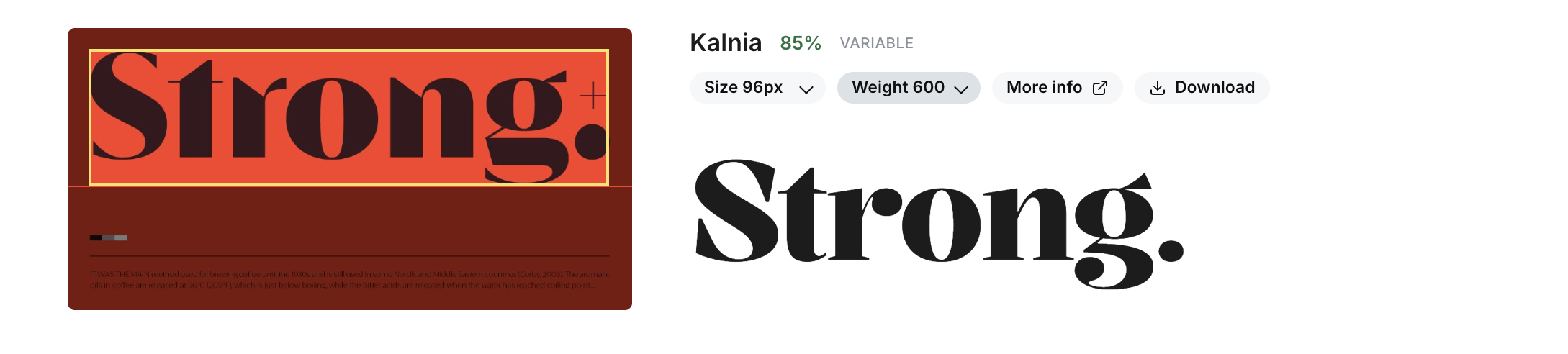
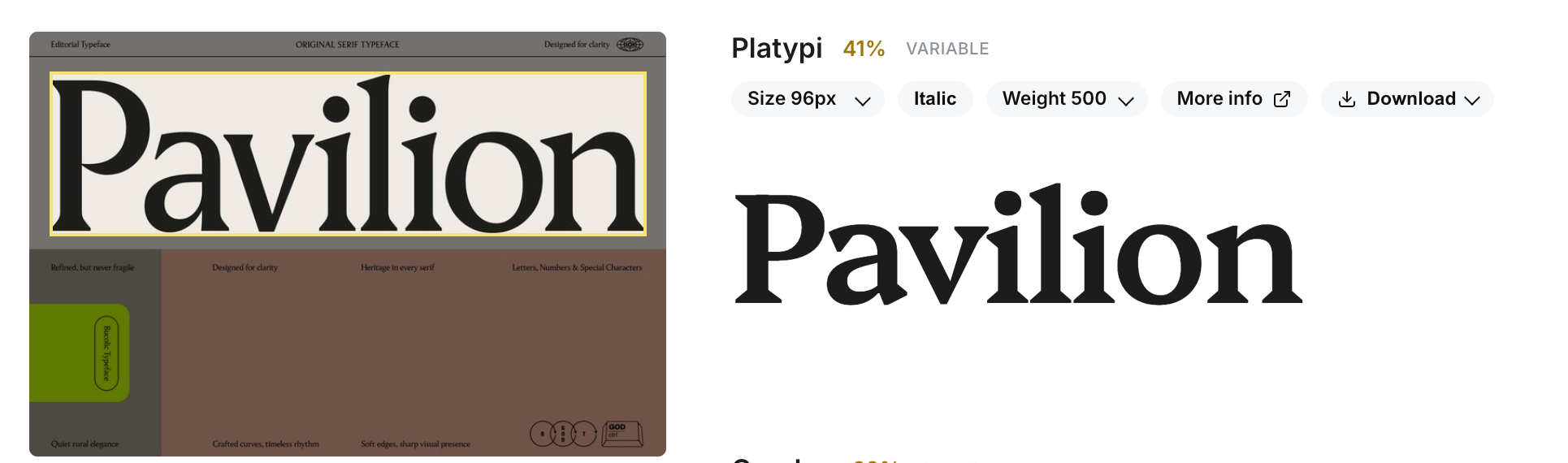
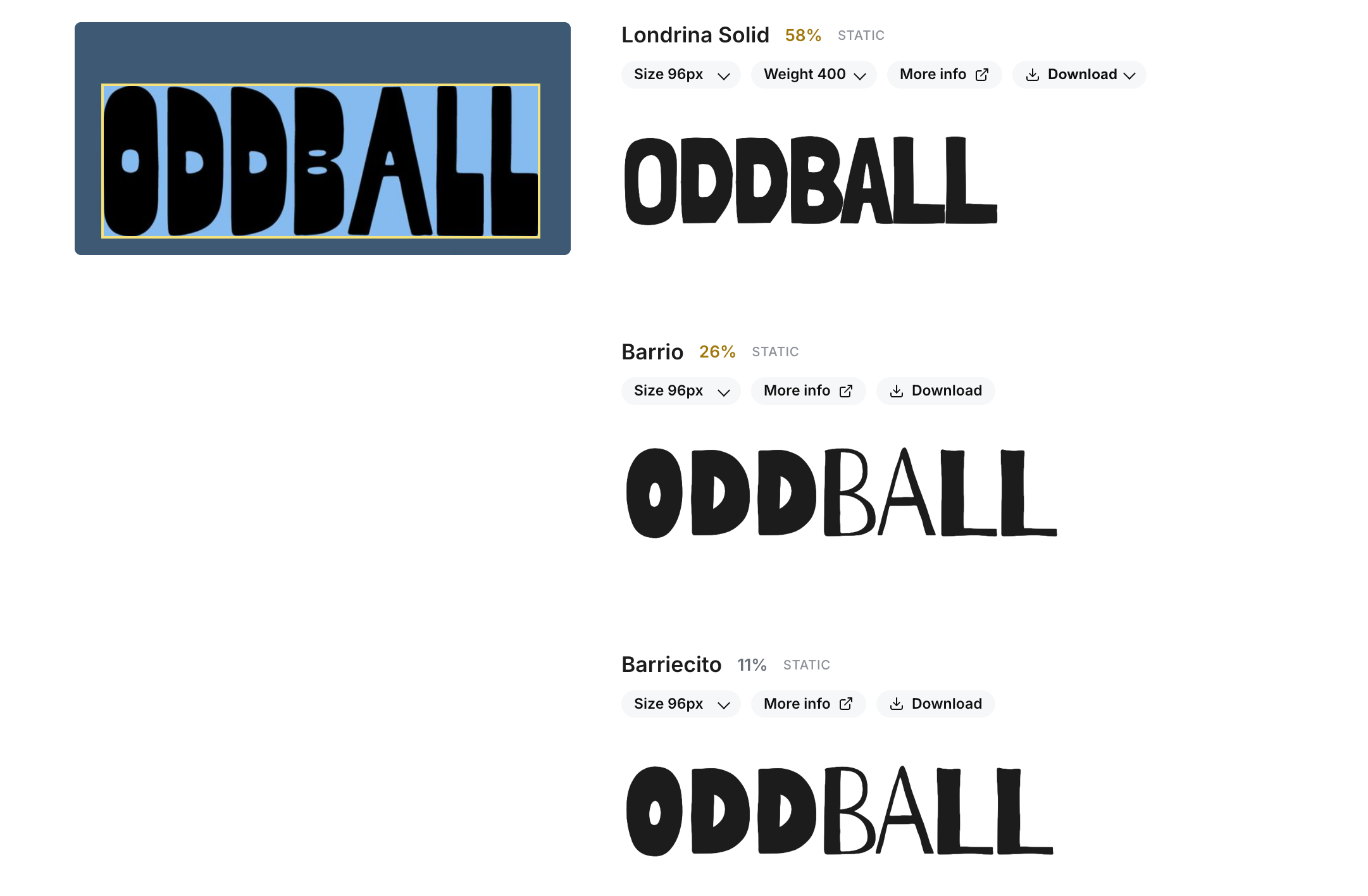
The model will not perform as well on screenshots or images with a ton of different fonts. The model is trained to find the closest match for the largest word in an image, so if there are many different fonts in an image, the model may not be able to find a good match. The model is also trained on open-source fonts, so it may not be able to find a good match for proprietary fonts that are not in the training dataset.
This project is provided for personal, academic, and non-commercial use only.
You are free to use, copy, modify, and distribute this code, provided that:
- You include proper attribution to the original author; and
- You do not use this project or any derivative works for commercial purposes.
Commercial use is strictly prohibited without written permission. For commercial licensing inquiries, please contact: hello@mixfont.com. You can also use the commercial API on the Mixfont website, which is powered by the same underlying model and inference pipeline as this open-source release.