Project Name: Mixed Face
Author: Li Annan, Tsinghua Univ.
E-mail: lian16@mails.tsinghua.edu.cn
This project is to mix two persons' faces with TPS or B_Splines method. The pictures of the human faces are stored in "picture/" in JPG format. Expect main.cpp, all other source files are in "src/" and dlib library are in "dlib/". The executable file "main" are output in "bin/" and other building files are in "build/".
- Input some basic infomation: Choose the pictures and method.
- Detect the 68 landmarks of a human face, using a pre-trained model with dlib library, and output in the txt files.
- Using TPS or B_Splines method to calculate the corresponding points.
- Using three sorts of methods to do interpotation, including Nearest, Bilinear and Bicubic method.
- Clipping the converted pictured in order to discard the black border area.
- Display four pictures : Target Face, Control Face, Mixed Face and Clipped Face.
-
Install cmake from https://cmake.org/download/ and some tutorials are from https://cmake.org/cmake-tutorial/ .
-
Install opencv library from https://opencv.org.
-
Download the pre-trained model from http://dlib.net/files/shape_predictor_68_face_landmarks.dat.bz2, unzip it and copy it to the project path.
-
Using cmake to compile and build the project
in the project path, input the following code in the terminal
mkdir build
cd build
cmake ..
make
-
Go to /bin and execute the project
cd ../bin ./main -
Input the basic infomation as asked
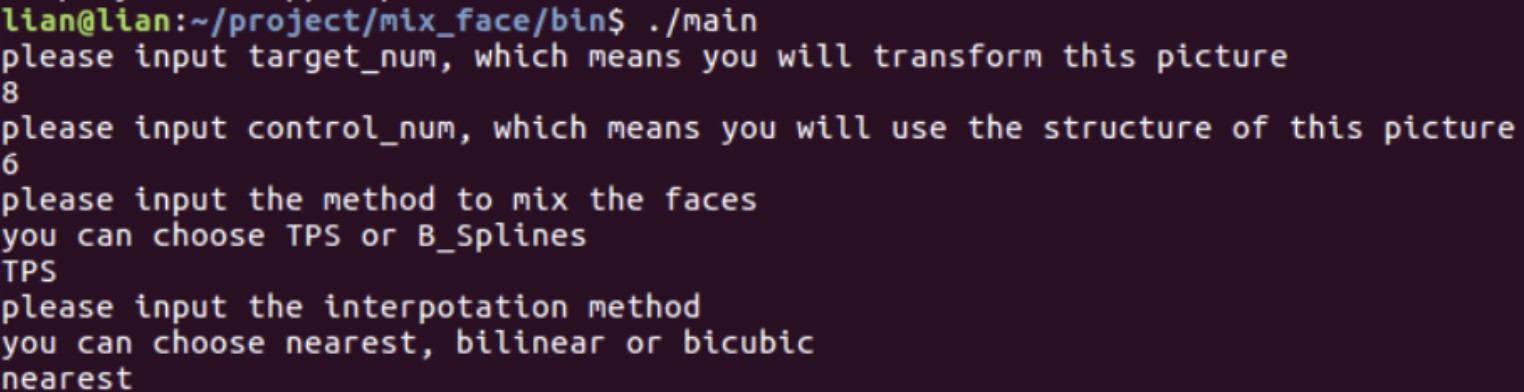
As you can see, we choose ==8.jpg== as the target face and ==6.jpg== as the control face with ==TPS== method to transform and ==Nearest== Interpotation method. If you input some wrong infomation, you will be asked to input again.
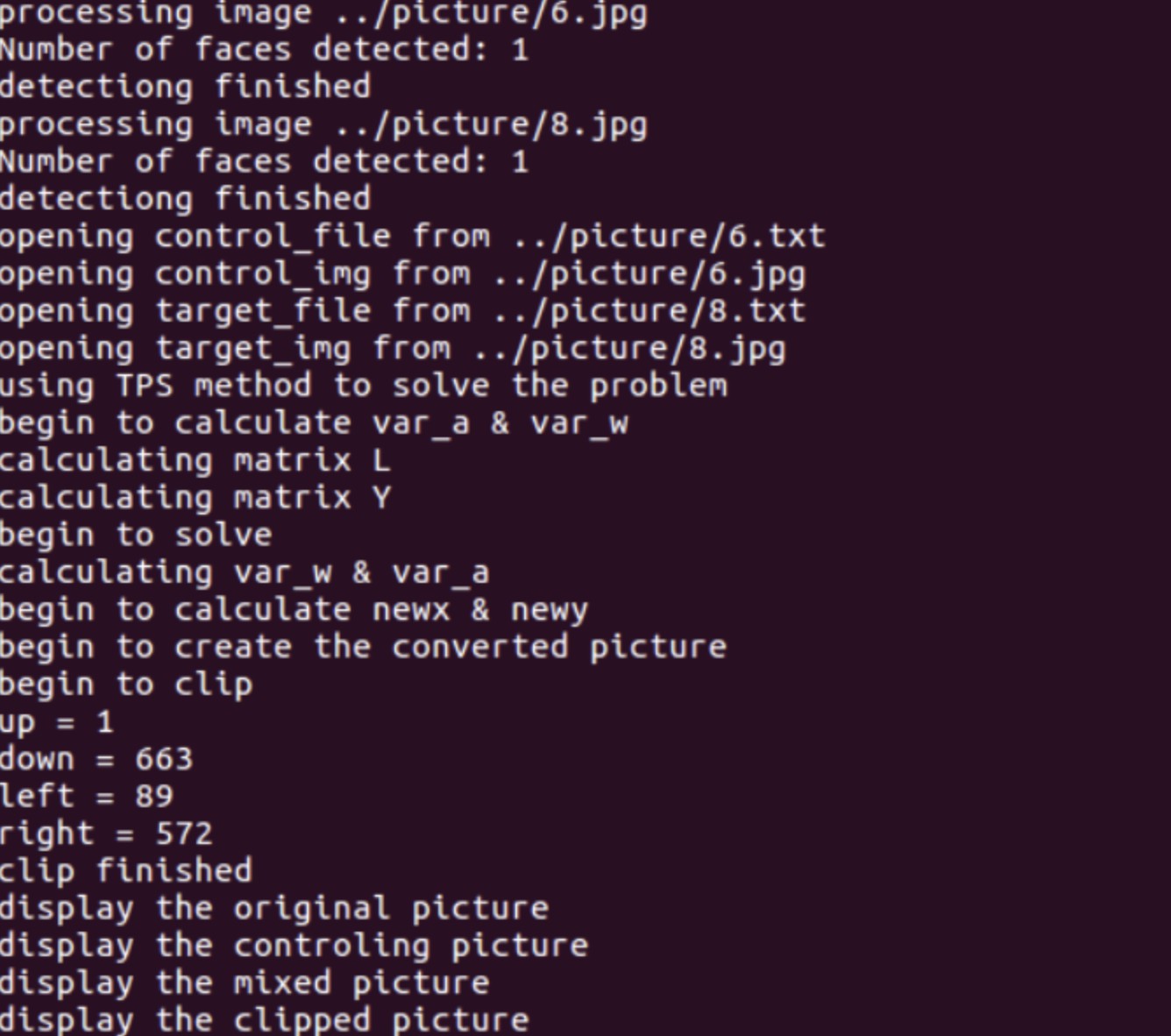
Then the terminal will output some infomation like this.
Display the four pictures
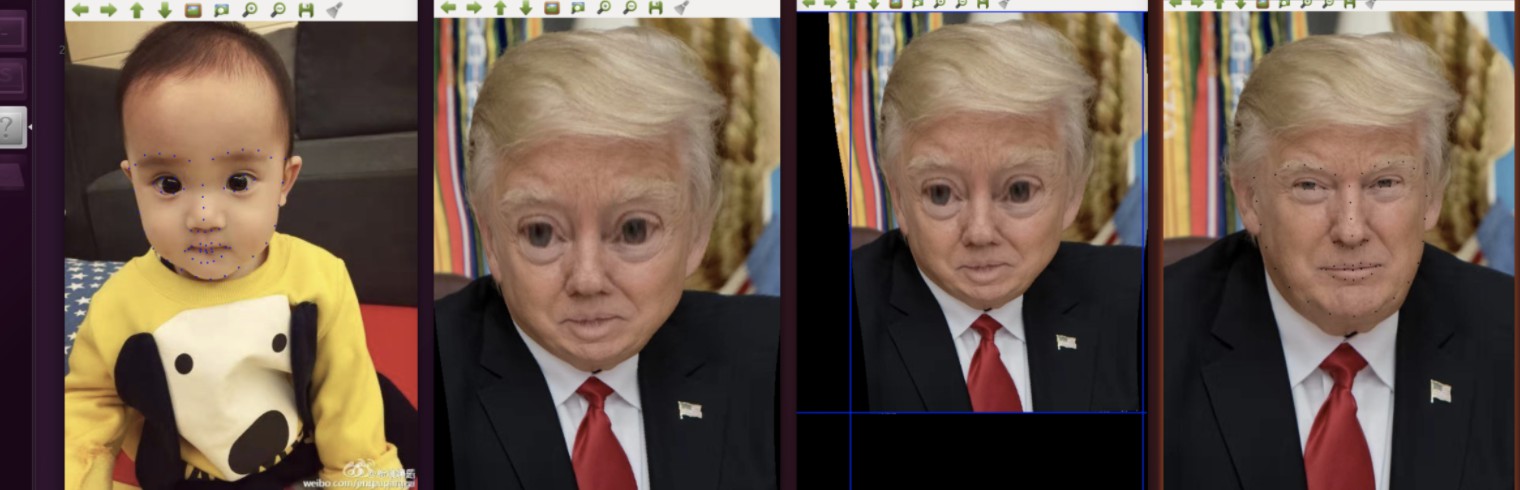
The first one is the control face Anderson, the second one is the mixed face with clipping, the third one is the mixed face without clipping and the last one is target face Trump.
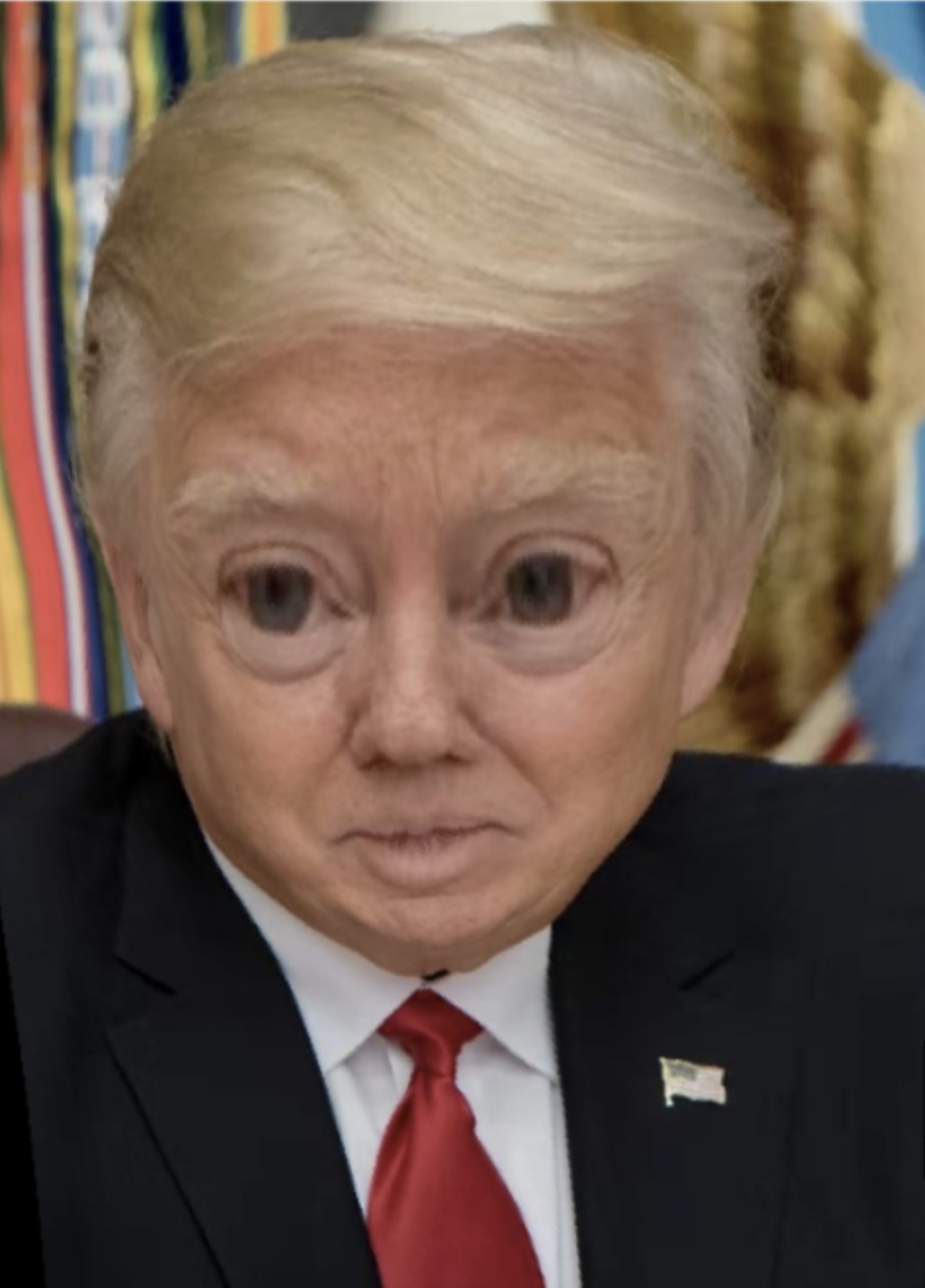 If we store the faces or just screenshot. We can finally get the result : Trump-Anderson.
Pretty Interesting, isn't it?
- You can just use whatever picture as you want. Just put it in the "picture/" and rename it from 1 to 9. Remember to delete the txt files if the corresponding pictures have been changed.
- If you want to get nice result, maybe you should use a picture of front face without glasses.
- If there is more than one face in the picture, the project will use the first one it detect automatically.
- If you want to use other fomat than JPG, you can just change the code in main.cpp. It's easy to find where it is.
- You can use your own model. Find more about this from http://dlib.net/face_landmark_detection_ex.cpp.html and download the dataset from https://ibug.doc.ic.ac.uk/resources/facial-point-annotations/