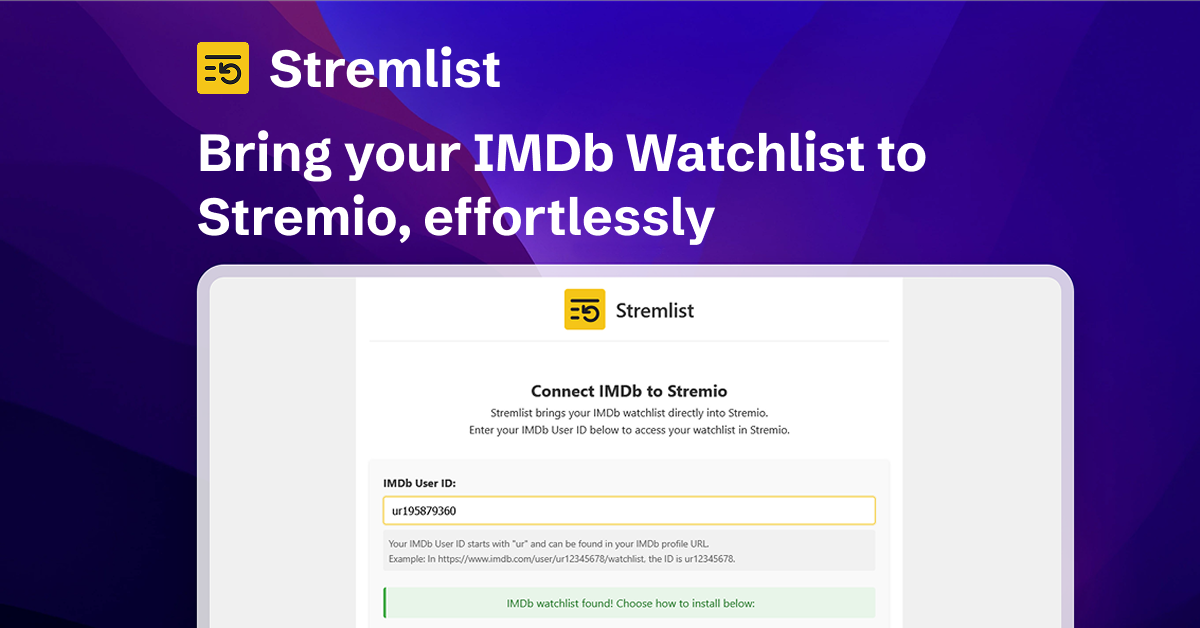
Stremlist is a Stremio addon that turns your IMDb watchlist into a Stremio catalog, so you can browse your saved movies and TV shows directly inside Stremio.
- Browse IMDb watchlist items in Stremio
- Supports one or multiple IMDb watchlists
- Supports sorting by title, year, complete release date, rating, runtime, and random order
- Filter by genre or decade, or choose a sort directly from Stremio's Discover genre dropdown (one option at a time)
- Combine genre, decade, maximum runtime and minimum IMDb rating in each catalog configuration
- Search your configured lists from Stremio search
- Optional extra home catalogs: 90 min or less, Top rated, and Shuffle
- Optional Rating Poster Database (RPDB) poster support via API key
- Simple install flow through a hosted configuration UI
- Cache-first watchlist serving with periodic auto-refresh and a manual "Refresh now" control
- Lightweight backend with Supabase for user configuration and Cloudflare R2 for watchlist caching
- Monorepo architecture with Turborepo (
apps+packages)
Reinstall an existing addon to load the new dropdown options. Selecting a genre or decade preserves the configured sort; selecting a sort temporarily overrides it. Saved filters always apply together, including to search and extra catalogs. The dropdown adds one further filter or overrides the sort; None clears only that temporary selection. Extra catalogs reuse the original list and cache.
Release Year sorts by the IMDb year; Release Date sorts by the complete date returned by IMDb (which may differ from the original release year). Incomplete dates sort last, without inventing a day or month. Refresh an older cache to populate release dates. Date-added sorting uses IMDb list order. Shuffle stays stable within a cache generation so scrolling does not repeat items. Popularity is not offered: the tested IMDb meterRanking field reported an entitlement denial.
Apply supabase/migrations/20260914230000_catalog_settings.sql before deploying
this version. The new JSON column defaults to an empty configuration. Older
clients that omit these settings preserve them; sending an empty object clears
them. Reinstall after enabling/disabling extra catalogs or adding search support;
changing only saved filters does not require reinstalling.
This repository follows the Turborepo recommended structure:
.
├── apps
│   ├── backend      # Hono API + Stremio addon endpoints
│   └── frontend     # Vite/React configuration UI
├── packages
│   └── shared       # Shared types/constants used by apps
├── turbo.json
└── pnpm-workspace.yaml
- Frontend and backend are deployed on Vercel
- Backend serves Stremio addon endpoints and configuration flow
- Supabase stores user configuration
- Cloudflare R2 stores gzip-compressed watchlist cache objects
- Node.js 24+ for development with Portless (
.node-version) - pnpm 10+
pnpm installDecrypt the backend environment first (see below), then run:
pnpm dev             # both apps through Portless
pnpm dev:tailnet     # both apps; share the frontend over Tailscale HTTPS
pnpm dev:backend     # backend only
pnpm dev:frontend    # frontend only (requires a running backend)
pnpm exec portless list
Portless 0.15.6 is pinned as a dev dependency. In the main checkout, the
local names are https://stremlist.localhost and
https://api.stremlist.localhost. Linked worktrees receive a branch prefix;
use the printed URLs or pnpm exec portless list instead of hardcoding them.
A previously configured proxy port (such as 1355) appears in these URLs too.
For access from another tailnet device, open the Tailscale URL printed for
the frontend. The browser uses /api on that same origin, and Vite forwards
requests to the matching worktree's backend. Stremio install links and configure
redirects use that origin too. No machine-specific browser API URL is needed.
See the Portless development guide for first-run setup, HTTPS, environment overrides, plain-port fallback, and cleanup.
The repo stores encrypted env files as apps/backend/.env.enc and apps/frontend/.env.enc. Decrypt them with SOPS and an age private key that matches a recipient in .sops.yaml.
- Install
sops. - Give SOPS your age private key. Use one of these options:
export SOPS_AGE_KEY_FILE="$HOME/.config/sops/age/keys.txt"
# or:
export SOPS_AGE_KEY="AGE-SECRET-..."
On macOS, SOPS also reads ~/Library/Application Support/sops/age/keys.txt if you do not set those variables.
- Decrypt into local
.envfiles (gitignored):
sops decrypt apps/backend/.env.enc > apps/backend/.env
sops decrypt apps/frontend/.env.enc > apps/frontend/.env
Do not commit the decrypted .env files.
From repository root:
pnpm build
pnpm typecheck
pnpm lint
pnpm test
pnpm format
pnpm format:check- Open Stremio -> Addons
- Click Add Addon URL
- Enter:
[YOUR_DEPLOYED_BACKEND_URL]/manifest.json - Configure with your IMDb watchlist details (single or multiple watchlists)
- (Optional) Add your RPDB API key on the configure page to use rating posters
- Start backend (or full dev stack)
- In Stremio -> Addons -> Add Addon URL
- Enter:
http://localhost:7001/manifest.json
Set backend env vars in apps/backend/.env.
| Variable | Required | Description | Default |
|---|---|---|---|
PORT |
No | Backend HTTP port | 7001 |
FRONTEND_URL |
No | URL used for /:userId/configure redirect |
https://stremlist.com |
SUPABASE_URL |
Yes | Supabase project URL | - |
SUPABASE_SERVICE_ROLE_KEY |
Yes | Supabase service role key | - |
R2_ACCOUNT_ID |
Yes | Cloudflare account ID used by the R2 S3 endpoint | - |
R2_ACCESS_KEY_ID |
Yes | Bucket-scoped R2 API token access key | - |
R2_SECRET_ACCESS_KEY |
Yes | Bucket-scoped R2 API token secret | - |
R2_BUCKET |
Yes | Private R2 cache bucket name | - |
CACHE_TTL_MINUTES |
No | How long a cached watchlist is served before it is refreshed on the next request | 30 |
REFRESH_COOLDOWN_SECONDS |
No | Minimum time between manual "Refresh now" requests per user | 60 |
RESEND_API_KEY |
No | Resend API key for newsletter subscription endpoint | - |
RESEND_AUDIENCE_ID |
No | Resend audience ID for newsletter subscription endpoint | - |
To regenerate shared Supabase types:
pnpm generate:typesThis updates packages/shared/src/database.types.ts.
The production R2 rollout and cleanup procedure is documented in
docs/r2-cache-migration.md.
ISC
This project is not affiliated with IMDb or Stremio.