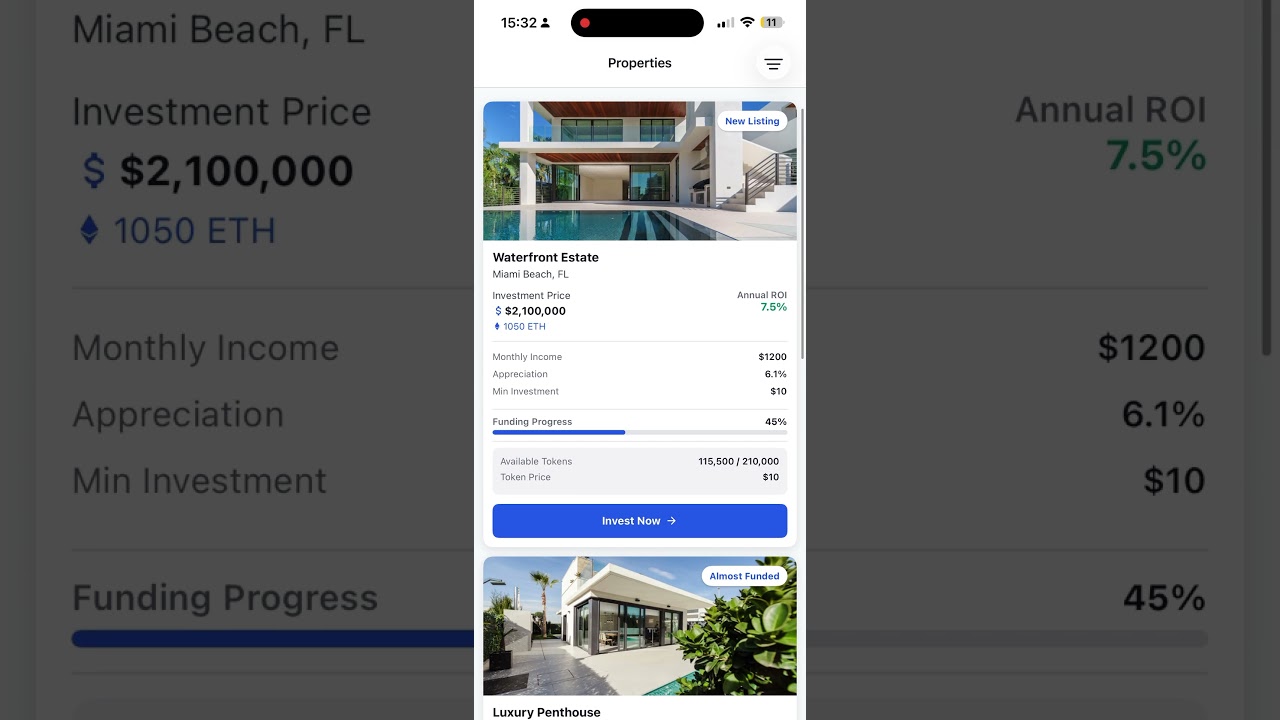
BestCity Mobile is a high-performance, cross-platform mobile application designed for fractional real estate investment. Built with a Domain-Driven Design (DDD) approach and scalable atomic design system.
Download and install Node.js (which includes npm) from the official website:
https://nodejs.org/en/download
Open a terminal and navigate to the project folder:
cd /path/to/your/ReactNativeTemplatenpm installnpx expo startThis will launch the Expo developer tools in your browser. You can then run the app on an emulator, simulator, or physical device using the Expo Go app.
To run the test suite, use:
npm testThis will execute all unit and integration tests using Jest and React Testing Library.
- Framework: Expo (Managed Workflow)
- Language: TypeScript (Strict Mode)
- Navigation: React Navigation (Native Stack)
- UI: React Native, Atomic Design
- State Management: React Context API (e.g., FilterContext, useFilter)
- Business Logic: ViewModel hooks (e.g., useFilteredProperties)
- Styling: Theme-based Design Tokens (Spacing, Colors, Typography)
- Testing: Jest, React Testing Library
- API/Networking: Centralized API clients in src/services
- Models: TypeScript interfaces (Property, PropertyDetail, FilterState)
- UI & Navigation: React Native components, Atomic Design, React Navigation (
src/screens,src/components,src/navigation) - Business Logic: ViewModel hooks for data processing (
src/hooks) - State Management: React Context API for filters, auth, and more (
src/context) - Data & Models: TypeScript models and API clients (
src/models,src/services) - Config: Centralized constants and environment config (
src/config)
- Framework: Expo (Managed Workflow)
- Language: TypeScript (Strict Mode)
- Navigation: React Navigation (Native Stack)
- Styling: Theme-based Design Tokens (Spacing, Colors, Typography)
- Testing: Jest + React Testing Library (Unit & Snapshot)
- CI/CD: GitHub Actions + Expo Application Services (EAS) + Fastlane
mobile/
├── .github/workflows/    # CI/CD pipelines (GitHub Actions)
├── src/
│   ├── api/             # API service definitions
│   ├── components/      # Reusable UI primitives
│   ├── context/         # Global state (FilterContext, Auth)
│   ├── hooks/           # Business logic & ViewModels
│   ├── models/          # Shared TS interfaces (Property, PropertyDetail, FilterState, User)
│   ├── navigation/      # Stack & Tab definitions
│   ├── screens/         # Feature-based screen compositions
│   ├── services/        # API clients, mocks
│   └── theme/           # Global design tokens
├── eas.json             # Cloud build configurations
└── tsconfig.json        # Path aliases (@components, @hooks, etc.)
cd mobile
npm installnpm startPress i for iOS Simulator
Press a for Android Emulator
# Run unit tests
npm test

# Clear cache and restart Metro
npx expo start -c