
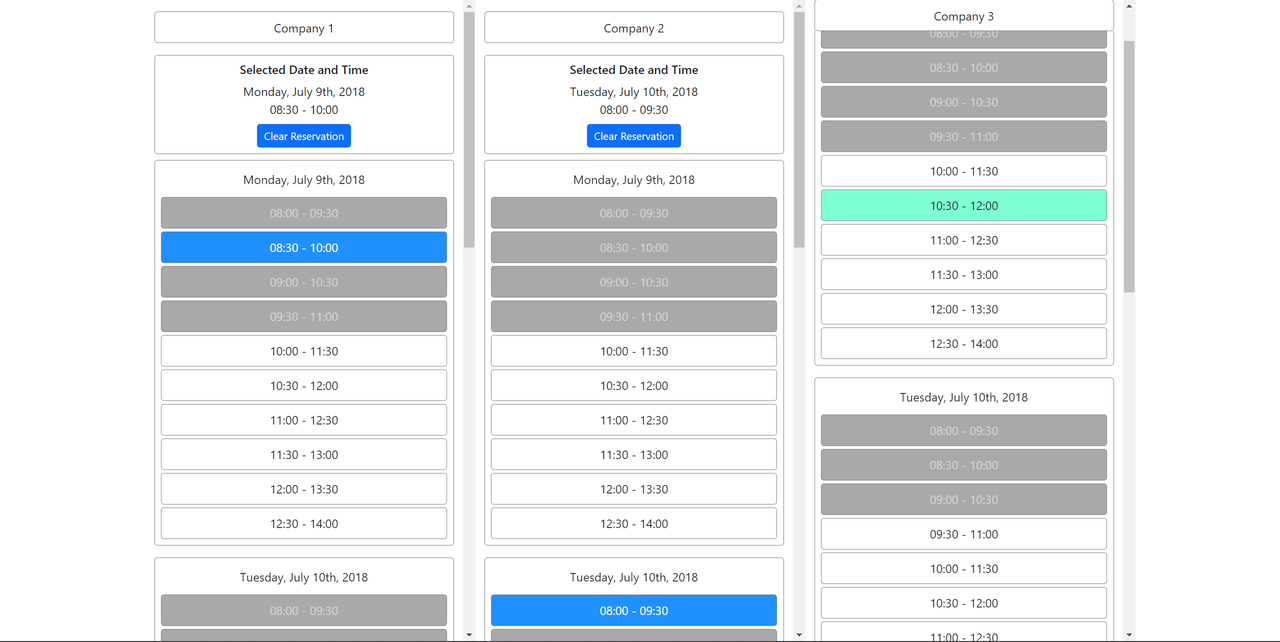
An application to organize meetings for companies.
- npm
npm install npm@latest -g
- Clone the repo
git clone https://github.com/justbasicfacts/meeting-planner.git
- Install NPM packages
npm install
- Install Husky
npm run prepare
In the project directory, you can run:
Runs the app in the development mode.
Open http://localhost:3000 to view it in the browser.
The page will reload if you make edits.
You will also see any lint errors in the console.
Launches the test runner in the interactive watch mode.
See the section about running tests for more information.
Launches the test runner with code coverage enabled. Code coverage can be found in the coverage folder\
Builds the app for production to the build folder.
It correctly bundles React in production mode and optimizes the build for the best performance.
The build is minified and the filenames include the hashes.
Your app is ready to be deployed!
See the section about deployment for more information.
Enables Git hooks.
This project was bootstrapped with Create React App, using the Redux and Redux Toolkit TS template.
Mock Service Worker is used for mocking.