

Local-first encrypted password vault secured by a physical USB identity key.
USB Vault stores all secrets locally and encrypts them using:
- AES-256-GCM
- scrypt key derivation
- A user PIN/password
- A physical USB keyfile (
identity.key)
No cloud. No accounts. No tracking.
Your USB stick is your identity.
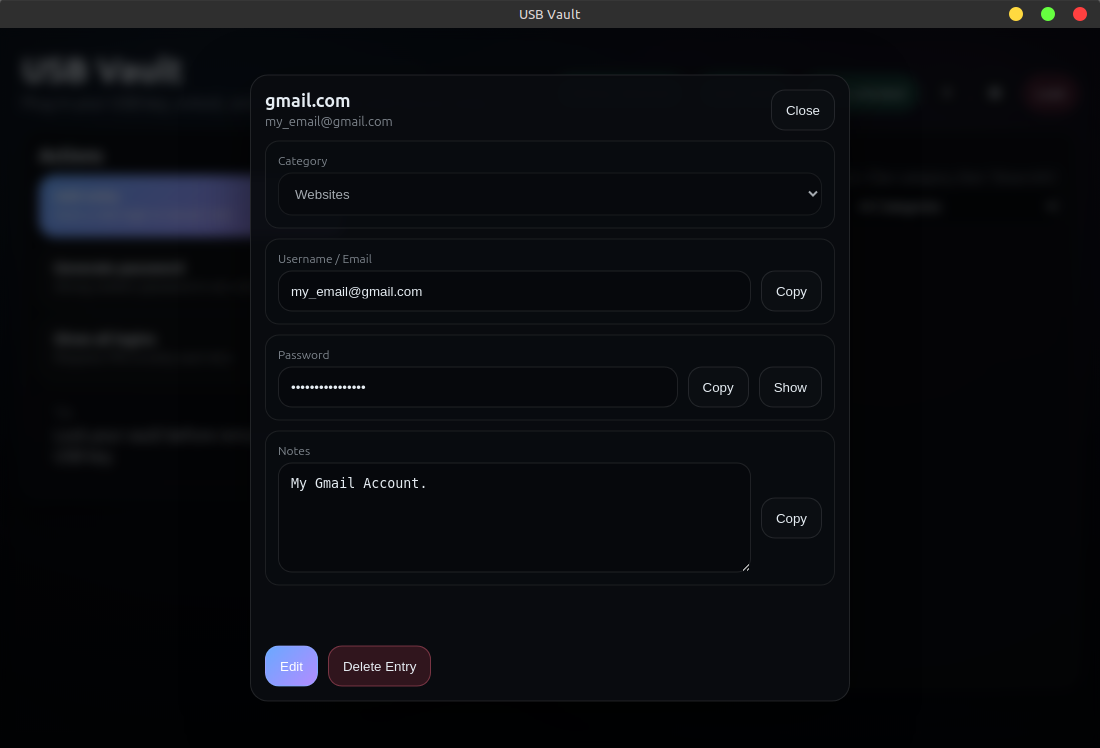
- 🔐 USB-based identity authentication
- 🔑 PIN + hardware key encryption
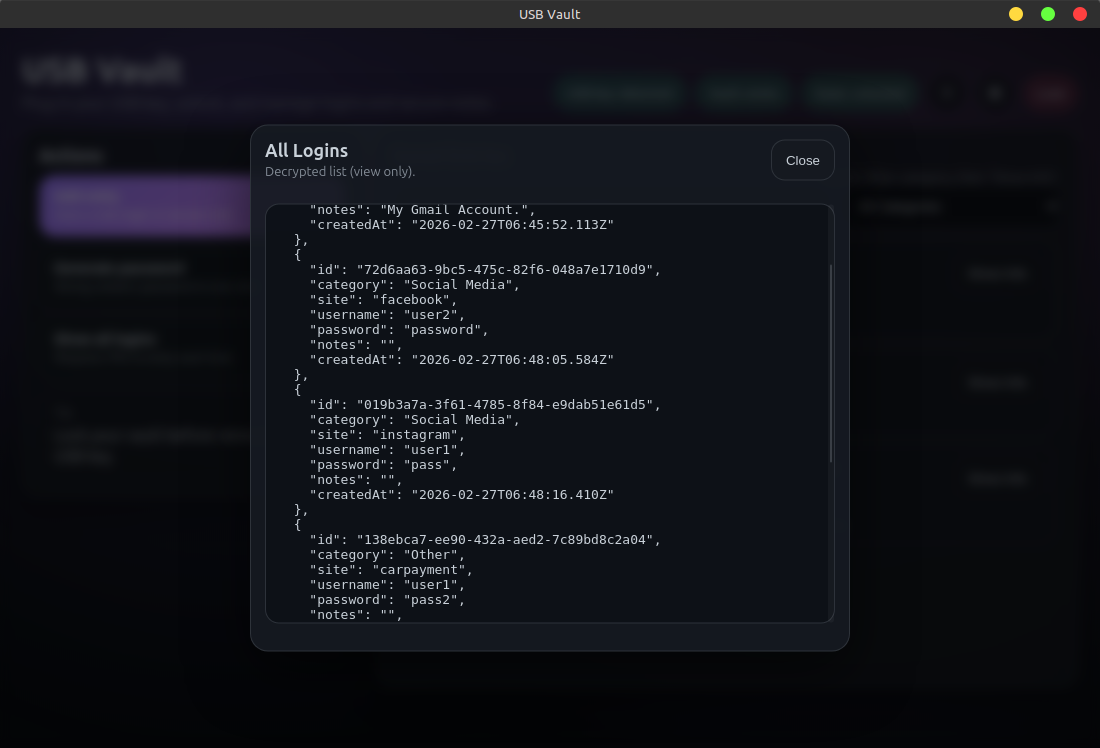
- 💾 Fully local encrypted vault file
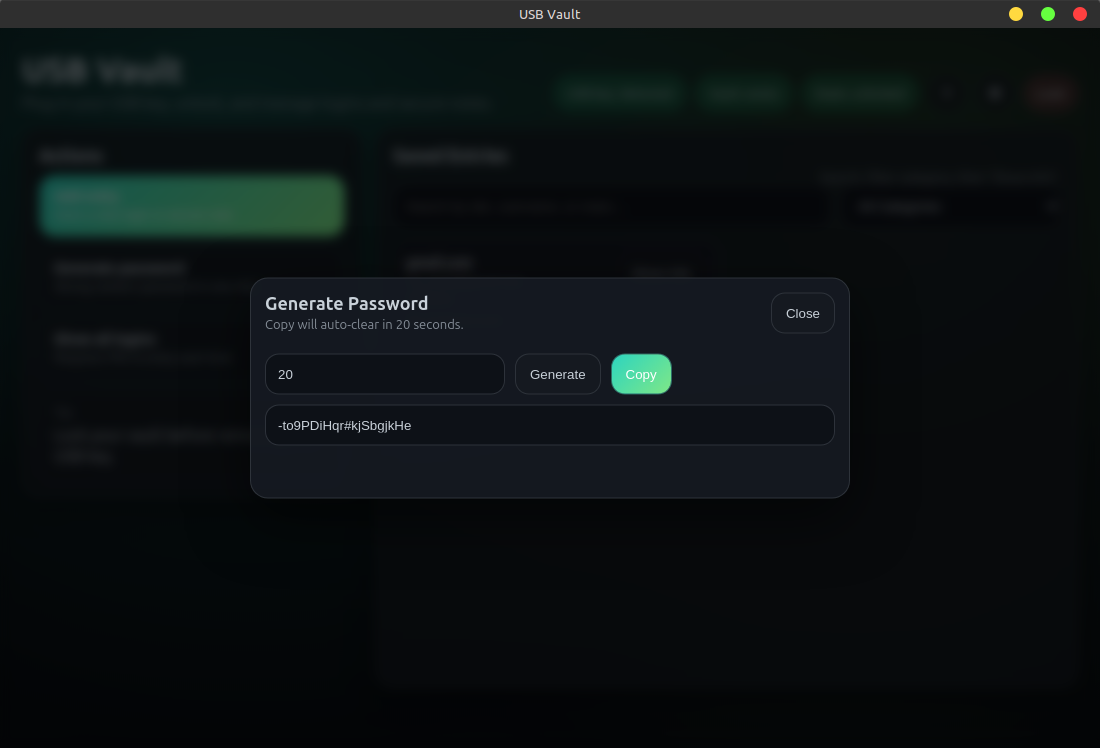
- 🎲 Built-in password generator
- 📋 Clipboard auto-clear
- ⏱ Idle auto-lock
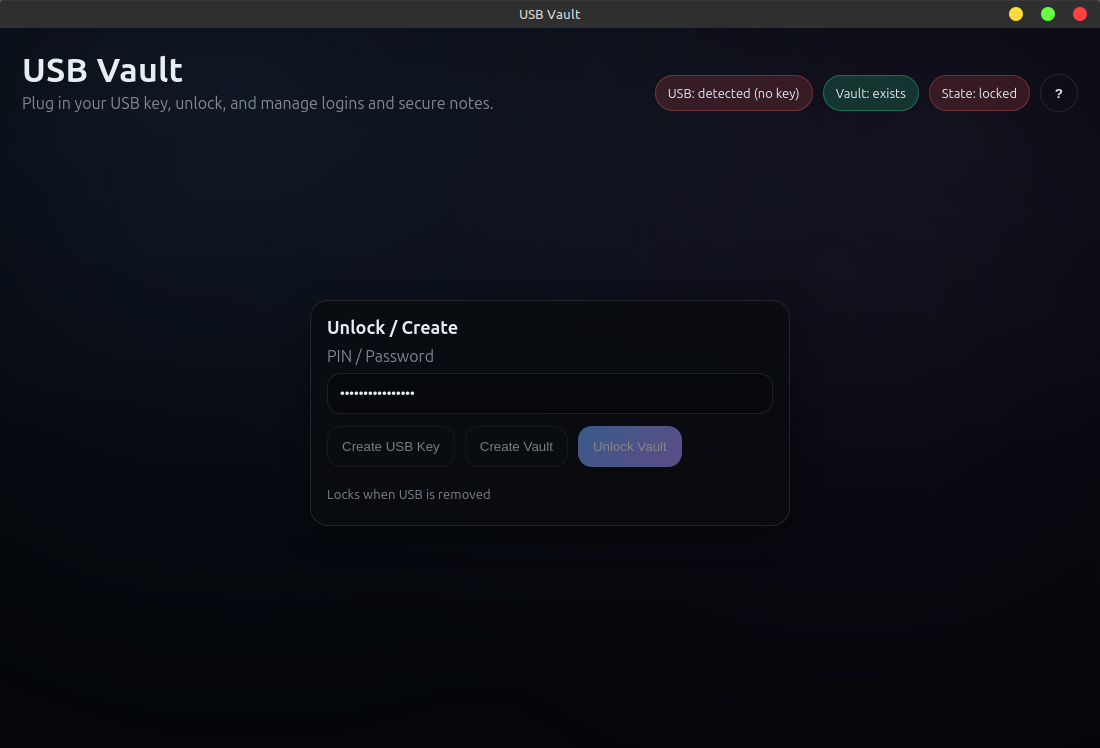
- 🔌 Auto-lock on USB removal
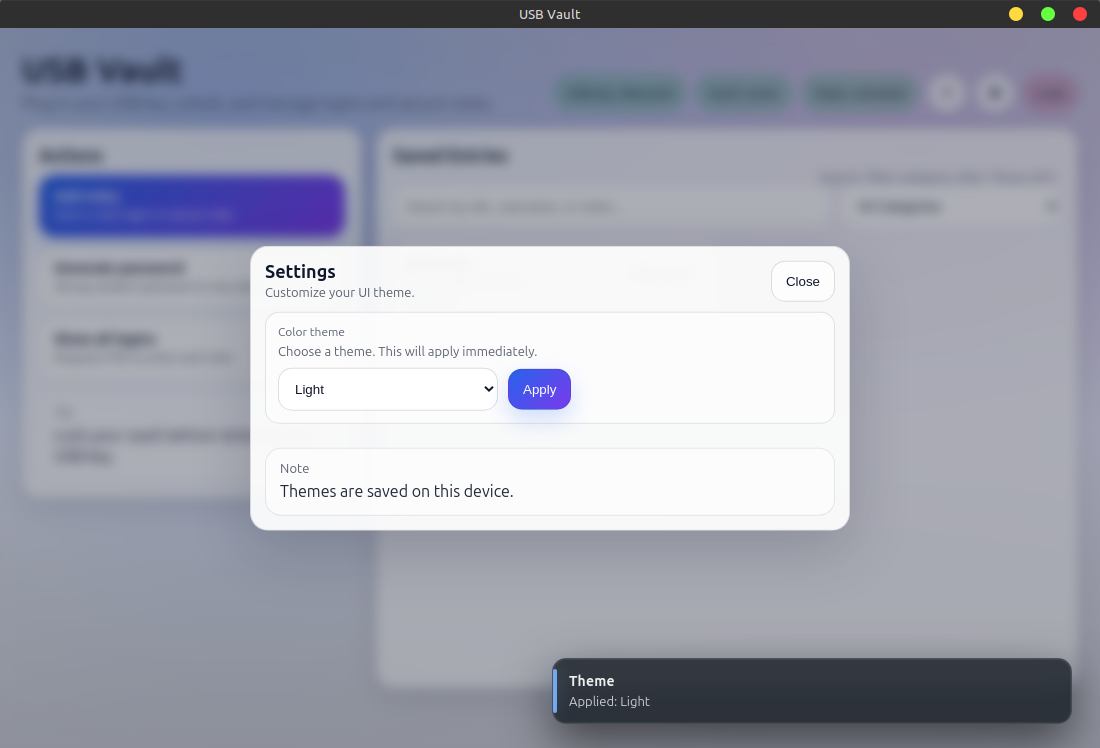
- 🎨 Multiple UI themes
Dark • Light • Blue • Green • Purple - 🐧 Linux installer (.deb)
- 📦 Portable AppImage build
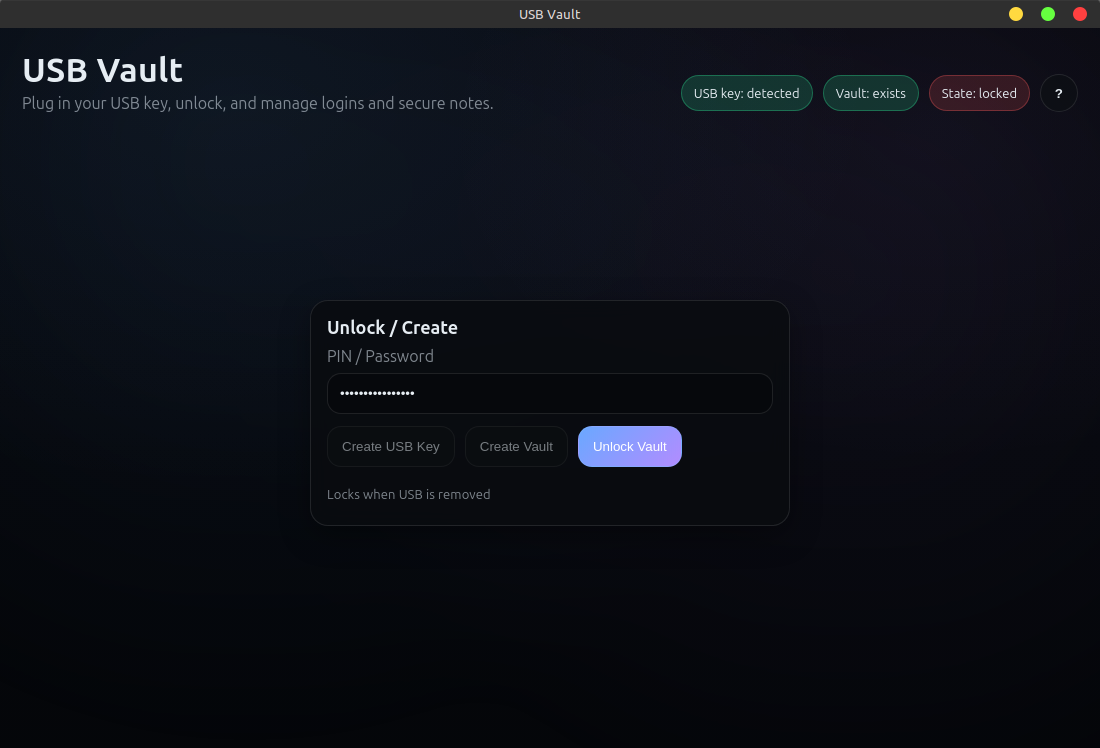
- You create a USB keyfile (
identity.key) - USB Vault derives an encryption key from:
- Your PIN
- The USB keyfile
- Vault data is encrypted locally and stored on disk
- The vault can only be opened with BOTH:
- The USB keyfile
- The correct PIN
- Steal the computer → vault remains encrypted
- Steal the USB → vault remains encrypted
- Both required → plus PIN
Insert a USB drive, open USB Vault, and click:
Create USB Key
This writes identity.key to the root of the USB drive.
Advanced/manual option:
head -c 64 /dev/urandom > /media/YOURNAME/YOURUSB/identity.key⚠ Do NOT lose this file.
It is permanently required to unlock the vault.
Download the .deb from Releases:
sudo apt install ./usb-vault_VERSION_amd64.debLaunch from the application menu or:
usb-vaultchmod +x USB\ Vault.AppImage
./USB\ Vault.AppImageIf you see:
Cannot mount AppImage, please check your FUSE setup
Install:
sudo apt install libfuse2- Insert USB containing
identity.key - Open USB Vault
- Enter a PIN
- Click Create Vault
- Unlock using PIN + USB
Vault file location:
~/.config/usb-vault/vault.enc
USB Vault uses:
- AES-256-GCM authenticated encryption
- scrypt key derivation
- Unique random salt per vault
- Tamper detection via GCM authentication tag
- Memory-only decrypted vault while unlocked
- Auto-lock on USB removal
- Clipboard auto-clear
All encryption is performed locally.
No data leaves your machine.
USB Vault protects against:
- Stolen laptop
- Lost USB device
- Offline disk inspection
- Cold storage data extraction
USB Vault does NOT protect against:
- Malware running on your system
- Keyloggers capturing your PIN
- A compromised operating system
- Physical coercion
For maximum security, use USB Vault on a trusted, clean system.
- Node.js 20 LTS
- npm
- Electron
nvm use
npm ci
npm startFor Debian/Ubuntu
sudo apt update
sudo apt install libfuse2
npm install
npm run dist
chmod +x build/linux/afterInstall.sh
sudo dpkg -i dist/*.deb
Then look for USB-Vault under applications
Artifacts:
dist/
  usb-vault_x.x.x_amd64.deb
  USB Vault-x.x.x.AppImage
The Linux installer automatically configures:
- System launcher
- Application icon
- Runtime wrapper (ensures Electron launches correctly on systems with sandbox/dev-shm restrictions)
No manual configuration required after install.
main.js           Electron main process
preload.js        Secure IPC bridge
renderer/         UI modules
src/usb.js        USB detection + key creation
src/vault.js      Encryption logic
build/            Packaging scripts
You MUST back up:
- Your USB keyfile (
identity.key) - Your PIN
- Your vault file (
vault.enc)
If you lose the USB keyfile: the vault is permanently unrecoverable.
There is no backdoor.
 |
 |
 |
 |
|
 |
 |
 |
 |
- Windows installer
- macOS notarized build
- Optional encrypted export / backup
- Multi-vault profiles
- Hardware token support (YubiKey / FIDO2)
- Optional secondary USB factor
USB Vault uses a pinned Node version via .nvmrc.
nvm install
nvm use

npm ci
npm run lint
npm run format
npm run dist
npm run checksums
Checksums are written to:
dist/SHA256SUMS.txt
.nvmrc:
20
Reproducible here means:
- Locked dependencies (
package-lock.json) - Same Node major version
- Same build steps
Pull requests welcome.
Security issues should be reported responsibly.
See: SECURITY.md
MIT License
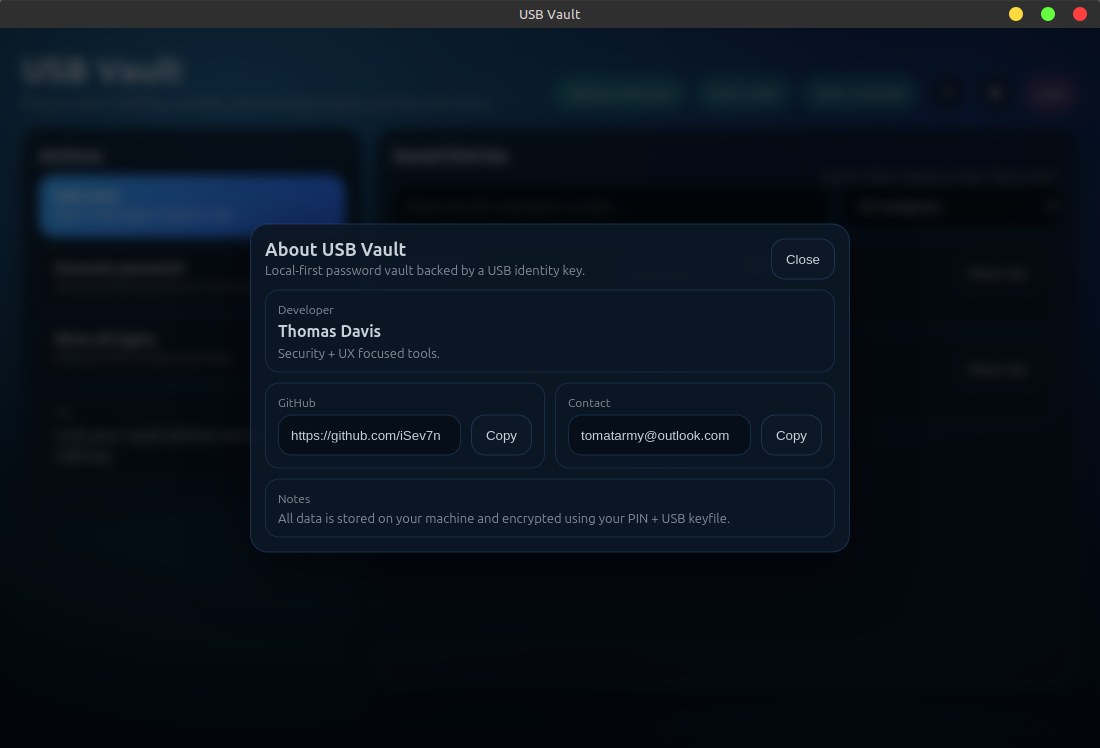
© Thomas Davis