Skip to content

fadymedhat2236/XIOT_Project

Folders and files

NameName
Last commit message
Last commit date

Latest commit


History

11 Commits


Repository files navigation

XIOT_Project

Setting the environment for the project

1-Install keil version 4 or 5.is is free and available online.

2-you should have tm4c123gh6pm launchpad to test the code.
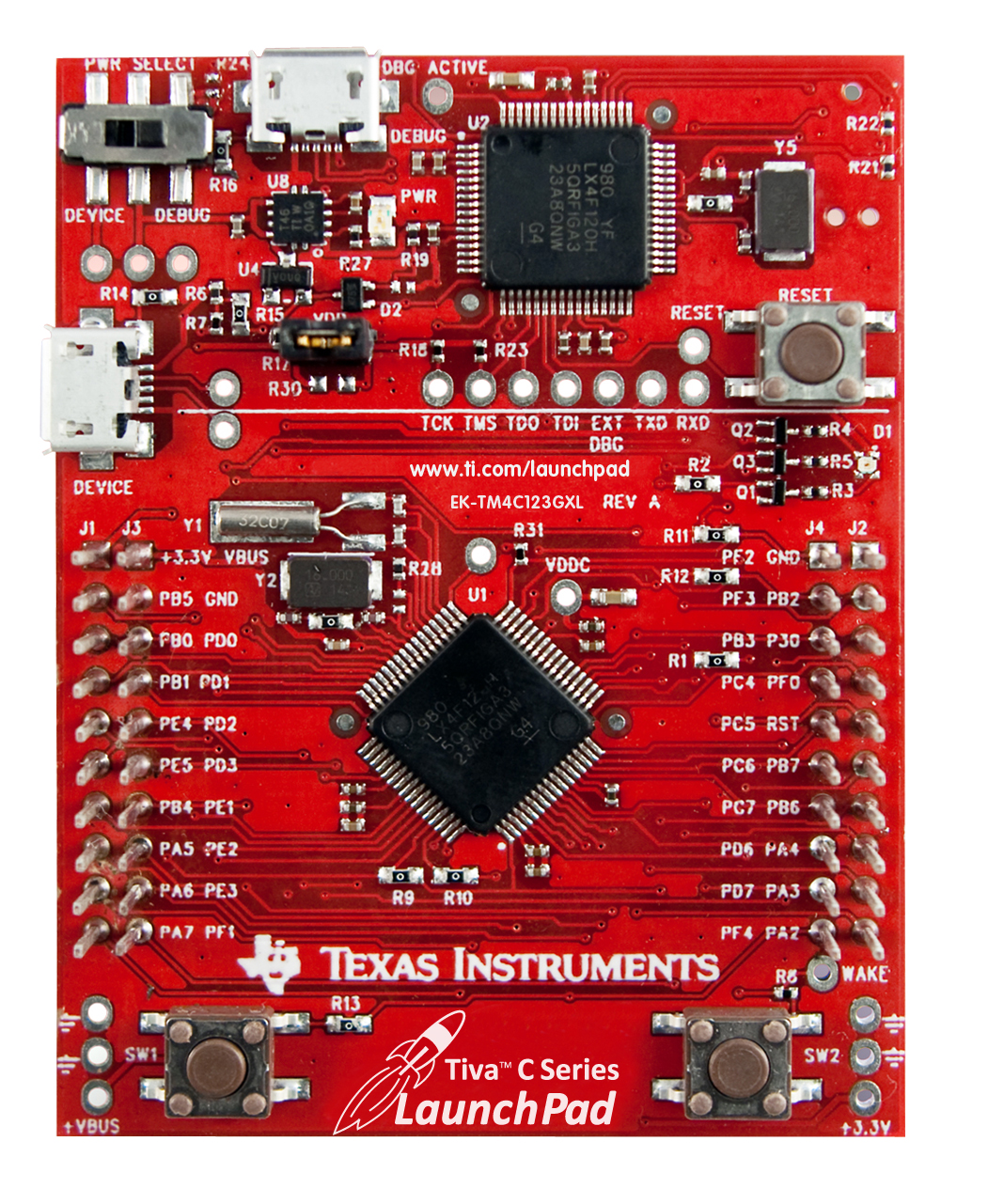
alt text

3-use putty.exe or any serial monitor to see the messages sent by the UART.
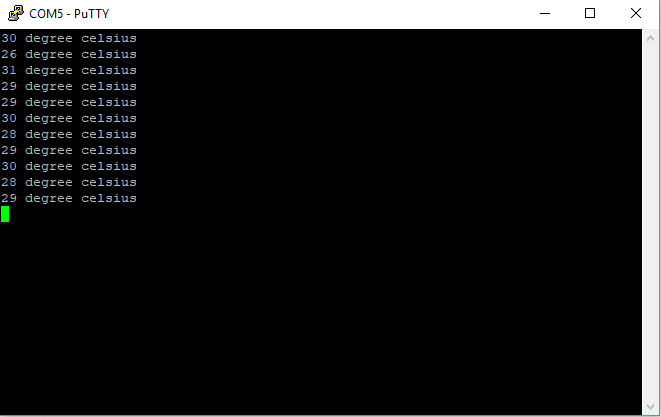
alt text

Running the project

1-Import the source files to a new project in keil.

2-connect the tivaC board to the Pc or the laptop.

3-open the serial monitor.

4-burn the code and watch the messages sent by the UART.

5-the user can change the arguments of the function named (function) to uses any bushbutton or any led within tha board that are connected to portf.

Notice that the project doen't need any external equipments only the tivaC board.It uses the leds and the pushbuttons of the board.Also it triggers the temperature sensor built in the board.

About

No description, website, or topics provided.

Resources

Stars

Watchers

Forks

Releases

No releases published

Packages


Contributors