Ilya_Torch_itorch2001@gmail.com#8
Conversation


Options --version, --json, --limit are ready. Split classes into files.

 Iteration 1
    Options --version, --json, --limit are ready. Split classes into files.
Add option cl verbose
Add description of project to file README.md


|
Please do NOT close this and open new pull request anymore, Our comments do not save and it is hard to track your progress |
|
Here is some feedback about your application work:
P.S. I used --limit 999 option to test last threee points. |
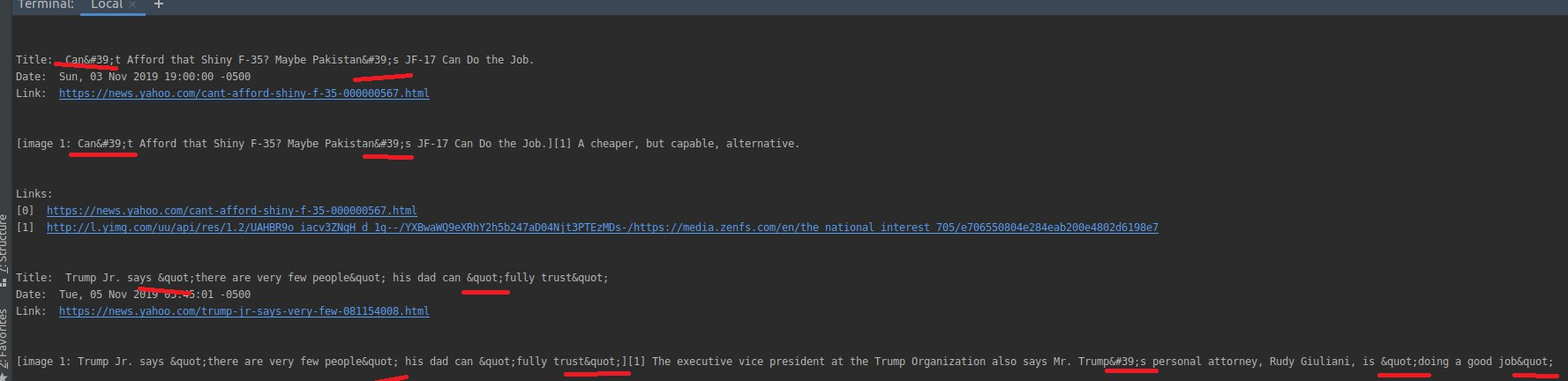
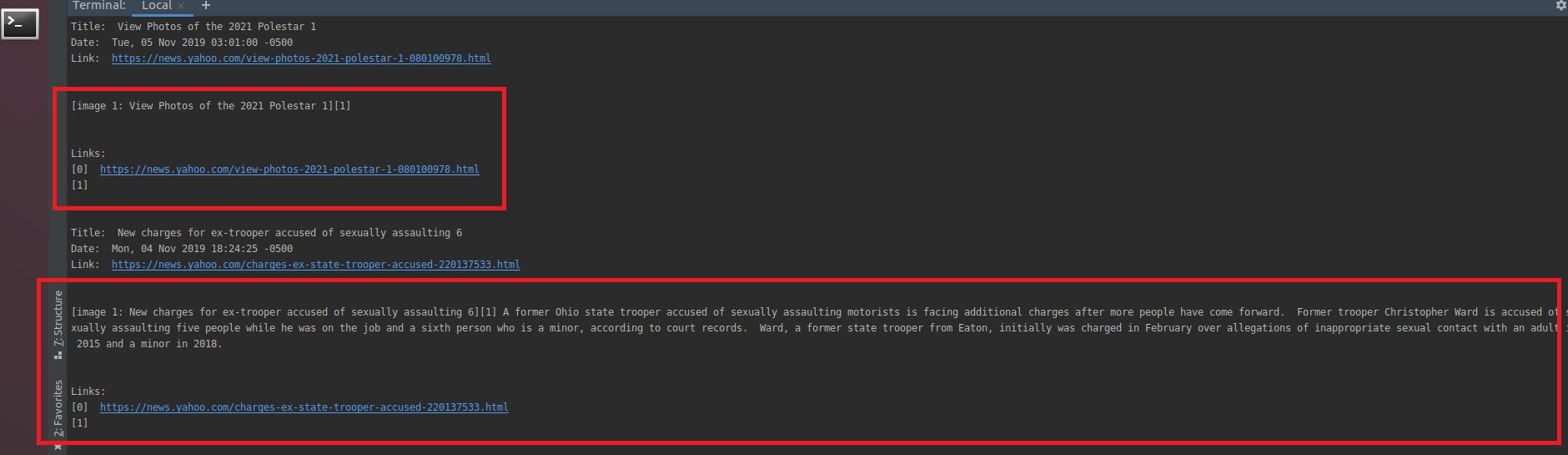

|
1), 3) -fixed |
Remove redundants strings and correct method parse_html in the file Entry.py, Remove redundants empty lines in all the files. Make a decorator for logging and move to other file Logging. Combine parsing command line args into function and move it to other file Console_parse. Fixe the error when check version without RSS url. And fixe output: print whole available feed instead of an article.
Yes
That is certainly strange. Did you visit the url? if there is no src then there should be no image available on the page. P.S. In the future use labels. Check slack for more info. |
Remove unsed improts in files Entry.py, rss_reader.py
 HenadziStantchik
added
please review
HenadziStantchik
added
please review
|
Also please do not |
Edit output of links in file Handler.py; Edit fiel README.md; Add files ConsoleParse.py and Logging.py; Add parsing special symbols and ASCII codes to function parse_html (file Entry.py)
|
When can I cancel review request? |
Remove condition extra condition from file Handler.py and add argument limit check; Remove adding img-links without attr src
|
When launching your application in this way: |
|
It's strange because when I launch application using: |
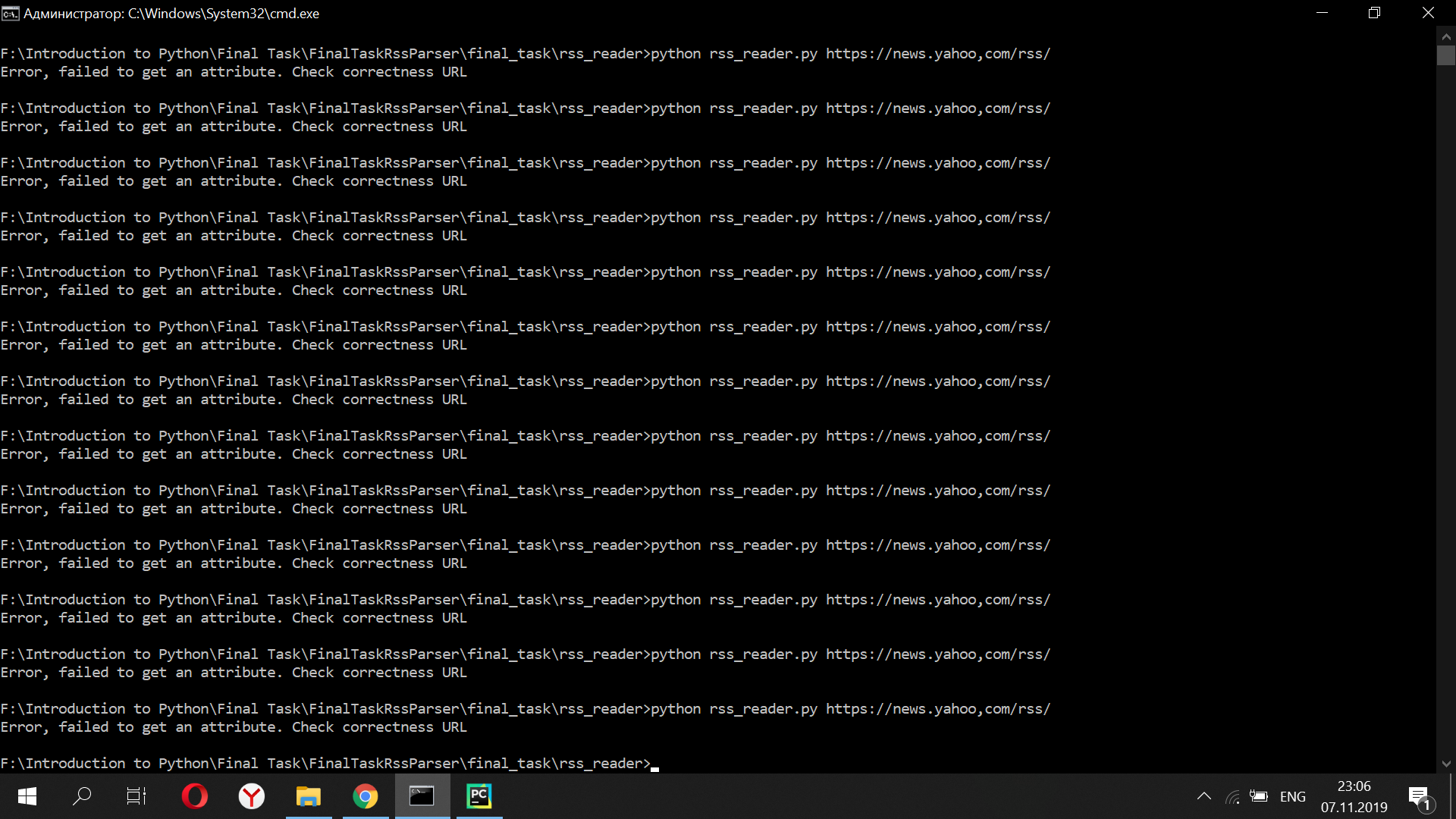
Then this means that the problem on my side. It is ok then. |
|
I did not discover any more issues with iteration 4 |
Add tests fo class Entry; Edit output methods and correct writing of date for Entry objects; Edit some Handler class methods using context managers for working with files and checking if file exists with os.path.exists() and using isinstance() function istead of type(*) == ?; Simplify if-else structure in rss_reader.py file
Edit converting to html and pdf functions for case of several images on the page
Add some tests
|
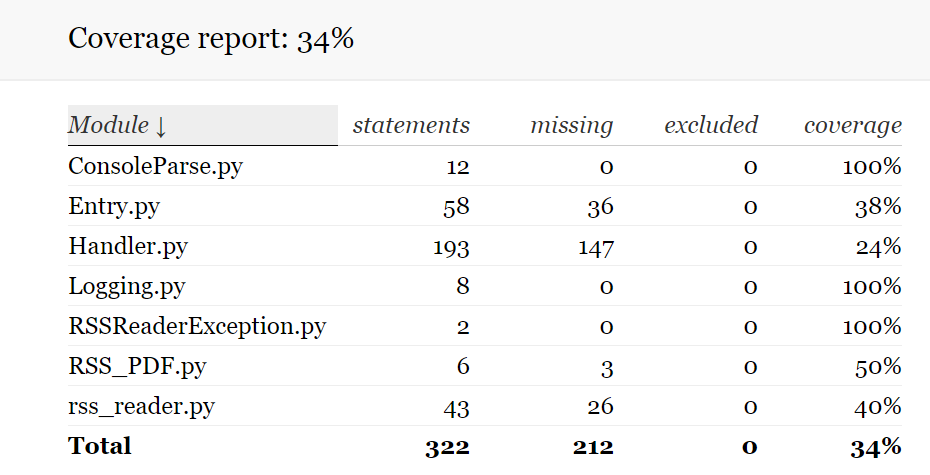
Please look at my tests. Can you explain me why, when I add new tests, % of coverage doesn't change? |
 IlyaTorch
changed the title
IlyaTorch
changed the title
|
And how do the files for which I didn't write a single test show 100% coverage? I check coverage so |
|
|
|
Coverage for exceptions is 100% because they do not contain any statements that need to be tested, only class declarations. Coverage for logging is 100% because you decorated almost every function with logging decorator, so it implicitly called in each your test, so the coverage thinks that you tested it. If you wrote tests only for entry and handler and there is some percentage on other modules, that means that the functions you wrote tests for call some functions from other modules and this makes coverage think that you tested these functions too. Try to check some documentation on coverage, I am sure you will find solution to your problem |
HenadziStantchik
changed the title
Add more tests for Entry and Handler classes
Add more tests for Entry and Handler classes
Move tests to the rss_reader folder; Add prints when html and pdf documents were created
Move tests to rss_reader folder
Add dockstrings;
Change memu options; Delete extra exceptions in Handler

| 5 mains files of project: | ||
| * rss_reader.py - the file which runs the application | ||
| * ConsoleParse.py - contains code which parses arguments from console | ||
| * Entry.py - contains class Entry which represent an article | ||
| * Handler.py - contains class Handler which performes functions of processing objects Entry | ||
| * Logging.py - contains decorator for printing loggs in stdout |

There was a problem hiding this comment.
It would be nice if you kept it up to date.
|
Here is feedback on your application: Commit messages are very informative and correspond to the recommended commit message style. |
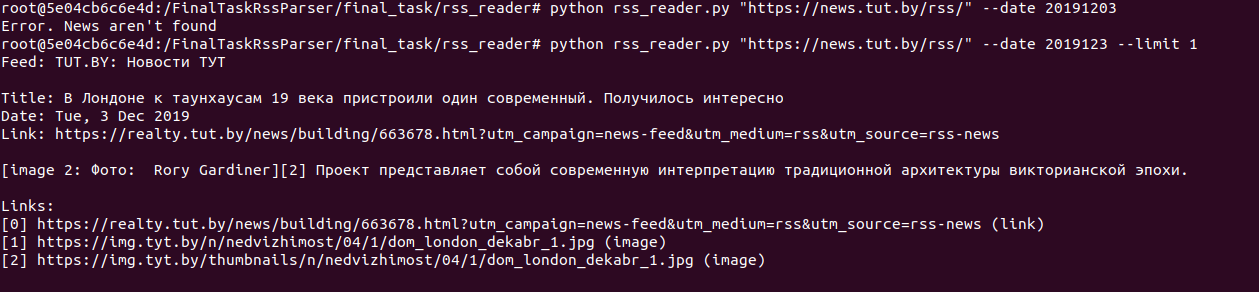
Add work --json with Cyrillic symbols. Correct date format in YYYYMMDD
Edit saving of the news cache
Add search by url in date option
Add colorize option
3 participants


Iteration 1
Options --version, --json, --limit, --verbose are ready. Add option --verbose. Split classes into files. Add description of project to file README.md.