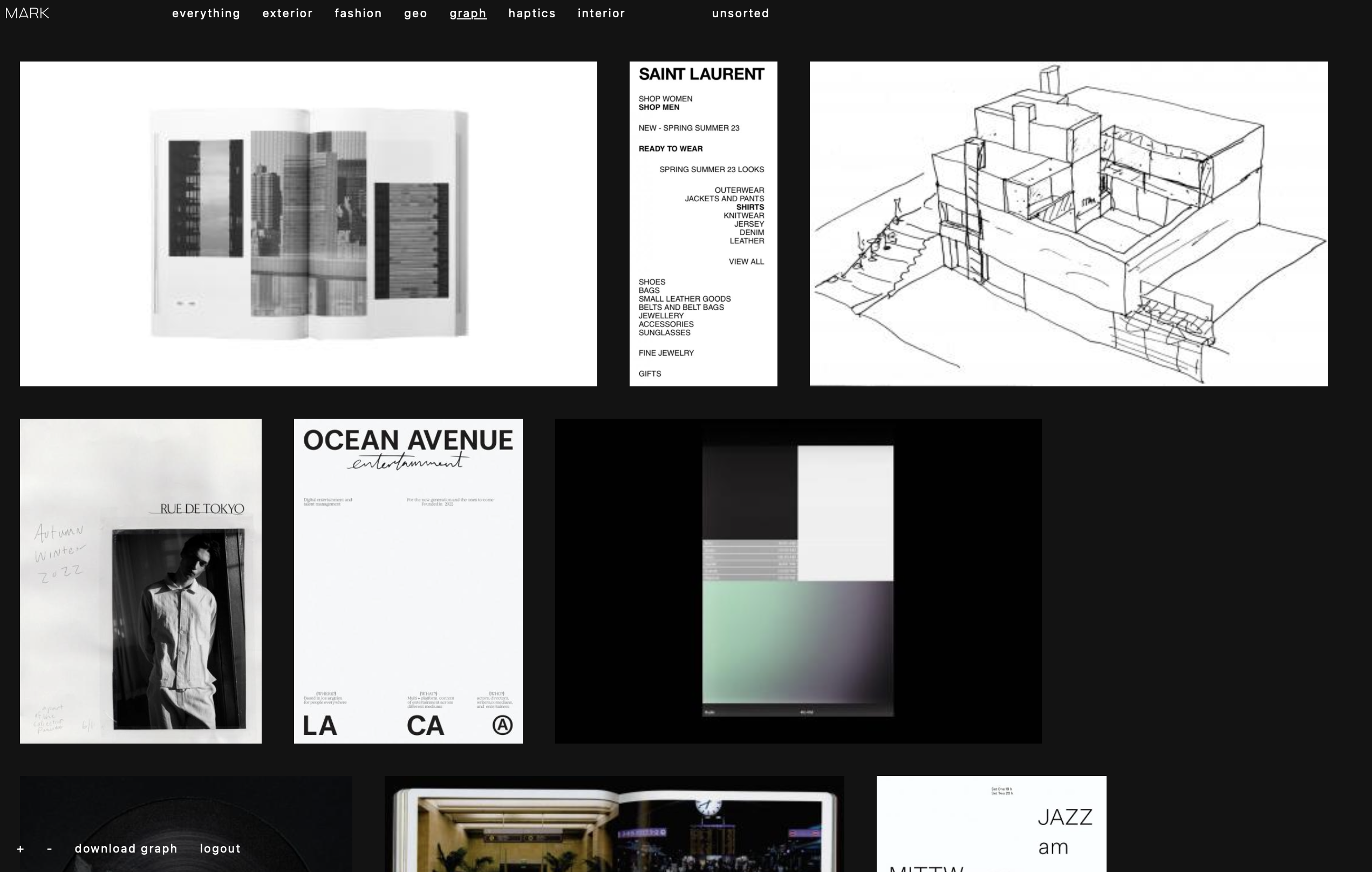
M A R K is a simple image bookmarking tool. It is tailored to my personal needs and preferences, so chances are it won’t fit your use case or make no sense to you at all.
Version 0.4
- M A R K is a tool for personal image bookmarking. There is no way to share your bookmarks with others, unless you grant them access to your instance. I have been pondering a feature that would enable sharing of selected content, though.
- M A R Ks general idea is to create a singular stream of your aesthetic sensibilities, their disparities, their evolution. Every image saved becomes part of this stream, called everything. The now defunctGimmeBar worked in this way, and I enjoyed it greatly.
- Images are added via bookmarklet, which can be conveniently dragged to your bookmark bar from
/bookmarklet. - Alternatively, images can be uploaded via drag and drop or via the upload button on touch-based devices.
- Images are always sorted by date saved.
- The display size of images can be adjusted by using the + and - keys. I find this to be a crucial feature.
- Images can be organized into folders. An image can be in one folder. All images also remain part of the everything stream.
- The tool consciously does not use a database. Instead, it creates a server-side file structure that is understandable to humans.
- Original images are copied to your server
- M A R K folders are file system folders
- Files are renamed by the date/time they were saved so they keep their order even when used outside of M A R K
- Thumbnail images are easily identifiable by file name prefix
- There is an Are.na channel documenting pleasing visual moments from M A R K instances.
- You need to host M A R K on your web server. Installation requires uploading the package and visiting
/setupin your browser. (see installation). - M A R K does not retain image sources.
- For now, folders have to be created manually, on the server.
- The user account system is very simple.
- JS & CSS remain uncompiled.
- No dependencies.
- Apache & PHP
- Support for saving AVIF files requires PHP > 8.3
- Download this repo.
- Copy all files within the
/distfolder to your web server. - Create an empty folder named
/imgsin the same directory you installed M A R K to. - Open the server URL you just copied M A R K to. You will be redirected to the one-step setup process. Make sure permissions are set to allow your server writing to your installation directory.
- Once setup is complete, you can start using M A R K.
- If you would like to add multiple users later, you can edit
config.phpas follows – any password you enter will get hashed by the system upon first login:
  $userinfo = array(
		'Jill' => 'Hveywhb9yAGbVuBu',
		'John' => 'cYpeuzvKZ7Wxht4U'
  );
- In your
/imgsfolder, create subfolders you want M A R K to use, such as architecture, art or textures. Folder names should not contain spaces. - Open the
/bookmarkletsubfolder within the path you installed M A R K to in your browser. On this page, drag the bookmarklet to your favourites bar. - In
config.php, you will find some basic configuration options, such as the default thumbnail size and the name of your image folder. Change these values if you like. - Good to go.
- To add an image, click the M A R K bookmarklet. Saveable images are marked by a yellow frame. Click an image to save it to your collection. If an image cannot be added, try opening it in its own tab by selecting open image in new tab from your browser's context menu.
- Within M A R K, shift click one or more images to select them. With images selected, click on a folder on the right hand side to add them to this folder. Click in white space to remove selection.
- To sort images into folders on touch-based devices, force touch an image. Select the desired folder from the list. Tap × to cancel the operation.
- While hovering an image, click on the × in the upper right corner to delete the image from your collection.
- Drag an image file from your desktop into the M A R K browser window to upload it.
- Press + and - to change thumbnail image size.
- Press i to invert the color scheme.
- Click on an image to display it in full resolution.
- Click download folder name to download a zip of your collection, sorted into folders. The download respects the currently active folder filter.
-
To update your M A R K installation, download the latest version of this repo.
-
Replace the following files and folders on your server:
index.php mark.php bookmarklet.js /setup /vendor /bookmarklet -
If you prefer individual files, please refer to the commit notes to identify updated components.