SMILE is a simulated environment for studying robot imitation learning based on the hypothesis that, in many situations, procedural tasks can be learned more effectively by observing object behaviors while completely ignoring the demonstrator’s motions. In other words, the demonstrator in the environment is intentionally made invisible to the robot learner.
SMILE is a part of our imitation learning project.
Primary features include:
- Recording demonstrations of procedural tasks using mouse inputs and GUI. A recorded demonstration consists of a sequence of images (a "video") and an accompanying text log.
- Programming behaviors of a simulated robot in the environment via a Matlab interface.
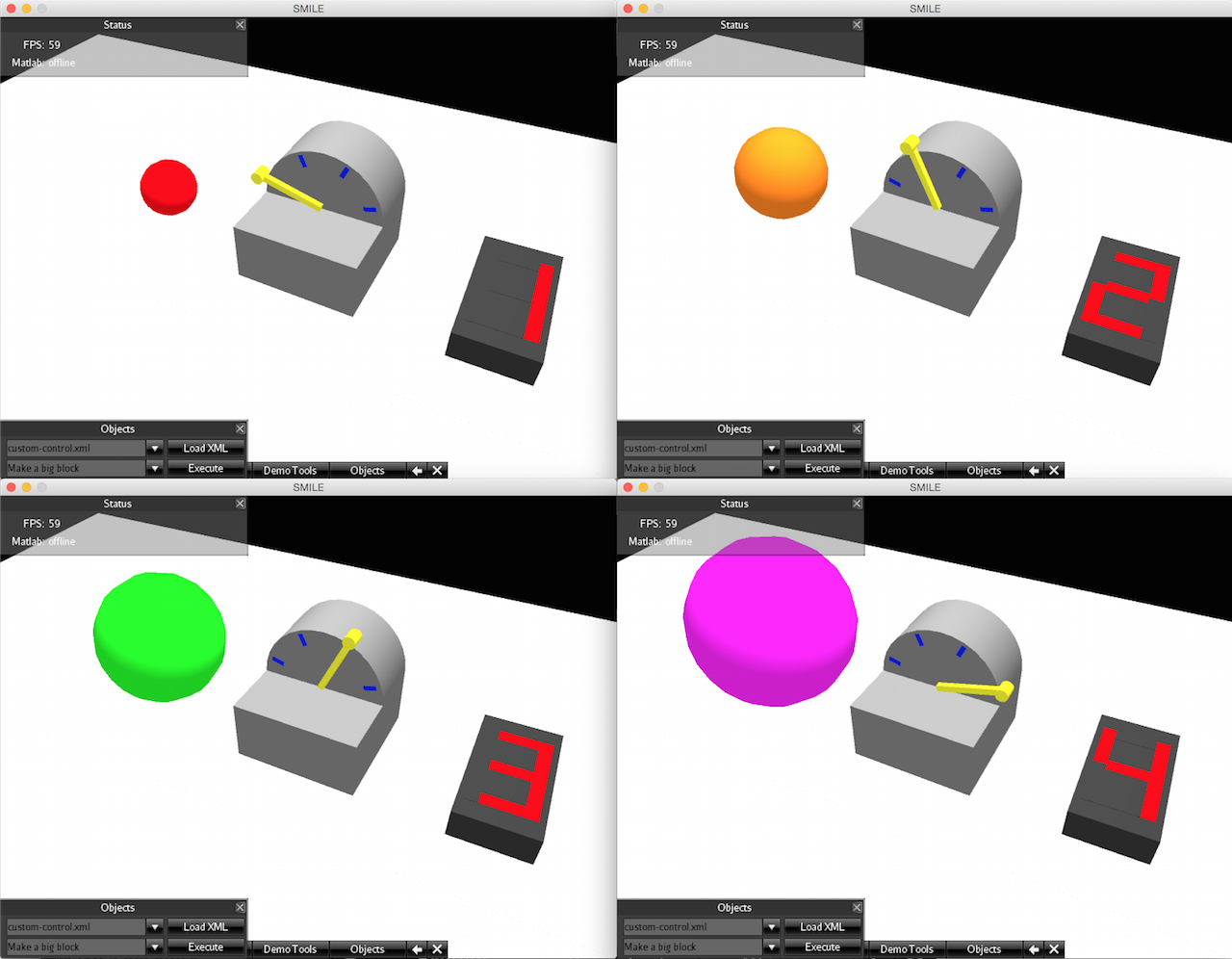
- Creating various simulated objects and controls for custom task scenarios using XML.
Refer to this technical report for detailed descriptions.
See release notes for new features not included in the tech report.
- Java Runtime Environment version 1.7 or above.
- Matlab is required only if you are planning to run Matlab scripts to control the simulated robot.
- Download the latest zip file and extract it somewhere.
- Double click
SMILE.jar, or use command linejava -jar SMILE.jarto start SMILE. - Select screen resolution and click continue.
- If everything goes well, a main screen containing a 3D simulated environment will appear.
- Hit
ESCanytime to quit.
SMILE has been tested on OS X, Windows, and Linux.
Refer to this technical report for how to use SMILE.
Huang, D.-W., Katz, G., Langsfeld, J., Oh, H., Gentili, R., and Reggia, J. (2015). An object-centric paradigm for robot programming by demonstration. In Schmorrow, D. and Fidopiastis, C., editors, Foundations of Augmented Cognition, pages 745–756. Springer.
Huang, D.-W., Katz, G., Langsfeld, J., Gentili, R., and Reggia, J. (2015). A virtual demonstrator environment for robot imitation learning. In IEEE International Conference on Technologies for Practical Robot Applications (TePRA).
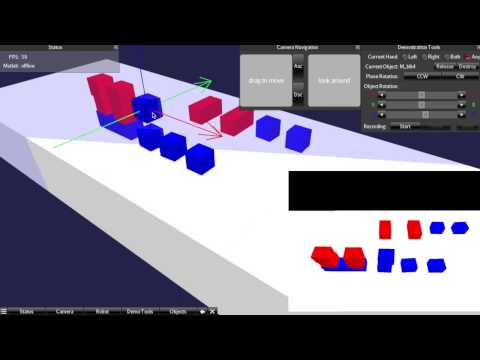
Recording a demonstration that builds a structure (letters "UM") using a set of blocks.
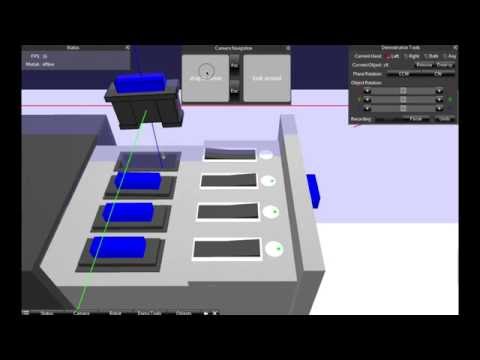
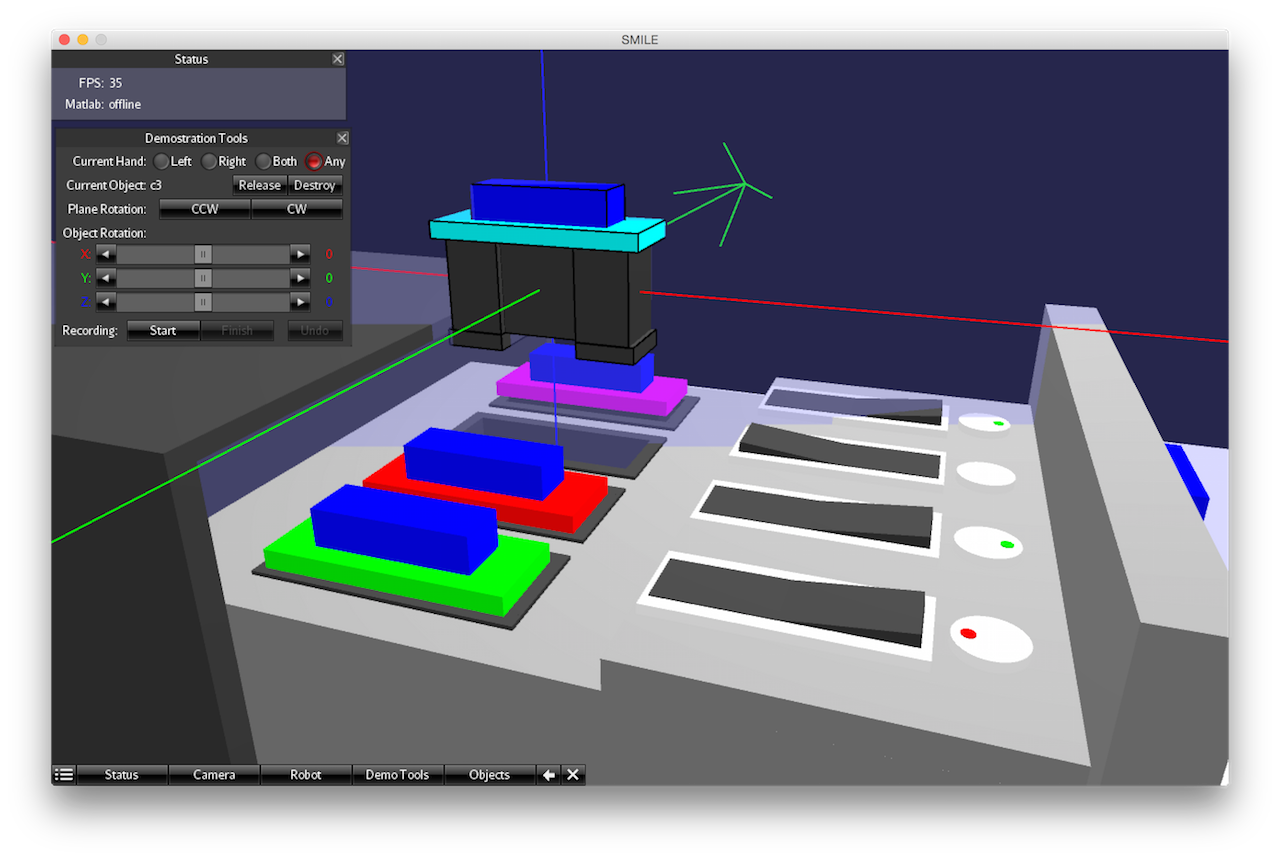
Recording a demonstration of a disk-drive dock maintenance task. The goal is to replace a "bad" drive as indicated by a red light. A switch must be turned off before removing a drive, and turned back on after a new drive is inserted.
A recorded demonstration video of the "UM" block stacking task. Note that since the demonstrator is made invisible in SMILE, the blocks appear to move on their own.
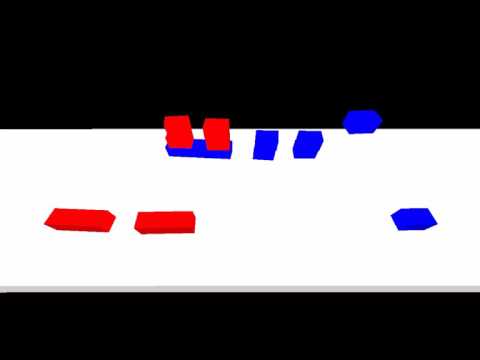
A robot simulation performing a "UM" block stacking task.
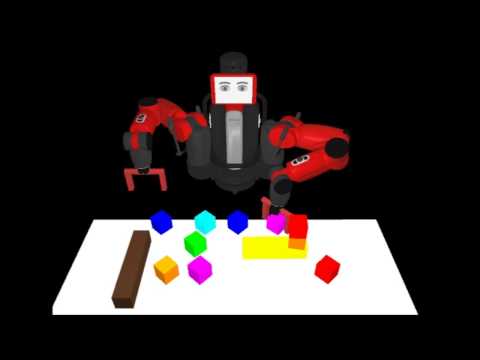
An overview of SMILE's 3D simulated world
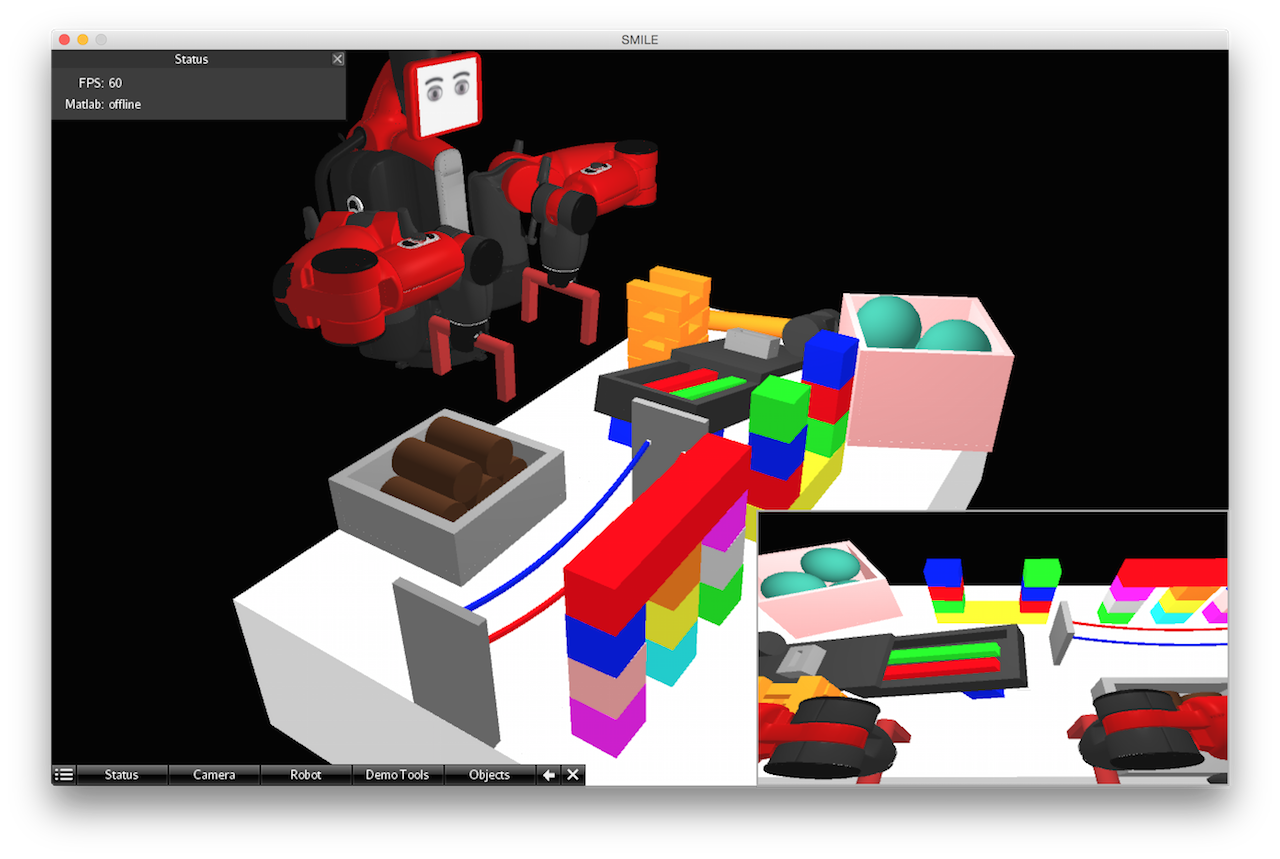
A contraption designed using SMILE's XML interface
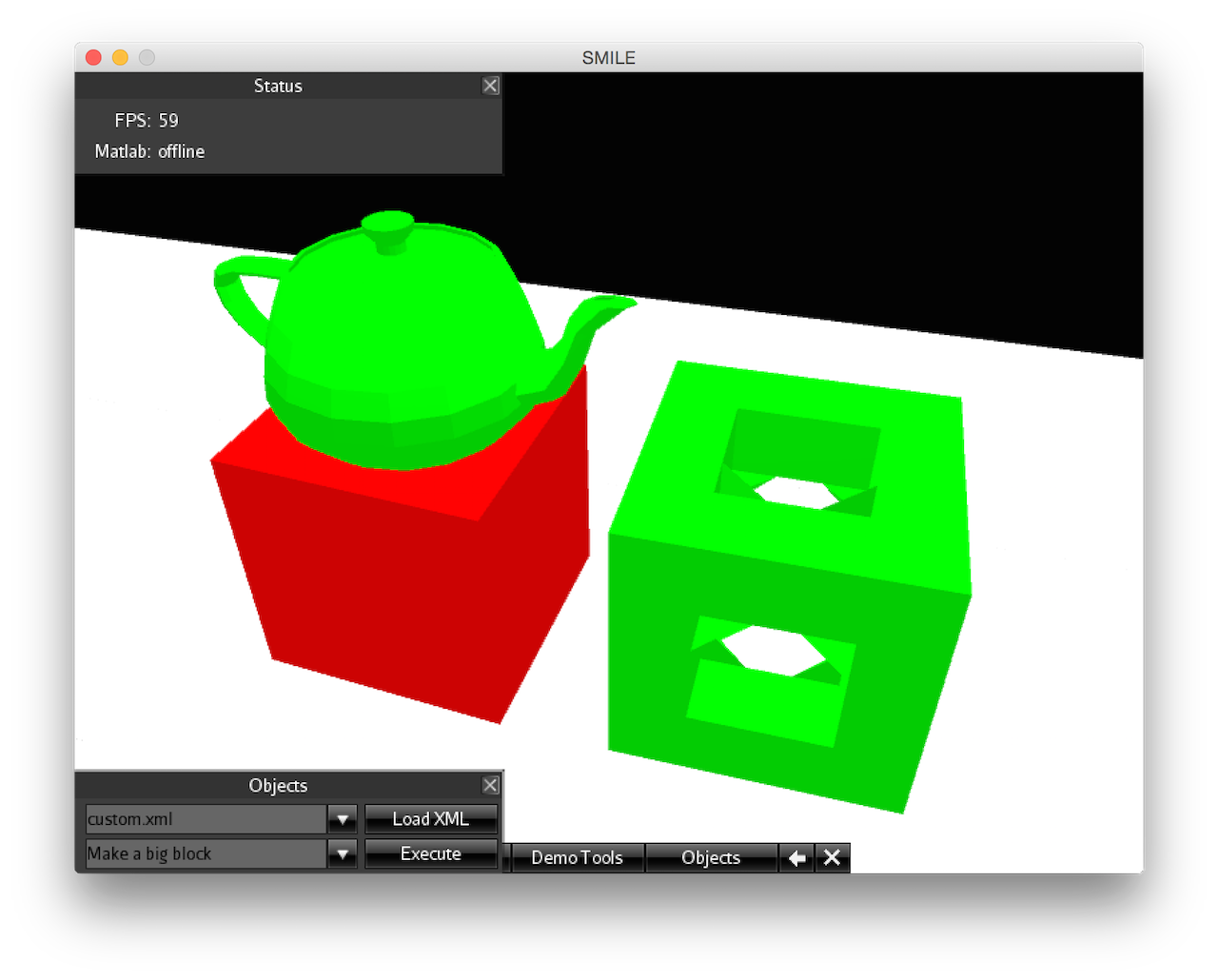
Loading custom 3D models in STL format
The four states of three mutually-connected custom controls, specified using SMILE's XML interface