
The Postman for OG Images.
Inspect, validate, and preview your site's social metadata — no public URL needed.




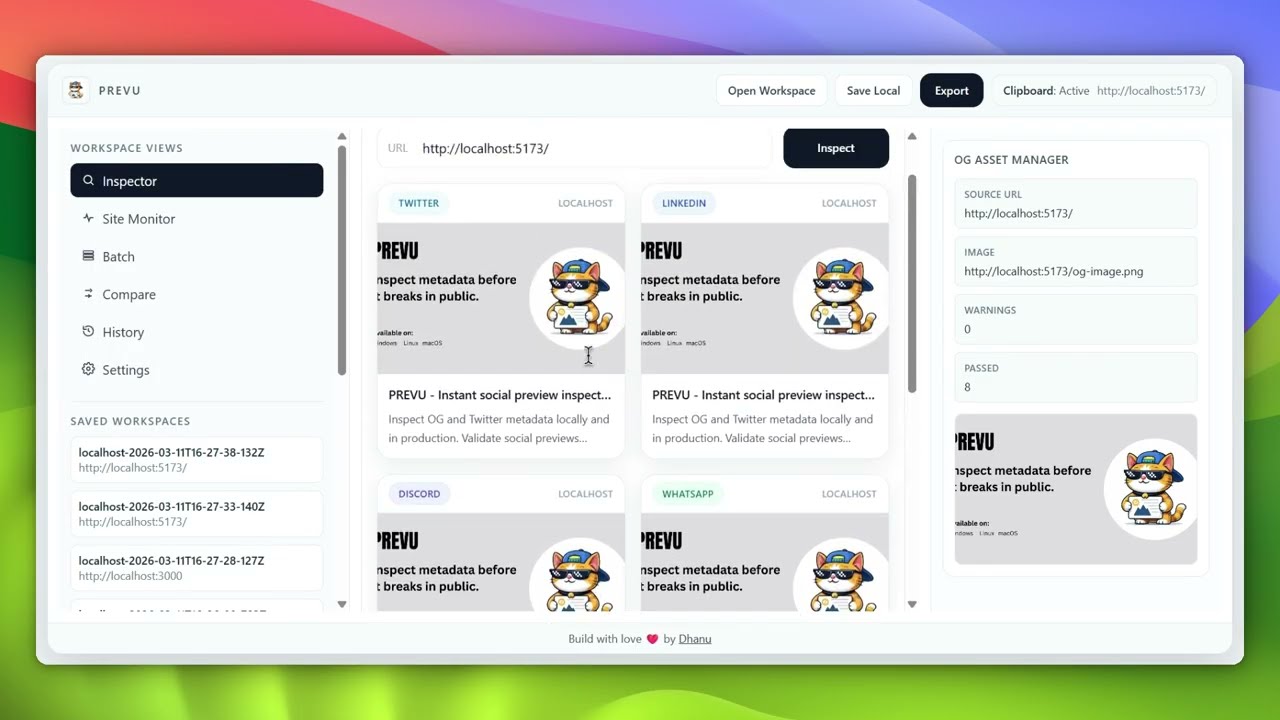
Most OG image issues are discovered only after deploying. PREVU closes that feedback loop — paste any URL and instantly see how it renders across every major social platform, with full validation, right on your local machine.
No more pushing to staging just to check a link preview. No more broken thumbnails going live. Ship with confidence.
| Home | Preview | Validation |
|---|---|---|
 |
 |
 |
| Feature | |
|---|---|
| 🔍 | Inspect any URL — localhost, staging, or production |
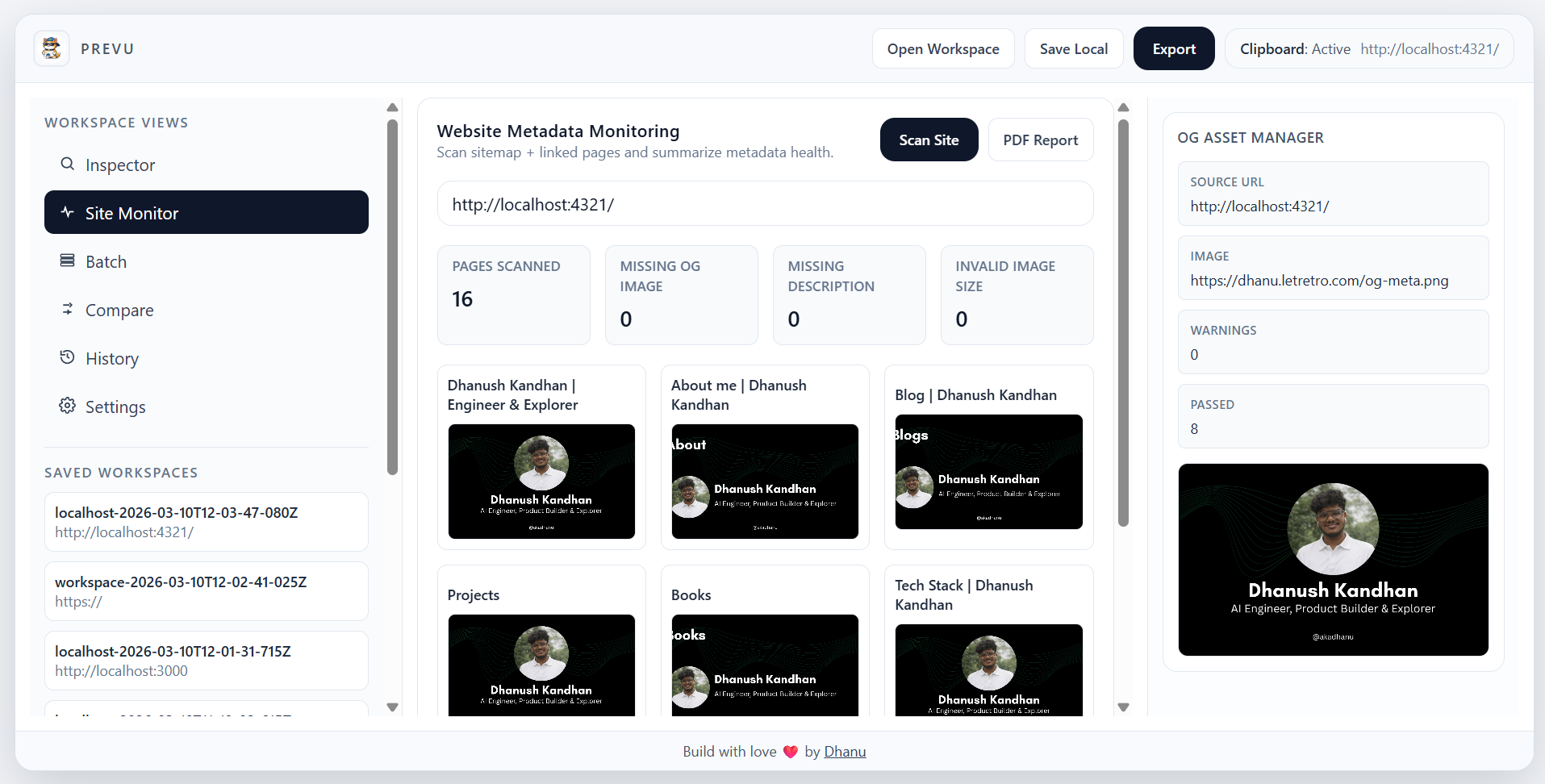
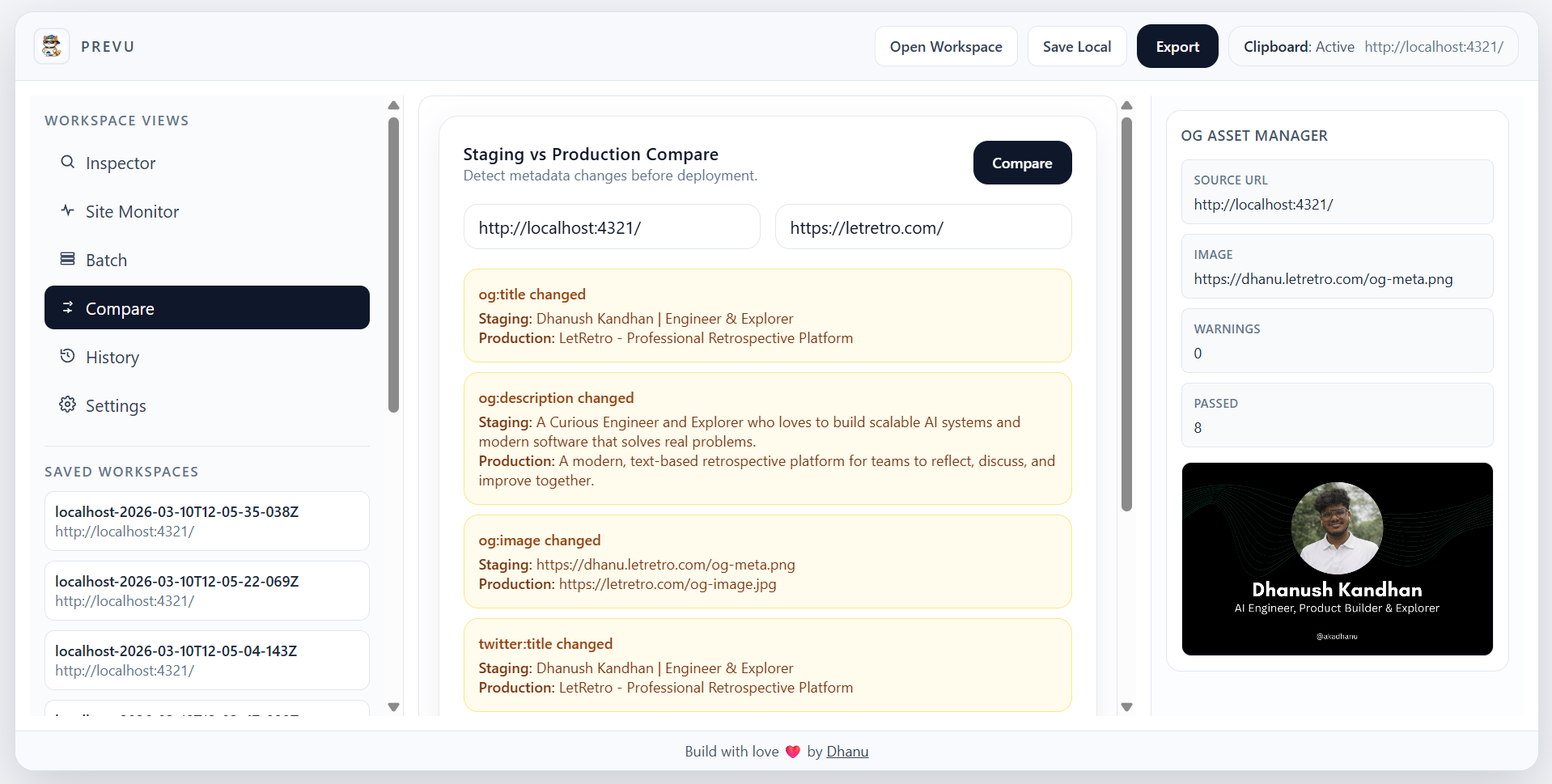
| 🏷️ | Extract all metadata — Open Graph and Twitter Card tags at a glance |
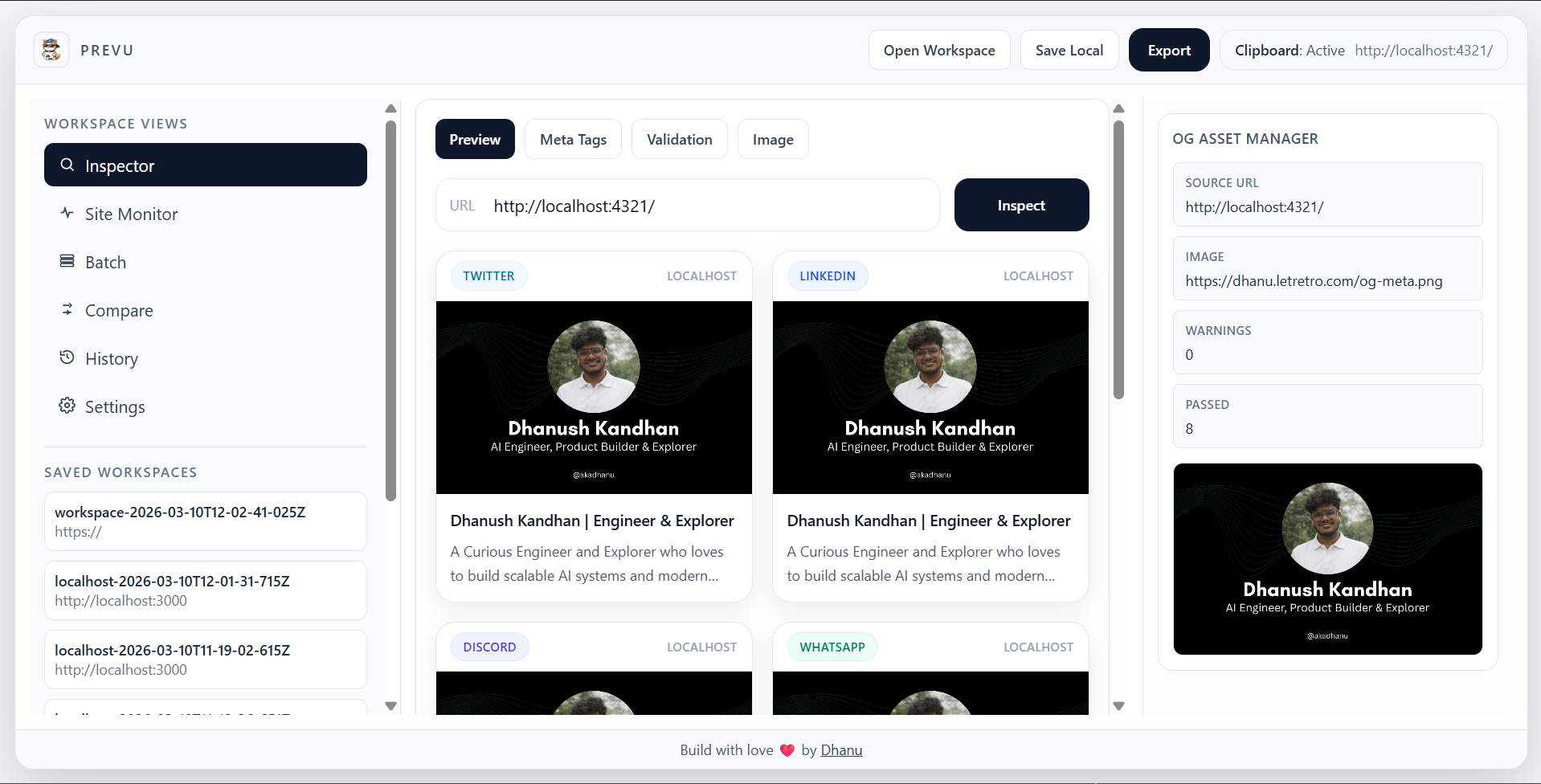
| ✅ | Validate — required tags, image dimensions, aspect ratio, and file size |
| 👀 | Social Previews — realistic renders for Twitter, LinkedIn, Discord, WhatsApp & Facebook |
| 📋 | Clipboard auto-preview — automatically inspects URLs you copy |
| 🔄 | Watch mode — re-inspects every 5 seconds during active development |
| ⚡ | CLI included — prevu inspect <url> shares core logic with the desktop app |
| 🪶 | Lightweight — Tauri binary with a minimal memory footprint |
Get the latest installer from the Releases page →
| Platform | Installer |
|---|---|
| 🪟 Windows | .exe (NSIS) · .msi |
| 🍎 macOS | .dmg (Intel & Apple Silicon) |
| 🐧 Linux | .AppImage · .deb · Arch AUR |
⚠️ Builds are currently unsigned. See the platform-specific notes below to bypass Gatekeeper / SmartScreen.
🪟 Windows
Using the NSIS installer (.exe) — recommended
- Download
PREVU_x.x.x_x64-setup.exefrom Releases - Double-click the installer
- If Windows SmartScreen blocks it → More info → Run anyway
- Follow the wizard and launch from the Start Menu
Using the MSI installer (.msi)
- Download
PREVU_x.x.x_x64_en-US.msi - Double-click and follow the wizard (SmartScreen → More info → Run anyway)
SmartScreen appears because PREVU is not Authenticode-signed yet. The app is safe — verify the source here.
🍎 macOS
- Download the
.dmgfor your chip —x64(Intel) oraarch64(Apple Silicon) - Open the
.dmg, drag PREVU to Applications, then eject the volume - Launch from Launchpad or Applications
If macOS says the app is "damaged" or "cannot be opened":
Option A — GUI:
System Settings → Privacy & Security → scroll down → Open Anyway
Option B — Terminal:
xattr -cr /Applications/PREVU.appmacOS Gatekeeper blocks apps not signed with an Apple Developer ID. PREVU is not notarized yet —
xattr -cris the standard developer workaround.
🐧 Linux
Arch Linux (AUR) — install directly on your Arch machine with:
yay -S prevuAppImage — universal, recommended
chmod +x PREVU_x.x.x_amd64.AppImage
./PREVU_x.x.x_amd64.AppImage

# Optionally move to PATH
mv PREVU_x.x.x_amd64.AppImage ~/.local/bin/prevu
echo 'export PATH="$HOME/.local/bin:$PATH"' >> ~/.bashrc && source ~/.bashrc
Debian / Ubuntu (.deb)
sudo dpkg -i PREVU_x.x.x_amd64.deb
sudo apt-get install -f  # fix any missing deps
prevu
Uninstall
rm ~/.local/bin/prevu          # AppImage
sudo dpkg -r prevu             # .deb
PREVU requires a WebKitGTK runtime. If the app fails to launch:
# Ubuntu/Debian
sudo apt-get install libwebkit2gtk-4.1-0
# Fedora
sudo dnf install webkit2gtk4.1
# Arch
sudo pacman -S webkit2gtk-4.1
cargo run --manifest-path cli/Cargo.toml -- inspect https://example.com
cargo run --manifest-path cli/Cargo.toml -- inspect https://example.com --json
Example output:
[OK]   og:title detected
[OK]   og:description detected
[WARN] Missing twitter:card
[WARN] Image resolution too small (500x260). Minimum is 600x315
| Layer | Technology |
|---|---|
| Desktop shell | Tauri (Rust) |
| Frontend | React + Vite + TypeScript + TailwindCSS |
| HTML parsing | reqwest + scraper |
| Image analysis | image crate |
| Clipboard | arboard |
| Serialization | serde + serde_json |
| Async runtime | tokio |
prevu/
├── frontend/               # React + Vite frontend
│   └── src/
│       ├── components/     # PreviewCard, MetaTable, etc.
│       └── pages/
├── src-tauri/              # Tauri Rust backend
│   └── src/
│       ├── main.rs
│       ├── parser.rs
│       ├── validator.rs
│       ├── image_checker.rs
│       └── clipboard_watcher.rs
└── cli/                    # Standalone CLI
    └── prevu-cli.rs
Prerequisites: Node.js 20+, Rust stable, platform Tauri deps (WebView2 on Windows, WebKitGTK on Linux)
# Install dependencies
npm install
npm --prefix frontend install

# Run
npm run tauri:dev     # Full desktop app with hot reload
npm run dev           # Frontend only (browser)

# Build
npm run tauri:build
Adding a new platform preview:
- Update the platform union type in
PreviewCard.tsx - Add the style mapping for the new platform
- Render the card in the preview tab in
Home.tsx
Contributions are welcome! Please read CONTRIBUTING.md and CODE_OF_CONDUCT.md before opening a pull request.
If PREVU saved you from shipping a broken link preview, consider buying me a coffee!

MIT © Dhanush Kandhan
