
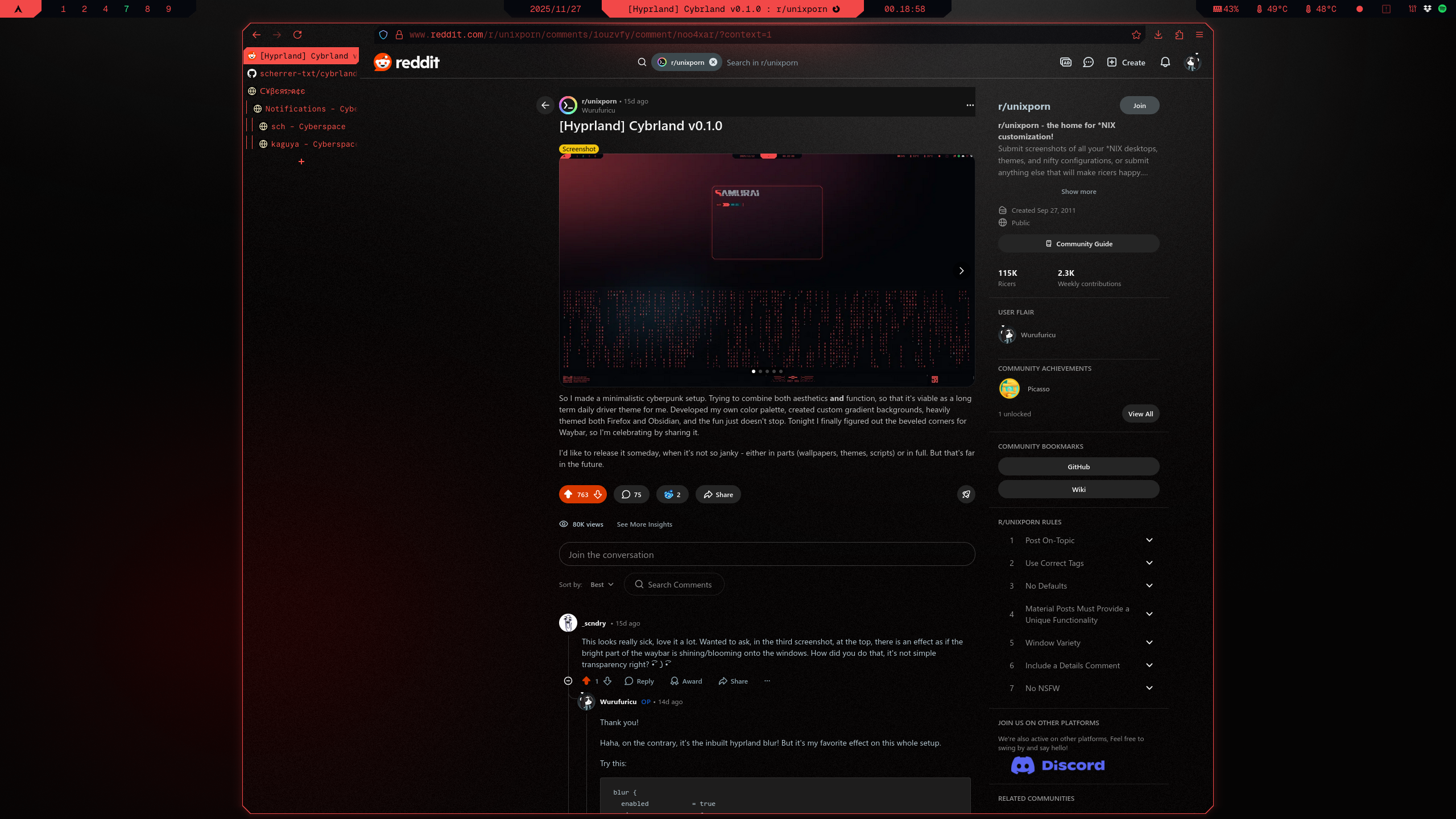
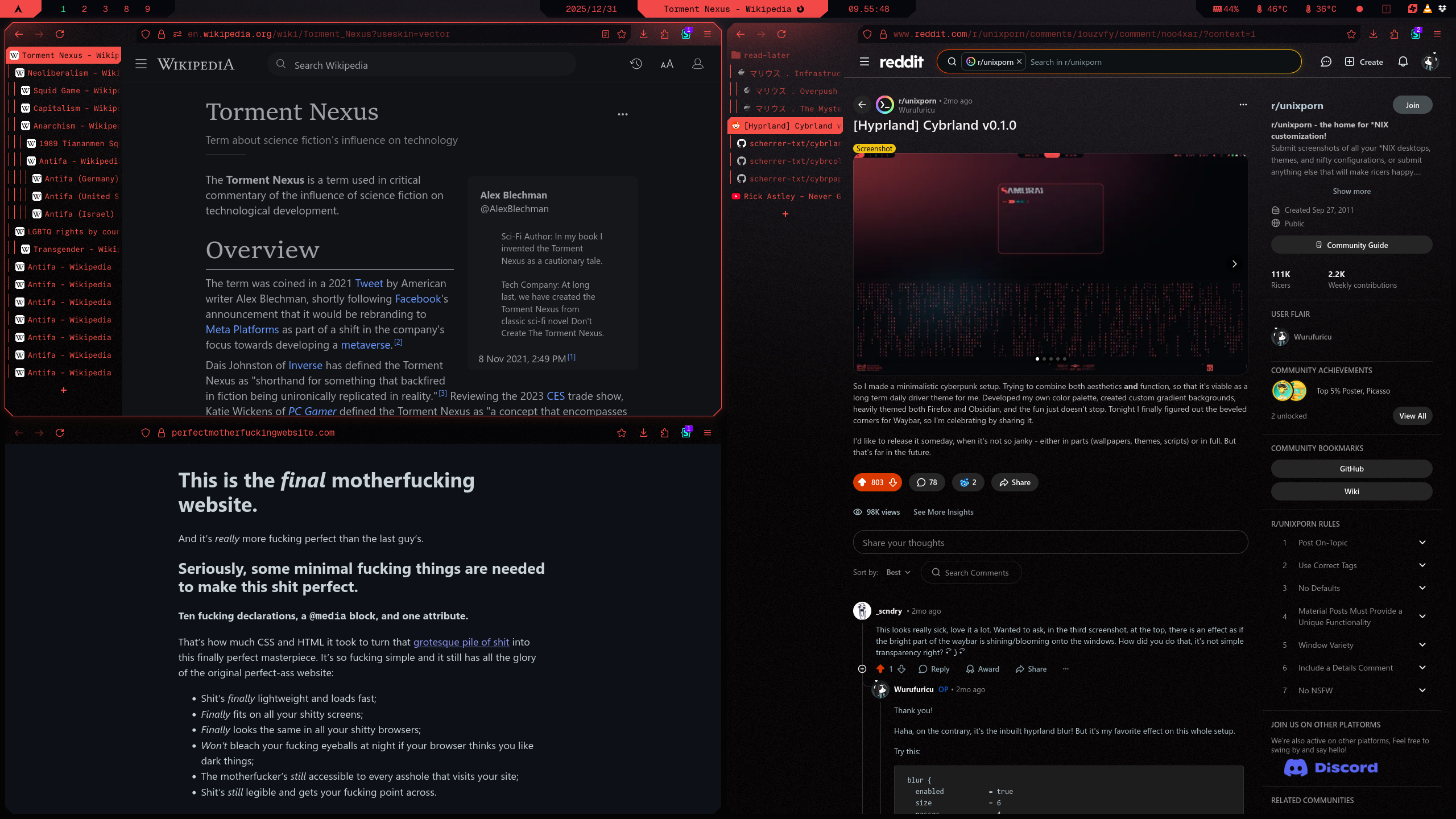
Caution
Theme is work in progress. Major refactor is in pipeline. Use at your own risk.
Theme uses deprecated version of Cybrcolors.
- Make sure Geist Mono Nerd Font is installed, you can do that from terminal with:
curl -L https://github.com/ryanoasis/nerd-fonts/releases/latest/download/GeistMono.zip -o GeistMono.zip
mkdir -p ~/.local/share/fonts
unzip GeistMono.zip -d ~/.local/share/fonts/GeistMono
fc-cache -fv- Make sure firefox is installed:
sudo pacman -S firefox - Make sure Sidebery is installed
- See Installation Guide if you haven't set up prerequisites yet
1. Download userChrome.css and sideberry.css
userChrome.csscontains all decoration settingsideberry.csscontains all decorations for Sidebery, paste its content into Sidebery Style Editor
- Open Firefox, CTRL+T, paste
about:config, confirm - Set
toolkit.legacyUserProfileCustomizations.stylesheetstotrue(enables userChrome.css to be loaded) - Set
browser.tabs.allow_transparent_browsertotrue(this enables transparency for tabs) - Set
widget.transparent-windowstotrue(this enables transparency for Sidebery)
pkill firefox && firefox