
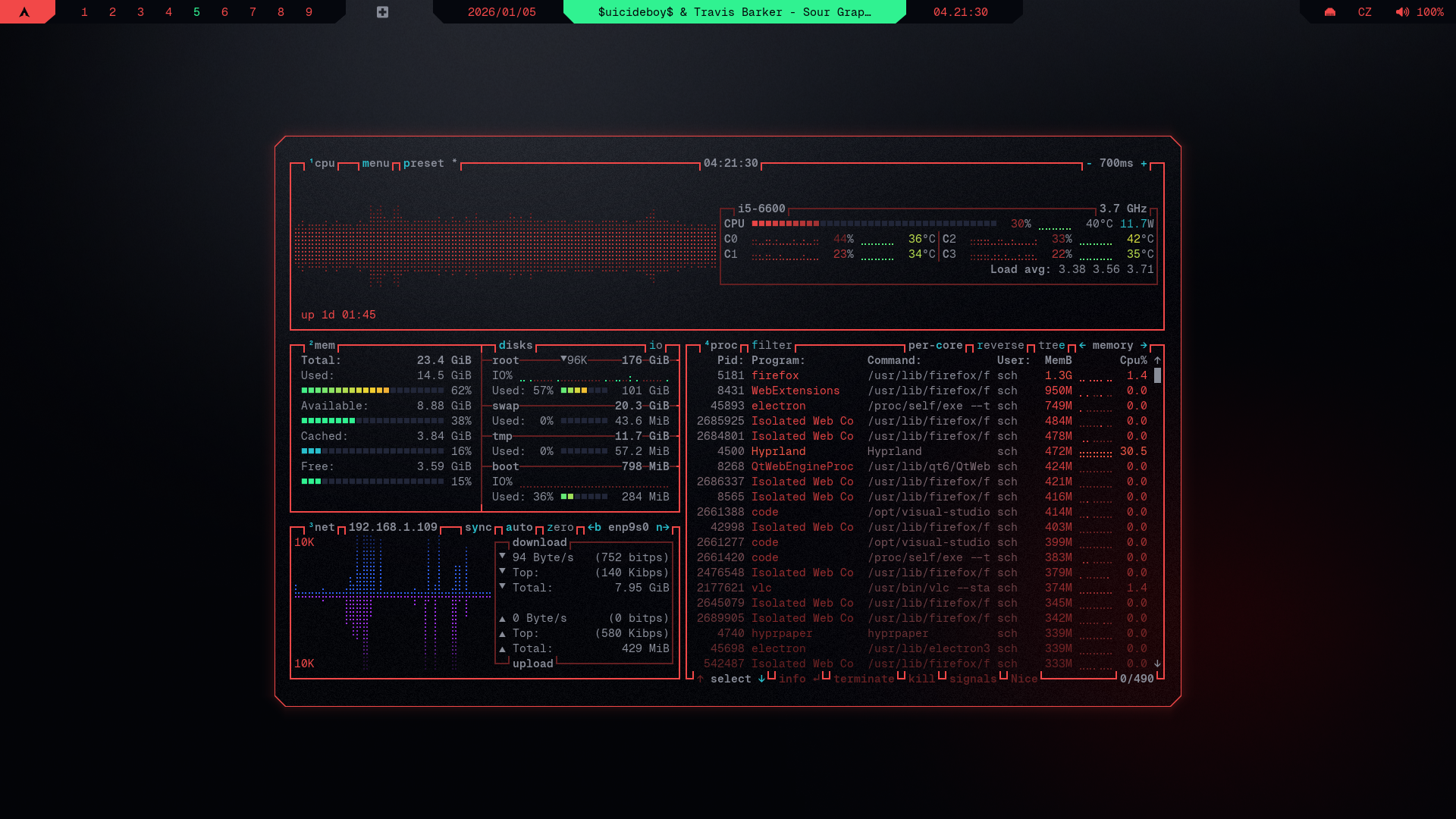
- Make sure Geist Mono Nerd Font is installed, you can do that from terminal with:
curl -L https://github.com/ryanoasis/nerd-fonts/releases/latest/download/GeistMono.zip -o GeistMono.zip
mkdir -p ~/.local/share/fonts
unzip GeistMono.zip -d ~/.local/share/fonts/GeistMono
fc-cache -fv- Make sure kitty is installed:
sudo pacman -S kittyand cybrcore theme is applied - Make sure btop is installed:
sudo pacman -S btop - See Installation Guide if you're coming from cybr-hyprland and haven't set up prerequisites yet
- btop Github
mkdir -p ~/.config/btop/themes
$EDITOR ~/.config/btop/themes/cybrcore.theme
2. Insert cybrcore theme
btop

# Press ESC -> Options
# Select Color theme, then select cybrcore with left/right arrow keys
# You can exit btop by pressing Q