

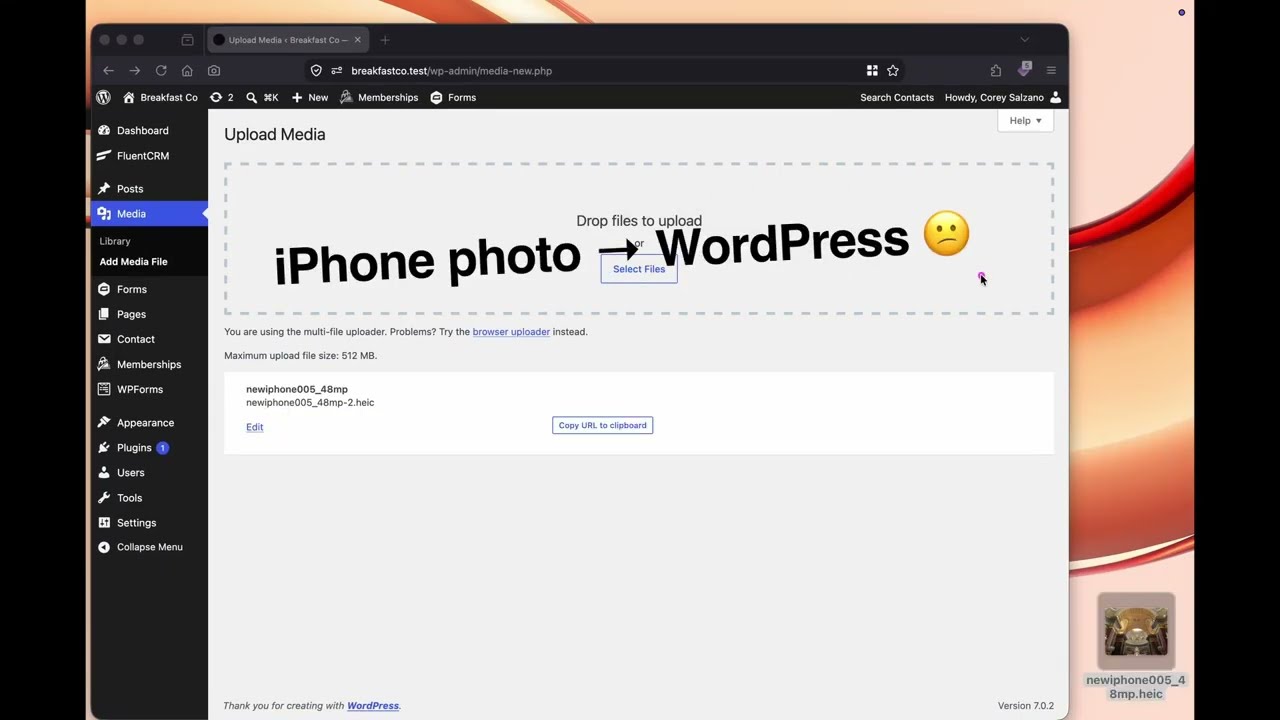
Allows .heic uploads to the Media Library. Creates .webp, .avif, or .jpg copies of .heic images when they are uploaded. An optional feature replaces the original upload instead of creating a copy.
Creation of .webp, .avif, or .jpg copies usually works on servers running ImageMagick 7 or above. Check Settings → Media → HEIC Support after activating to see if your server provides ImageMagick.
Saves attachment IDs in meta key _heic_support_copy_of on both the uploaded .heic and the generated .webp, .avif, or .jpg attachment posts.
The settings are located at Settings → Media → HEIC Support in the dashboard.
- On a server that supports free conversion to .webp, .avif, or .jpg.

- When the server does not support free conversion.

heic_support_extension
Filters the file extension string ("webp", "avif", or "jpg").
heic_support_format
Filters the image format passed to the $imagick->setImageFormat() method.
heic_support_mime
Filters the image mime type string ("image/webp", "image/avif", or "image/jpeg").
Plugin homepage breakfastco.xyz/heic-support/
Project homepage github.com/csalzano/heic-support
WordPress.org directory page wordpress.org/plugins/heic-support
ImageMagick homepage imagemagick.org