
This is a sample program which allows users to control an Airsim drone using hand gestures.
This repository contains the following contents:
- Sample program
- Airsim gesture control interface
- Hand sign recognition model(TFLite)
- Finger gesture recognition model(TFLite)
- Learning data for hand sign recognition and notebook for learning
- Learning data for finger gesture recognition and notebook for learning
Here's how to run the sample program
gesture_contoller.py
When your webcam is turned on, you can use gesture to control the Airsim Drone
│  gesture_controller.py
│  airsim_controller.py
│  KeyController.py
│  keypoint_classification.ipynb
│  keypoint_classification_EN.ipynb
│  point_history_classification.ipynb
│  requirements.txt
│  app.py
│
├─model
│  ├─keypoint_classifier
│  │  │  keypoint.csv
│  │  │  keypoint_classifier.hdf5
│  │  │  keypoint_classifier.py
│  │  │  keypoint_classifier.tflite
│  │  └─ keypoint_classifier_label.csv
│  │
│  └─point_history_classifier
│      │  point_history.csv
│      │  point_history_classifier.hdf5
│      │  point_history_classifier.py
│      │  point_history_classifier.tflite
│      └─ point_history_classifier_label.csv
│
├─utils
│   └─cvfpscalc.py
│
└─airsim_functions
    └─orbit.py
For the keypoint classifier
0 Stop
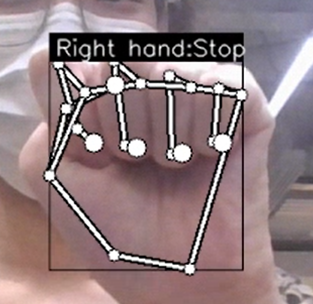
1 Front

2 Back

3 Up
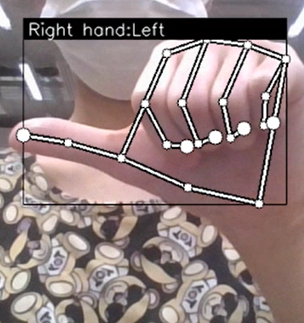
4 Down
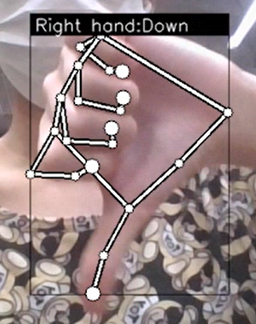
5 Left
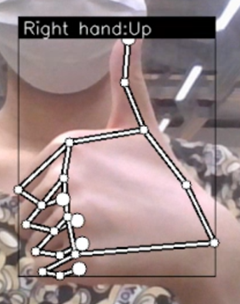
6 Right
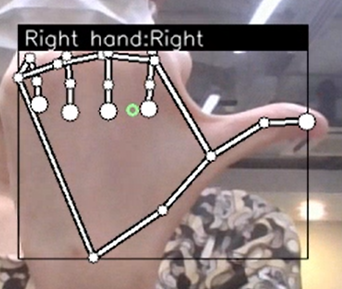
7 Pointer (For turning clockwise and anticlockwise)
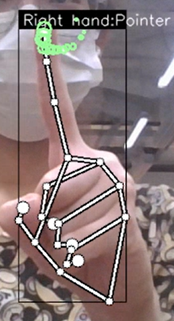
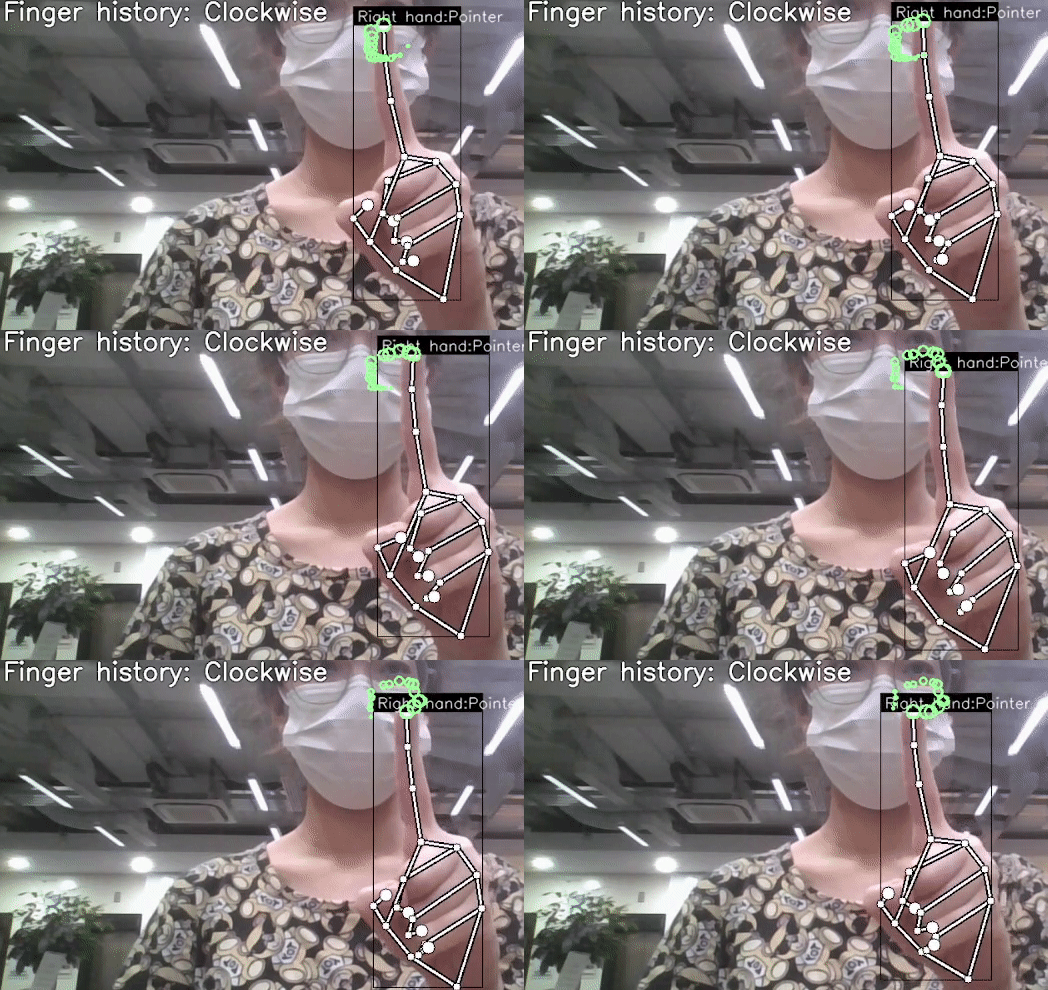
For the point history classifier
0 Turning clockwise
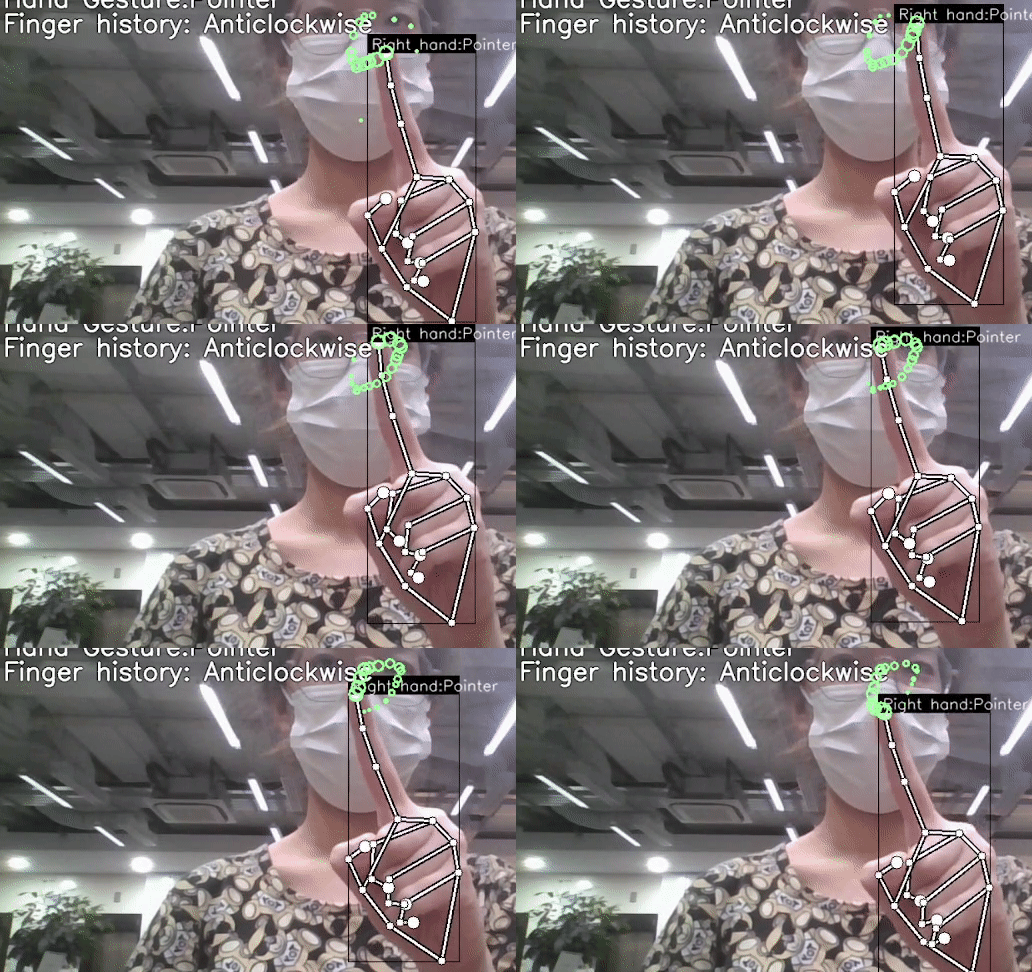
1 Turning anticlockwise
Documentation
https://microsoft.github.io/AirSim/
Assets
https://github.com/microsoft/AirSim/releases
To record new keypoint gesture run app.py
- Press K key to enter gesture recording mode
- Press number key (0 ~ 9) to record the coordinates of hand.
- In the keypoint.csv the first column is the label, which is the number you pressed.
- Subsequent column is the coordinates, an array flattened to single row, of keypoints.
To record new point history gesture run app.py
- Press H key to enter gesture recording mode
- Press number key (0 ~ 9) to record the history of your point right now and 15 frames before.
- In the point_history.csv the first column is the label, which is the number you pressed.
- Subsequent column is the coordinates, an array flattened to single row, of the history of the point that you are tracking.
More info could be found on https://github.com/kinivi/hand-gesture-recognition-mediapipe