

Bring the approve once / approve always / reject keypad meme to life.
A tiny CLI for turning a CH57x macro pad into a real OpenCode sidecar.
Sponsored by Skillcraft.



I kept seeing AI-generated mockups of those little "approve once / approve always / reject" keypads floating around LinkedIn and Reddit. You know the ones: tiny desk gadgets that look like they should already exist, sitting somewhere between a joke, a productivity flex, and a genuinely good idea.
After seeing enough of them, I stopped thinking "someone should build that" and decided to build one myself.
The hardware part turned out to be the fun part. A small 3-key + rotary keypad, relegendable keycaps, custom labels, a few parts sourced from AliExpress, and the bit was already halfway real. The last missing step was software. I needed a clean way to make the keypad actually feel good to use with OpenCode instead of becoming another desk ornament with a cursed setup process.
That is where clawkeys came from.
It gives the meme a proper runtime: one command-line tool that remembers your OpenCode bindings, pushes the keypad layout, supports profiles, and keeps the whole thing feeling like a real tool instead of a one-night experiment.
Configure it once, save a few profiles, spin the knob, and keep moving.
The build arc was exactly the kind of progression you want from a dumb internet idea.
First the AliExpress packet shows up and suddenly the joke has mass. Then the tiny keypad gets unboxed, the case gets opened, the stock caps come off, the relegendable caps go on, and the whole thing starts looking less like a novelty and more like something that deserves real software behind it.
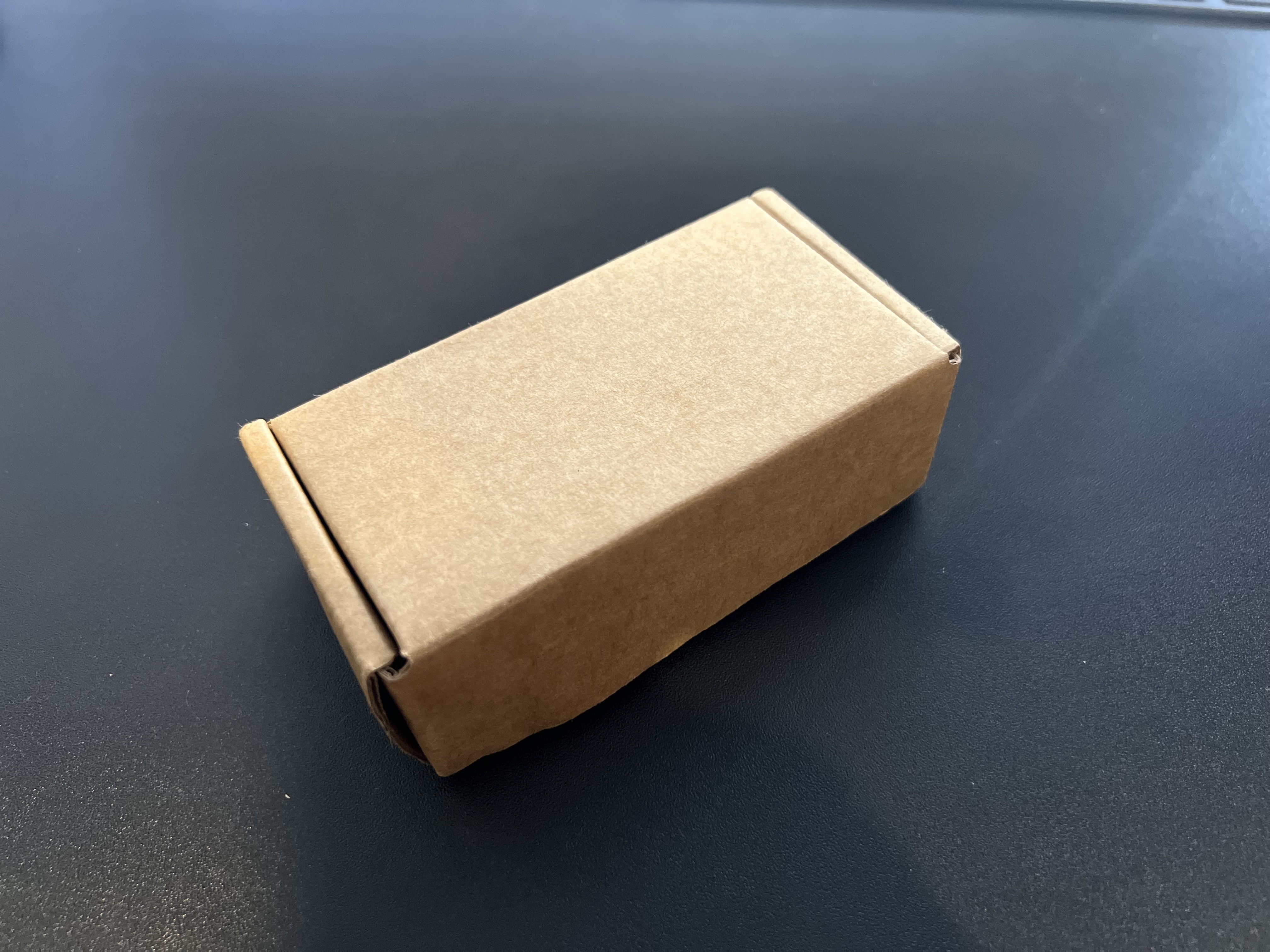 1. The packet arrives. The bit is now legally binding. |
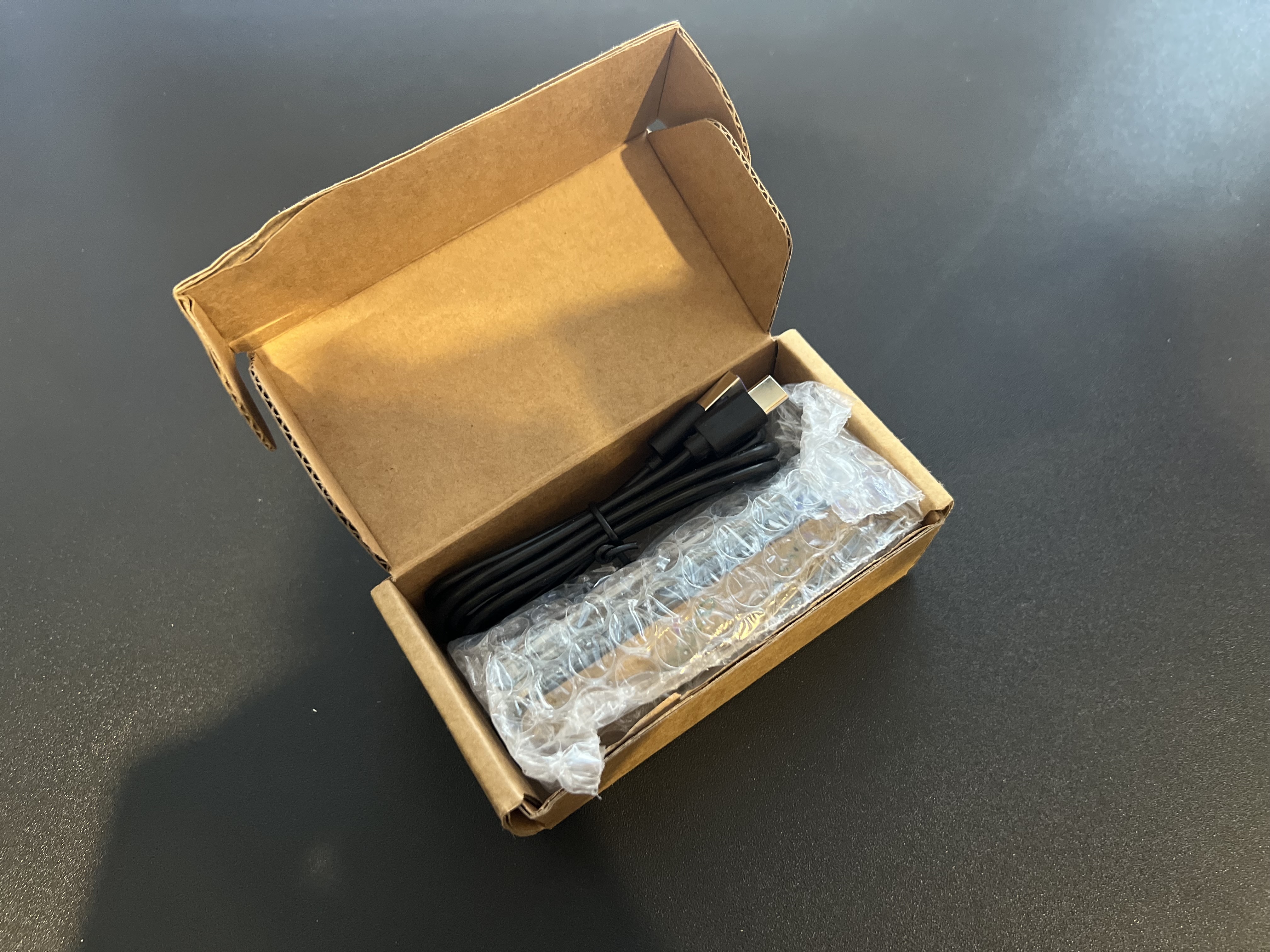 2. Fresh out of the box: tiny, suspiciously charming, full of potential. |
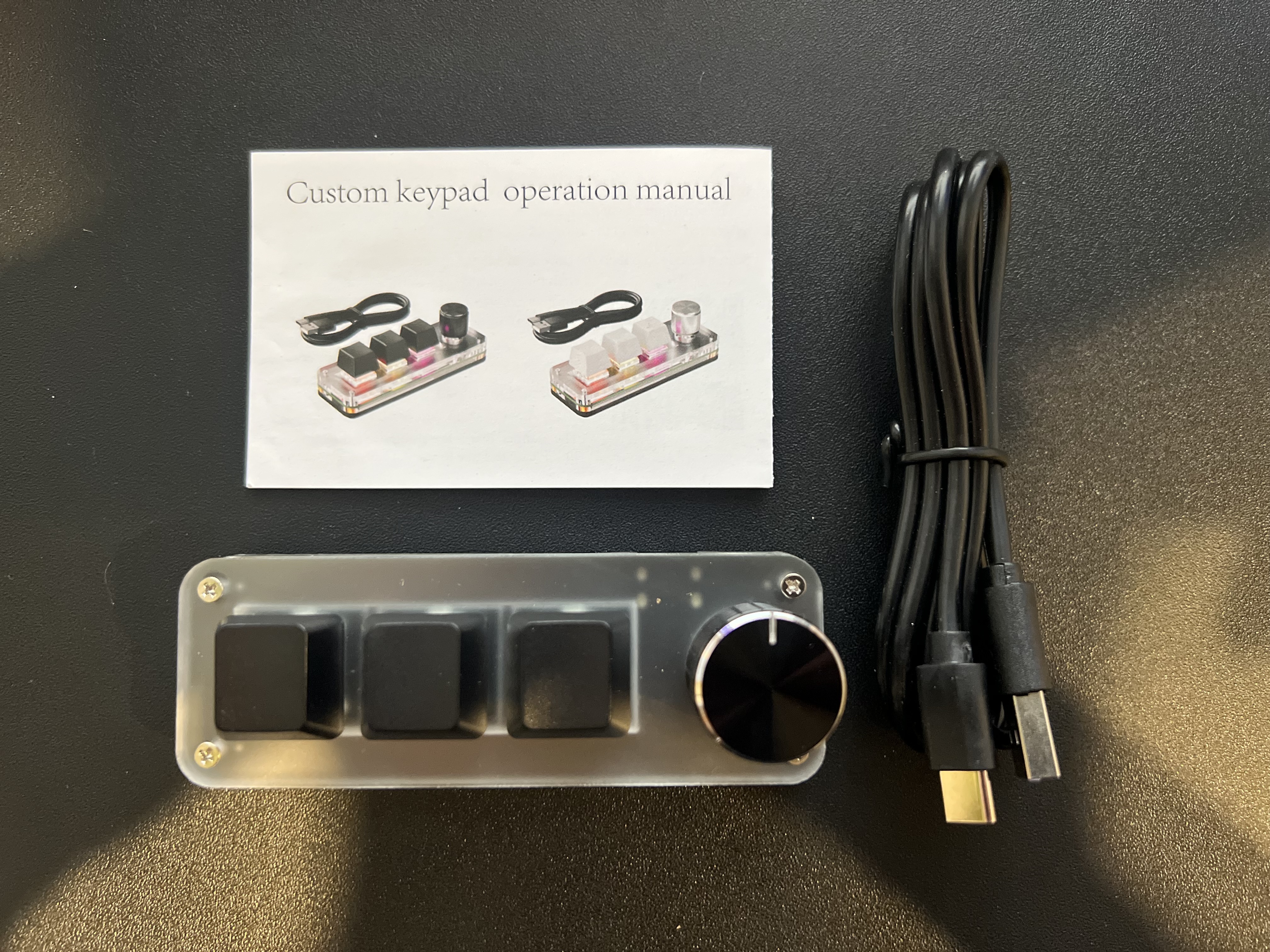 3. Inside the little macro pad. Enough room for the project to become real. |
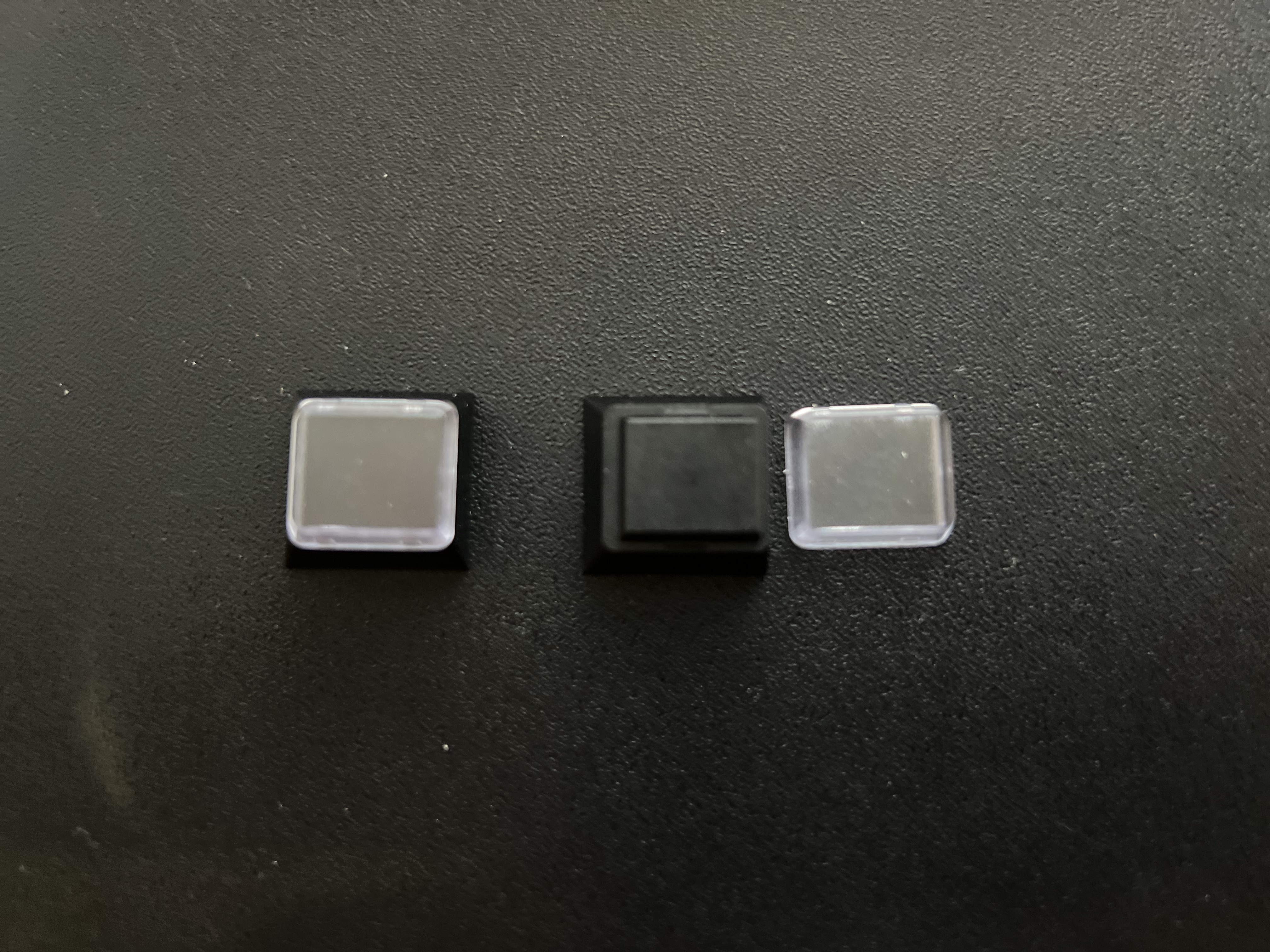 4. Relegendable keycaps: the key part of turning the meme into an object. |
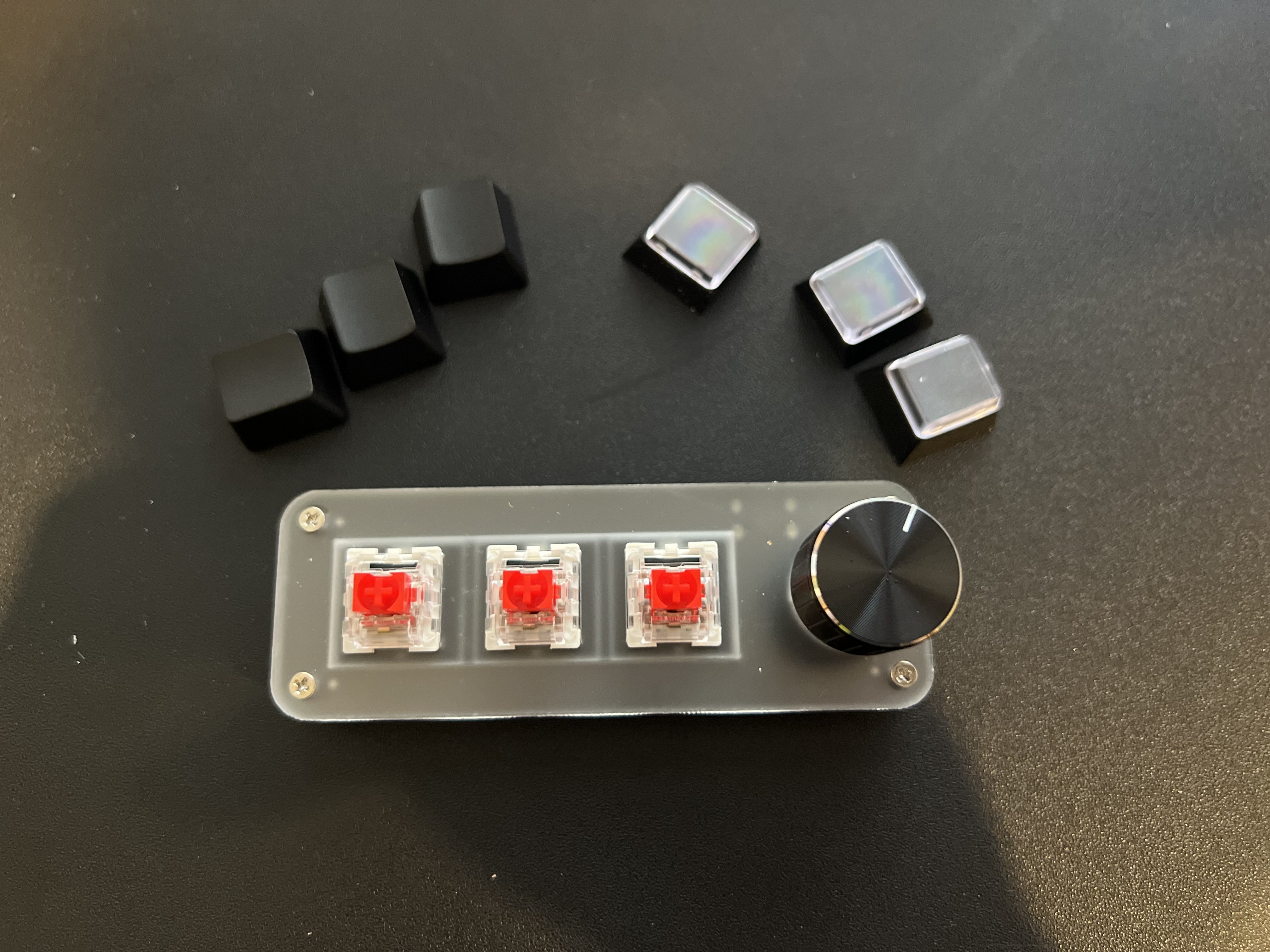 5. Out with the factory caps. |
 6. In with the new. Now it actually looks like the thing people kept posting. |
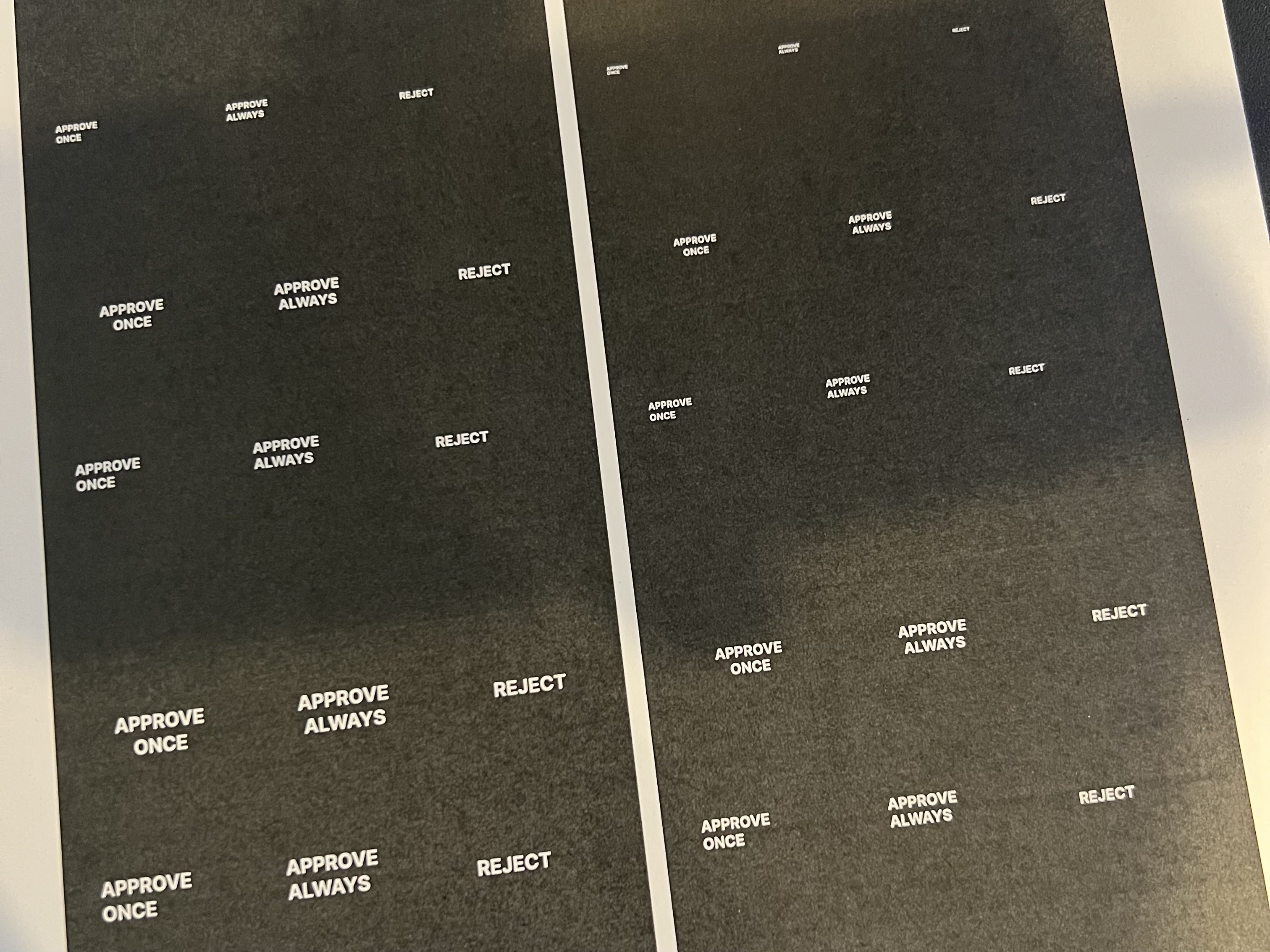 7. The legends get printed. The joke now has typography. |
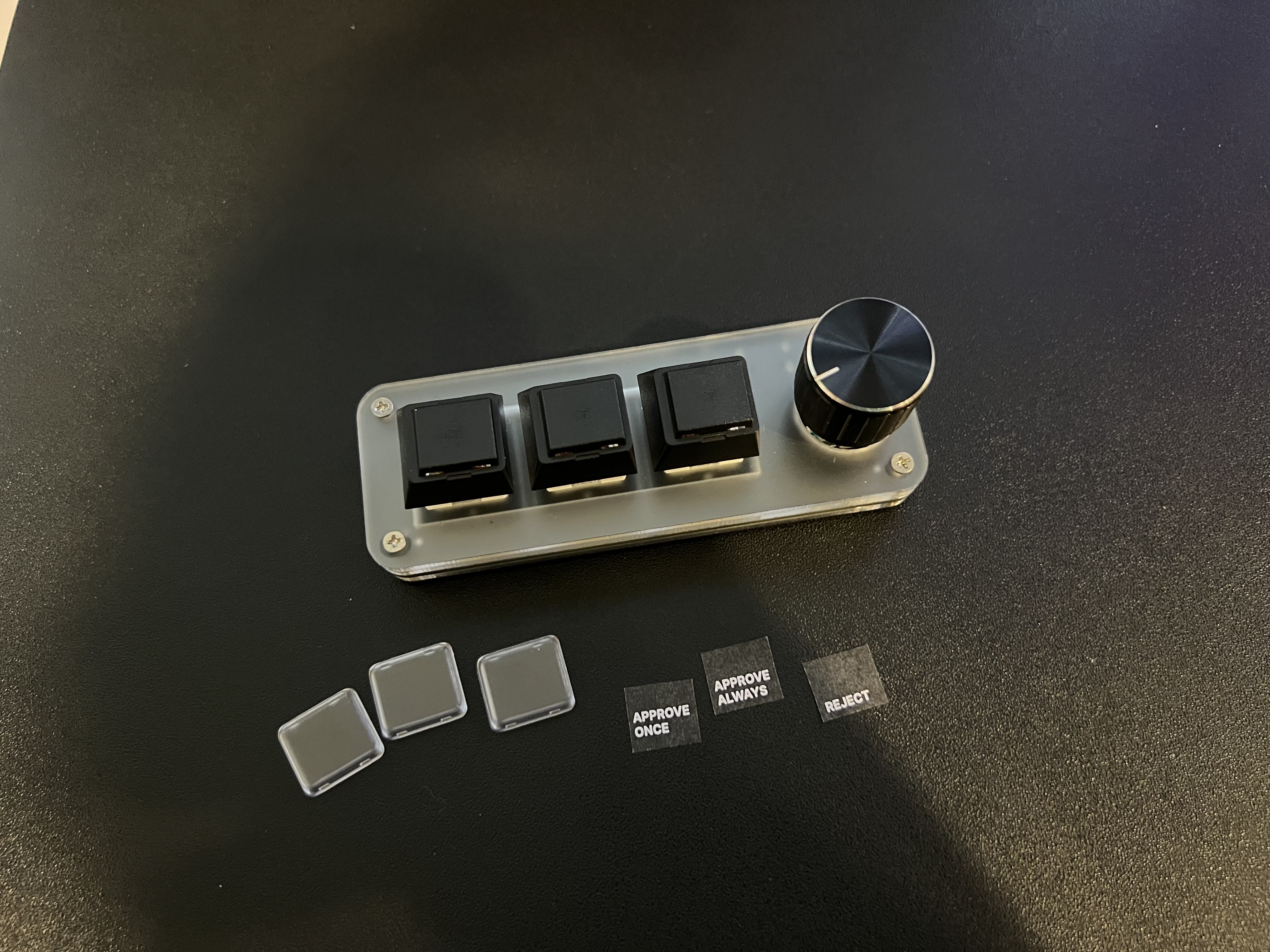 8. Relegending in progress: tiny inserts, steady hands, no turning back. |
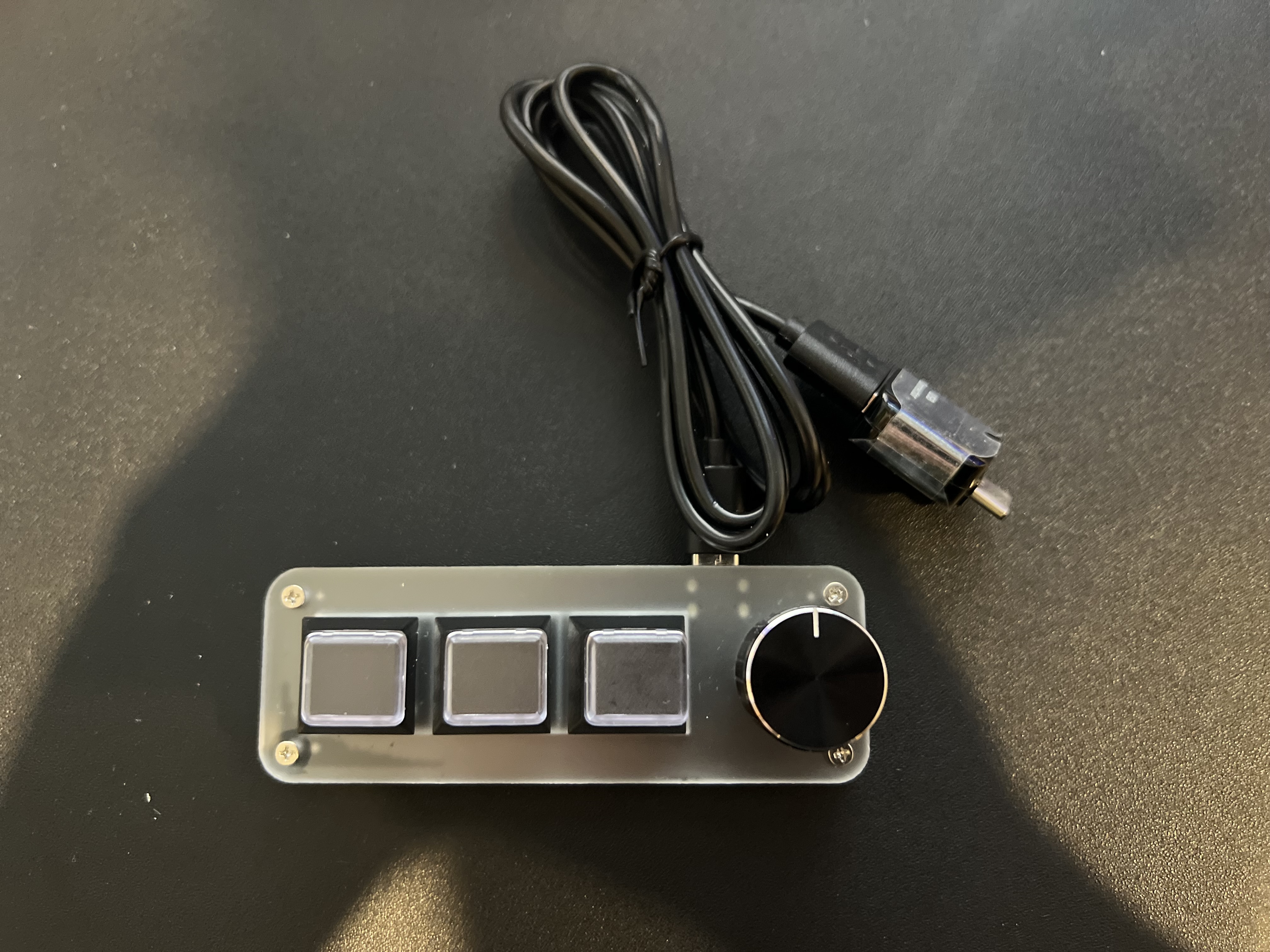
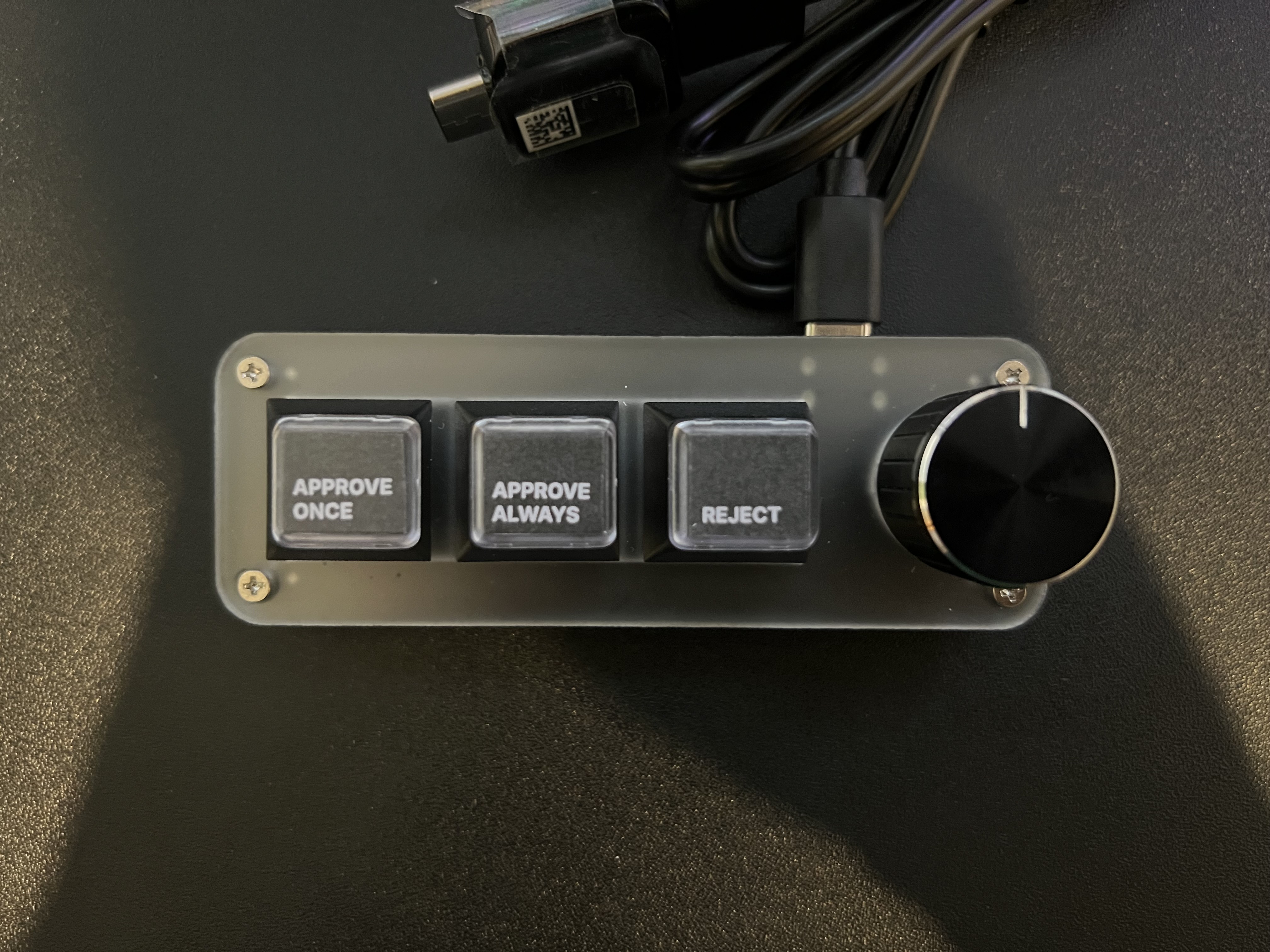 9. Finished product. The approve-once / approve-always / reject keypad made it onto the desk. |
Printing the inserts and sliding them under the relegendable covers finished the hardware side exactly the way it was supposed to end: the meme became a real, usable little desk object.
The software layer was the last piece after that: getting the keypad mapped cleanly enough that it felt fun instead of fragile.
clawkeys is a command-line tool for a CH57x 3-key + rotary keypad.
It handles:
- OpenCode keybind mapping
- Keypad layout generation
- Profile save/load workflows
- Native keypad detection
- Uploading changed layouts only when needed
The default setup is built around the vibe that started the whole project:
key-left->approve_oncekey-middle->approve_alwayskey-right->rejectrotary-left-> reverse recent model cyclerotary-click-> agent cyclerotary-right-> recent model cycle
Under the hood, the project ships as a TypeScript CLI with optional platform native helpers, so users do not need Rust installed just to use it.
npm install -g @clawkeys/ckThe command entrypoint is ck.
Supported platforms:
- macOS:
darwin-arm64,darwin-x64 - Linux:
linux-x64-gnu,linux-arm64-gnu - Windows:
win32-x64-msvc
ck bundles ch57x-keyboard-tool for the supported platforms above.
If needed, set CLAWKEYS_TOOL_PATH to override the bundled helper with a
compatible ch57x-keyboard-tool binary while testing or signing uploads.
ck status
ck keybinds key-left default
ck keybinds key-middle default
ck keybinds key-right default
ck profile save default-vibe
Example custom setup:
ck use agent opencode
ck use keypad ch57x
ck keybinds rotary-left model_cycle_recent_reverse
ck keybinds rotary-click agent_cycle
ck keybinds rotary-right model_cycle_recent
ck profile save work
ck statusck listck list agentsck list keypadsck statusck use agent <name>ck use keypad <name>ck keybinds <control> <action>ck profile save <name>ck profile load <name>ck profile load defaultck profile list
Controls:
key-leftkey-middlekey-rightrotary-leftrotary-clickrotary-right
Use default to restore a control to its built-in mapping sequence.
For the three key controls, these also work as reset aliases:
ck keybinds key-left approve_onceck keybinds key-middle approve_alwaysck keybinds key-right reject
Profiles save the full working setup:
- active agent
- active keypad
- control bindings
- action-key assignments
Examples:
ck profile save work
ck profile load work
ck profile list
ck profile load default
Notes:
defaultis reserved for built-in defaults and cannot be used as a saved name.ck profile listmarks the active saved profile with*.ck statusshowsProfile: nonewhen built-in defaults are active.
This repo is the software half of the project, but the hardware side is part of the story too.
Still worth documenting:
Current hardware note: this keypad does not seem to work over USB-C to USB-C, which suggests the USB-C implementation on the device is incomplete. I have to use a USB-C cable with a small USB-A to USB-C adapter in the chain to get reliable connectivity.
If you find a fix for that behavior or a better keypad source, open an issue on the repo.
For the keycap legends, I printed them with Inter Bold, size 8, #FFFFFF text, left-aligned on a #000000 background:
APPROVE
ONCE

APPROVE
ALWAYS

REJECT
The final label/legend step is shown above in the build log. If you want to build
your own version once those links are in, the goal is simple: get a tiny CH57x
3-key + rotary pad, swap in relegendable caps, give it a better personality, and
let clawkeys handle the last mile.
- One active agent and one active keypad are tracked at a time.
- OpenCode keybinds are patched into
tui.json. - Keypad detection uses VID/PID
1189:8890. - Device upload runs only when the effective map changed.
- Safe function-key based mappings are used for the firmware path.
- If native helper support is unavailable, the CLI reports
helper-missingclearly.
I structured clawkeys so support for more keypads or more agents can be added over
time without rewriting the whole thing.
If you want to add support for another keypad, another agent, or improve the workflow, make a PR.
PR expectations:
- keep changes small and focused when possible
- add or update tests for behavioral changes
- make sure
npm run lintandnpm testpass locally
GitHub Actions runs the PR checks automatically so it is easy to see whether a change is in good shape to merge.
More contribution details live in CONTRIBUTING.md.
Run from source using git clone and npm link:
git clone https://github.com/blairhudson/clawkeys.git
cd clawkeys
npm install --ignore-scripts
npm run lint
npm test
npm run build:ts
npm link
ck --help
npm unlink -g @clawkeys/ck
Test commands:
npm run lint
npm test
Native release builds use Rust, but the normal lint/test PR flow does not require it.
src/command handlers, config, mapping, sync, and detection logicbin/CLI entrypoint (ck)crates/native/Rust + Node-API source for per-platform native packagesREADME.mdandLICENSE
Runtime is intentionally dependency-light and written in plain ES modules.
MIT. See LICENSE.