You signed in with another tab or window. Reload to refresh your session.You signed out in another tab or window. Reload to refresh your session.You switched accounts on another tab or window. Reload to refresh your session.Dismiss alert
Moonlight Zenith is a modernized, feature-rich fork of Moonlight Android featuring a complete Material Design 3 (Material You) interface, a bulletproof multi-language keyboard & punctuation engine, in-stream floating quick actions, enhanced on-screen controls, and sensor-driven landscape orientation.
📸 Screenshots
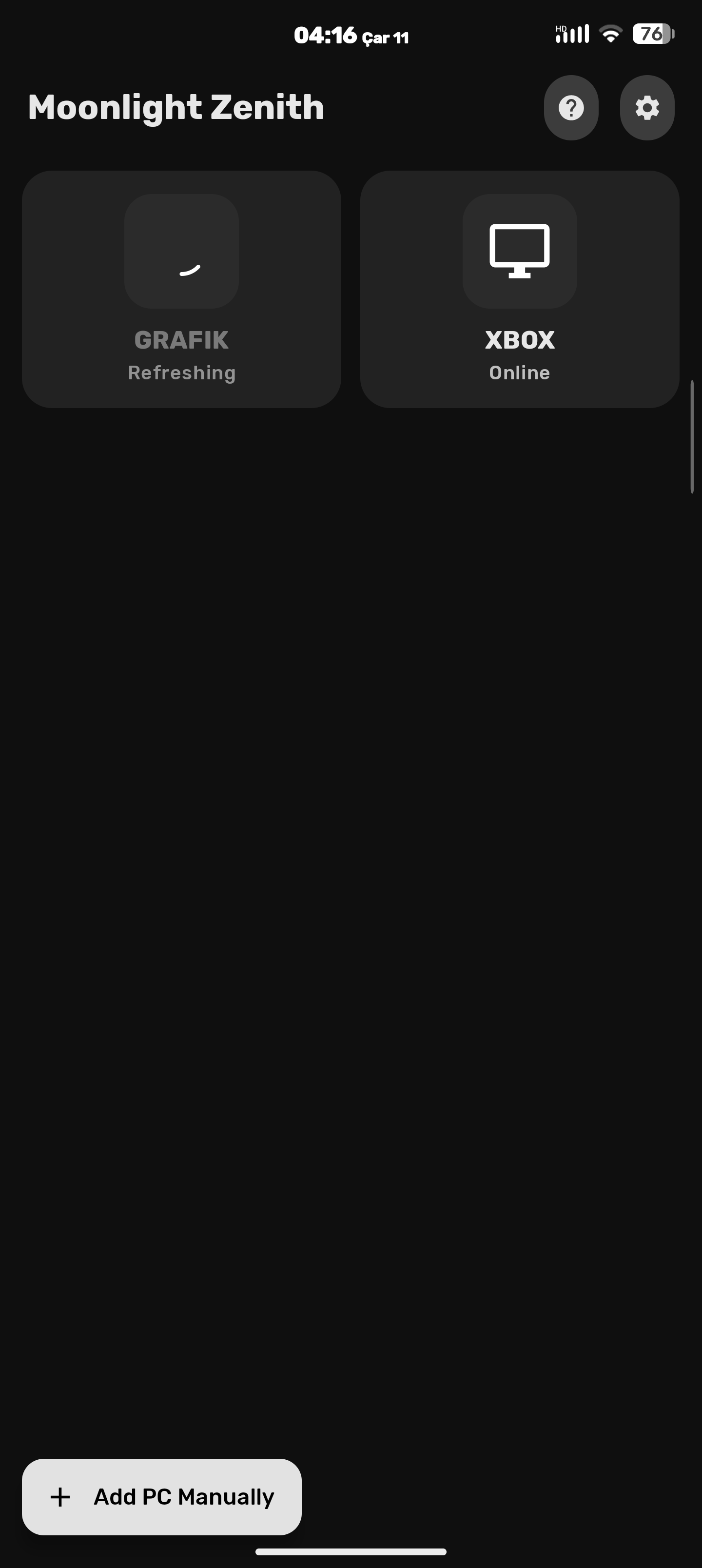
PCs
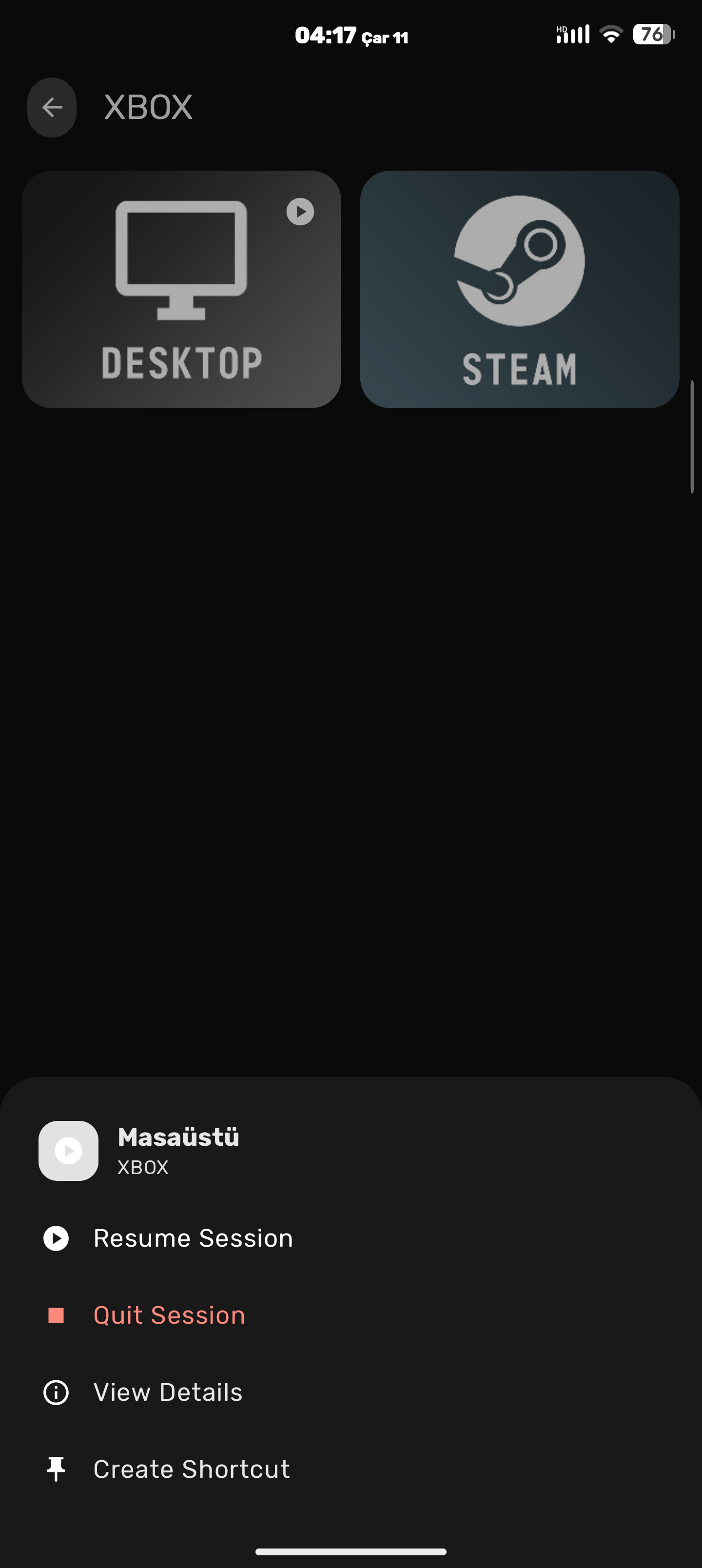
Apps & Context Sheet
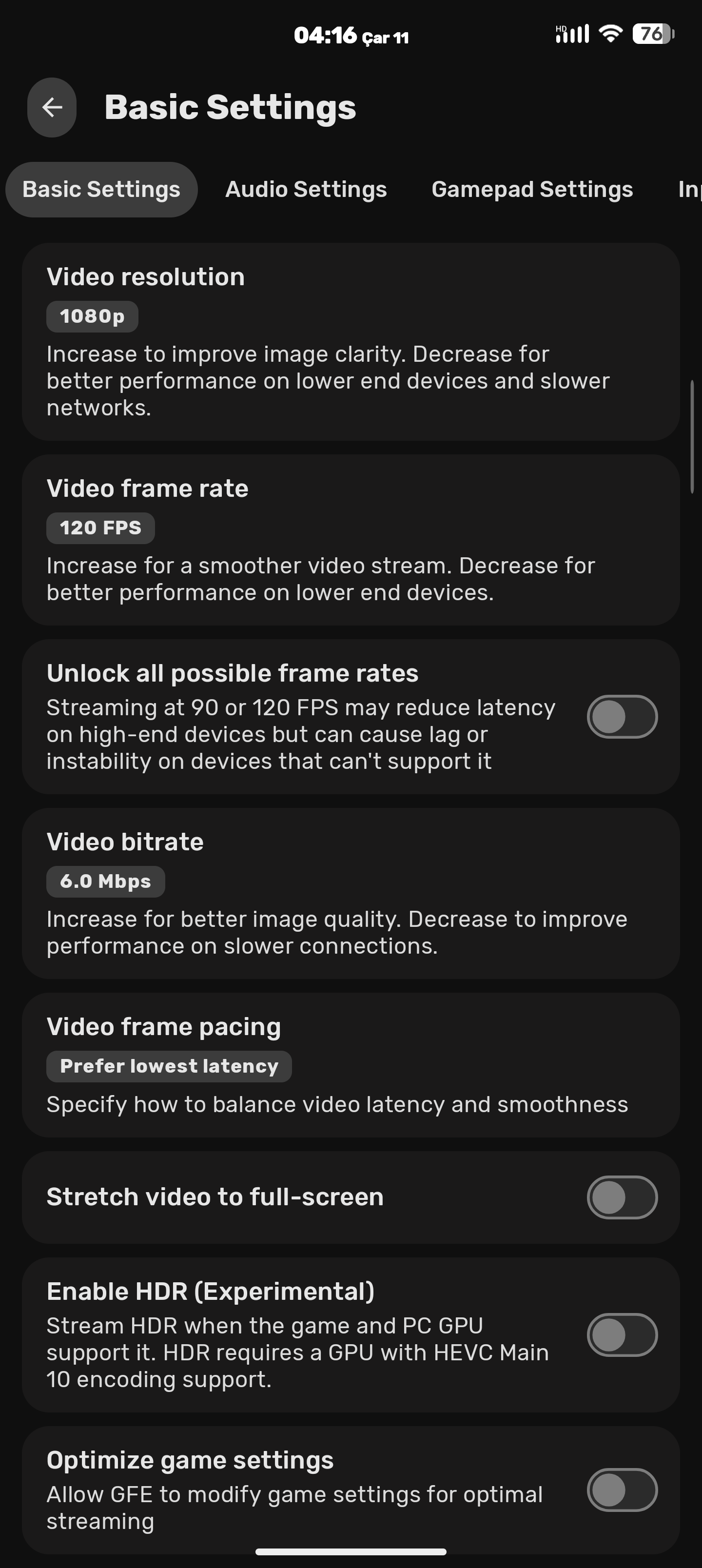
Settings
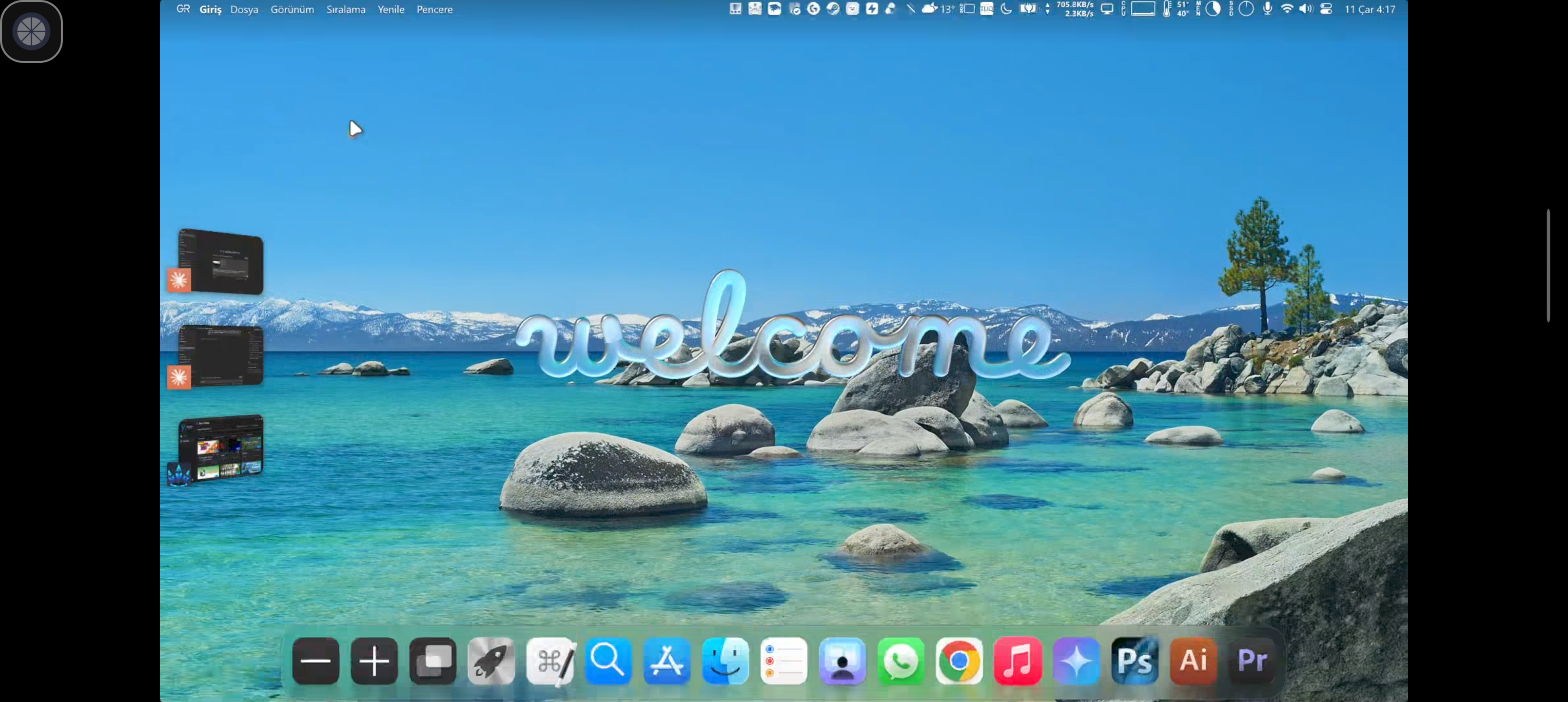
Desktop View
Attect Menu
✨ What's in the box?
🎨 Material Design 3 (Material You) UI & Theme Engine
Complete Material 3 Overhaul: Modernized every screen (PcView, AppView, StreamSettings, AddComputerManually, Game), dialog, context menu, switch, slider, and HUD overlay using Material Design 3 components and tonal surfaces.
Dual Theme Engine + Independent Pure Black (AMOLED) Toggle:
Material You (Dynamic): Extracts dynamic wallpaper colors on Android 12+ (API 31+) and applies them cohesively across app backgrounds, cards, switches, system status/navigation bars, and the in-stream floating menu.
Zenith Indigo: Custom Material 3 Dark palette with Indigo/Violet primary accents (#BAC3FF) and layered tonal surface containers.
Pure Black Background (AMOLED): An independent toggle right below the theme selector that applies a true #000000 OLED black background to either Material You or Zenith Indigo.
Soft Indigo-Tinted Moonlight Icon: Retains the iconic Moonlight silhouette softly tinted with a refined slate-indigo (#52597A) and ice-indigo (#EEF0FF) palette across launcher, adaptive, TV banner, and shortcut icons.
Sensor-Driven Landscape Auto-Rotation: Automatically switches between normal landscape and reverse landscape in real time using the device's physical orientation sensor while connecting and streaming—even when Android's system auto-rotate is turned off.
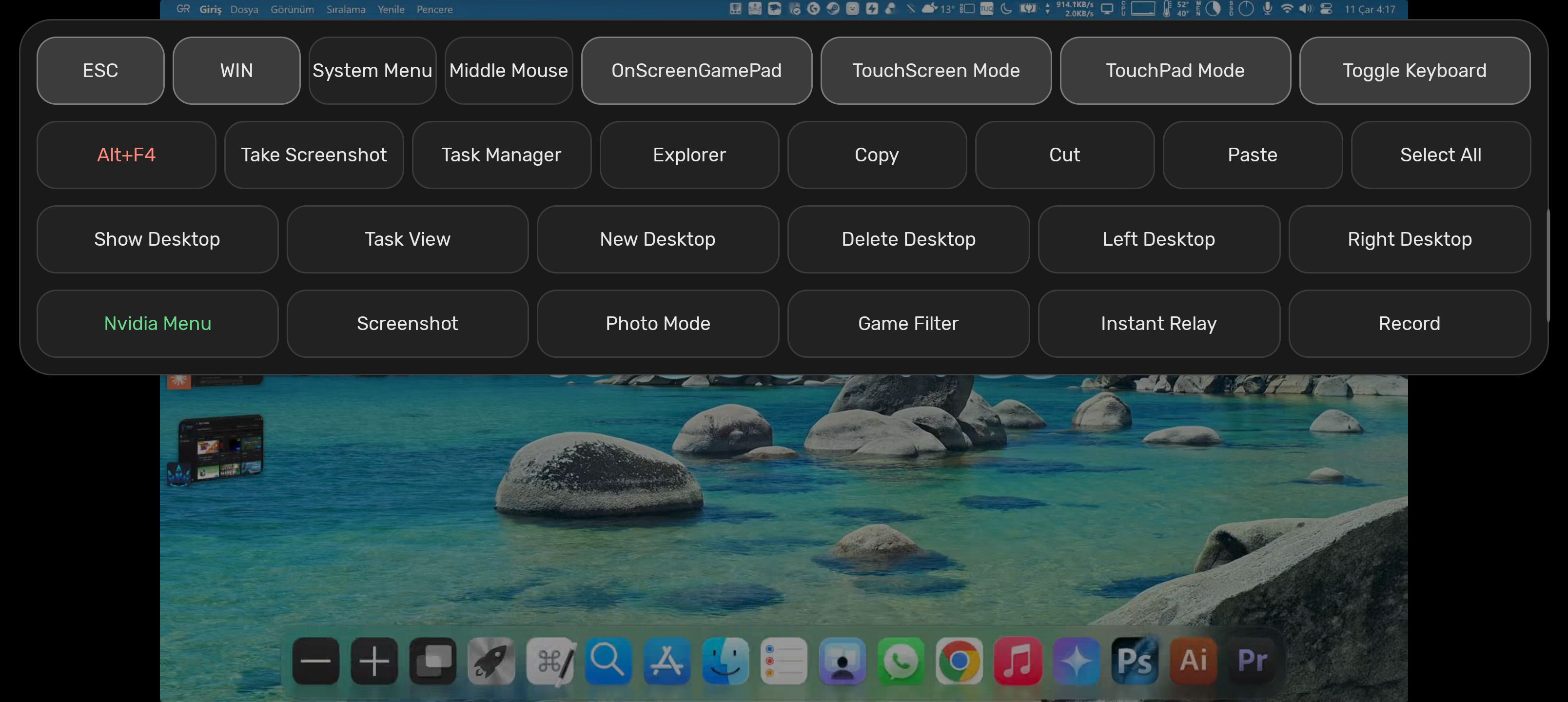
Material 3 In-Stream Floating Menu (Attect): Glassmorphic M3 floating ball and quick-action panel that adapts to Material You / Zenith Indigo colors, offering one-tap access to ESC, WIN, Alt+F4, Task Manager, Copy/Cut/Paste, Virtual Desktops, Nvidia Overlay, On-Screen Gamepad hotplugging, TouchScreen/TouchPad mode switching, and keyboard toggle.
Touch & On-Screen Controller Refinements:
Live mid-stream On-Screen Gamepad hotplug arrival events.
Sub-pixel coordinate accumulation for smooth, precise TouchPad cursor movement.
Configurable long-press right-click (300ms–1000ms) in Native Touch mode.
Dedicated L3/R3 buttons and symmetric on-screen controller clusters.
Swipeable Pill TabBar (TabLayout + ViewPager2): Navigate settings categories effortlessly by swiping horizontally anywhere on the page or tapping the scrollable Material 3 pill tabs.
Borderless M3 Preference Cards: Custom borderless preference rows (M3SwitchPreference, M3ListPreference with tonal active-value badges and radio single-choice dialogs, and M3 slider dialogs) with zero divider lines and smooth view recycling.
8 Logical Settings Categories:
Video Settings: Resolution, frame rate, bitrate, frame pacing, full-screen stretch, PIP, HDR, full range, and codec selection.
Audio Settings: Surround sound configuration, audio effects, and equalizer.
Gamepad Settings: Controller vibration, face button flip, motion sensor support, gamepad mouse emulation, built-in USB driver, and Home/Guide key injection.
On-Screen Controls Settings: Virtual controller overlay, haptic feedback, L3/R3-only mode, Guide button visibility, opacity slider, and layout reset (all sub-options remain freely editable even when always-on OSC is turned off).
Host Settings: Automatic game settings optimization, play audio on PC, and mute PC speakers while streaming.
Interface & Theme Settings: App theme (Material You / Zenith Indigo), Pure Black (AMOLED) toggle, sensor-driven landscape auto-rotation, small icon mode, and app language.
Advanced Settings: Unlock all frame rates, disable warnings, IPv6 support, performance stats overlay, and verbose logging.
🖥️ Symmetric PC & App Grids with Smart Cover Art Centering
Unified Card Geometry: PC and App grids share identical outer MaterialCardView dimensions (174dp height, 22dp corner radius, symmetric spacing) for visual consistency.
Smart CenterContentImageView: Automatically detects dual-tone background + silhouette cover art (such as Sunshine's default Desktop and Steam posters) and centers the artwork and title mathematically inside the card while preserving edge-to-edge cropping for full-bleed game box art.
Instant Online Status Updates: PC cards immediately clear the loading spinner and "Refreshing" state as soon as a host responds online.
Adaptive Context Menus (M3MenuHelper): Opens a sleek Material 3 Modal Bottom Sheet on touch devices and a centered Material 3 Dialog on TV / D-pad setups.
Host PC Keyboard Layout Selector: Choose between Auto (automatically detects from your Android device language), Turkish (QWERTY), German (QWERTZ), French (AZERTY), Spanish (QWERTY), and Italian (QWERTY)—applied live without restarting the stream.
Synchronizes VK_LSHIFT (0x80A0) state with Android's virtual keyboard (Virtual.kcm) so unshifted host keys (like " on Turkish Q) never falsely trigger Shift (é) and shifted host keys (like ' on Turkish Q) never fall back to US scancodes (i).
AltGr Symbol Injection & Synthetic Alt Filtering: Directly delivers AltGr symbols (@, #, $, [, ], {, }, \, |, `, ~) via UTF-8 while swallowing synthetic Alt events from Android soft keyboards so Windows never triggers unwanted Alt menu shortcuts.
🌍 Comprehensive Localization
Complete translations for all Zenith features, settings categories, themes, and in-stream menus across 29 languages (including English, Turkish, German, French, Spanish, Italian, Chinese, Japanese, Korean, Russian, Ukrainian, Polish, Portuguese, Dutch, and more).