
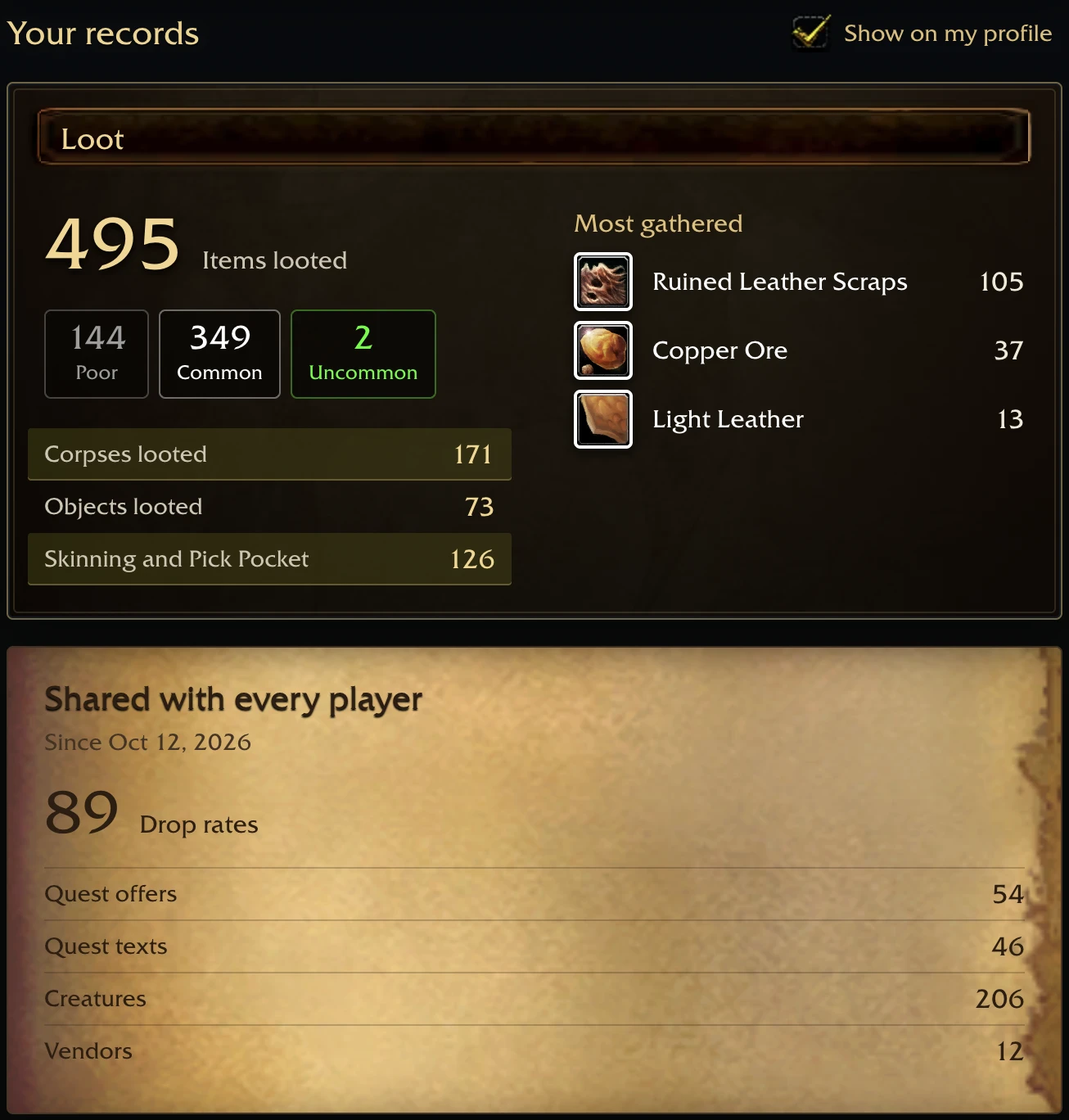
A WoW Forever addon and an optional Windows desktop program for Azeroth DB. The addon records your loot, kills, quests, NPC services, fishing, auction prices and your characters while you play; the program sends them to your Azeroth DB account after every logout. See them on your Azeroth Forever: World Recorder page: items by quality, looted corpses and objects, and the materials you gathered most.
The Azeroth Forever: World Recorder program puts the addon into your WoW Forever client, keeps it up to date and sends your records after every logout, so there is nothing to upload by hand. Its window and its Windows tray icon show each step, from the addon to the last upload.
-
Download
WorldRecorderSetup.exefor Windows. -
Run it. It finds your WoW Forever folder, installs the addon and opens Azeroth DB in your browser to link this computer to your account.
-
Play as usual. The program starts with your computer and sends each save the game writes.

The Azeroth Forever: World Recorder guide covers the warnings Windows shows for new downloads. On macOS, use the addon and browser upload below; the standalone app is retired.
-
Download
WorldRecorder-<version>.zipfrom the latest release and copy itsWorldRecorderfolder intoWorld of Warcraft/_forever_/Interface/AddOns/. -
Play, then log out or type
/wrsave: the game writes the addon's save. -
Open your Azeroth Forever: World Recorder page signed in and choose
World of Warcraft/_forever_/WTF/Account/<your account>/SavedVariables/WorldRecorder.lua.
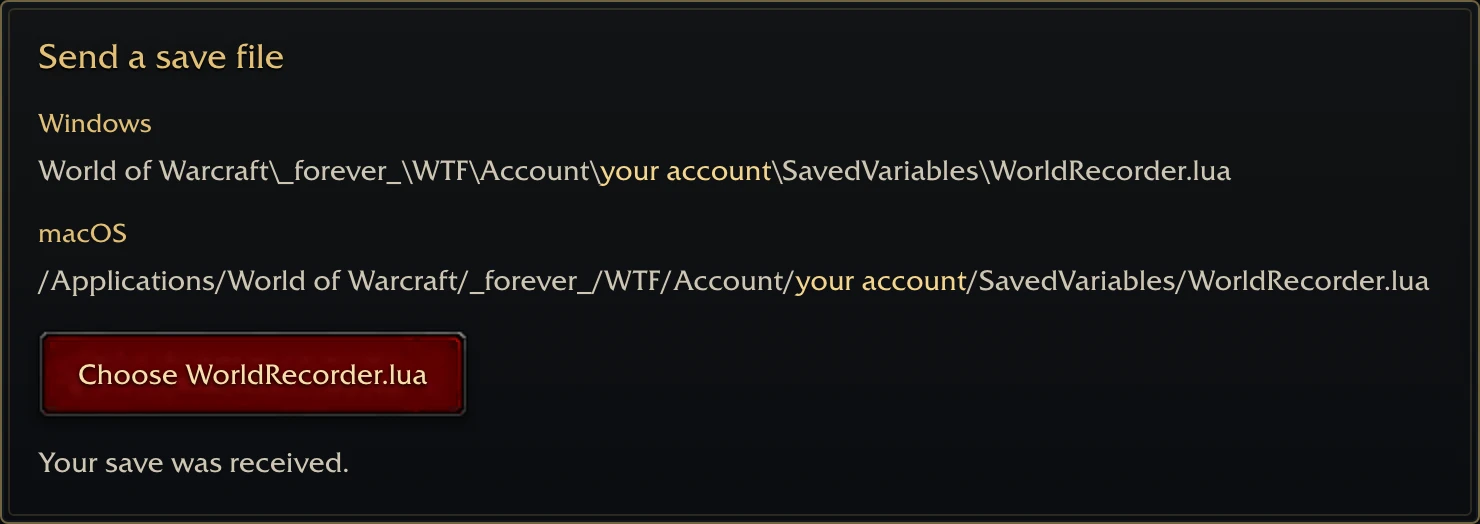
Send the file after each session and before a game update: the records start over when the game version changes. At each login the addon names the program, which sends the file for you.
Keep WorldRecorder.lua and its .bak backup in the SavedVariables folder. If an earlier upload
said the save was changed, upload the original file again. Azeroth DB no longer blocks uploads on that
checksum, and you do not need to edit or delete your recorded data.
The addon keeps its records on your computer and sends nothing by itself. The program sends them to Azeroth DB after you link it to your account; without the program, only the file you choose on your Azeroth Forever: World Recorder page is sent. Those records include loot, kills, quests, NPC services, fishing, creature observations, auction prices and your characters' names, realms, guilds, equipment, talents, professions and completed quests. Read the privacy notice before linking a computer.
Report a bug, suggest a change, or send a correction on Azeroth DB feedback.
WorldRecorder/ holds the addon Lua. uploader/ contains the Go program for watching saves,
uploading, linking, installing the addon and updating itself. desktop/ contains its Qt
window and tray icon.