Astrofox is a motion graphics program that lets turn audio into amazing videos.
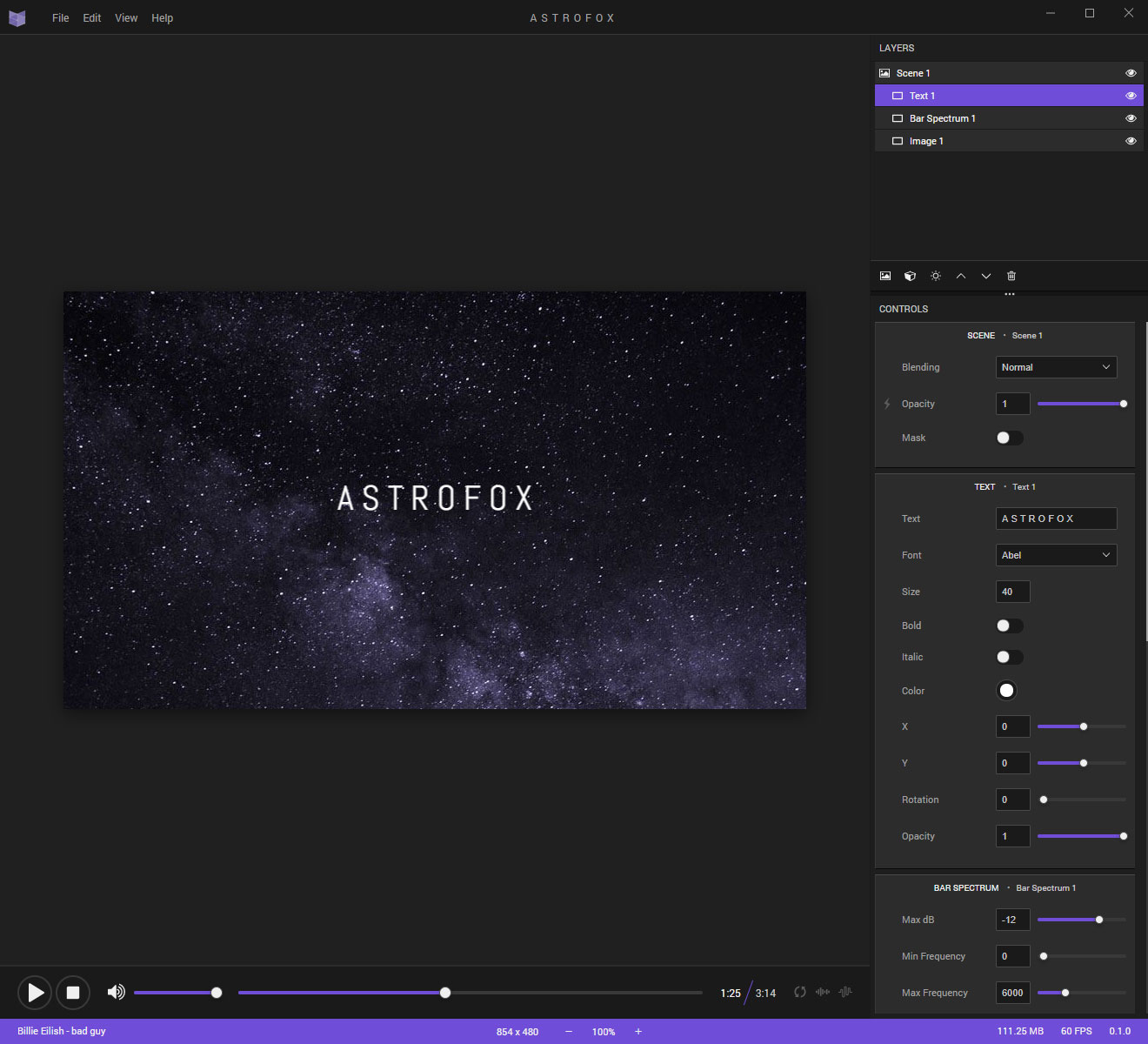
- Demo video: https://www.youtube.com/watch?v=IbvuniqNPPw
- Website: https://astrofox.io
- Discord chat: https://discord.gg/wJ6pyMZ
- Reddit forum: https://www.reddit.com/r/astrofox/
- Bug tracker: https://github.com/astrofox-io/astrofox/issues
git clone https://github.com/astrofox-io/astrofox.git
pnpm install
pnpm build
pnpm start
Run:
pnpm dev
Astrofox is a client-side Next.js app. Projects are opened and saved as local .afx files (.json and legacy gzip-compressed .afx projects can still be opened). There is no backend or auth service required for development.
File I/O: web and desktop use the same browser pickers (File System Access API, with <input> / download fallbacks). The Electron bridge is reserved for window chrome, temp files, and ffmpeg export (absolute paths only when needed). See docs/desktop-capabilities.md.
Commits deploy through Vercel using the standard build:
pnpm build
Do not change this script for desktop packaging.
Development (Next dev server + Electron shell):
pnpm dev:desktop
Production package (static export + electron-builder):
pnpm package
Desktop uses BUILD_TARGET=desktop for a static export into out/, then packages electron/ + out/. The web Vercel path is unchanged. Installers are written to release/.
Platform-specific and unpacked variants:
pnpm package:dir
pnpm package:mac
pnpm package:win
pnpm package:linux
Video export
- Web: browser
MediaRecorder(WebM/MP4 when supported) - Desktop: offline frame render → bundled ffmpeg → MP4 (H.264/AAC). Packaging commands download the platform binary and include it under
bin/.
MIT