Website | GitHub | Playground | AI Agent Marketplace
AgentA2Z Payment SDK by AI Agent A2Z (aiagenta2z.com) x DeepNLP (deepnlp.org) agent-a2z-paymentcan help you integrate various payment methods (Stripe,Paypal,Alipay,WeChat) into your agent workflow and you
can define when and where to charge money or create an order with remote DB (AI Agent A2Z/DeepNLP API Credit) in the workflow.
Sandbox Web Playground You can use Stripe/Paypal/Alipay/WeChat sandbox test account to complete the payment and see the webhook notification
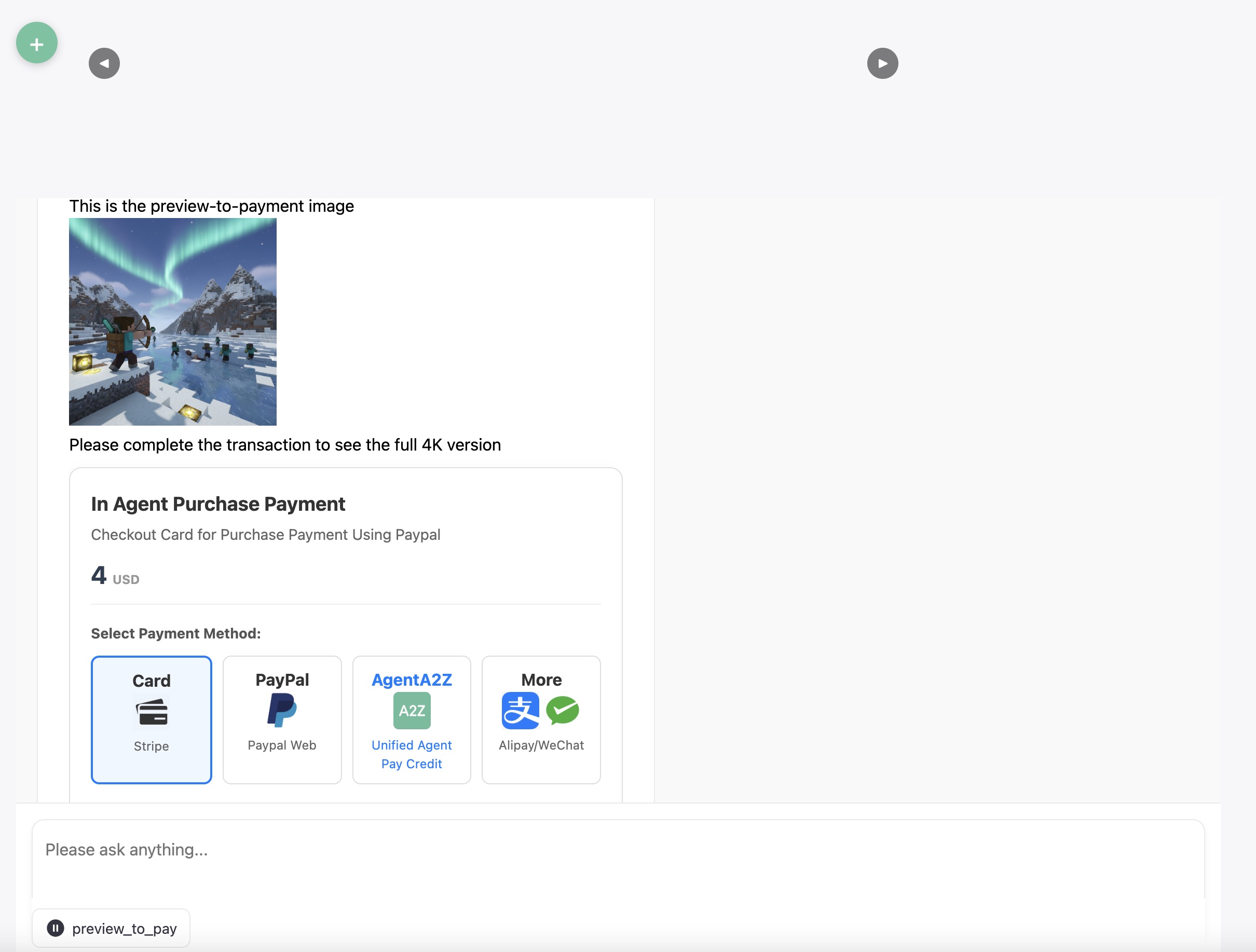
Preview-to-Pay
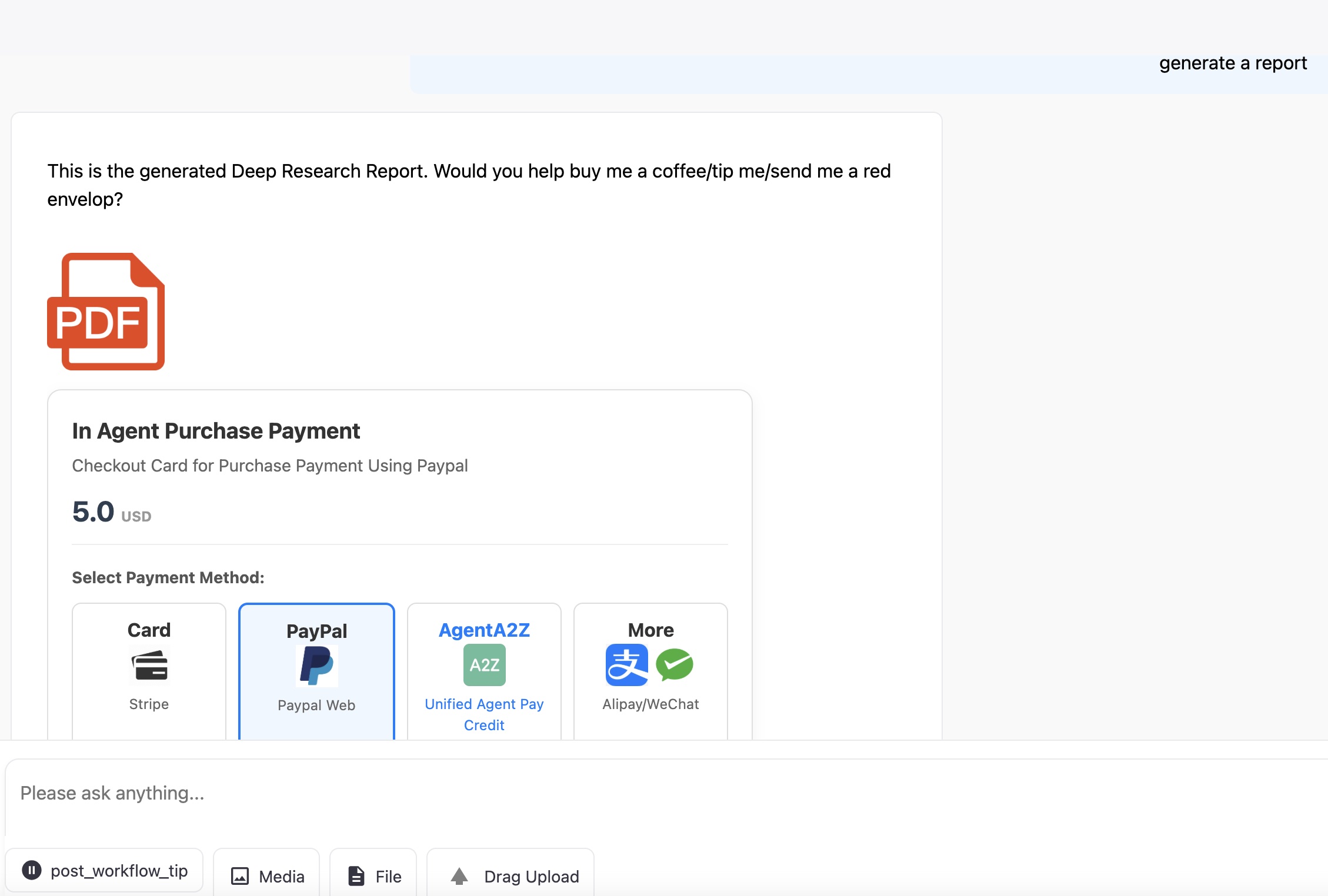
Post-Workflow Tip
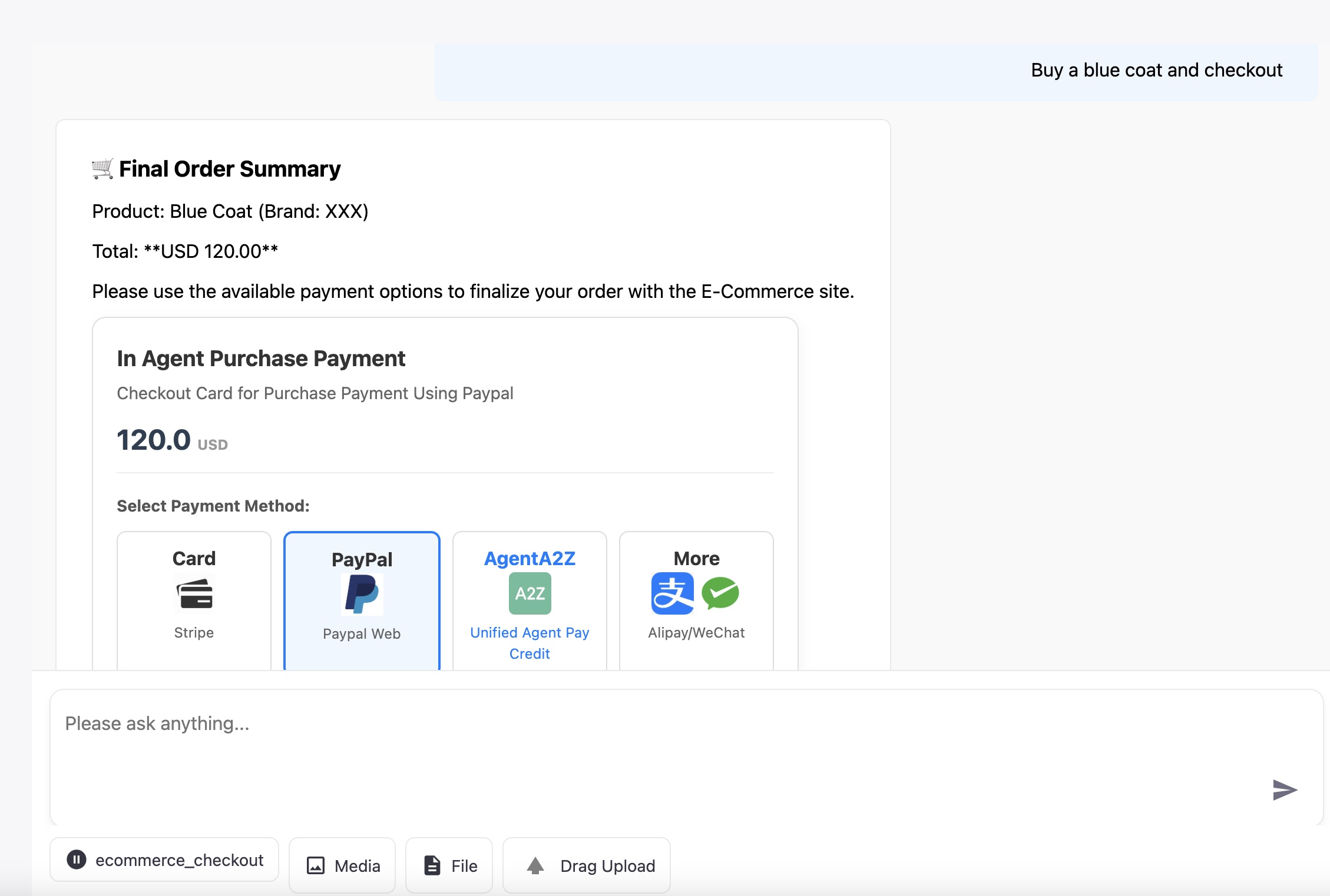
E-Commerce Checkout
| Flow Name | Core Logic | Description |
|---|---|---|
| Cost-Based Consumption |
Gated Content Calculate Estimated Cost (tokens/images) |
Calculates a cost based on estimated resources estimated to run the task/LLM. Payment is at the beginning of the workflow and required |
| Preview-to-Pay |
Gated Content. LLM/Agent Completion |
Shows a low-resolution preview/summary of the content, like and image or first page of a report, then charges for the full, high-value version. |
| Post-Workflow Tip |
Ungated Content. LLM completion |
The agent delivers the full, high-value content first, then presents an optional tipping card. |
| E-Commerce Checkout |
Gated Transaction. Cart Summary |
Agent guides the user to a final cart summary and provides payment options for a large transaction. |
Setup and Run
Visit ./app/a2z_payment_agent for more information
Install
pip install agent-a2z-payment
Support Payment Options
| Platform | URL |
|---|---|
| Credit Card | Supported Credit Card using the Stripe Python Integration, including the checkout, webhook |
| Stripe | Supported, For Stripe Sandbox/Live PK, SK, Webhook Secret definition, see Stripe Doc |
| PayPal | Supported, For Client ID, Secret and Webhook ID, See Doc Paypal Doc |
| AgentA2Z Pay | WIP, Payment using API credit by AI AGENT A2Z Agent Platform / DeepNLP OneKey MCP & Agent API credit, OneKey Router Website and Doc OneKey Router API Benifits |
| Alipay | WIP, See Alipay Developer Doc |
| WeChat Pay | WIP, See WeChat Pay Developer Doc |
Supported Environment
| Platform | URL |
|---|---|
| Python | Pypi(https://pypi.org/project/agent-a2z-payment) |
| NodeJs | NodeJs(WIP) |
Stripe: Requires two steps: Create Payment Intent return a client_secret, Start Payment in the Client Side and then finish payment, Post Web Hook on
PayPal: Requires two steps: Create Order (server-side, returns approval_link) and Capture Order (server-side, after user approval/return).
Agent A2Z Payment: Requires one step of unified credit deduction A2Z Payment on aiagenta2z.com/deepnlp.org right after payment confirmation
Alipay/WeChat Pay: Requires one step: Unified Order/Create Payment (server-side, returns QR Code URL). Payment is completed via webhook after the user scans the code.
Let's begin with a workflow that charge user per tokens consumed, Example will charge $4. If user pays successfully, the agent loop will continue and return more things, otherwise it will await till timeout and return a checkout fail card.
Install
pip install agent-a2z-payment
Run complete app example at Payment Agent App
import agent_a2z_payment
import uuid
from agent_a2z_payment.core import get_payment_sdk, PaymentWaitingMode, Environment
from agent_a2z_payment.core import _get_paypal_access_token


environment = Environment.SANDBOX.value
## Switch to Live when go on live
# environment = Environment.LIVE.value
payment_agent = get_payment_sdk(env=environment)


### Define server endpoint, e.g., using FastAPI: @app.post("/api/chat")
async def chat(messages: list = Body(...)
               , kwargs: dict = Body(...)):

    # 0. Process input and initialize
    print (f"DEBUG: Input messages: {messages} kwargs: {kwargs}")

    # 1. LLM/Agent decides the cost of the task (e.g., 0.5 dollars for a report)
    ### Replace with actual logic to determine the required payment amount and currency.
    ### e.g.   output = payment_agent.calculate_payment(messages)
    amount = 4.00 # Example amount
    currency = "USD"
    print (f"Payment Agent calculated required amount: {amount} {currency}")

    # 2. Create an order and prepare for asynchronous waiting
    order = payment_agent.create_order(amount, currency)
    order_id = order.get("order_id", str(uuid.uuid4()))

    # 3. Create payment intent and get the checkout card HTML/JS
    ## payment_method: all,stripe,paypal,agenta2z,alipay,wechat,etc
    checkout_result = payment_agent.checkout(payment_method="all", order_id=order_id, amount=amount, currency=currency)
    checkout_html = checkout_result.get("checkout_html", "")
    checkout_js = checkout_result.get("checkout_js", "")

    ### code to format the HTML/JS for streaming back to the front-end
    # message_id  = get_new_message_id()
    ## Yield back the checkout_html and checkout_js
    ## Omitted

    # 4. Generator function to wait for payment and stream the final response
    generator = payment_stream_generator(
        order_id, message_id, chunk_list, payment_agent.orders
    )

    return StreamingResponse(generator, media_type="text/event-stream")

## Note: payment_stream_generator is the generator to define how to render the checkout_html to fit your front-end json chunks


@app.post("/stripe/webhook")
async def stripe_webhook(request: Request):
    ### STRIPE WEBHOOK IMPLEMENTATION
    ### - Verify the signature (Stripe-Signature header).
    ### - Handle event types (e.g., 'checkout.session.completed', 'payment_intent.succeeded').


@app.post("/paypal/webhook")
async def paypal_webhook(request: Request):
    ### PAYPAL WEBHOOK IMPLEMENTATION
    ### - Verify the authenticity of the webhook sender.
    ### - Handle the relevant payment completion event.
    ### - Signal the waiting agent workflow as done in the Stripe webhook.
Remember to put necessary Environment Keys in ,env file
Run your app workflow, you can see the fully integrated App as in the playground.
# Run the playground Demo, Clone the Repo and Visit the app
git clone https://github.com/aiagenta2z/agent_a2z_payment
cd ./app/a2z_payment_agent- Environment Variables: Define your API keys for Stripe/PayPal in a
.envfile (e.g.,STRIPE_API_KEY_PK_TEST,PAYPAL_CLIENT_ID_TEST, etc.).
STRIPE_API_KEY_PK_TEST=pk_test_xxxx
STRIPE_API_KEY_SK_TEST=sk_test_xxxx
STRIPE_API_KEY_PK_LIVE=pk_xxxx
STRIPE_API_KEY_SK_LIVE=sk_xxxx
STRIPE_WEBHOOK_SECRET=xxxx

PAYPAL_CLIENT_ID_TEST=xxxx
PAYPAL_SECRET_TEST=xxxx
PAYPAL_CLIENT_ID_LIVE=xxxx
PAYPAL_SECRET_LIVE=xxxx
PAYPAL_WEBHOOK_ID=xxxx

AGENT_A2Z_API_KEY_TEST=a2zt_xxxxxxxx
AGENT_A2Z_API_KEY_LIVE=a2zl_xxxxxxxx
- Start the Server:
cd ./app/a2z_payment_agent
uvicorn app:app --port 7005 --host 0.0.0.0


# Access the app at [http://127.0.0.1:7000/](http://127.0.0.1:7000/)- See the payment playground
http://127.0.0.1:7005/a2z_payment_agent_sandbox
AI Agent Marketplace Registry
Open AI Agent Marketplace
MCP Marketplace
OneKey Router AI Agent & MCP Ranking
OneKey Agent MCP Router
OneKey AGent MCP Router Doc
AI Agent Dataset
Gemini Nano Banana Agent