Want remote MCP in ~30s? Try Cloud MCP — paste a URL → OAuth → done.
Works with Copilot & Claude (no keys, no terminal).
Get started at cloudmcp.run
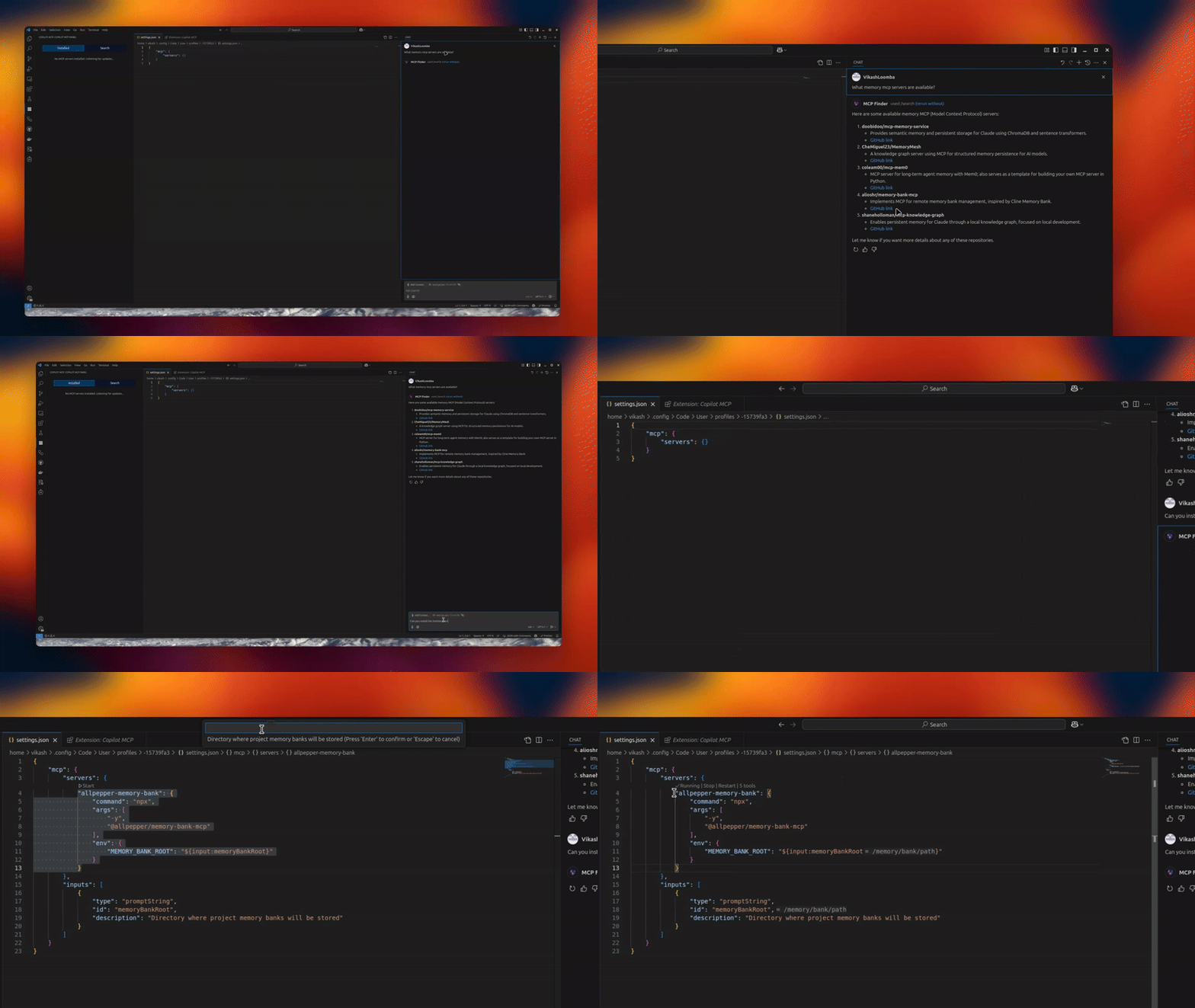




A powerful VS Code extension that lets you discover, install, and manage open‑source MCP servers and agent skills from one place.
- 🔧 MCP Server Management – connect/manage multiple servers via an intuitive UI
- 🧠 Skills Search & Install – discover skills from
skills.shand install to your agents - 🗂️ Installed Skills Management – view installed skills and uninstall with agent-level controls
- 🚀 Claude/Codex/Copilot Integration – expose MCP tools directly to your agents
- 🎯 Server Discovery – automatically discover open‑source servers
- Install from the VS Code Marketplace.
- Open MCP Servers in the Activity Bar, or configure in Settings.
If you don’t want to run servers locally, use Cloud MCP (remote, OAuth‑only).
Paste the MCP URL into Copilot/Claude and you’re done:
- Learn More: https://cloudmcp.run
Configure via the UI or VS Code settings. Look for the MCP Servers icon in the Activity Bar.
- Open the MCP Servers view
- Connect or search for servers
- Switch to Skills to search and install skills, and manage installed skills
- Use Copilot Chat with your newly added tools and skills
Tip: When a server supports
npx/uvx, the Server Discovery panel shows a “Deploy via Cloud MCP” option so you can run it remotely without installing anything.
- VS Code
- GitHub Copilot Chat extension
- Give Copilot standardized tools via MCP
- Local or remote workflows (Cloud MCP)
- Join a growing, interoperable ecosystem
Copilot MCP collects a small set of anonymous usage events — searches, install attempts, and clicks on in-extension links/CTAs — so we can understand which features are useful.
- What is collected: anonymous event names with a small set of properties: the search terms you type in the extension (sidebar search and
@mcpchat prompts, truncated to 100 characters), public GitHub repository names/URLs and skill source locators for items you search for or act on, your OS platform/architecture and the extension version, and error messages/diagnostics (truncated) when something fails. - What is never collected: file contents, workspace or repository contents, or account identifiers (no emails, usernames, or tokens) — account-shaped properties are stripped out before anything is sent.
- VS Code settings are respected: the extension honors VS Code's
telemetry.telemetryLevelsetting. If you have disabled telemetry in VS Code, the extension sends nothing.
To opt out, set telemetry.telemetryLevel to off in your VS Code settings.
This repo vendors an upstream Copilot provider from anomalyco/opencode under:
vendor/opencode-copilot/src/**
Sync it with:
npm run sync:copilot-providerCheck drift without writing files:
npm run sync:copilot-provider:checkAutomated daily sync PRs are created by:
.github/workflows/sync-opencode-copilot.yml
PRs and feature requests welcome! See issues.
Vikash Loomba
Website: https://cloudmcp.run
X: @DevAutomata
GitHub: @vikashloomba
GPL‑3.0 — see LICENSE.
Part of the MCP Client Ecosystem


