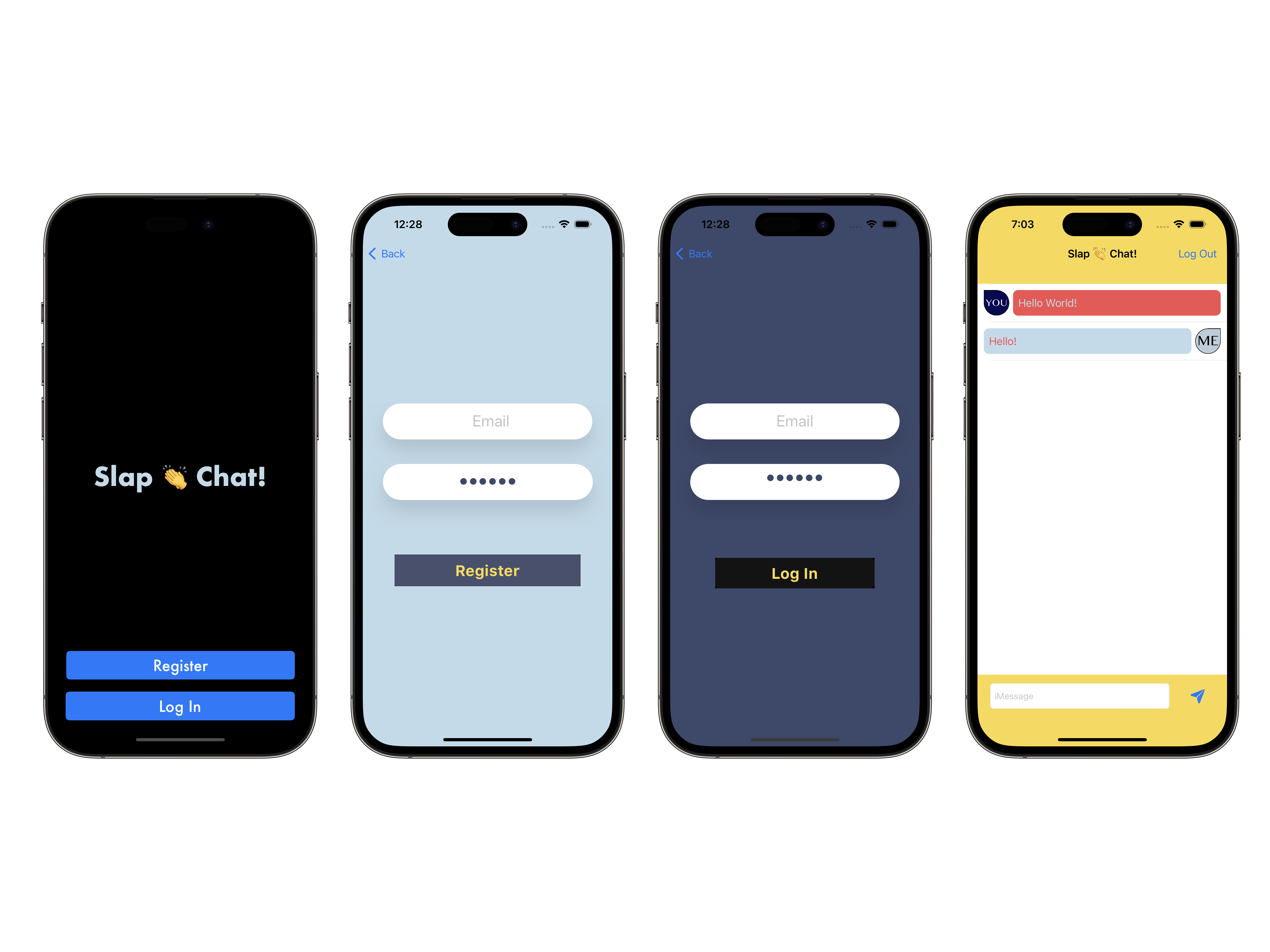
This project was a part of my iOS bootcamp taught by Angela Yu on Udemy. I took this project and made a large part of it my own. I designed most of the UI, color scheme, launch screen and fonts.
Upon opening the app you will have the option to log in or register to a new account. Once logged in, it functions as a typical messaging application with a slight twist. Upon pressing the send button, you will hear a slap sound ensuring your message was sent successfully.
Skills learned and tools used in this project are as follows: Advance screen segues, Database use and linking via Google Firebase Firestore, Autolayout, UI/UX designs, Cocoa pods, third party libraries, MVC practices, .xib file for modular functions, Navigation bar functions.
Download zip file and extract files by double clicking in finder or right clicking and selecting extract. In Xcode, go to open file and find the location of the downloaded project folder and select the .xcodeproj file.
Select the green button labeled <> Code on this page, then copy the url. Once URL is copied, in Xcode, go to source control and select clone. Paste the copied URL in the search bar and select clone.