This extension for Sym8 gives you an overview of your vHost storage usage (broken down by specific directories) and lets you clean various caches (expired or all cache files) directly from the backend.
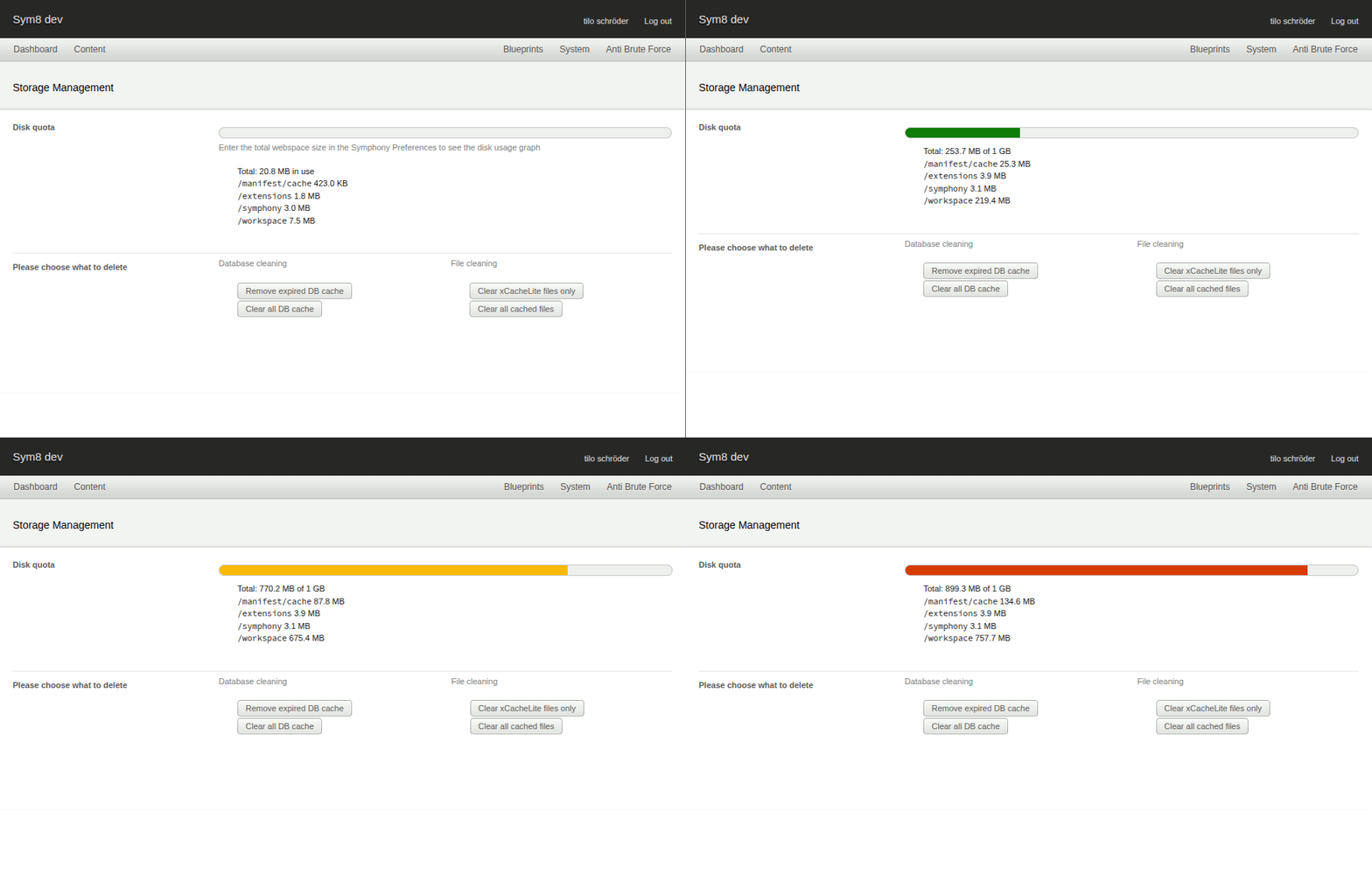
On the backend page „Storage Management“ you can find an overview of total disk usage and the usage for specific directories:
manifest/cacheextensionssymphonyworkspace
You can also clear the following cache types:
- The Database cache, used by the Cacheable class
- The File cache, i.e.
manifest/cachedirectory - xCacheLite extension cache files only (requires xCacheLite extension)
- Cacheable Datasource extension cache
- Requires Sym8 ≥ 2.84.2
- Note: This extension is not compatible with Symphony ≤ 2.7.x
git cloneor download and unpack the zip file- Place the folder in your Sym8
extensions/directory - Then enable it in the backend: select "Storage Management" in the extension list, choose "Enable" from the
with-selectedmenu, and click "Apply".
After installation, set the total webspace in the Symphony Preferences for Storage Management to display the disk usage graph.
- Navigate to the backend page „Storage Management“ ("System" -> "Storage Management") to view total disk usage, see usage per directory, and manage cache files.
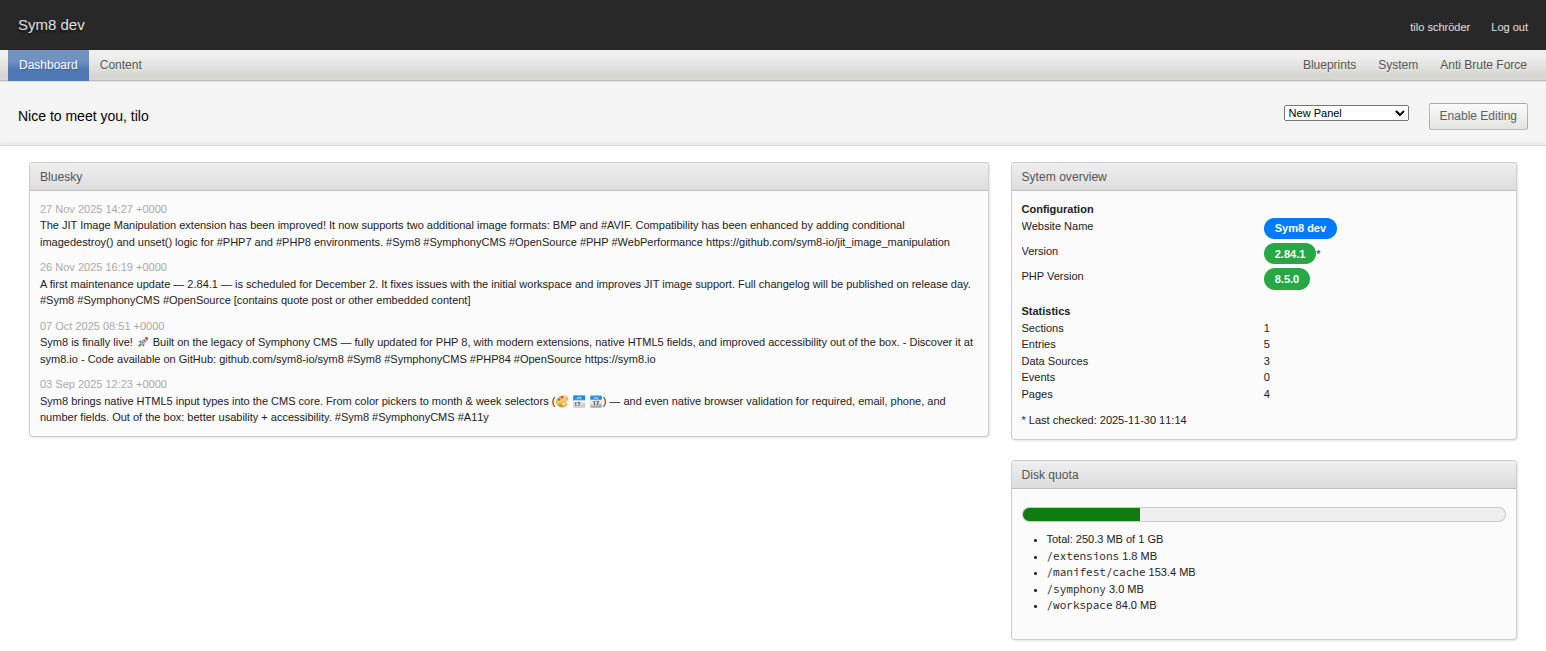
- Add the panel "Disk quota" to the dashboard to see the total disk usage.
- Developers and Managers can access the backend page “Storage Management” and perform cache-related actions.
- Authors can see the disk quota panel on the dashboard only.
- Direct access to the backend page is denied for Authors and results in a
404response.