
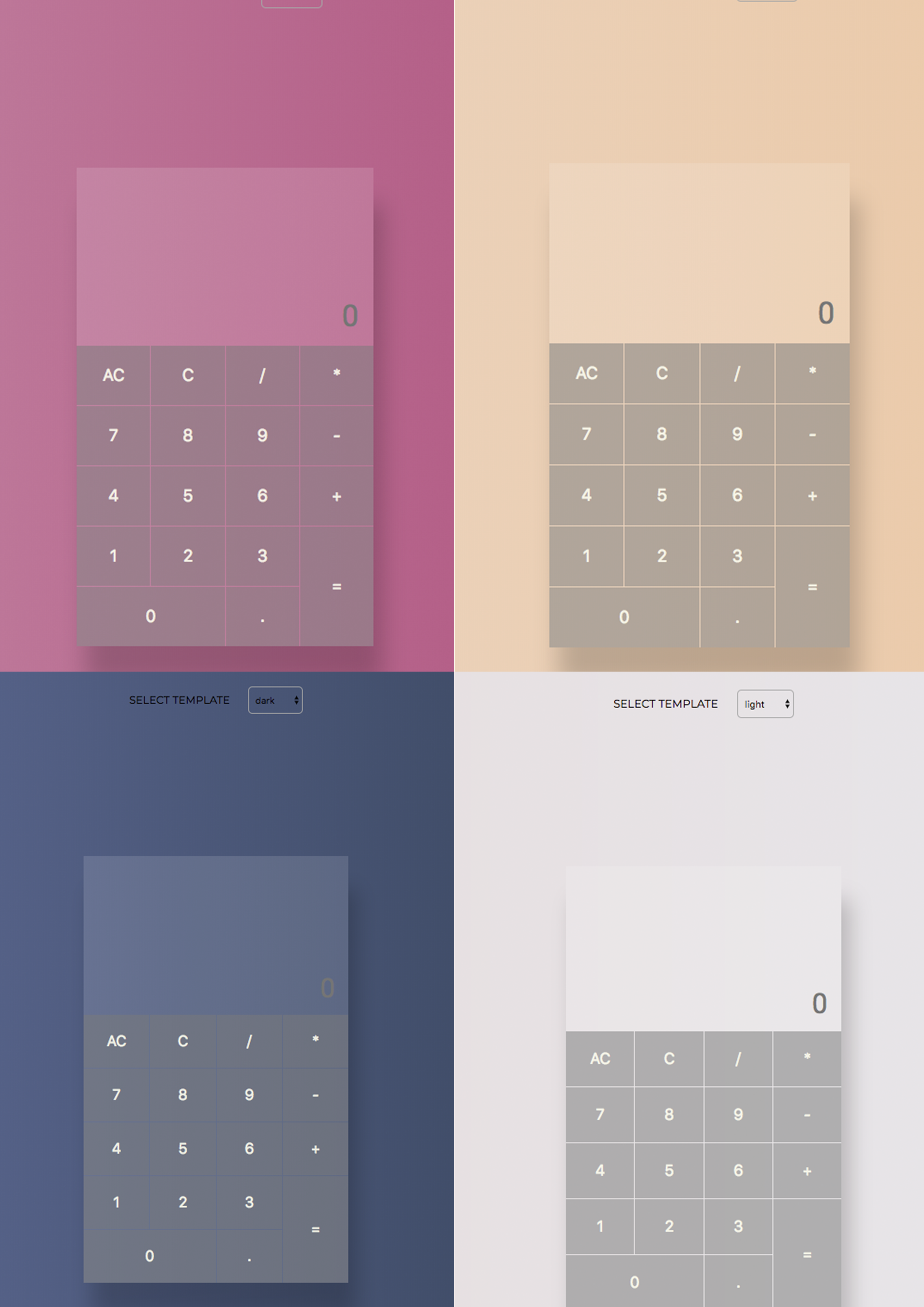
Calculator app with basic functionality.
The following image shows the design of the app:
Instructions to get you a copy of the project up and running in your local machine:
Check if Node.js is already installed by typing the following command on your terminal:
node -v
If you do not already have Node.js installed please follow the instructions on this guide.
Check if npm is already installed by typing the following command on your terminal:
npm -v
If you do not have npm already installed please follow the instructions on this guide.
Check if git is installed on your machine enter the following command on your terminal:
git --version
If you do not already have git installed on your machine please follow the instructions on this guide.
- NOTE: the app is build using following versions:
Node.js v8.9.1
npm v5.6.0
git v2.14.2
To run this project you will need to clone it onto your local machine and install all dependencies. To do so use the command line to navigate to your preferred directory on your local machine and enter the following command on the terminal:
git clone git@github.com:SemraSh/calculator-react-app.git
Navigate inside the folder and install all dependencies by entering the following command on your terminal window:
npm install
Finally to run the server enter the following command in your terminal window:
npm start
This will run the server and open the browser automatically. If you make any changes and save the changes process will automatically refresh and you will be able to see the results in the browser.
If you want to end the process hold control and press c in mac, if you are not using mac hold ctrl and press c.
ReactJS
Please send us an email if you have any questions or suggestions. semra.refkaewa@gmail.com || coskucinkilic@gmail.com