
Professional collection of Steam Library optimization templates, launch option presets and Windows tuning guides.
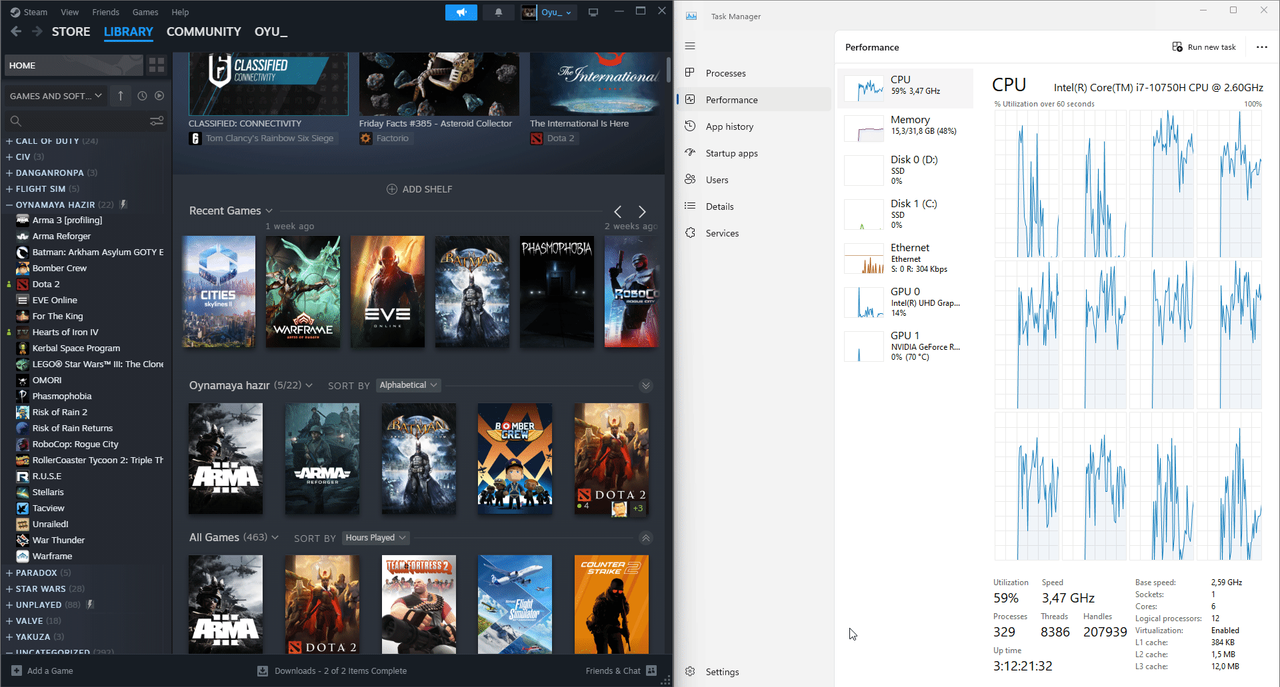
- DOWNLOAD — Click here
- Extract the downloaded files.
- Open the included documentation.
- Ready-to-use Steam launch option presets for common performance scenarios
- Library organization and category templates for large game collections
- Download region and bandwidth tuning guides for faster updates
- Shader cache and depot cleanup workflow examples
- Steam client performance settings documentation
- Windows power plan and network tuning presets for stable downloads
- Step-by-step tutorials covering library folder migration and backup
- Frame-time monitoring and benchmarking workflow examples
- Windows 10/11
- Installed Steam client
Open the extracted folder and explore the template and guide directories. Apply the included launch option presets to supported games or follow the documentation to configure download regions, library categories, shader cache cleanup, and Windows network settings. The guides provide practical instructions for each resource and include backup steps before applying changes.
This repository contains a comprehensive set of tools, templates and educational materials designed to improve Steam Library organization, download performance and overall gaming workflow on Windows. All materials are intended for legitimate optimization only.
This repository provides materials exclusively for educational purposes. The author is not responsible for their use. All rights belong to their respective owners.