git clone https://github.com/Rouzihiro/dotfiles ~/dotfiles
bash bootstrap.sh
bash ~/dotfiles/install/assets.shtheme_12mb.mp4
This setup with Sway WM idles at ~600MB RAM with our ultra-efficient stack:
✓ C/Rust-powered tools ✓ Asahi Linux-tuned kernel ✓ Battery-optimized power profiles
Why it flies: Zero Electron apps · GPU-optimized compositing · Minimal background services
- Cross-Platform: x86_64 PCs, Apple Silicon (M1/M2) via Asahi Linux, Surface devices, consumer laptops
- 40+ themes — instantly switchable, live across all apps
- Modular Design — select only the packages you need
- Proven Stability — MacBook Air M1, Surface Pro 2, various Intel laptops
A centralized, Python-driven theming pipeline. One palette file per theme. One command to apply it everywhere, live, with no symlinking.
Each theme is defined by a single palettes/<theme>.toml file. When you switch themes, a Python generator compiles that palette into config files for every supported application using Jinja2 templates. A set of zsh scripts then reloads each running app in parallel — no restarts, no file copying, no symlinks.
palettes/sakura.toml → generate.py → app configs → apply.zsh → live reload
The flow in apply.zsh:
generate.py <theme>— renders all.j2templates against the palette- State is written to
$_OSYX_STATE_FILEso the current theme survives reboots - Thyx preset is copied if one exists for the theme
- All app reloads fire in parallel (
&!) — kitty, hyprland/sway, mako, tmux, nvim, btop, wallpaper
flavors/
├── palettes/            # One <theme>.toml per theme — source of truth
├── templates/           # Jinja2 .j2 templates, one per application
├── generator/           # Python package (cli, colors, palette, render)
├── generate.py          # Entry point: python3 generate.py <theme>
├── generate-all.sh      # Compile every palette at once
├── backgrounds/         # Per-theme wallpaper symlinks → ~/assets/wallpapers/
├── theme/               # zsh scripts: apply, select, reload, config, pickers
├── themes.zsh           # Main entry point sourced by your shell
└── thyx-map.conf        # Theme → thyx preset mapping
[palette]
bg        = "#3e2723"
bg_subtle = "#543f3b"
bg_muted  = "#6b5854"
fg        = "#d7ccc8"
fg_dim    = "#998a86"
accent    = "#bcaaa4"
cursor    = "#bcaaa4"
error     = "#bcaaa4"
warning   = "#d7ccc8"
success   = "#d7ccc8"
sel_bg    = "#d7ccc8"
sel_fg    = "#3e2723"
color0  = "#3e2723"
color1  = "#bcaaa4"
# color2–color15 ...Templates live in templates/ as <app>.j2. Use {{key}} placeholders — the generator resolves them into the correct color format per application:
| Syntax | Output | Use case |
|---|---|---|
{{key}} |
#rrggbb |
Default — most apps |
{{key:hex}} |
#rrggbb |
Explicit hex |
{{key:raw}} |
rrggbb |
Foot, Hyprland |
{{key:rgb}} |
rgb(r g b) |
CSS (space-separated) |
{{key:rgb_spaced}} |
r g b |
Inline RGB values |
{{key:rgb_css}} |
r, g, b |
GTK / Waybar rgba() |
Example:
@define-color background rgba({{bg:rgb_css}}, 0.25);Templates are provided for:
- Terminals — Kitty, Foot
- Compositor — Hyprland, Sway (borders + bar)
- Bar — Waybar (CSS + color aliases), i3blocks
- Notifications — Mako, SwayNC
- Shell — Starship prompt
- File managers — Yazi, Broot
- Tools — Btop, Lazygit, Eza, Rofi, SwayOSD
- Multiplexer — Tmux
- Editor — Neovim
- Create
palettes/mytheme.tomlwith your color palette - Optionally add a wallpaper symlink in
backgrounds/mytheme.jpg - Run the generator:
python3 generate.py mytheme
- Switch to it:
# via the interactive picker
themes.zsh
# or
bind = $mod, T, exec, uwsm app -- zsh -ic 'source ~/dotfiles/flavors/themes.zsh; _osyx_rofi_theme_picker'
bindsym $mod+t exec zsh -ic 'source ~/dotfiles/flavors/themes.zsh; _osyx_rofi_theme_picker'
To regenerate all themes at once:
bash generate-all.shWhen a theme is applied, the following happen in parallel:
| App | Reload method |
|---|---|
| Kitty | SIGUSR1 to all kitty pids |
| Hyprland | hyprctl reload |
| Sway | swaymsg reload |
| Mako | makoctl reload |
| Tmux | tmux source-file ~/.tmux.conf |
| Neovim | OsyxFlip via --remote-send over socket |
| Btop | SIGUSR1 |
| Wallpaper | wallpaper set / waypaper |
cd ~/dotfiles/install/install.shThe installer symlinks ~/dotfiles/.local/bin → ~/.local/bin and sets up all config files.
Add to your shell config:
export PATH="$HOME/.local/bin:$PATH"Clone the assets repository:
git clone https://github.com/Rouzihiro/assets.git ~/assets- Git, Python 3.x, a compatible shell (bash/zsh)
- Wayland compositor (Sway or Hyprland)
- Relevant desktop stack dependencies per your distro
| Device | Status | Notes |
|---|---|---|
| MacBook Air M1 (8GB) | ✅ Fully Working | Includes Asahi fixes |
| Microsoft Surface Pro 2 | ✅ Fully Working | Touchscreen support |
| Generic Intel Laptops | ✅ Fully Working | Broad compatibility |
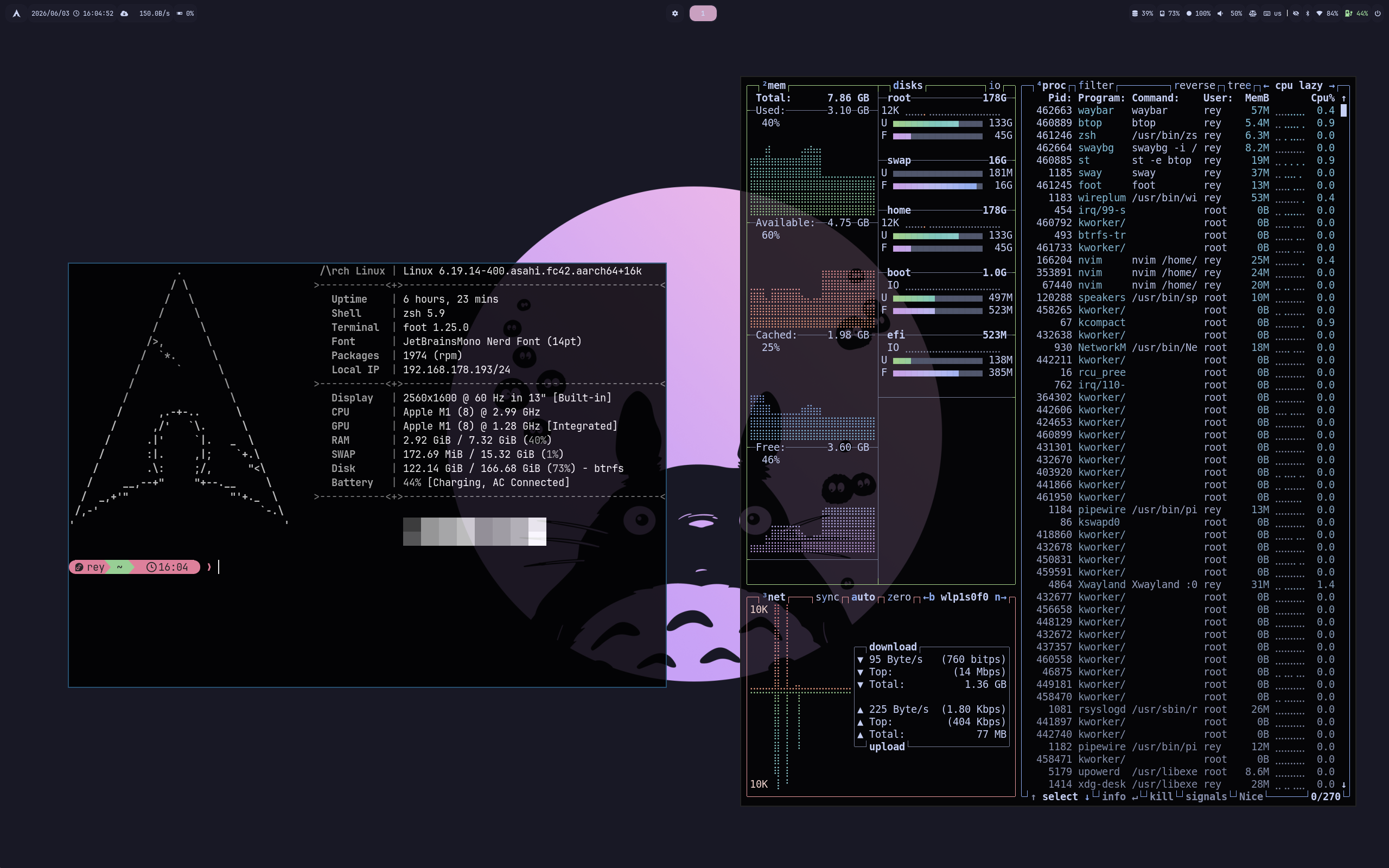 Catppuccin |
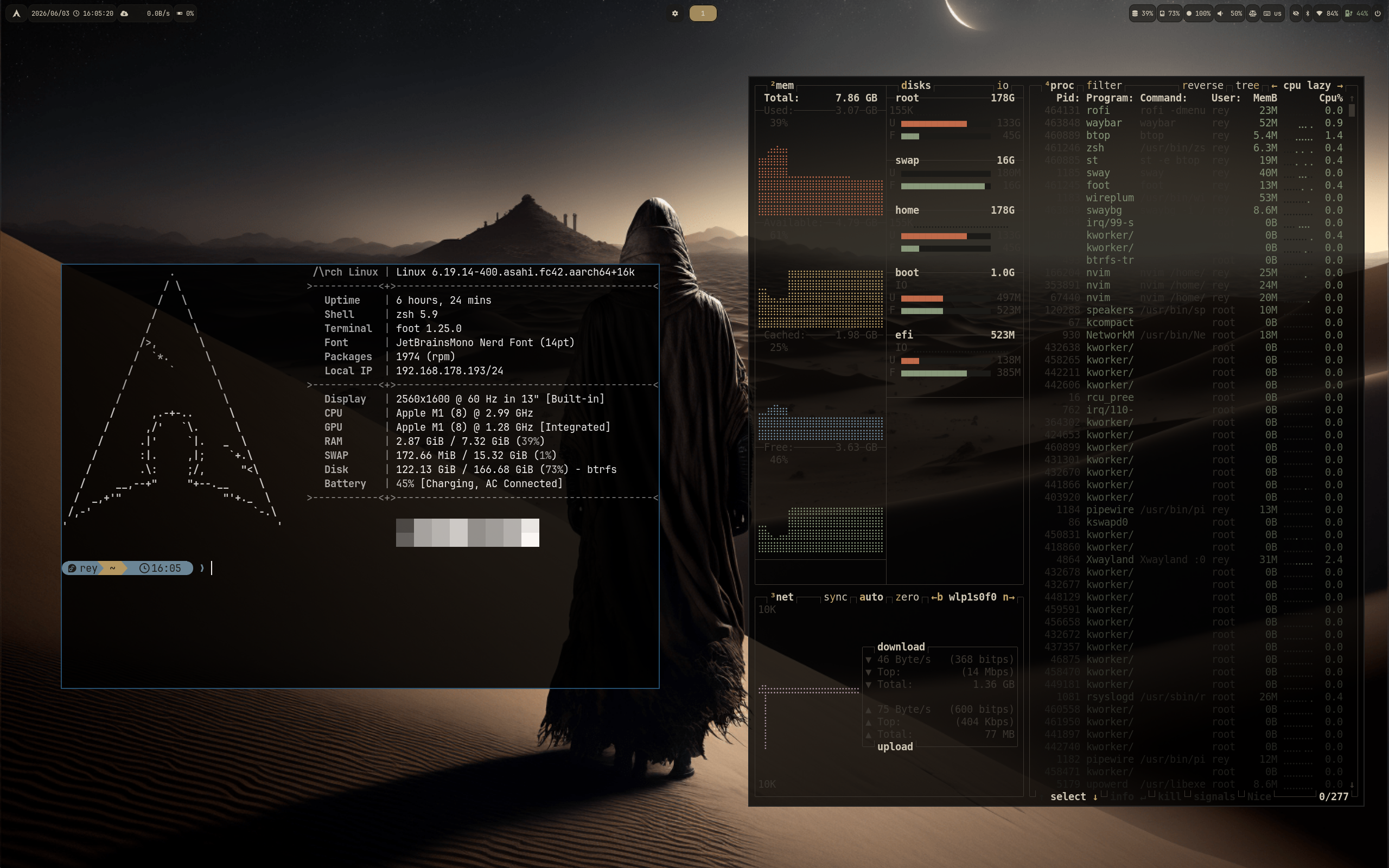 Dune |
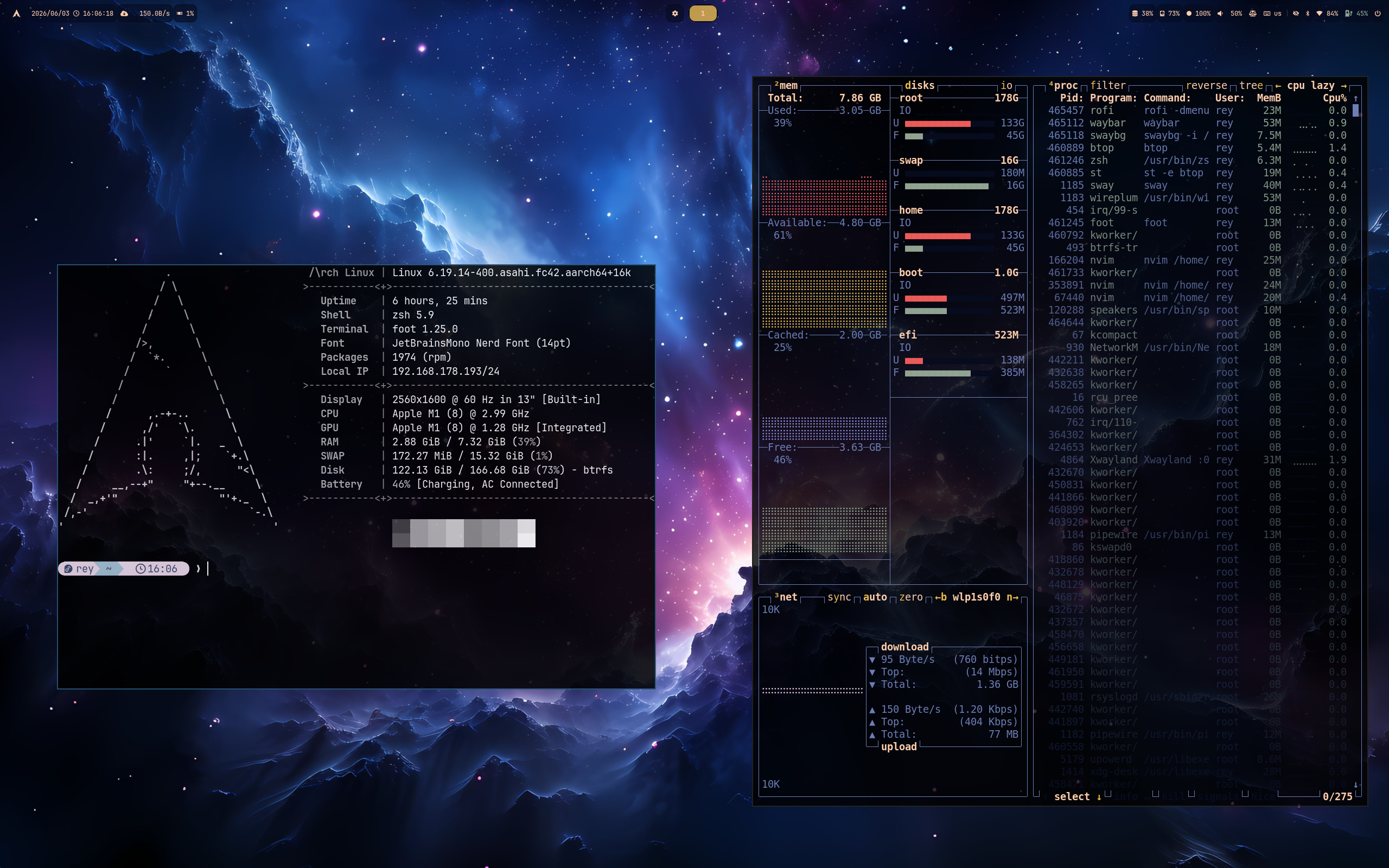 Etheral |
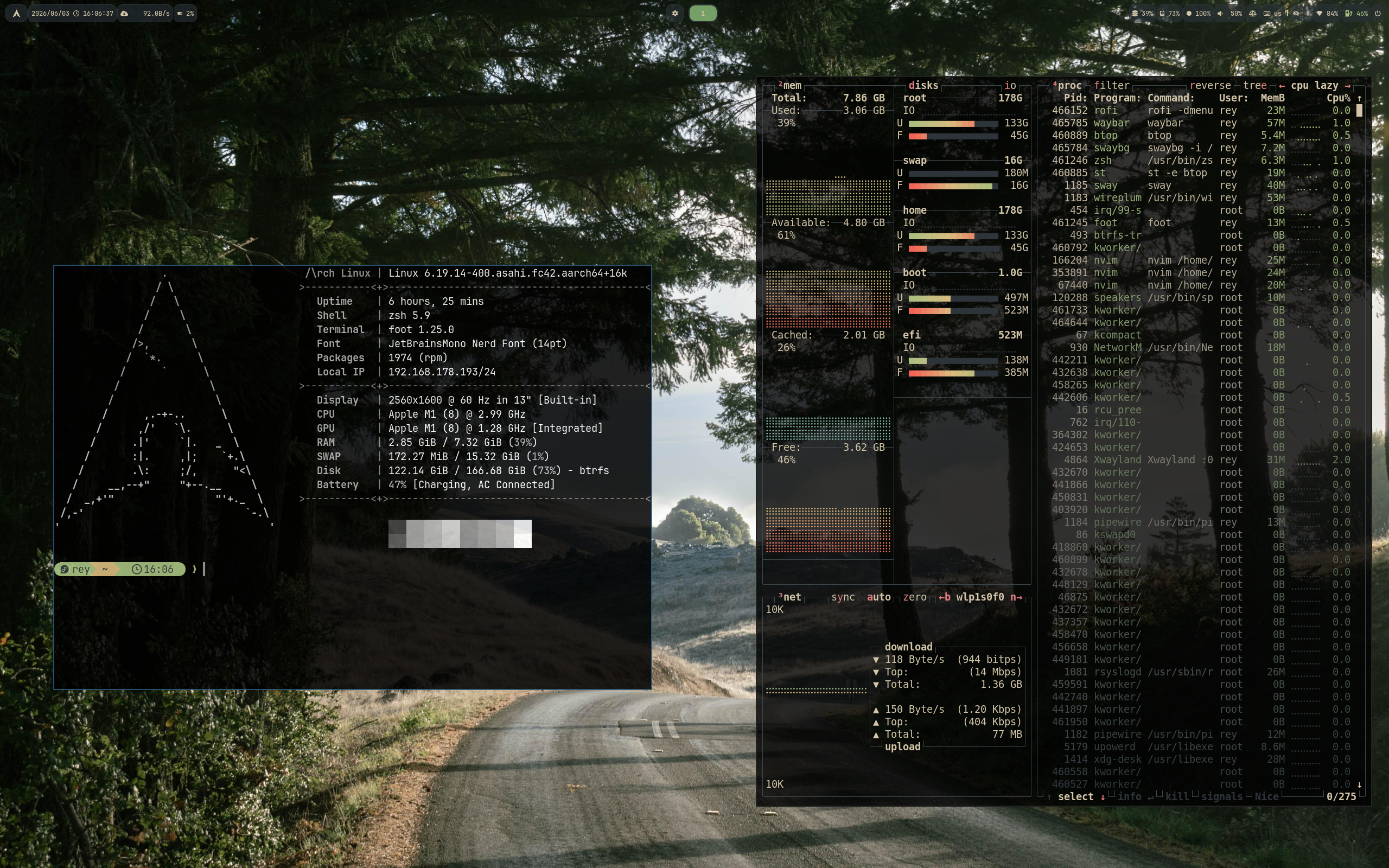 Everforest |
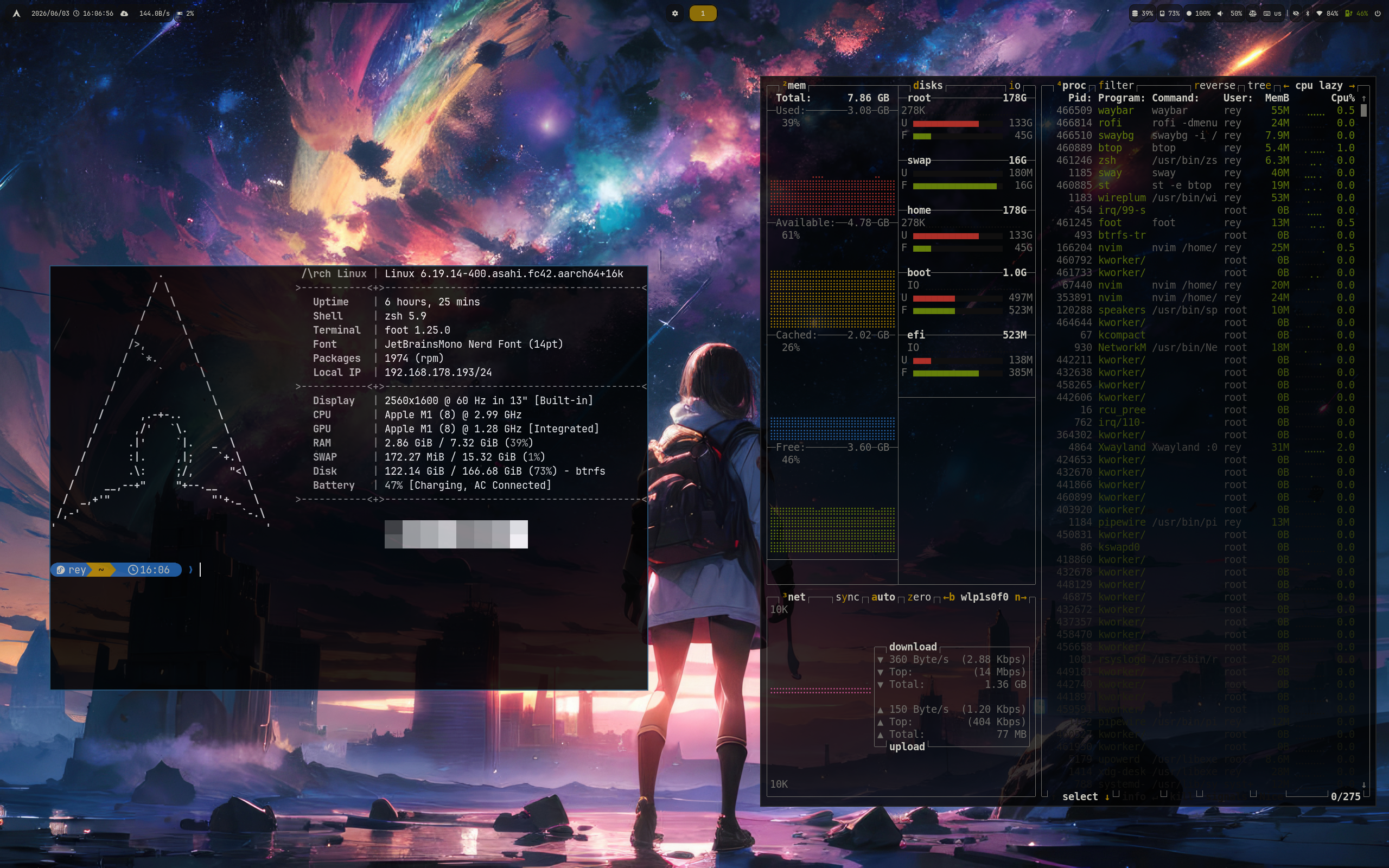 Flexoki Dark |
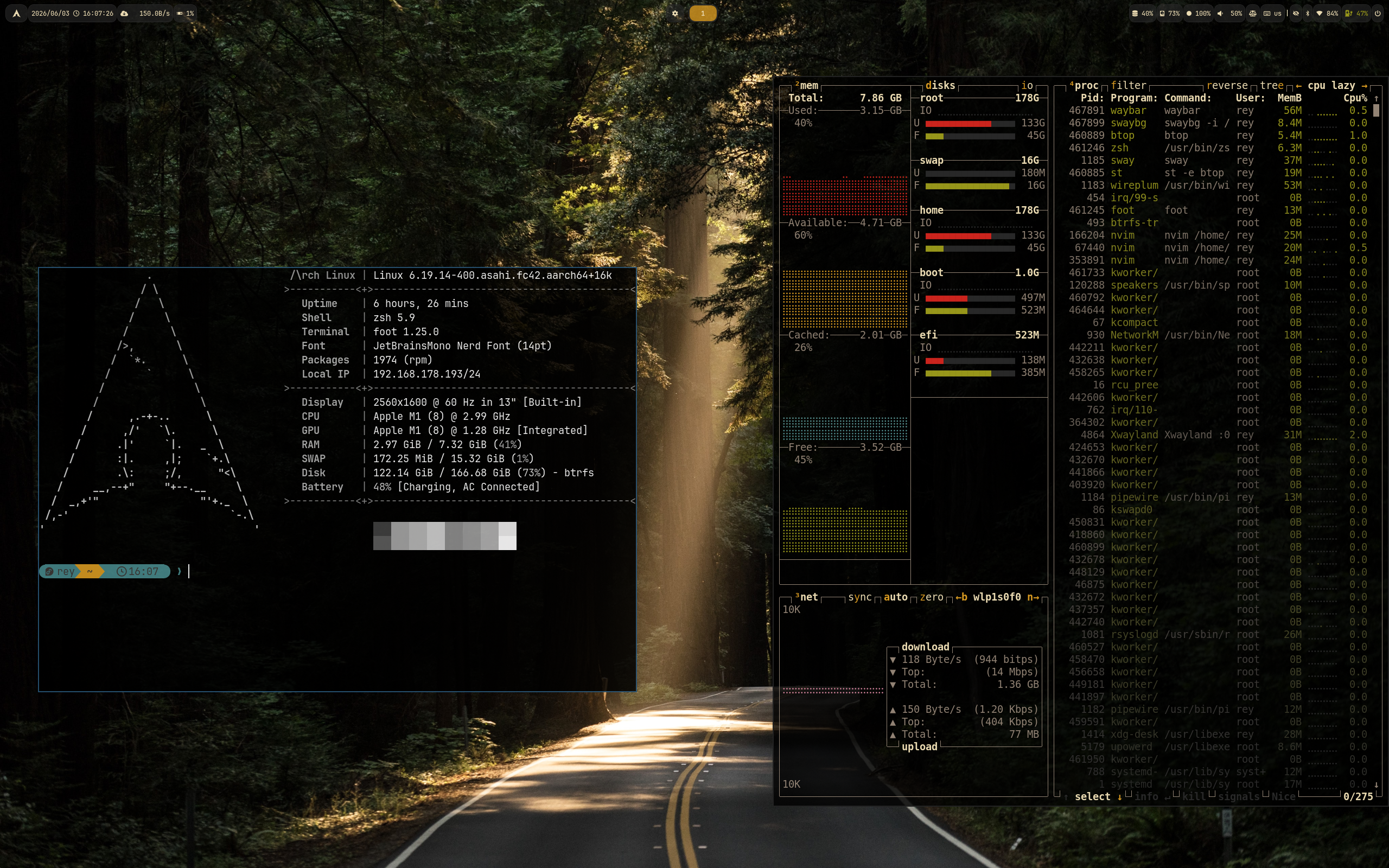 Gruvbox |
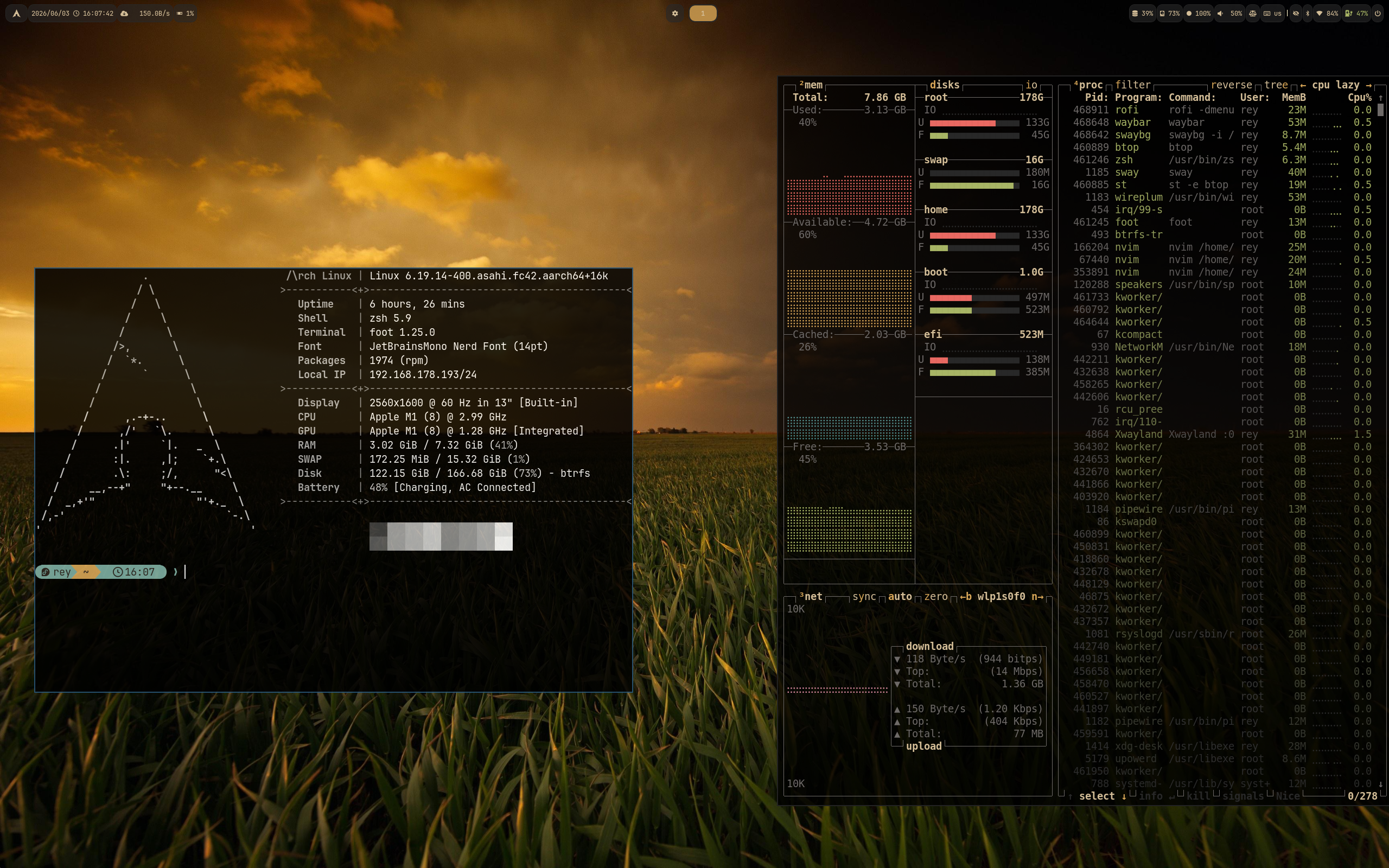 Gruvbox Material |
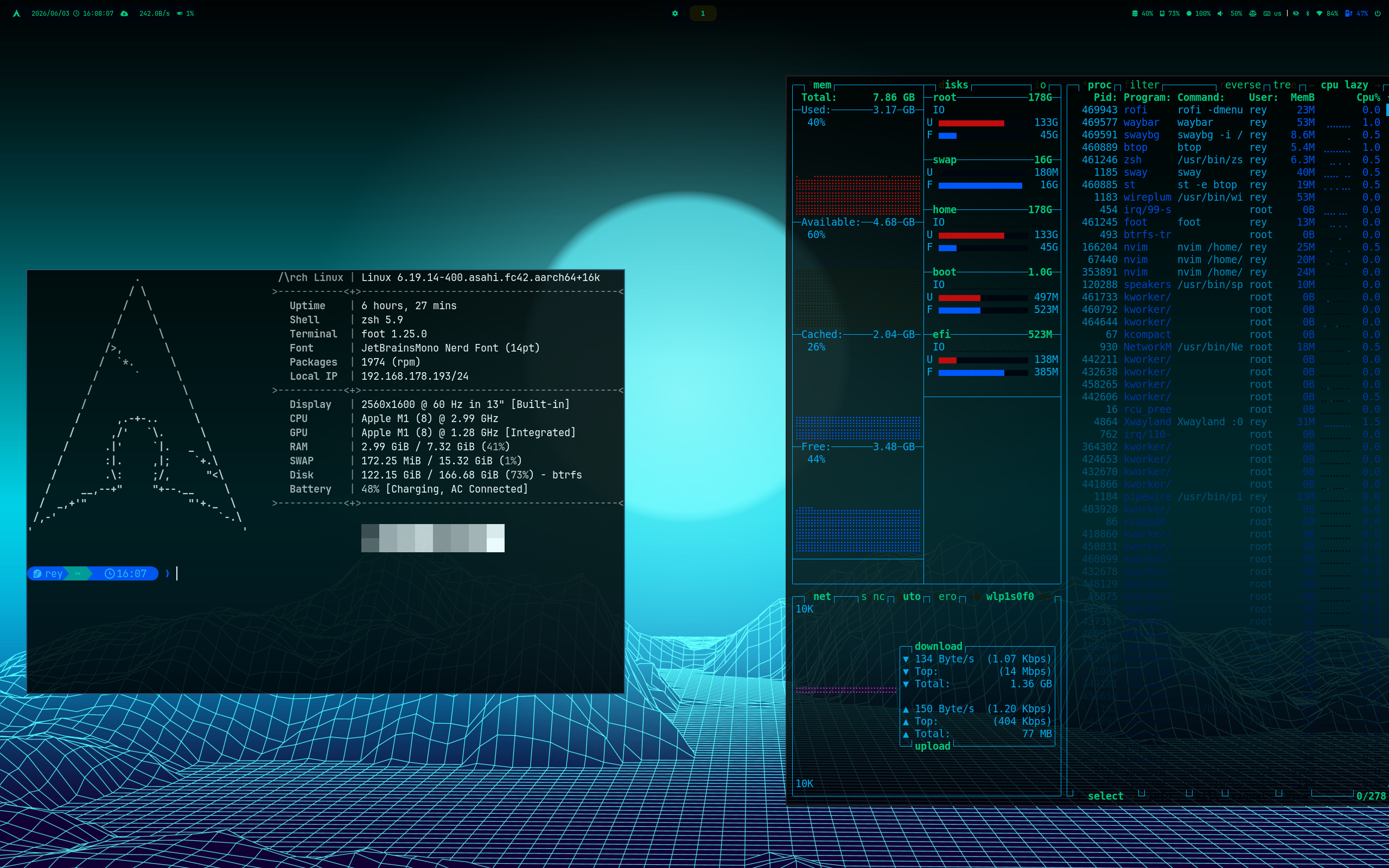 Hackerman |
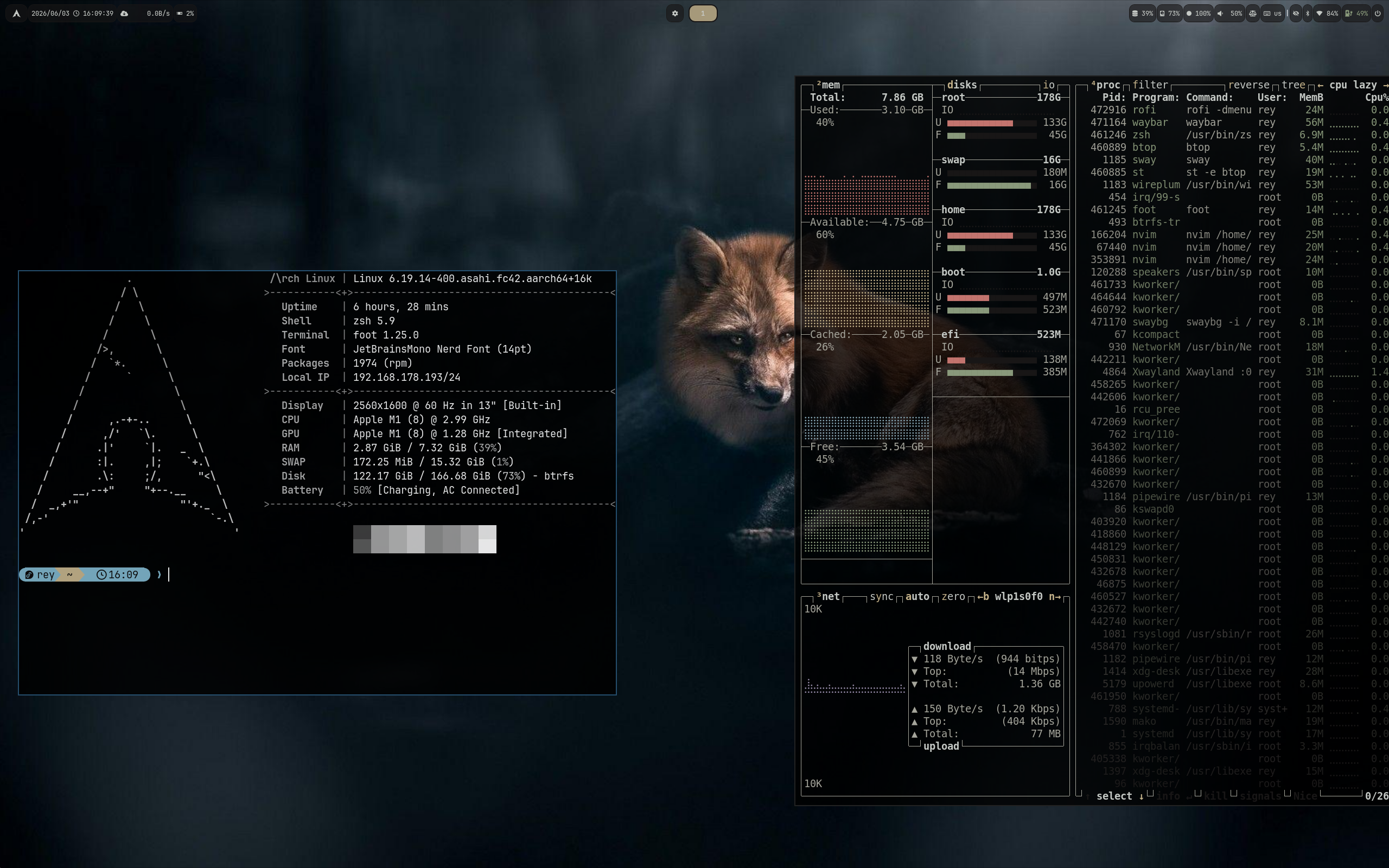 Kanagawa Dragon |
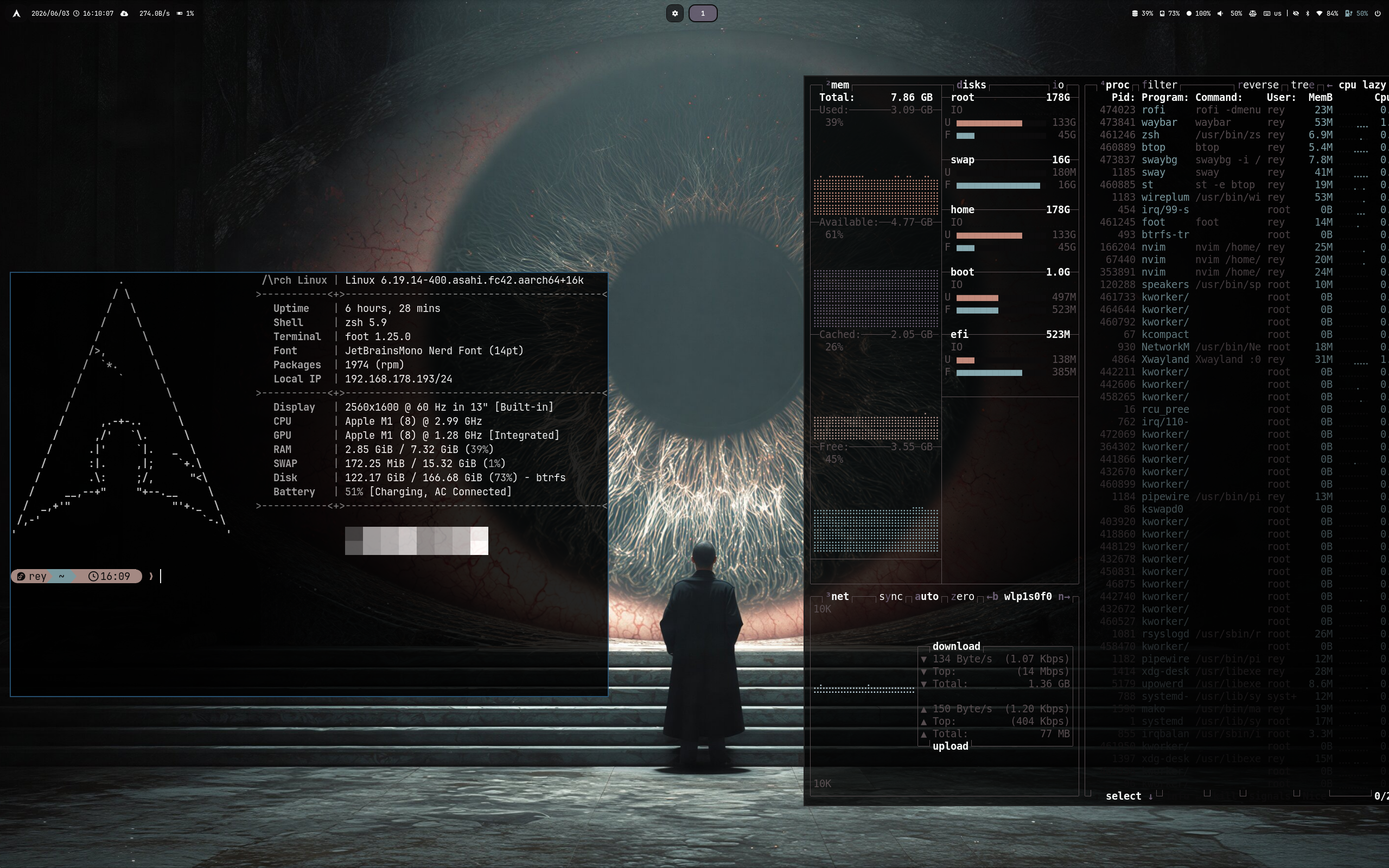 Last Horizon |
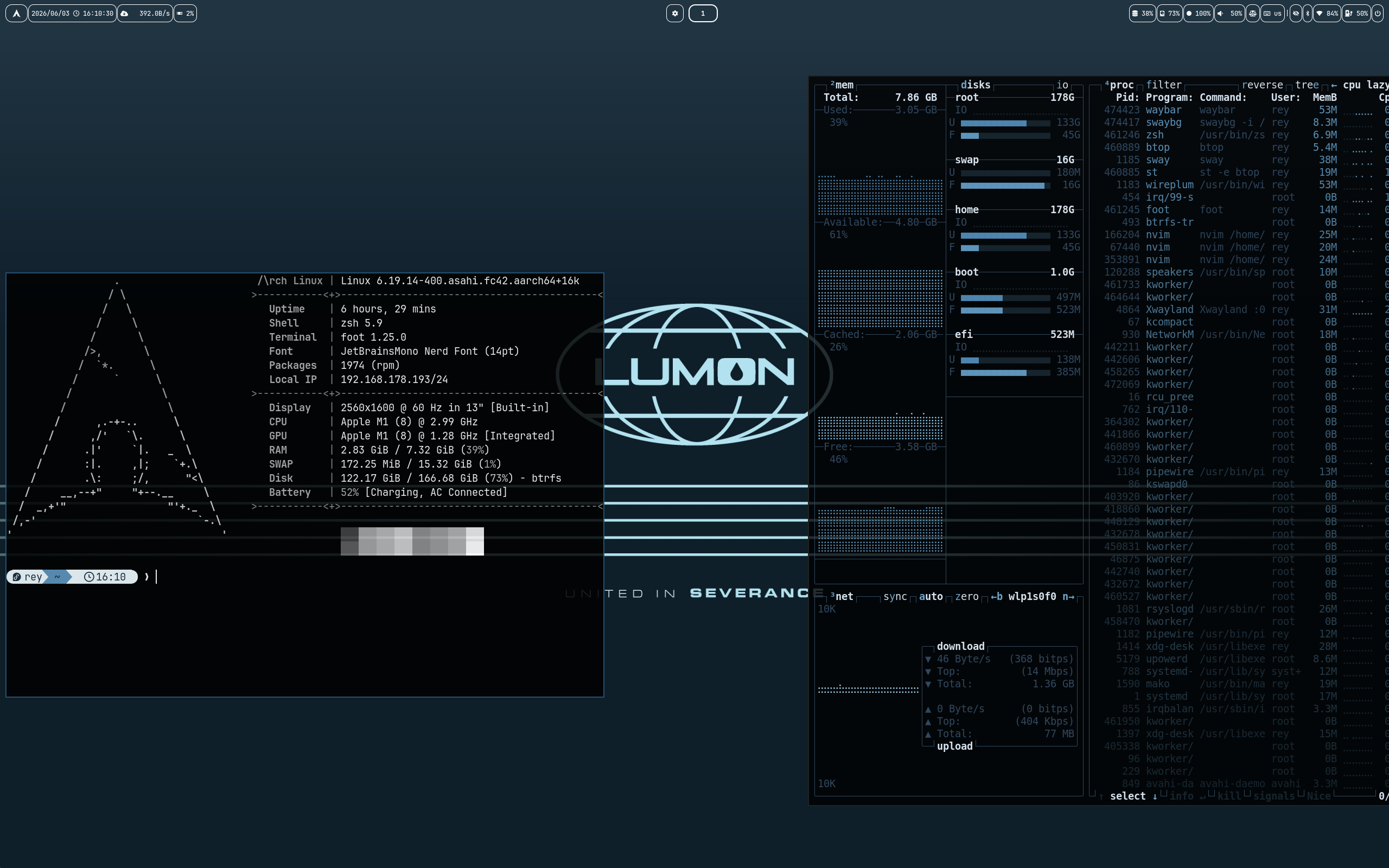 Lumon |
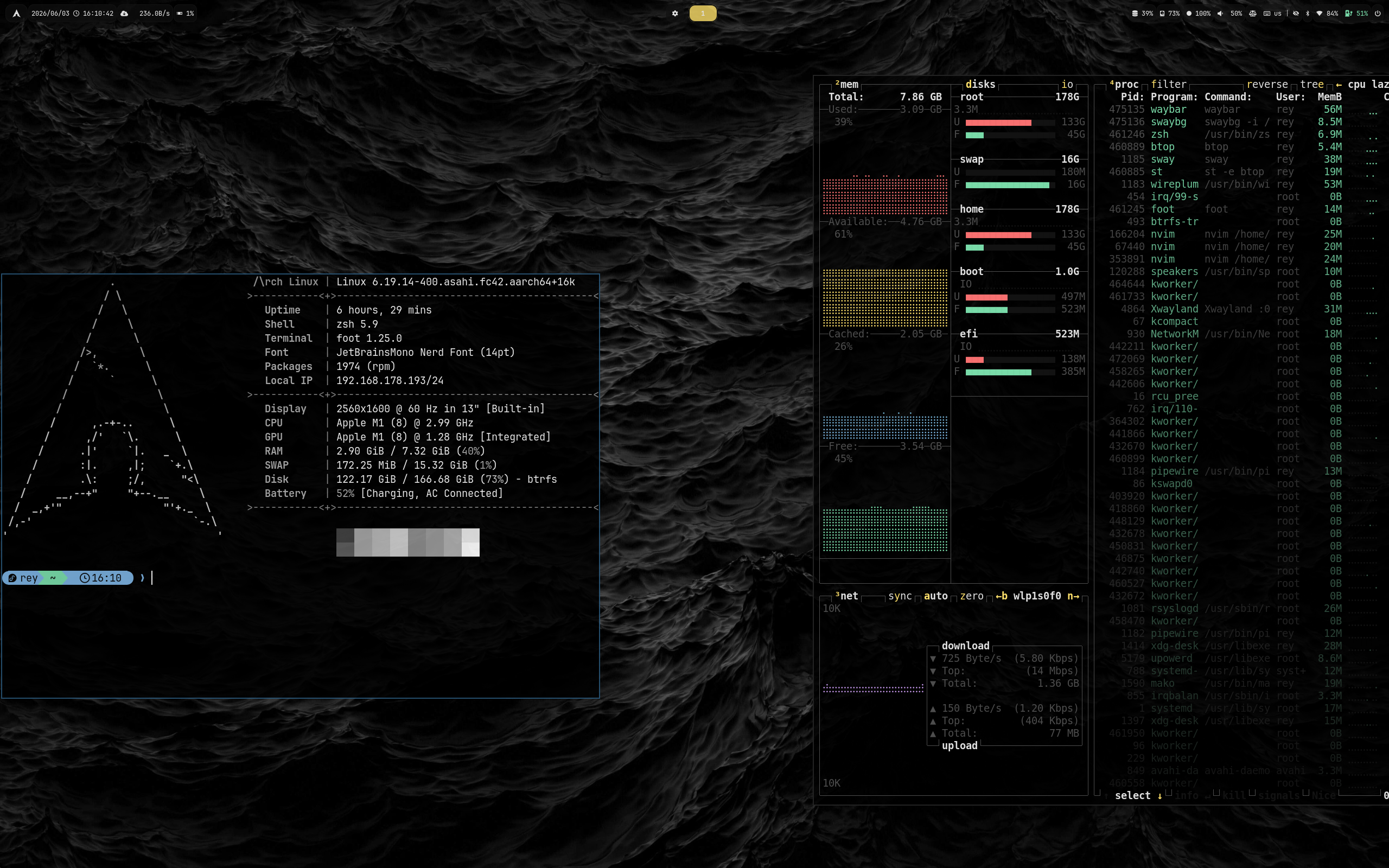 Matte Black |
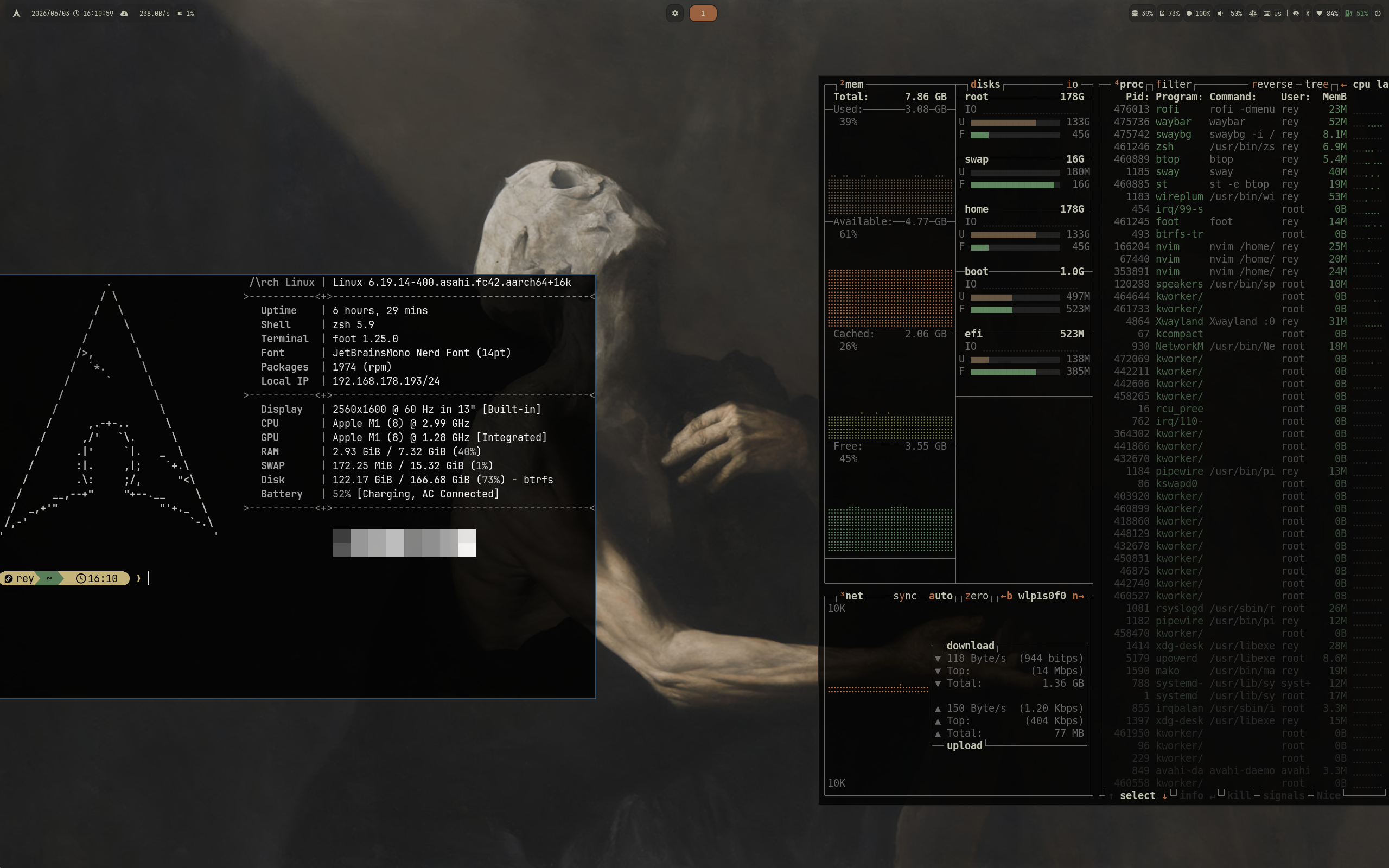 Miasma |
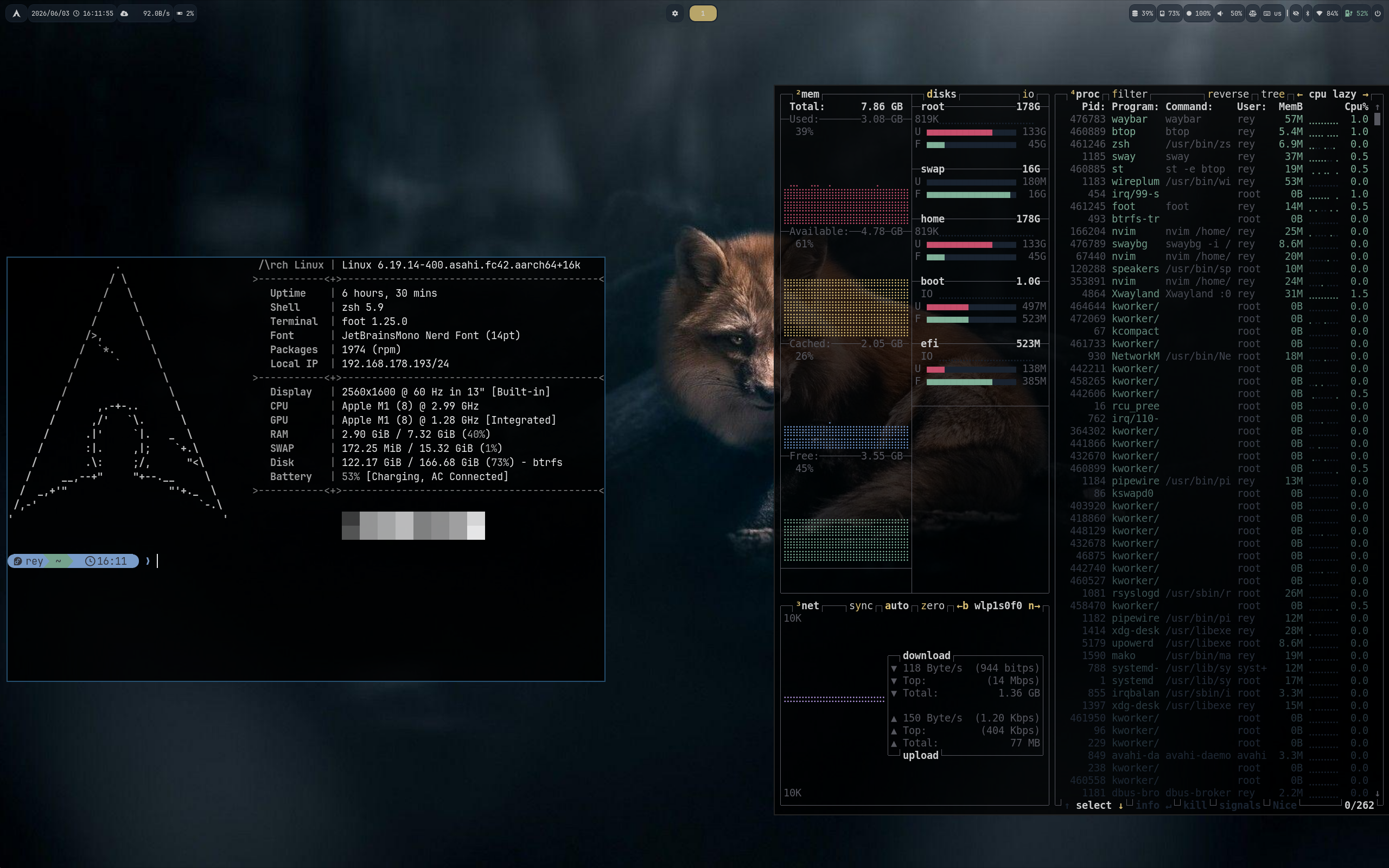 Nightfox |
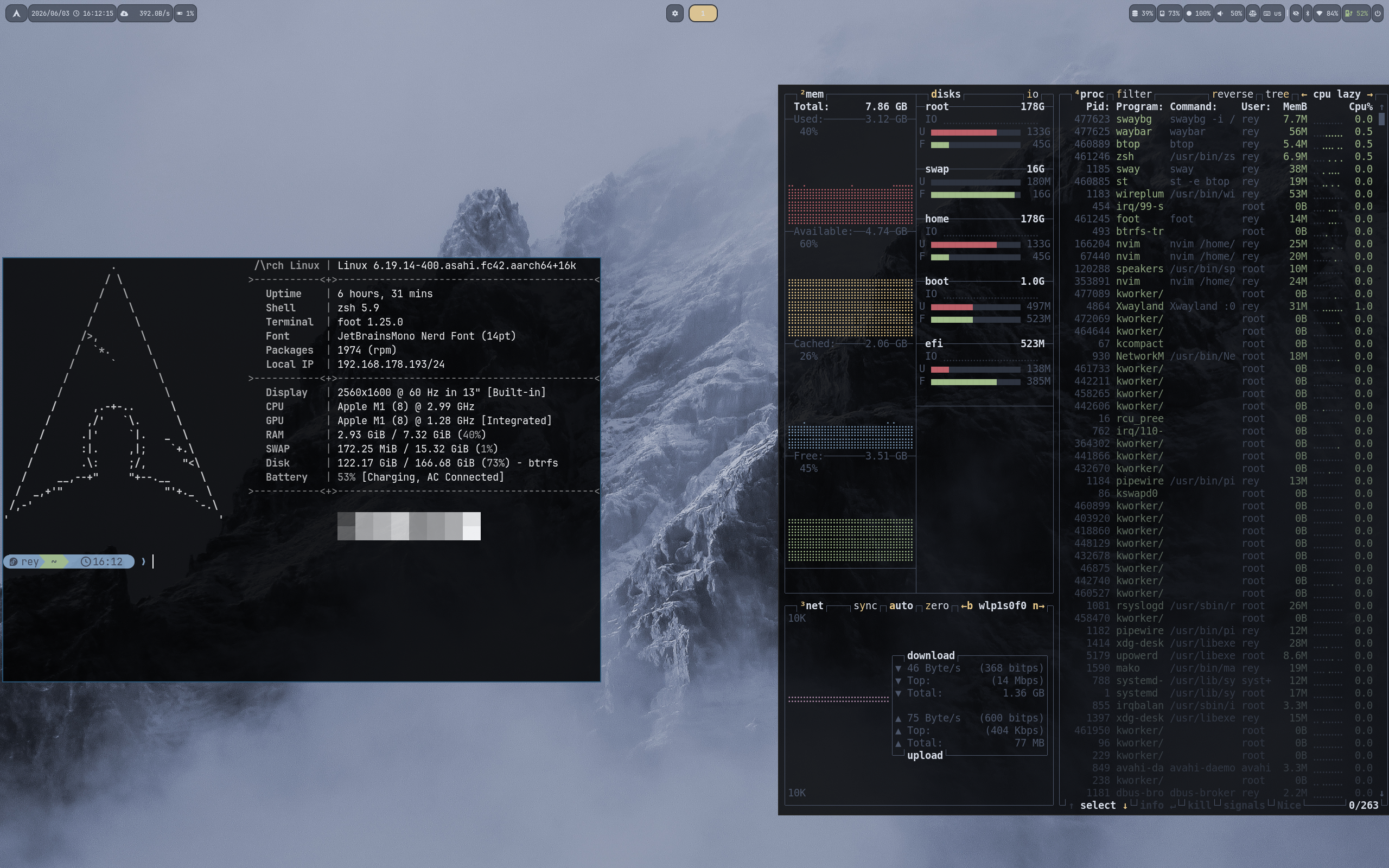 Nord |
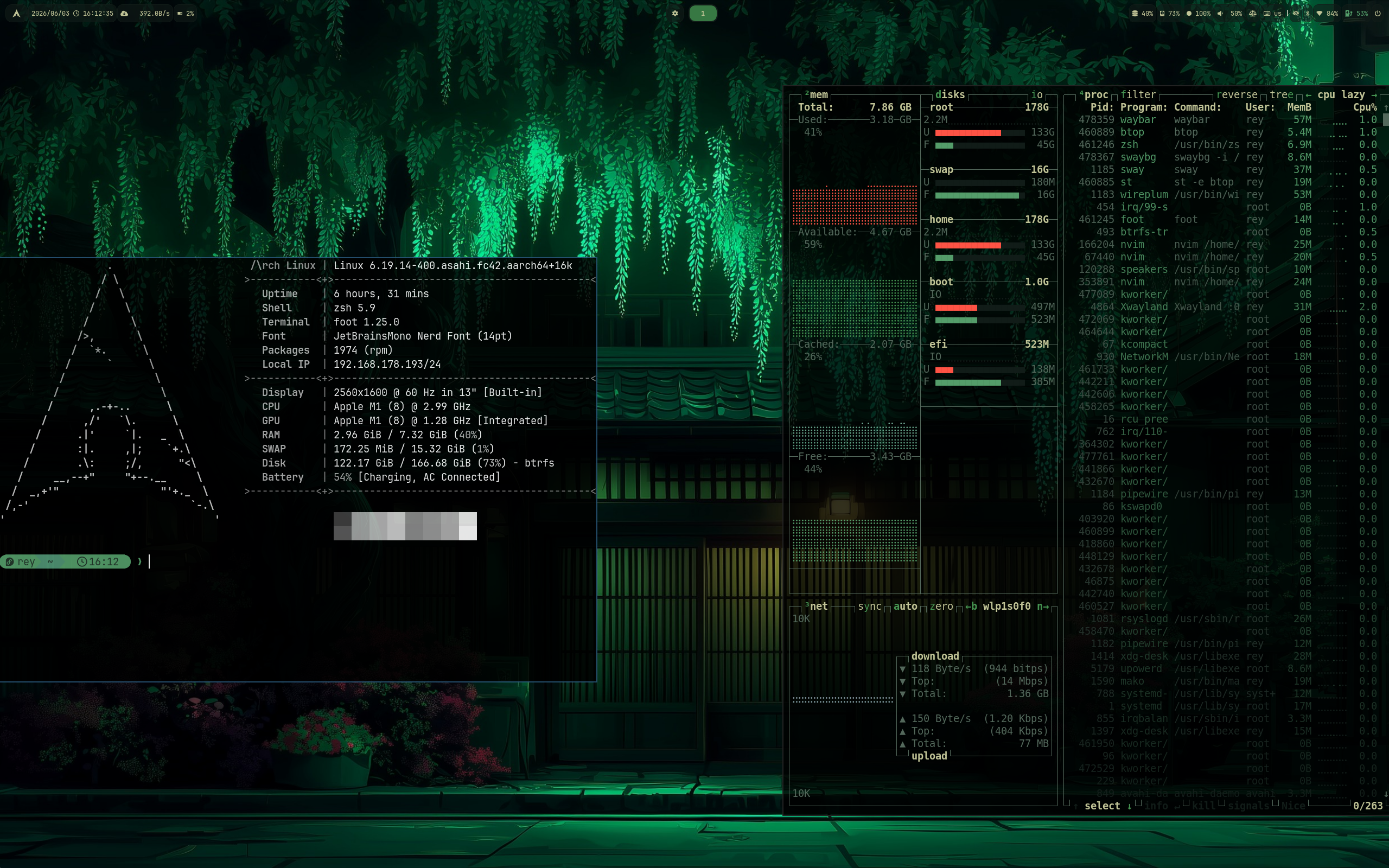 Osaka |
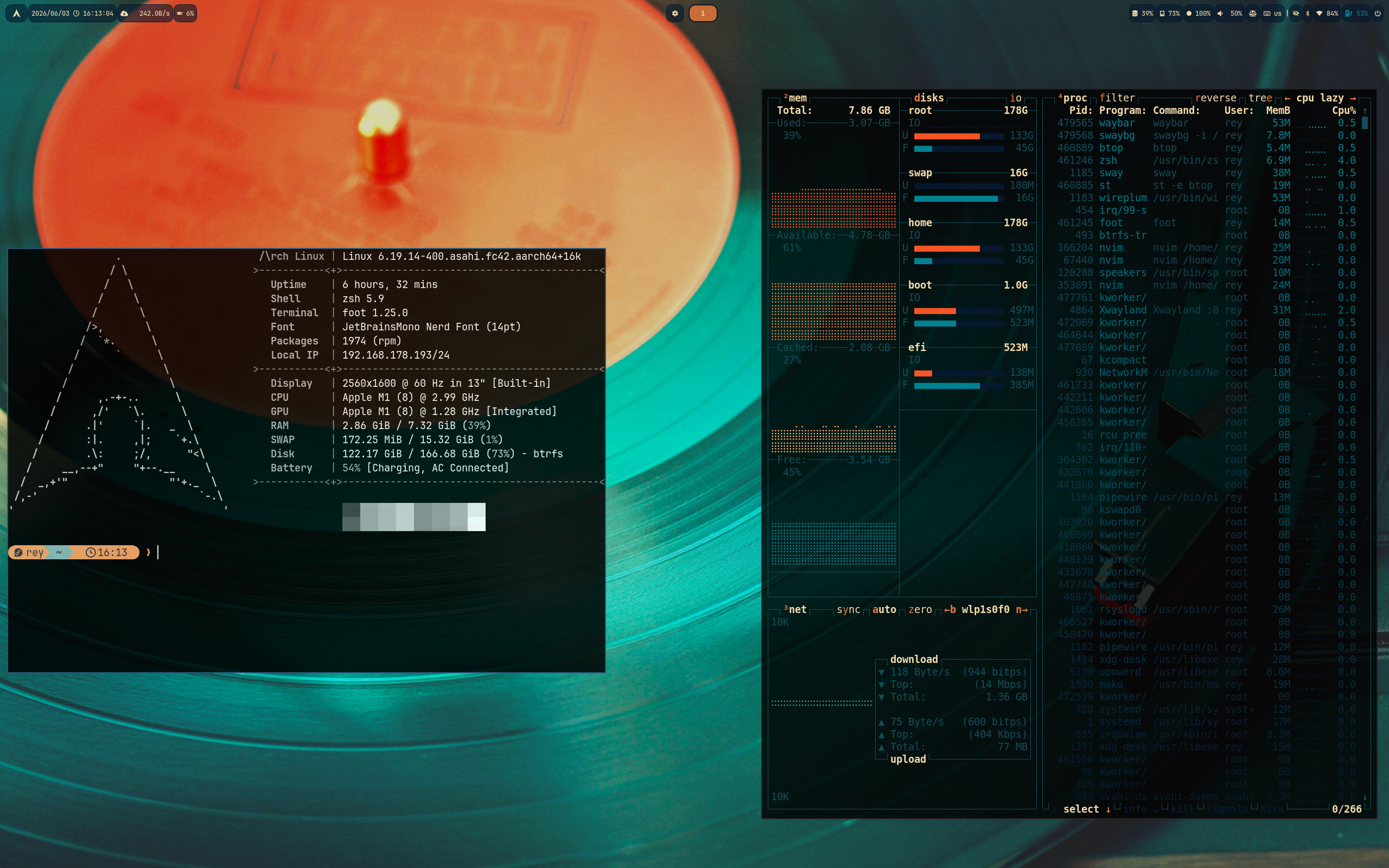 Retro 82 |
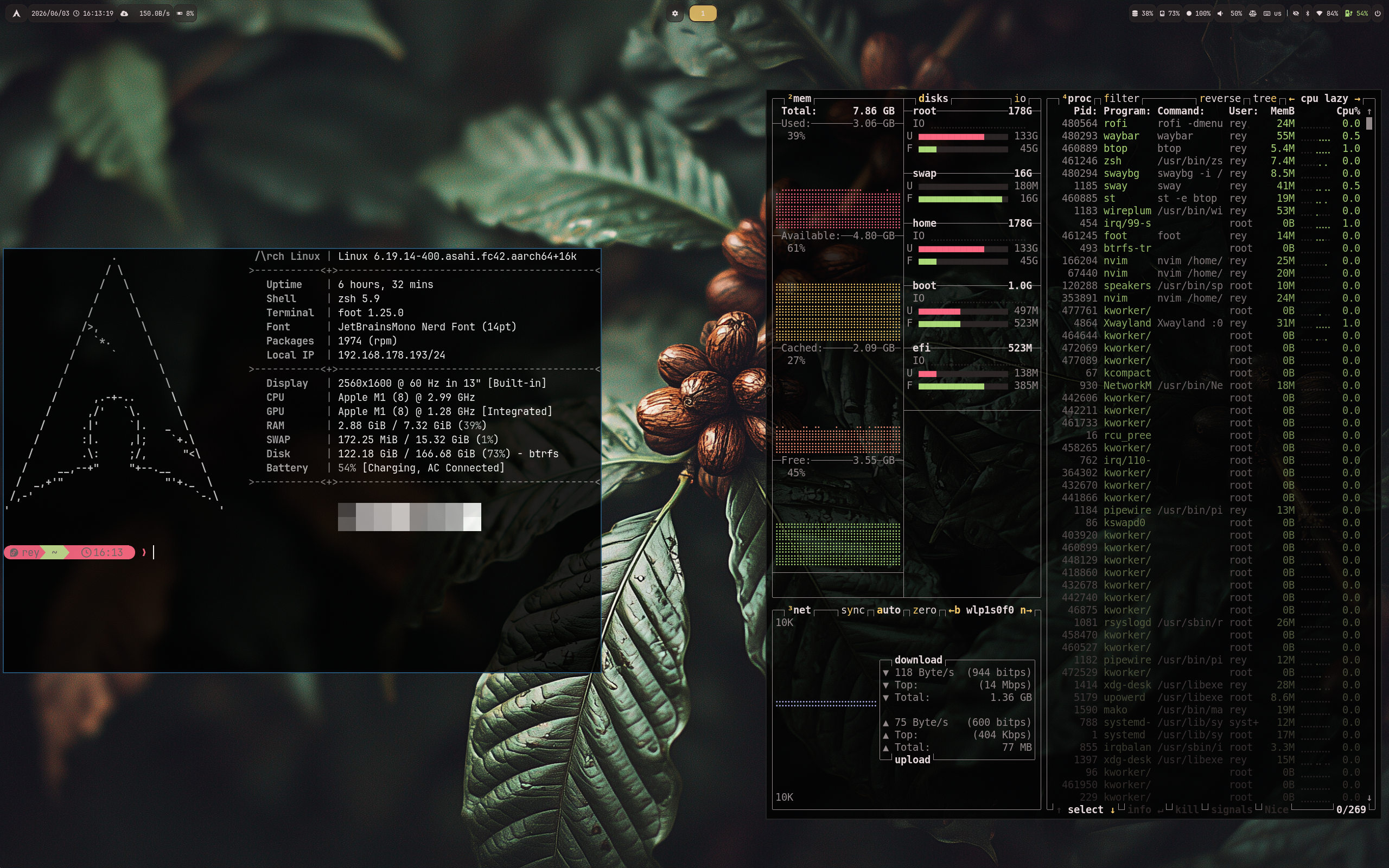 Ristretto |
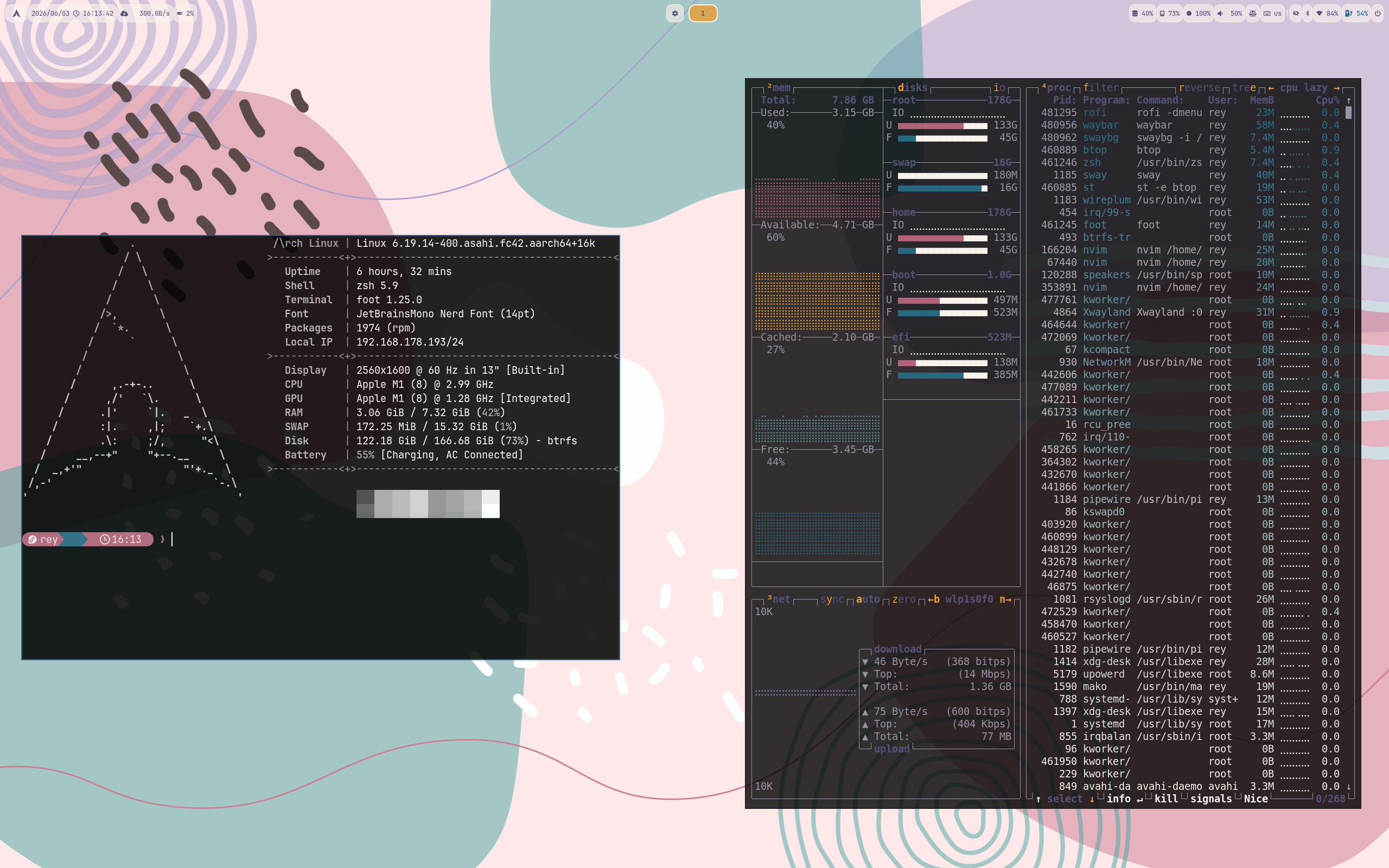 Rosé Pine |
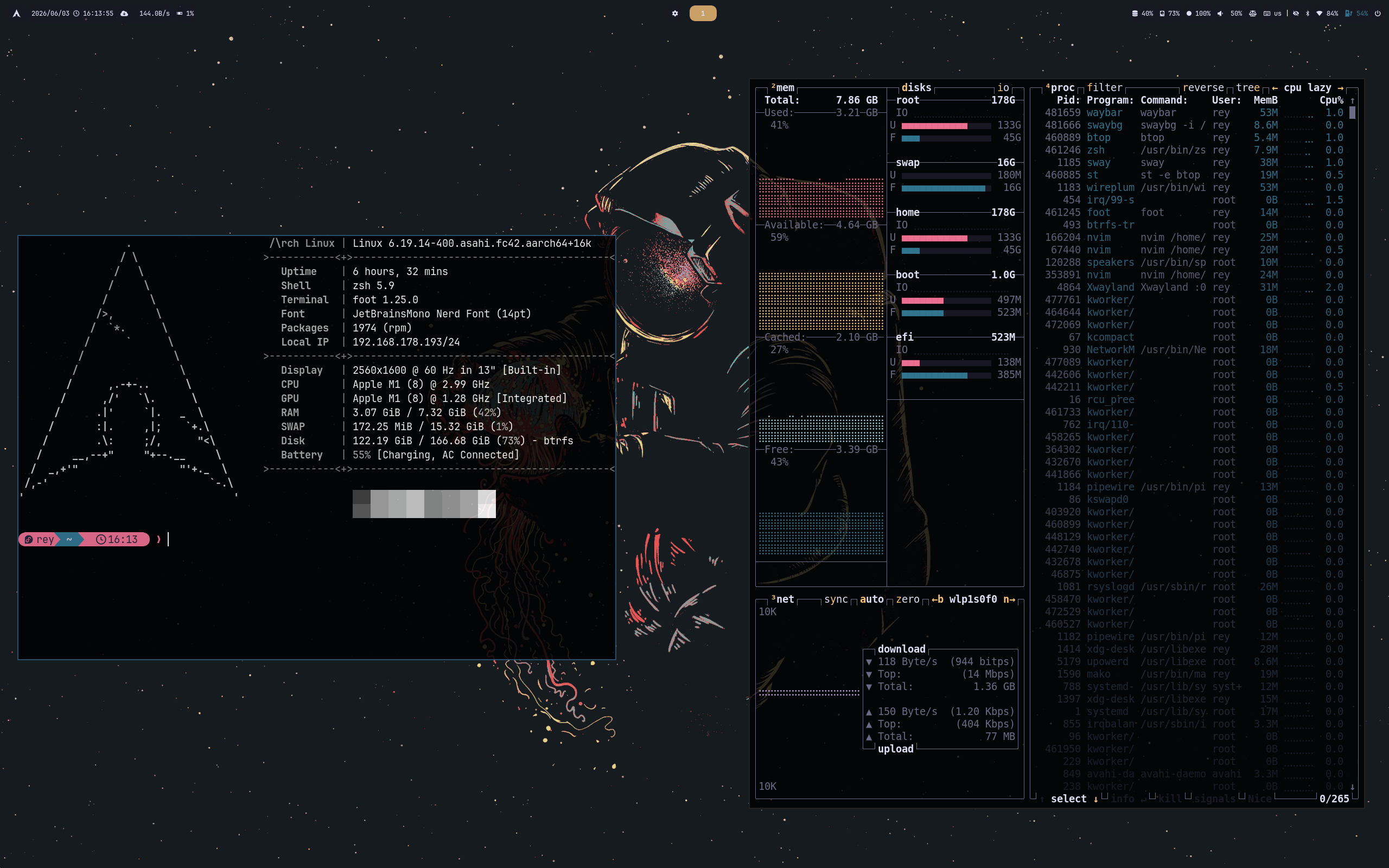 Rosé Pine Darker |
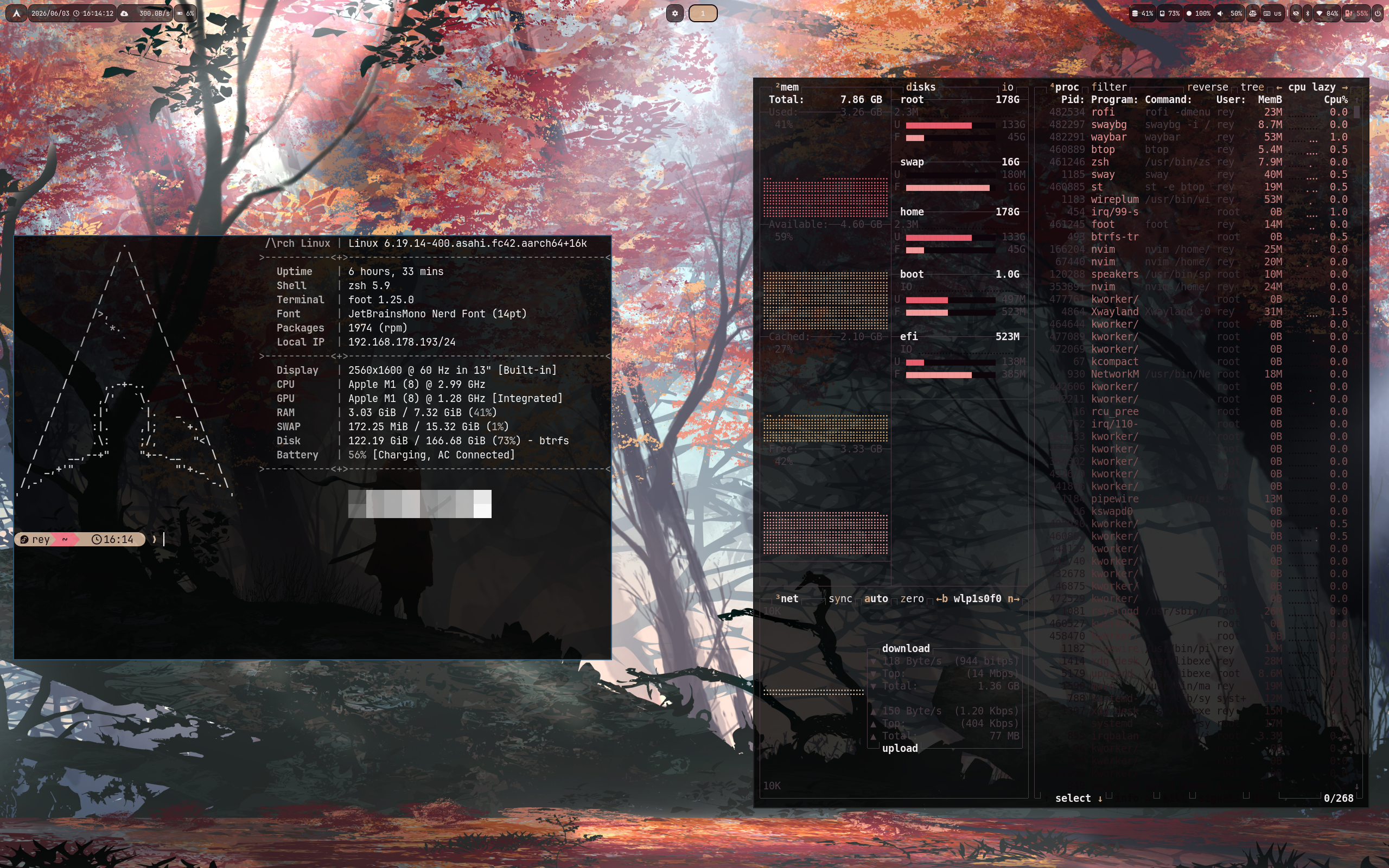 Sakura |
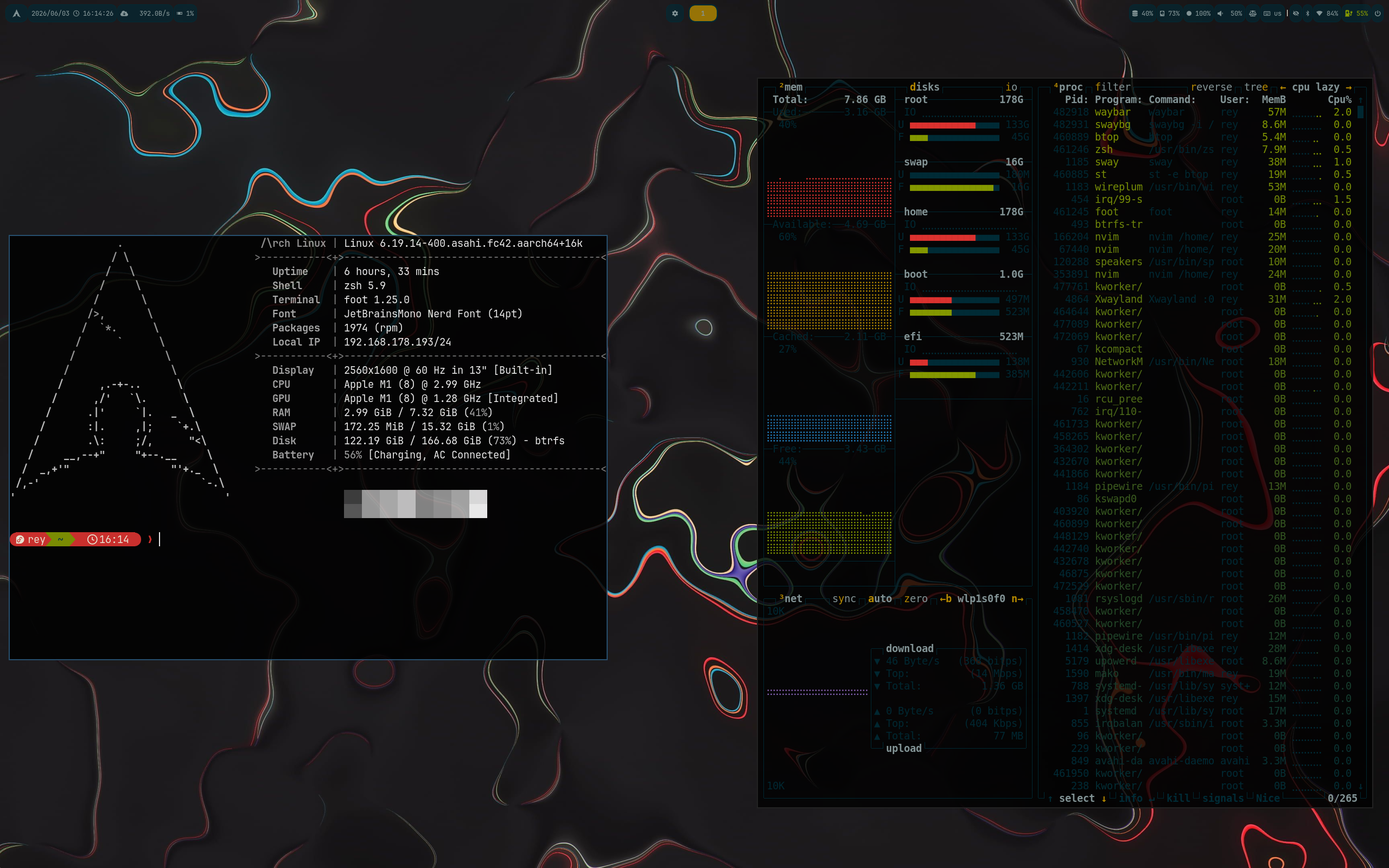 Solarized Dark |
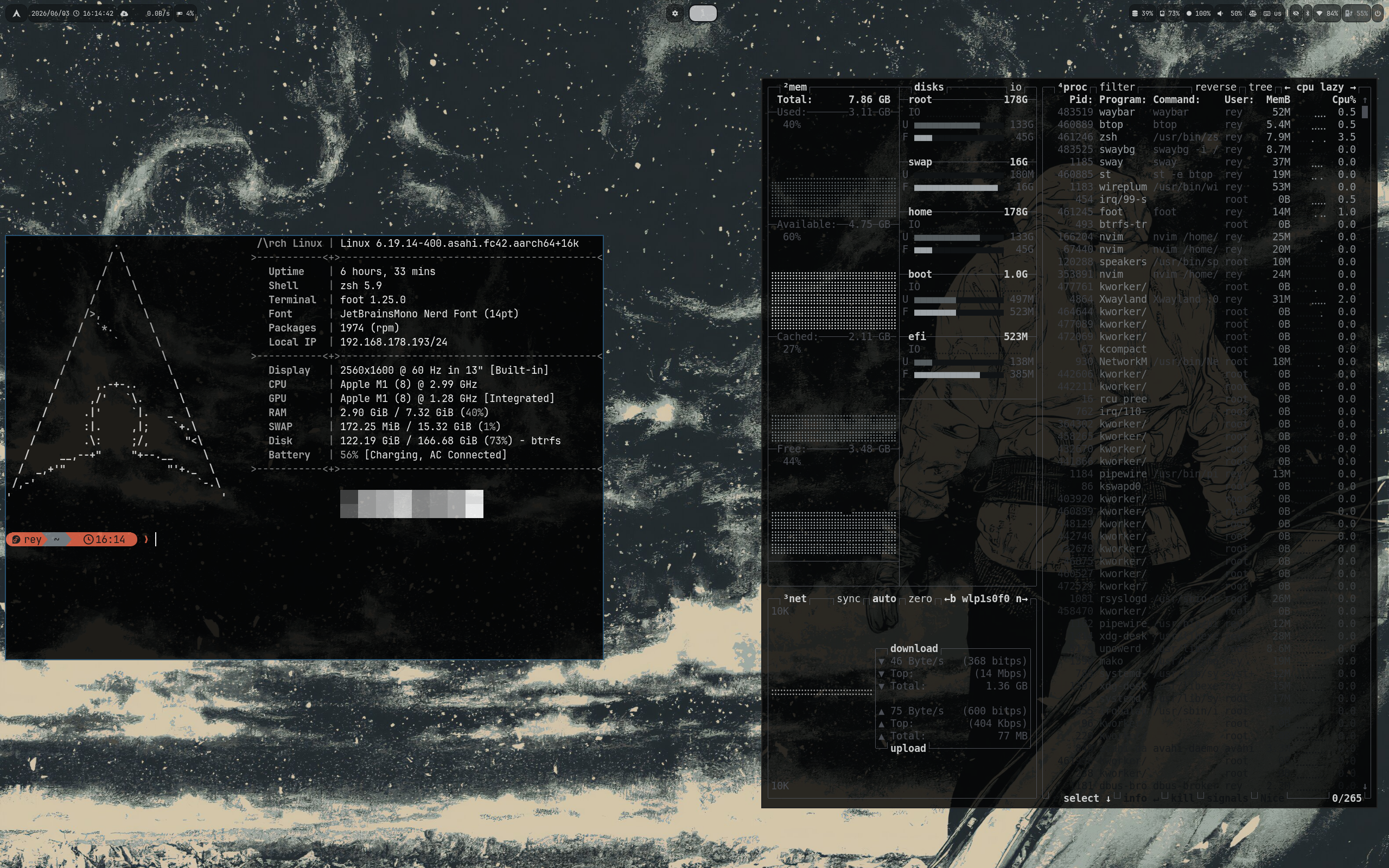 Solitude |
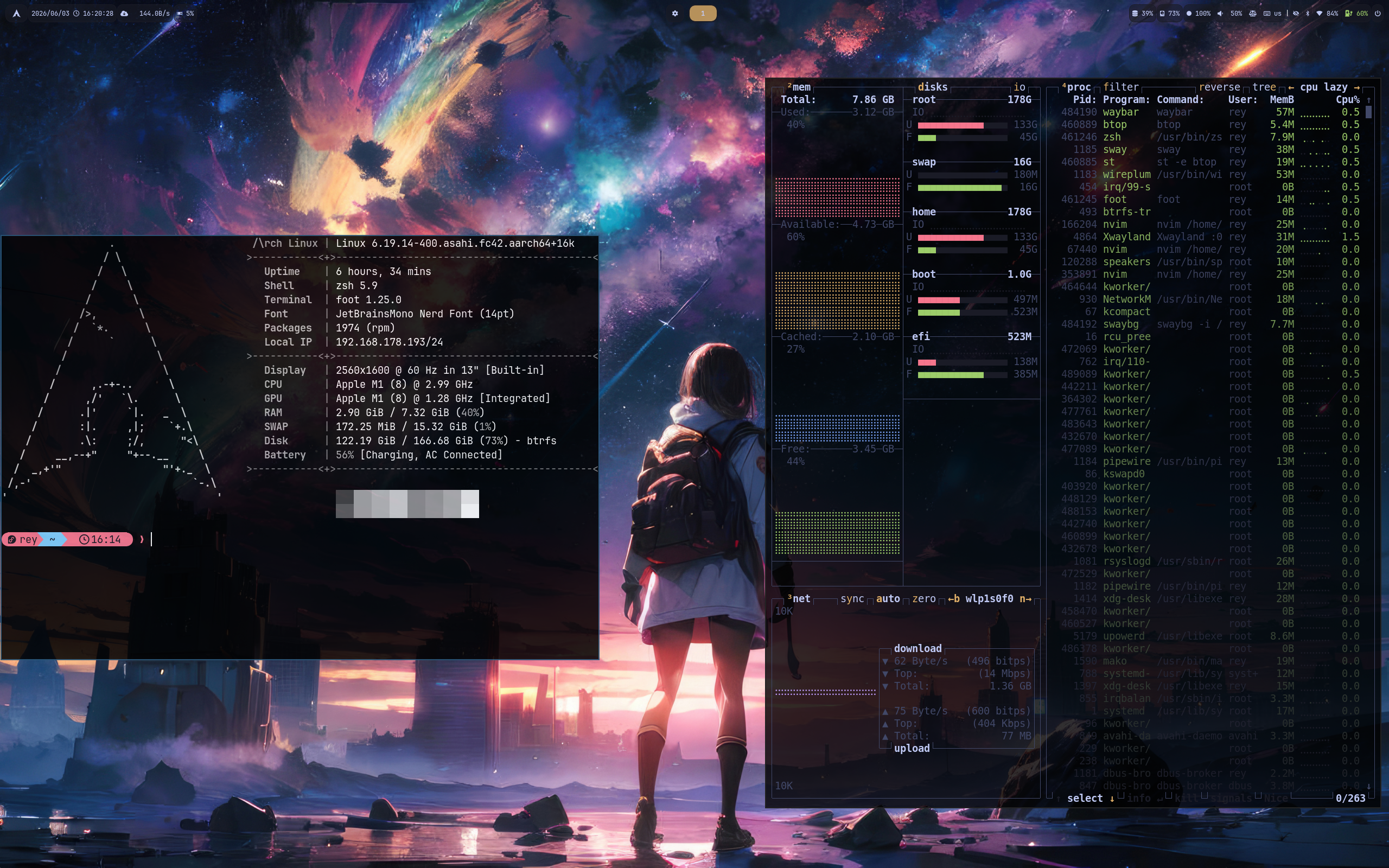 Tokyo Night |
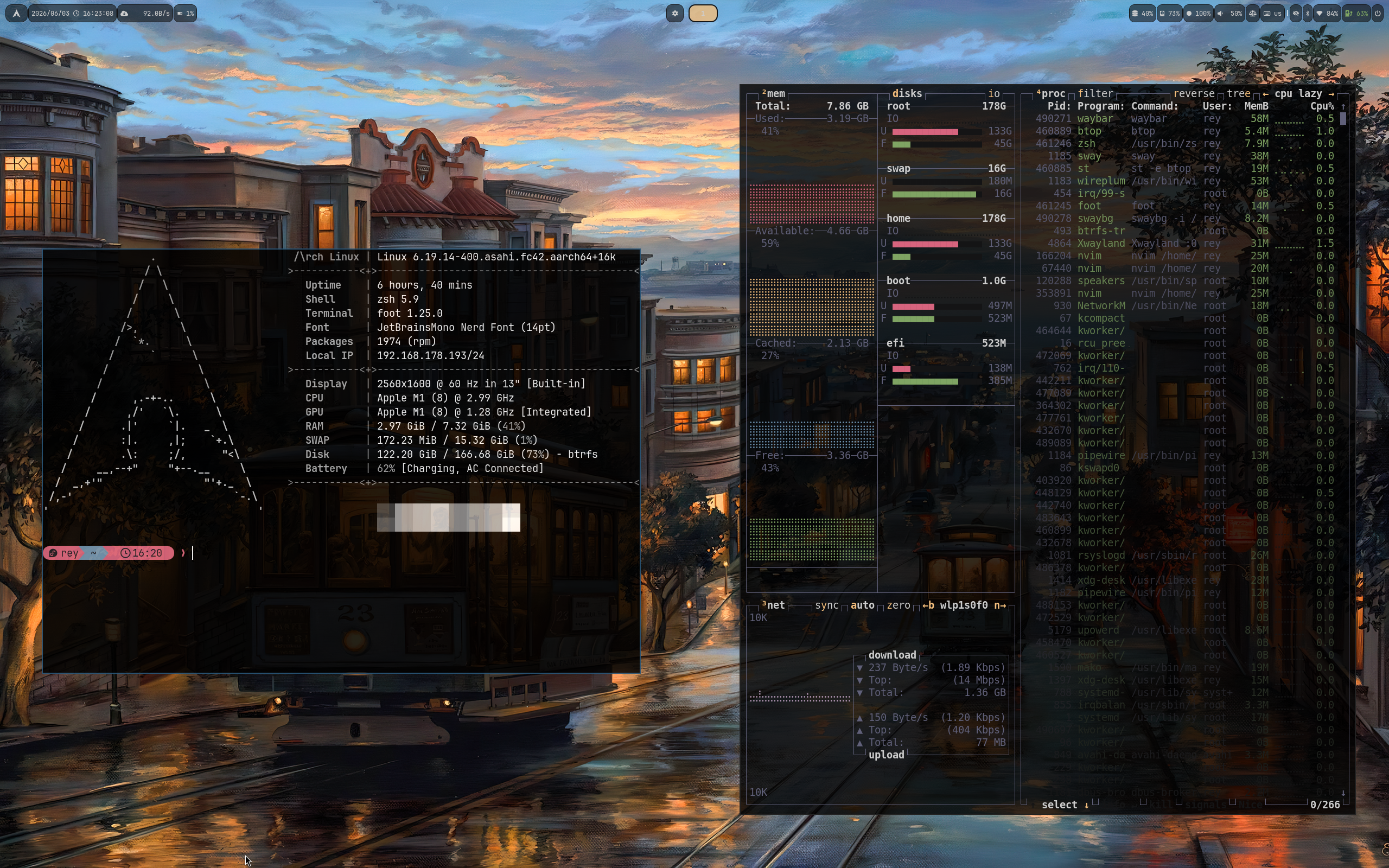 Vague |
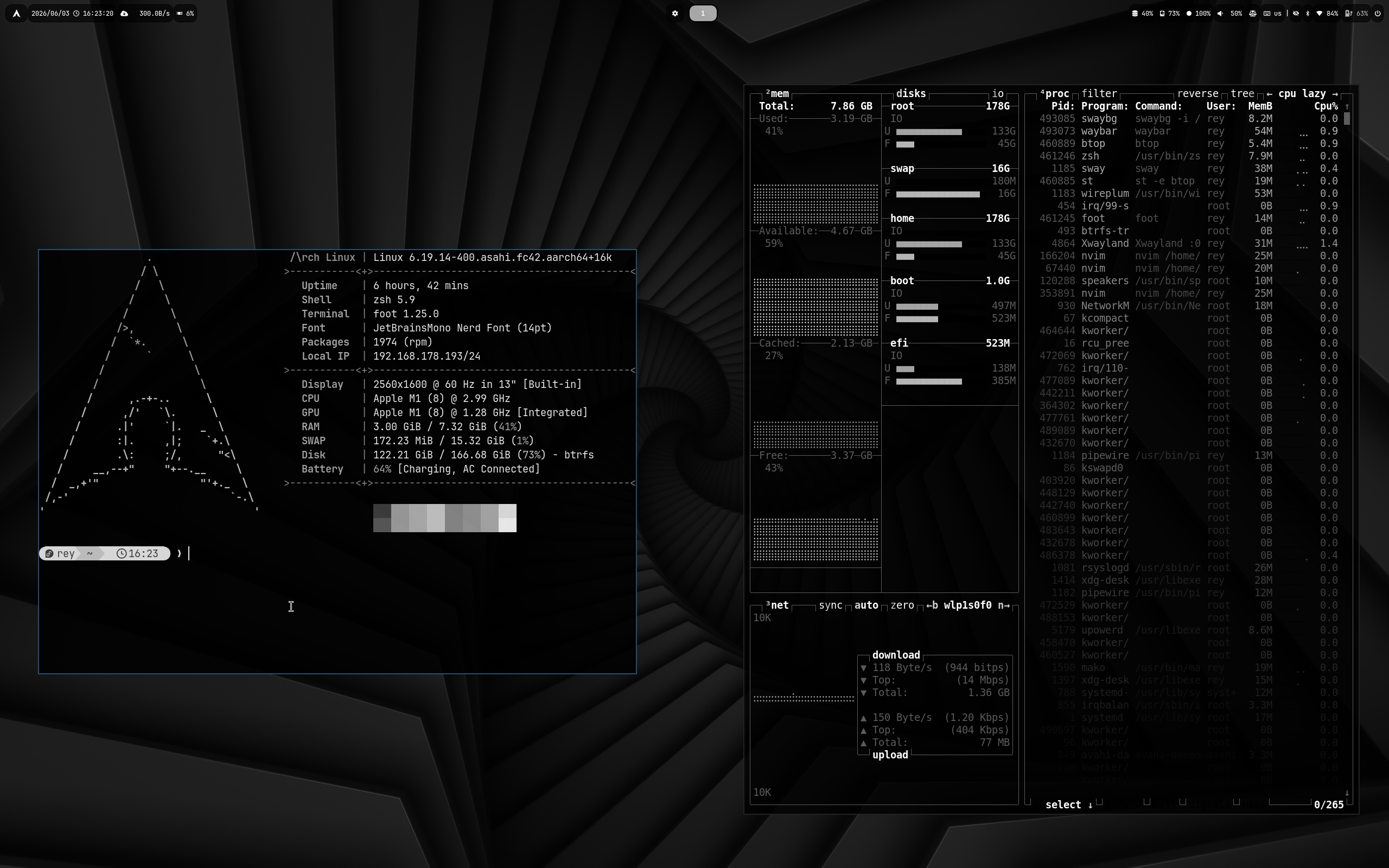 Vantablack |
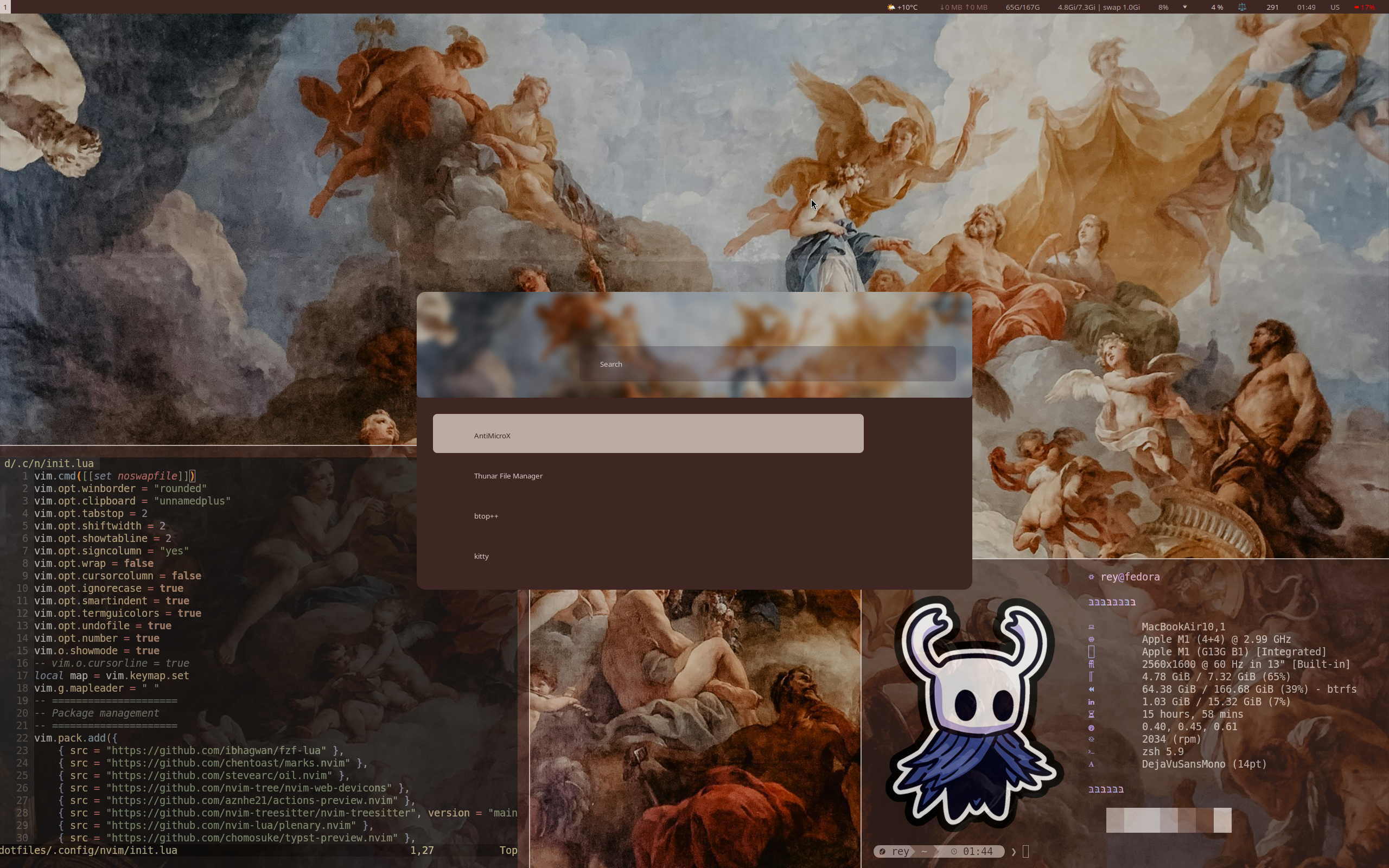 Versailles |
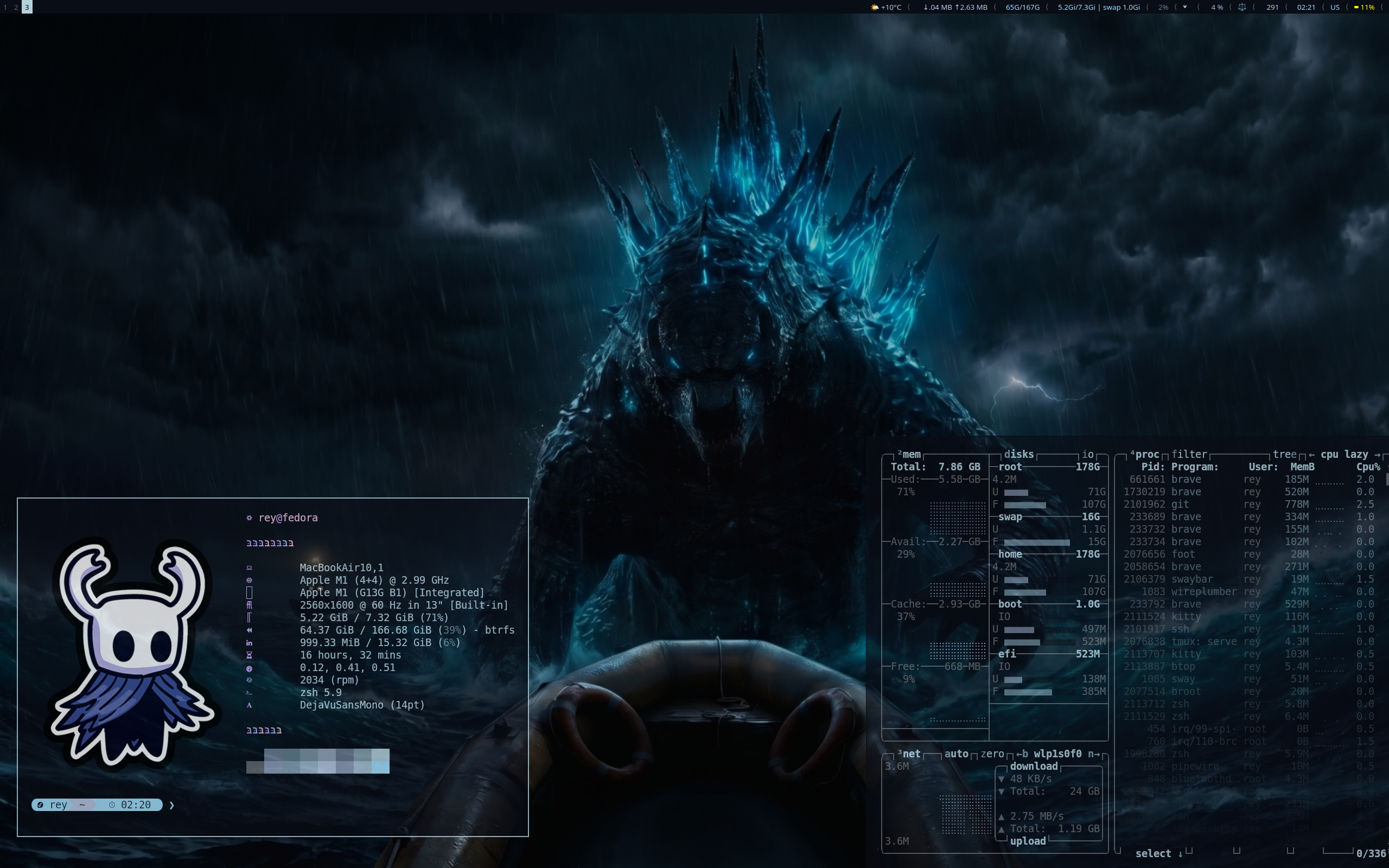 Gojira |
| Component | Description | Language |
|---|---|---|
| Sway | Window Manager |  |
| Swaybg | Wallpaper manager | |
| Swaylock | Screen locker | |
| Swayidle | Idle management | |
| Waybar | Status Bar |  |
| i3blocks | Status Bar for Sway/i3 | |
Applications
| Key | Action |
|---|---|
Super + Return |
Foot Terminal |
Super + Alt + Return |
Floating Kitty Terminal |
Super + Shift + Return |
Kitty Terminal |
Super + E |
Custom TUI File Manager |
Super + Alt + E |
Yazi |
Super + Shift + E |
Thunar |
Super + N |
FZF Notes |
Super + Alt + N |
Neovim |
Super + Shift + N |
Notes Dashboard |
Super + A |
Btop |
Super + Alt + A |
NCDU |
Super + R |
TUI Runner |
Super + O |
OCR Tool |
Super + Alt + O |
Text Picker |
Super + M |
USB Mount Menu |
Super + Shift + M |
Memory Usage (ps_mem) |
Launchers & Menus
| Key | Action |
|---|---|
Super + Space |
App Launcher |
Super + Ctrl + Space |
Script Launcher |
Super + Alt + Space |
Quick Actions |
Super + B |
Bookmarks |
Super + Alt + B |
Open Browser |
Super + Shift + B |
Bluetooth Menu |
Super + I |
Wi-Fi Menu (TUI) |
Super + Alt + I |
Wi-Fi Menu (Rofi) |
Super + D |
Download Manager |
Super + Alt + D |
Documents |
Super + Shift + D |
Music Downloader |
Super + T |
Theme Selector |
Super + Alt + T |
Timewarrior |
Super + V |
Video Browser |
Super + Alt + V |
Video Tools |
Super + W |
Wallpaper Selector |
Super + Alt + W |
Random Wallpaper |
Super + Z |
Keybinding Cheatsheet |
| `Super + `` | Window List |
Window Management
| Key | Action |
|---|---|
Super + H/J/K/L |
Focus Window |
Super + Shift + H/J/K/L |
Move Window |
Super + Ctrl + H/J/K/L |
Resize Window |
Super + F |
Fullscreen |
Super + Shift + F |
Toggle Floating |
Super + Q |
Close Window |
Super + P |
Show Scratchpad |
Super + Shift + P |
Move Window to Scratchpad |
3-Finger Swipe Left/Right |
Previous / Next Workspace |
3-Finger Swipe Up |
Toggle Floating |
4-Finger Swipe |
Move Active Window |
System
| Key | Action |
|---|---|
Super + Alt + L |
Lock Screen |
Super + Escape |
Power Menu |
Super + Ctrl + Q |
Exit Sway |
Super + Shift + R |
Reload Configuration |
Super + Alt + M |
Monitor Switcher |
Super + Alt + P |
Power Profile |
Super + Alt + W |
Random Wallpaper |
Super + W |
Wallpaper Selector |
Super + Shift + I |
VM Mode |
Screenshots & Recording
| Key | Action |
|---|---|
Super + S |
Screenshot Menu |
Super + Alt + S |
Fullscreen Screenshot |
Super + Alt + R |
Screen Recording |
Media & Brightness
| Key | Action |
|---|---|
XF86AudioRaiseVolume |
Volume Up |
XF86AudioLowerVolume |
Volume Down |
XF86AudioMute |
Toggle Mute |
XF86AudioPlay |
Play / Pause |
XF86AudioPrev |
Previous Track |
XF86AudioNext |
Next Track |
XF86MonBrightnessUp |
Brightness Up |
XF86MonBrightnessDown |
Brightness Down |
See .config/sway/config.d/keybindings.conf for the complete configuration.
| Component | Description | Language |
|---|---|---|
| Tmux | Terminal Multiplexer | |
| Starship | Cross-Shell Prompt |  |
| Dunst | Notification Daemon | |
| Rofi-Wayland | Application Launcher | |
| wlr-randr | Display Output Manager | |
| Component | Description | Language |
|---|---|---|
| Autotiling-rs | Auto-Tiling Script for Sway/Hyprland | |
| Brave Browser | Web Browser |  |
| Btop | System Monitor | |
| Fastfetch | System Information Tool | |
| Foot | Terminal Emulator | |
| Lazygit | Git TUI Client |  |
| Neovim | Text Editor | |
| Satty | Screenshot Annotation Tool | |
| Swappy | Wayland Screenshot Editor | |
| Thunar | File Manager | |
| Broot | Terminal File Manager | |
| Zathura | PDF Reader | |
| Component | Description | Language |
|---|---|---|
| Steam | Game Distribution Platform | |
| AntimicroX | Gamepad to Keyboard/Mouse Mapper | |
mkdir -p ~/Documents/NotesDefine files used by the bookmark script:
BOOKMARK_FILES="
$HOME/Documents/Notes/gaming.md
$HOME/Documents/Notes/coding.md
$HOME/Documents/Notes/work.md
"