Simple job search app built with NextJs and TypeScript
https://job-search-project.vercel.app/

Solo project - 1 week.

Build a simple job search app using the design below as guidance. The user needs to be able to enter a query, click ‘Search’ and see some results. Must use NextJs, TypeScript, and Algolia InstantSearch. Only needs a main page and a job search page with end point for the data.
Initially I looked over the brief which was provided to gain an understanding of what was required. I looked at the guidance provided and created an excalidraw sketch from there on.
As I didn’t have experience in NextJs or TypeScript, I spent the first few days searching online for documentation and completing a few tutorials to get some understanding of how to create an app with NextJs and TypeScript. I also tested out the ‘yarn create next-app’ a few times before starting.
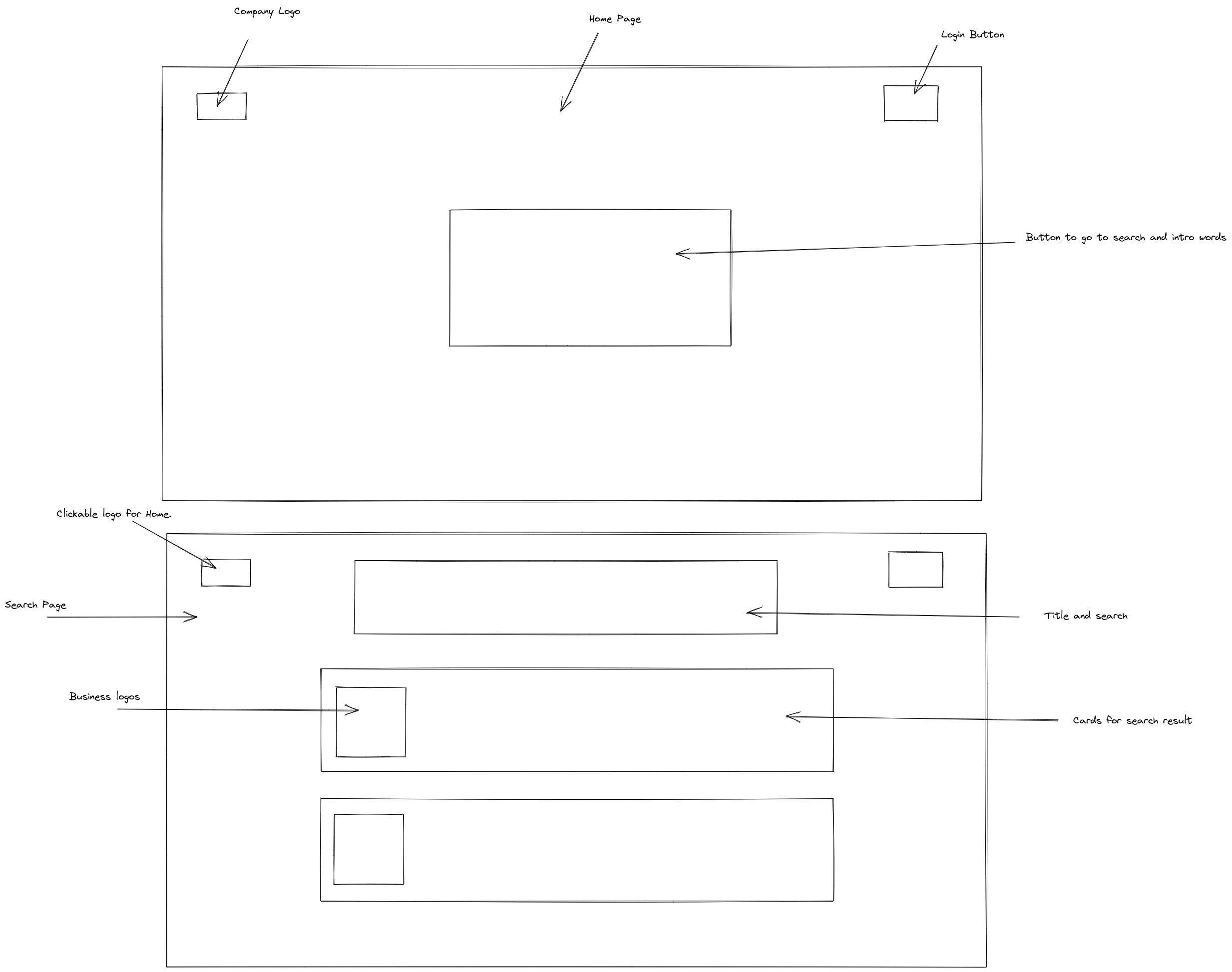
This process can be split into three phases:
- Research, learn, experiment, and plan.
- Implement what I learned for the front-end. Goal is to achieve the API endpoint on, displaying all the data.
- Complete styling and deploy.
Starting with ‘yarn create next-app’ in the terminal provided me with a template that was created with some components and code already in it (fig.3). This also automatically gave me the option to . This allowed me to focus on how to structure and create my app properly as the documentaion was great to go through to understand what I needed by using the original code as a guide, along with my experience.
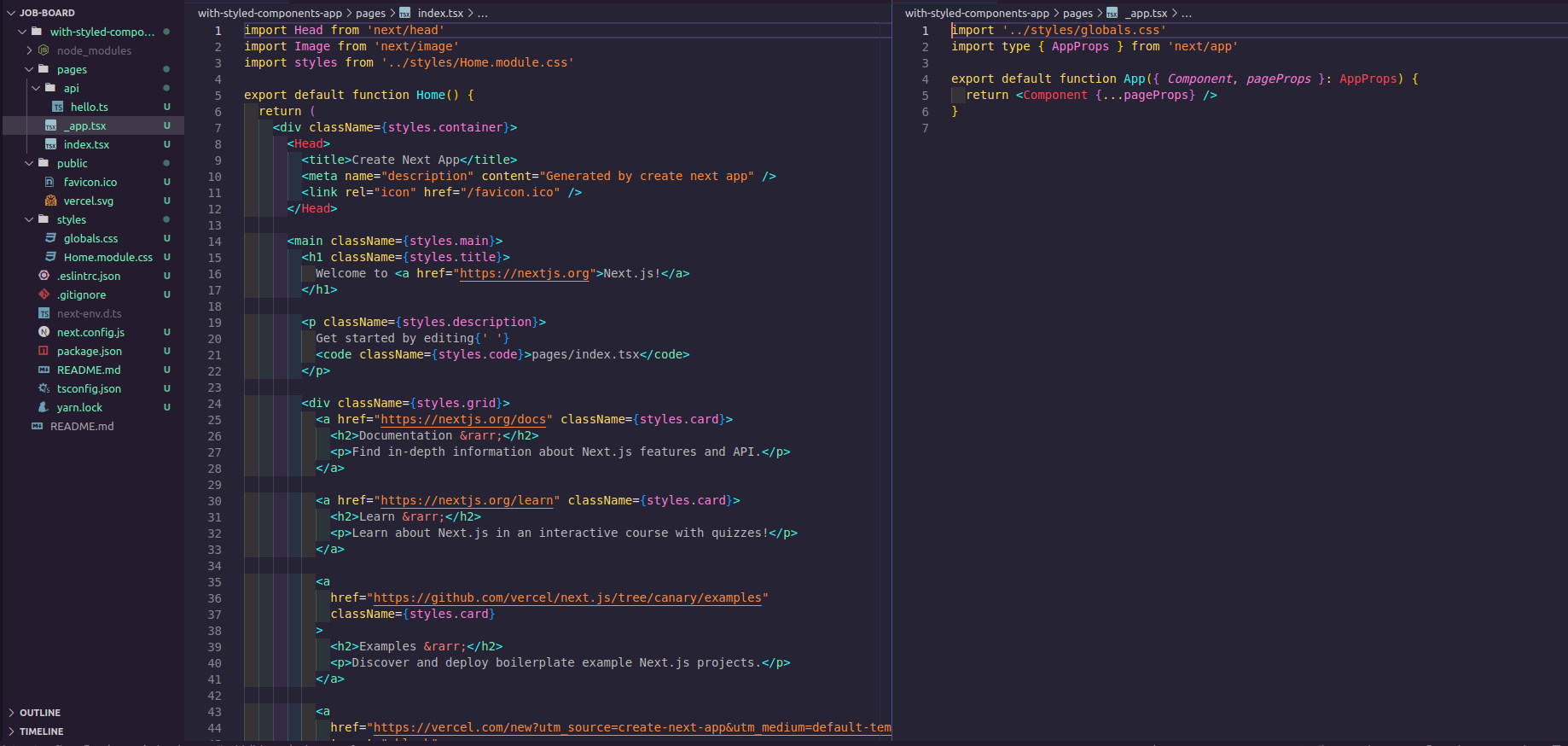
I decided to adapt the stylised components to fit my own needs. This was a first for me as I hadn’t worked with stylised components with NextJs and TypeScript before and at first I didn’t understand it too well due to the syntax used e.g. {styles.container}.
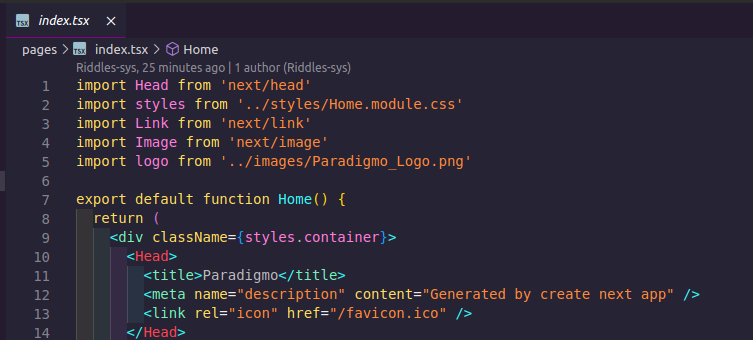
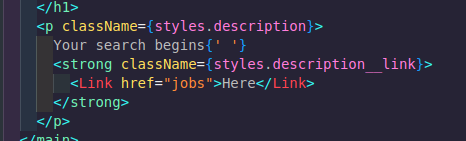
I initially created an extra page component for jobs and began working onit as I knew I had never used Algolia InstantSearch before and this was the most important part for me to overcome as I have experience in building the rest of the app. This was relatively simple to do as I created a quick button in the index.tsx page with a Link that would take my to ‘jobs’ (fig.5).
Within the jobs page, I created added the imports and followed the documentation for Algolia InstantSearch. It was very confusing for me as it was quite different to Axios or Fetch and in a language I wasn’t too familiar with. This led to a number of problems, which I refer to in my challenges.
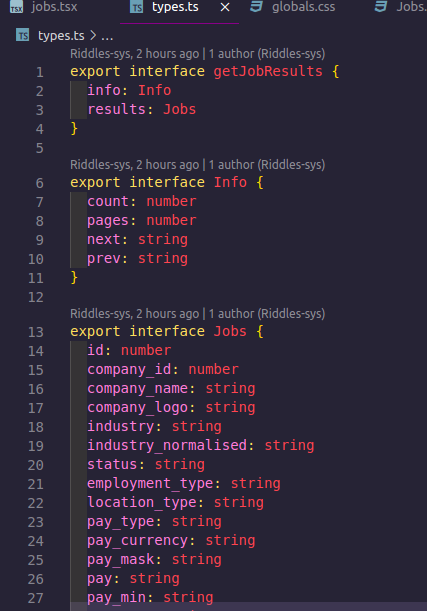
Here i began to try to pull the data through to the front-end. To achieve this, I had to create types for the information I was requesting. Unfortunately, I didn’t have access to the database and as it wasn’t an Axios/Fetch request, I wasn’t sure how to log the data to know what type/names I’m dealing with. What I ended up doing was a workaround by creating a type called getJobResults. I then pulled all of this through the font-end which appeared as as an object within which I saw the name of the data e.g. company_name, company_logo. I then created the types myself within the types.ts file.
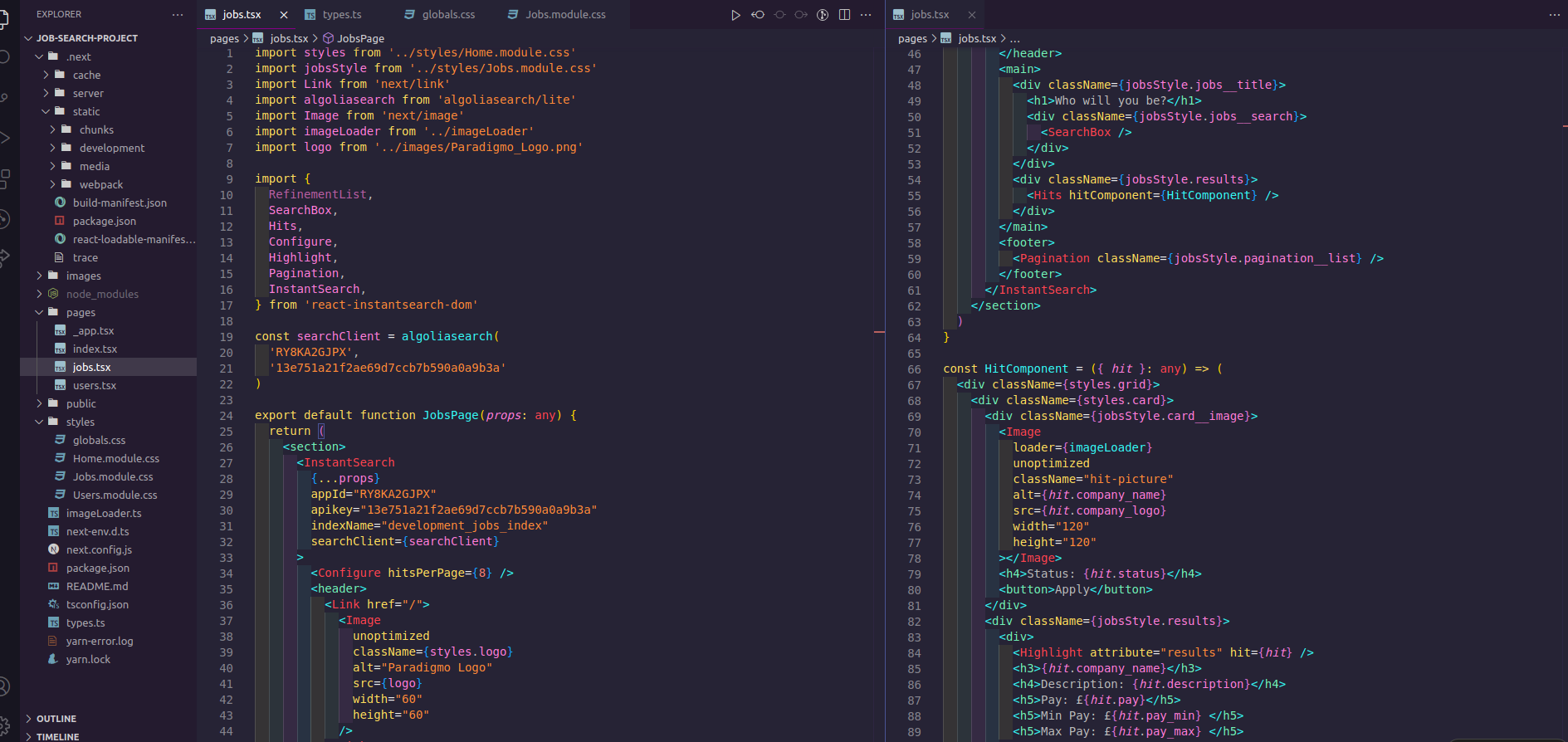
At this stage I began to pull in the data by adding it to containers and cards changing the styling. I received an error telling me that the searchClient wasn’t working. However, I looked online and found that it was a common issue where Algolia had updated their syntax but not their documentation and searchClient={algoliaSearch} was meant to be searchClient={searchClient] - this fixed the problem.
Once this was achieve, I tried to implement a user authorisation for the front-end only. However, as this wasn’t necessary, I decided to not implement it due to understanding that it would take up a large amount of time, that I did not have. Especially as I wanted to thoroughly understand what I was doing. I did create a page and form for registration to complete the aesthetic of the site. Both buttons take you back to the home page.
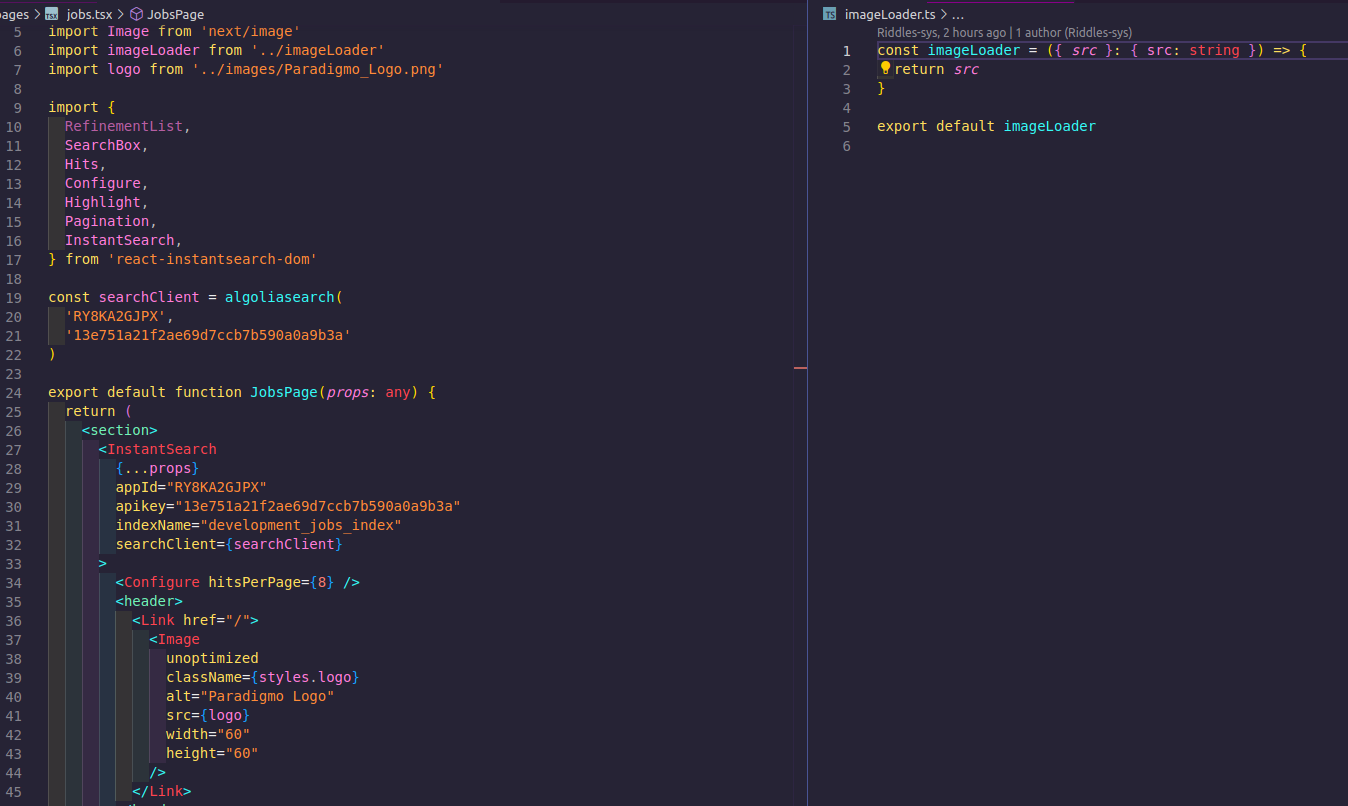
For this phase I had begun to add the images to the pages. This included the company logo which was provided. Initially I tried to add it but an error occurred. Luckily I remembered during my research that to be able to import an image, I had to create an image loader. This rectified the issue.
I then processed to change the layout of the login button and the logo so that it appeared at the top of the page. For the job’s page, I made it so that clicking the logo would take you back to the home page. Due to the nature of stylised components, I found it challenging to get the logo in the correct place that I had initially planned in my designs.
I then moved on to picking a colour palette for the website, I used the colour of the logo and created a theme from there, adding gradients to certain pages, using the same colours but in different orders to add some consistency.
For the last part, I added in media queries to ensure that the website was also fully responsive and accessible for mobile users. After this, I deployed the website via Vercel.
Securing the API key. I had an issue where I wasn’t well versed in how to use env.local for NextJs. I know that this database was for practice so I decided to go ahead. However, this isn’t something that I wanted to do and I will educate myself on how I can implement better security in the future.
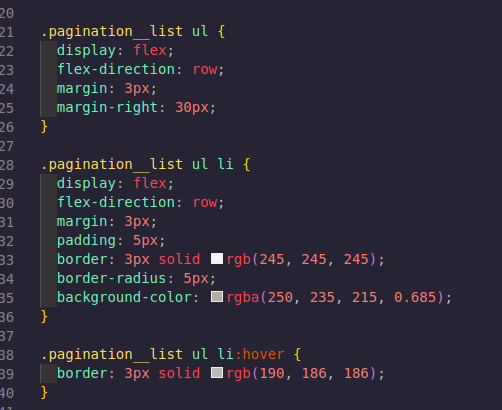
Styling In the beginning I found stylised components confusing as I didn’t know how to properly access elements. The way I overcame this issue was by using Google Dev Tools and working out what the pattern was as to which classes worked and why. There were also classes being used that I had no clue of as they were in a stylesheet. Through the use of GDT i was able to understand the method and everything became easier from there.
TypeScript type error. When I was trying to deploy my code to Vercel, I received an error regarding types. Two errors caused my build to fail.
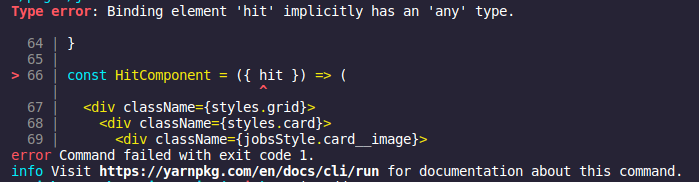
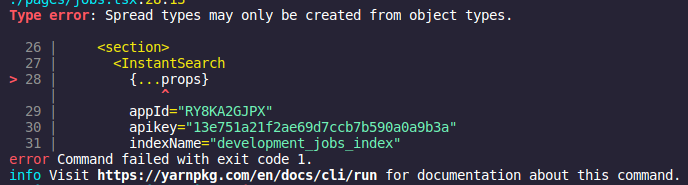
I was able to understand and fix the error for props myself as I looked at my research on TypeScript. However, I struggled a bit more with the ‘hit’ error as what I tried produced more errors and VS code’s quick fix was also causing errors. I then asked a friend who I know is more specialised in TypeScript and we worked out that what I was doing was correct, but the syntax was wrong. I fixed this and my app was deployed.
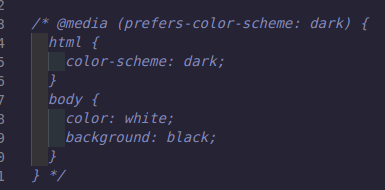
After visiting the website, I noticed that some template styling codes caused error when I was viewing from a ‘dark mode’ mobile rending the words unreadable. I then removed this code and redeployed.
The biggest win/hurdle for me was managing to pull the data through. As I mentioned, I’ve never used Algolia search before and so it felt really alien to me, especially in the syntax of NextJs and TypeScript. I was elated at the moment that usable data finally came through in the layout I wanted. I was also very happy with how the final design came out as I was considered it would be too ‘intense’ but it worked out well.
Initially I was thrown into the deepend by having a tight deadline to learn a number of different technologies that I had never used and felt really alien to me. I love the fact that I was able to complete the task and now I have a deeper understanding of TypeScript and NextJs. Before I began, I was starting self-teaching course on the fundamentals of TypeScript. I learned that it uses types but I had no clue how it is used in a real application. I’m glad I persevered.
I am capable and I now have the knowledge of technologies that I had never heard before. I love learning so this is a huge win for me, reinforcing the growth mindset.
I haven’t noticed any yet although if anyone reading this does, do let me know.
I would love to implement a front-end login. I know there are other libraries that I can use but it would take more time than I had.
I would definitely like to be able to make the website more secure.
I would also like to try to use Tailwind CSS next time as this time I designed everything myself. Although I’m capable, there are certain aspects of libraries that are harder to replicate e.g. accordian effect.