












The Sentimental Analyzer Pro is a versatile tool that can perform sentiment analysis on different types of data, including text, audio, reviews, and news articles. Sentiment analysis is one of the fastest-growing research areas in computer science, making it challenging to keep track of all the activities in the area. In our project, we aim to achieve our goal of accurately predicting a user's sentiment by analyzing the data provided using different types of input data.
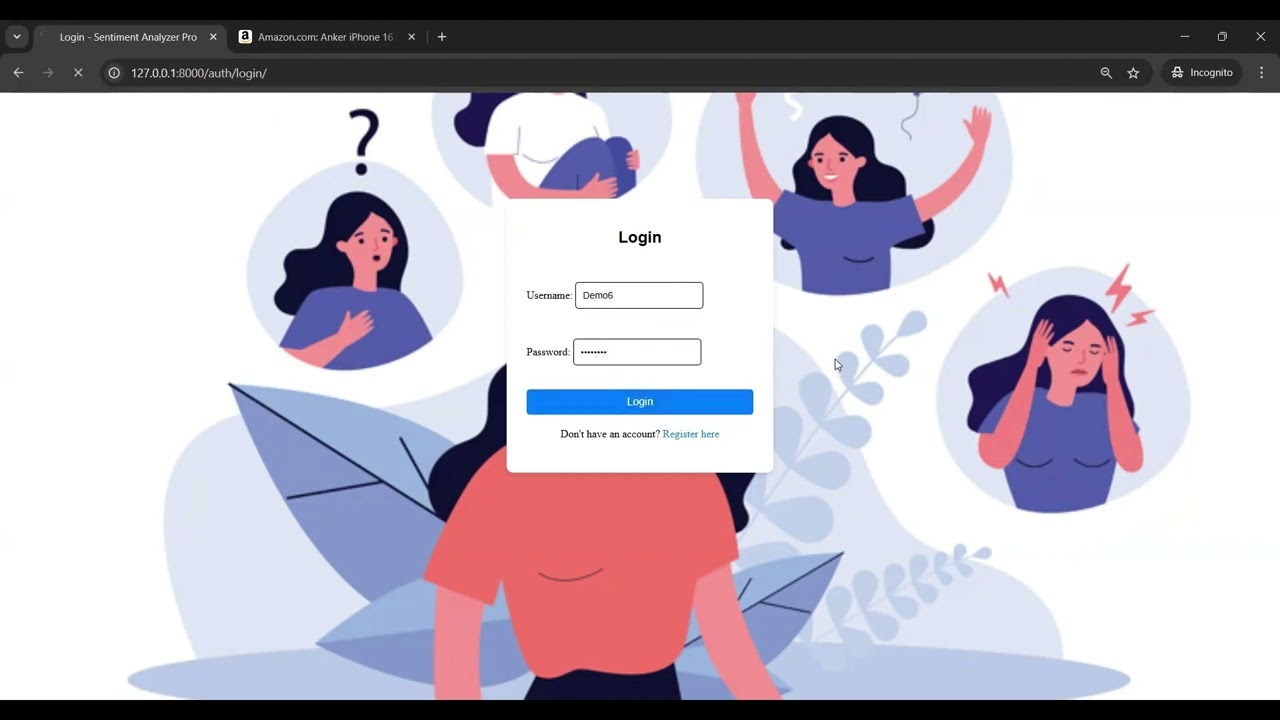
- Introduction
- Sentimental Analyzer Pro Features
- How to use Sentimental Analyzer Pro?
- How to setup local docker?
- Roadmap and Progress
- Case Study
- Contributing to the product
- Connect with us
- Team Members
Sentiment analysis, also known as opinion mining, is the process of determining the sentiment or emotional tone in a piece of text, audio, or other forms of data. It involves identifying whether the sentiment expressed is positive, negative, or neutral.
- Sentiment analysis can help businesses and organizations understand how their customers or users feel about their products, services, or experiences.
- Companies can gauge public opinion about their products or services, track trends, and identify emerging issues or opportunities in the market.
- News agencies and media companies use sentiment analysis to analyze public sentiment towards news articles or events. This helps in generating content that aligns with the interests of the audience.
- Sentiment analysis is used in politics to understand public sentiment towards political candidates, parties, or policies. It is also used to gauge public opinion on social issues.
The Sentimental Analyzer provides the following:
- Comprehensive Insights: Different types of data sources provide diverse perspectives. An all-encompassing tool can provide a more comprehensive understanding of public sentiment.
- Multichannel Data Analysis: In today's world, opinions and sentiments are expressed across various channels, including social media, customer reviews, audio recordings, and news articles. A tool that can analyze these diverse data sources offers a more accurate picture of public sentiment.
- Cost-Efficiency: Instead of using multiple specialized tools, a single tool that can handle multiple data types is cost-effective and streamlines the analysis process.
- Businesses and Organizations: Analyze customer feedback and social media mentions to improve products and services.
- Researchers and Academics: Study trends and public opinion in large datasets.
- Media and News Agencies: Gauge public sentiment towards news articles and events.
- Marketing Professionals: Track campaign effectiveness and tailor strategies.
- Developers and Data Scientists: Integrate sentiment analysis into applications.
- Educational Institutions: Use for academic projects and research.
- Python3
- Django
- HTML
- CSS
- Scrapy
- Vader Analysis Tool
- Tensorflow
- Clone this project:
-
Make sure you are using Python 3.10 or higher. You can get it here: https://www.python.org/downloads/release/python-3115/
-
Create a Virtual Environment
- Add environment variable
- Install dependencies for the project from the root directory of the project:
- Install ffmpeg (you may need to restart your terminal/IDE after this step):
For Windows: - Run Django Server migrations manage.py (Note: Make sure you are in root directory of the project.)
- Run Django Server using manage.py (Note: Make sure you are in root directory of the project.) Service now can be discored from any device in the local network.
- Next, open your browser and type in
localhost:8000in the search bar to open the user interface of the application. You may also access the server with other device in the local network with<host_ip>:8000 -
Start the django server to get to the homepage

-
Facebook Analysis

-
Product Analysis
%20(2).gif)
-
Twitter Analysis

-
Text Analysis

-
Image to Document

-
Reddit Analysis

-
Update User Profile

-
Retrive History

- Build a docker image from the Dockerfile in the repo
- Run the image
- Next, open your browser and type in
0.0.0.0:8000in the search bar to open the user interface of the application. - [x]Implement User Authentication to store the login history of each User
- [x]Visualize the sentiment distribution by each user comment for product analysis
- [x]Upgraded news analysis by transitioning from Google Search to Google News scraping, yielding more relevant insights
- [x]Public facing webpage to get feedbacks, Raise and handle issues, Discuss & Grow with enthusiasts and supportive community
- [x]Docker-Ready Deployment for seamless deployment across any platform with our containerized solution
- [x]Intelligent Caching System to reduce redundant API calls
- [x]Intelligent Caching System to reduce redundant API calls
- [x]Process multiple texts simultaneously with our new batch analysis feature
- Enhanced User Interface for better user experience
- Added profile management mechanism for users to update their profiles
- Implemented privacy policy to ensure user data protection
- Introduced "Right to be Forgotten" feature allowing users to delete their data
- Provided opt-out options for users who do not wish to participate
- Enabled "Delete My Data" feature for users to remove their data from the system
- Developed analysis history feature to track user interactions
- Established a user data storage mechanism
-
Remote Server Access
- Access the service from anywhere!
- Key into each of the website’s functions remotely with an API!
-
Data Management
- Group your analyses into exportable datasets and summarize the results.
-
Real-Time Text Analysis
- Type or paste text into a live window for instant sentiment analysis!
-
Topical Analysis
- Input a topic to scrape for on news or social media platforms to see the general sentiment of discussion surrounding that topic.
- Want to share your feedback or raise any issue click here
- Need instant help? discuss over community chat to get help from other community members
- Join our mailing list for regular updates
- Join our discord forum for updates or support or discussions. Join Here!
- Or just want to be part of our journey and get to know more about the Sentiment Analyser Pro and its team
- Md Jakaria
- Autumn Wright
Sentimental Analyzer Pro is designed for a diverse range of users:
This tool is suitable for adults of all ages, genders, and demographics who need to understand sentiment in various data forms.

The complete development was achieved using the following technologies:
Although HTML and CSS are used for the front end, the users can merge the backend logic with any of the front end frameworks they wish to use such as React, and AngularJS.
| Feature | Description |
|---|---|
| Product Analysis | Sentimental analysis of Amazon product reviews |
| News Analysis | Sentimental analysis of any recent news topic |
| Text Analysis | Sentimental analysis of text input |
| Audio Analysis | Sentimental analysis of audio file |
| File Analysis | Sentimental analysis of text file |
| Live Sentimental Analysis | Sentimental analysis of live recorded audio |
| Facebook Post Analysis | Sentimental analysis of Facebook Post |
| Twitter Post Analysis | Sentimental analysis of Twitter Post |
| Reddit Post Analysis | Sentimental analysis of Reddit Post |
git clone https://github.com/NCSU-SE-Spring2025-Group6/Sentimental-Analyzer-Pro.git
For Windows:
python -m venv env
env\Scripts\activate
For Linux (Ubuntu) and Mac:
python3.10 -m venv env
source env/bin/activate
For Windows:
set DJANGO_ALLOWED_HOSTS=0.0.0.0,localhost,127.0.0.1
For Linux (Ubuntu) and Mac:
export DJANGO_ALLOWED_HOSTS=0.0.0.0,localhost,127.0.0.1
pip3 install -r requirements.txt
python -c "import nltk; nltk.download('punkt'); nltk.download('stopwords'); nltk.download('averaged_perceptron_tagger')"
winget install ffmpeg
For Linux (Ubuntu):
sudo apt install ffmpeg
For Mac:
brew install ffmpeg
'''
brew install ffmpeg
python3 .\sentimental_analysis\manage.py makemigrations
python3 .\sentimental_analysis\manage.py migrate
python3 .\sentimental_analysis\manage.py runserver 0.0.0.0:8000
Now, you are good to go.

To run the frontend tests, use the following command:
python3 sentimental_analysis/manage.py test realworld
To run the backend tests, use the following command:
pytest


%20(2).gif)


docker build -t sentimental-analysis .
docker run -p 8000:8000 sentimental-analysis
We have done a Case Study for our Sentiment Analysis Project. It can be found here.
To Contribute to our application, please refer to CONTRIBUTING.md
This project is a fork of Sentimental-Analyzer-Pro
Forked on: 20 Feb 2025
Original Commit Hash: 185ca56da363caefd41ea2e0037553b246f7ec1d
Note: This is an unfunded, non-profit project created for educational purposes.