Informations
This software is intended to be used on a CNC machine. I developped it as a desire to expand the capabilities of my Workbee/Queenbee based CNC.
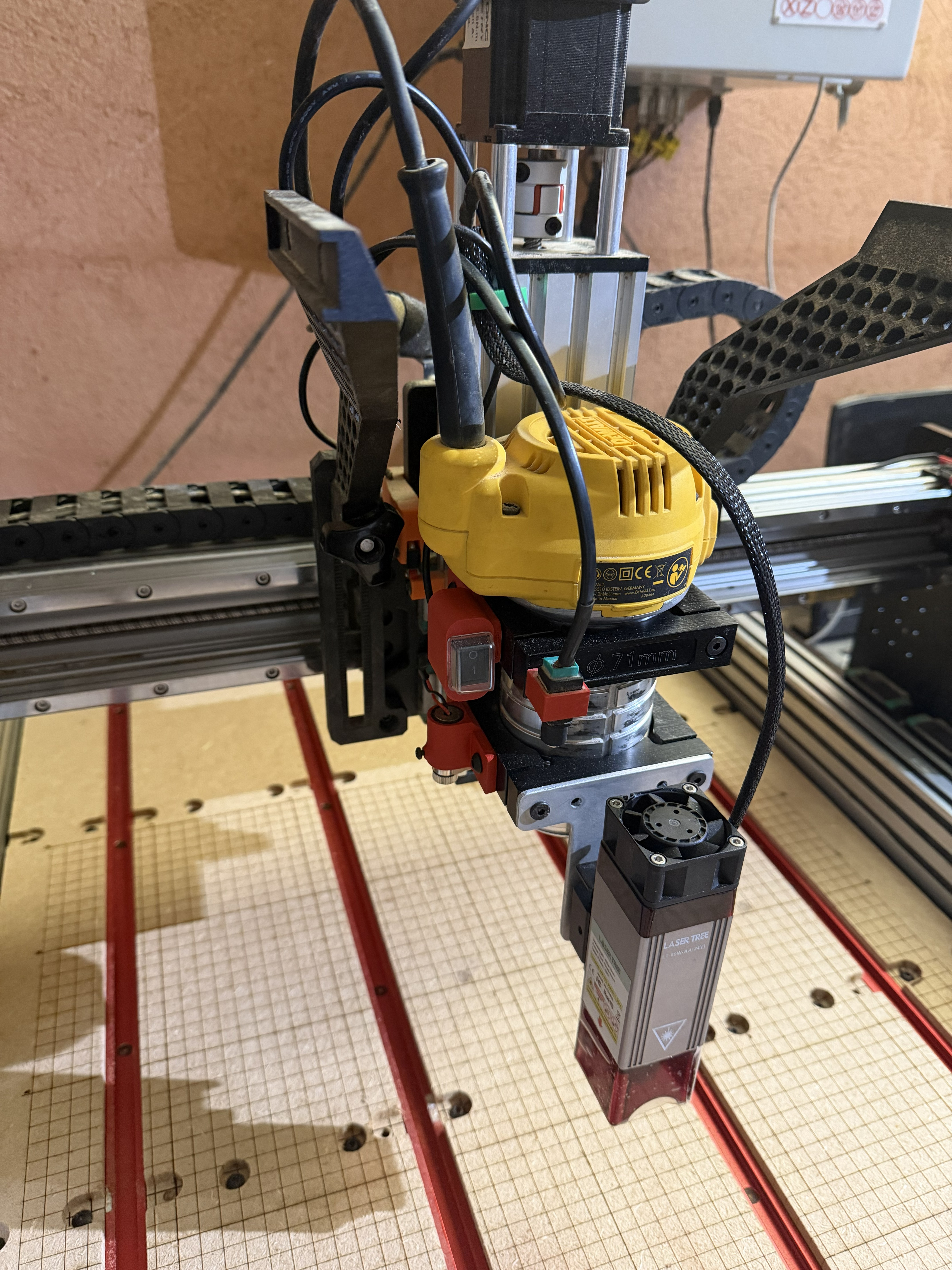
-
Workflow Efficiency: I used to work with Auggie, which is a functional solution, but I found it difficult to constantly switch back and forth between it and Mach4. A.L.I.G. allows for a more streamlined workflow within a single ecosystem.
-
Speed and Responsiveness (Q vs S): In Mach4, the standard
Scommand (Spindle speed) is often processed too slowly for high-speed laser engraving, leading to stuttering or "blobs" in the image. A.L.I.G. uses theQparameter (mapped to a PWM Analog Output) because it is processed instantly by the motion controller, ensuring synchronized power changes at high feed rates. -
Software version used:
- MACH4 : build 6693
- Pokeys plugin : 9.17.0.5596
-
Software Settings (Mach4/PoKeys):
- In the PoKeys plugin settings (Configure > Plugins > PoKeys > Miscellaneous), ensure your PWM pin box is checked and set Spindle Control to "None".
- In the Mach4 Analog Output settings:
- Map Analog Output 0 to your device name (PoKeys_XXXXX).
- Select the correct PWM Duty (corresponding to your hardware PWM pin).
- Crucially: Set both the Numerator and Denominator to 1, and leave the Offset at 0.
-
Dedicated Mach4 Profile: It is highly recommended to create a separate profile in Mach4 specifically for laser engraving.
- This prevents laser settings (like PWM mapping and Spindle-to-None configuration) from interfering with your standard milling/routing setups.
- It allows you to fine-tune your motor acceleration and velocity for laser work without affecting your heavy-duty milling parameters.