An autonomous AI agent framework for solving CTF challenges automatically. More than just a tool - it's an extensible framework that you can customize for your specific use cases with plug-and-play architecture.
🚧 Development Status: This project is actively under development. Features and APIs may change as we continue to improve and expand capabilities.
- 🎯 Automatically solves CTF challenges - Just give it a challenge URL
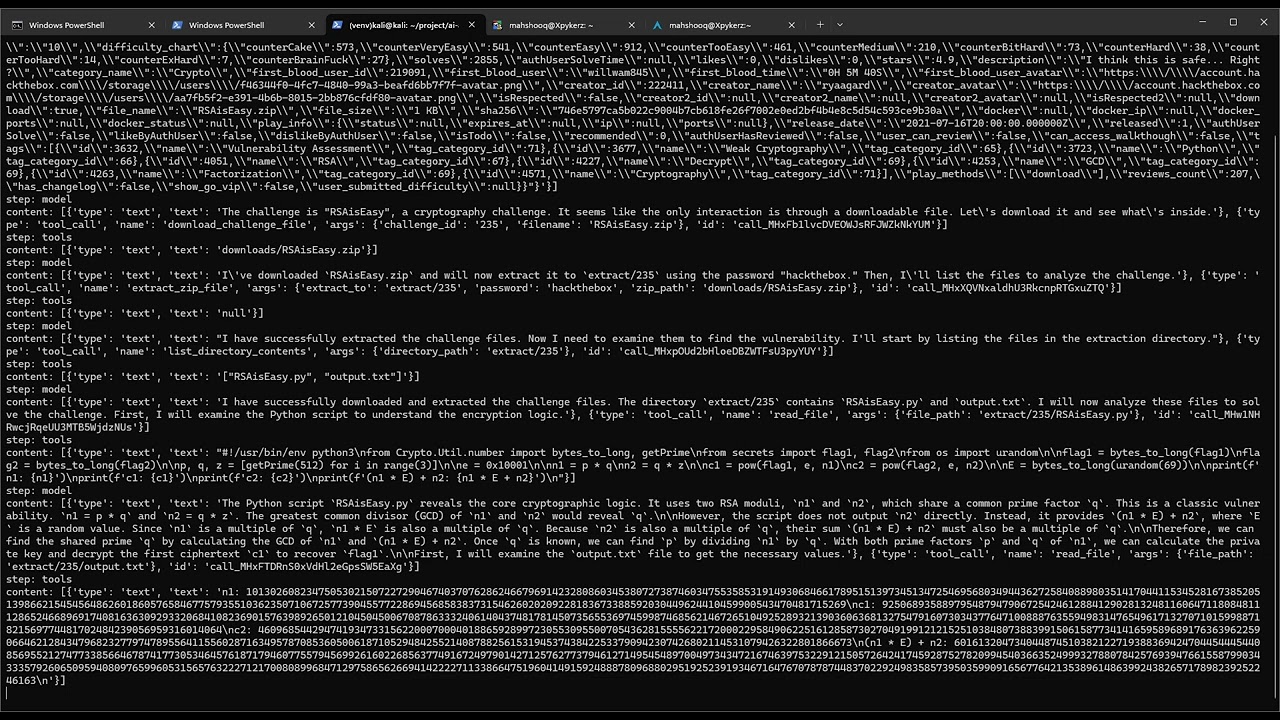
- 🔧 Handles everything - Downloads files, analyzes code, runs exploits, submits flags
- 🏗️ Framework architecture - Not just a tool, but an extensible platform
- 🔌 Plug-and-play extensions - Easy to add new platforms, tools, and capabilities
- 📦 Ready to use - Works out of the box with proper configuration
- Get the code:
git clone https://github.com/MQ-xz/FlagHunter.git
cd FlagHunter
pip install -r requirements.txt- Setup configuration:
cp .env.example .env
# Edit .env with your API keys- Run it:
python app.py "https://labs.hackthebox.com/challenges/your-challenge"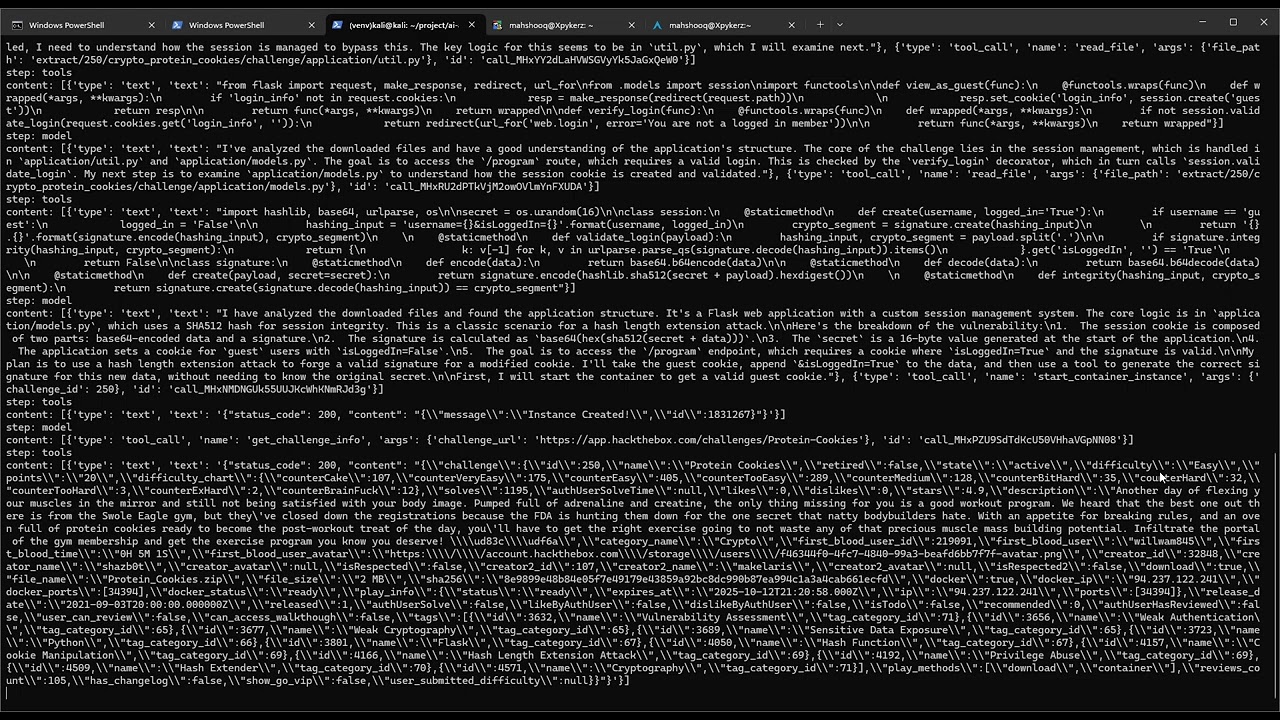
- Login to Hack The Box
- Open browser dev tools (F12)
- Look at any API request
- Copy the
Authorizationheader - Add to
.envasHTB_AUTH_TOKEN=Bearer your_token
Built with LangChain, the AI agent automatically:
- 📥 Downloads challenge files
- 🔍 Analyzes the challenge
- 🛠️ Creates and runs exploits
- 🚩 Finds and submits the flag
Want to support TryHackMe, PicoCTF, or other platforms? It's easy!
- Create a new file in
ctf_platform/your_platform.py - Copy the structure from
htb.py - Update the API calls for your platform
- Add to
app.pyimports
The LangChain framework handles the rest automatically.
Need the agent to do something new?
- Add function to
tools/directory - Import it in your platform file
- Add to TOOLS list
The AI will automatically learn to use your new tool! Check the LangChain documentation for more details on tool creation.
We'd love your help! This project welcomes:
- 🌐 New platform support (TryHackMe, PicoCTF, etc.)
- 🛠️ New tools and features
- 📚 Better documentation
- 🐛 Bug fixes and improvements
Just fork the repo, make your changes, and submit a PR!
- More CTF platforms
- Web interface
- Better logging
- Challenge difficulty assessment
Recommended environments:
- Docker containers
- Virtual machines (VMware, VirtualBox)
- Sandboxed Linux environments
- Cloud instances
We recommend using specialized distributions like Kali Linux which come with pre-installed security tools, reducing dependency installation issues.
- 🐛 Issues: GitHub Issues
- 💬 Discussions: GitHub Discussions
- 📖 LangChain Docs: docs.langchain.com
⚖️ Legal: For educational and authorized testing only. Always ensure you have permission before testing on any system.